BYOD (Bring Your Own Device) in a business phone context means employees use a personal smartphone, tablet, or laptop to make and receive business calls through a softphone app or UCaaS client. The organization controls the application and the phone system account; the employee controls the physical device. This creates a security gap: the device sits outside the organization's standard IT controls, which means business call data, contacts, voicemails, and recordings may live on hardware the company cannot directly govern. The core risk is that sensitive business communications end up on a device the organization cannot fully audit, remotely wipe, or enforce policies on without an explicit BYOD security framework.
BYOD phone programs reduce hardware costs and let distributed teams use familiar devices. But without deliberate security controls, they move sensitive business communication data — customer call recordings, contact lists, voicemail messages — onto personal devices that IT cannot manage the same way it manages company-issued hardware. This guide covers the real risks, the right controls, and what a defensible BYOD policy for business phone looks like.
Key security risks of BYOD business phone
When employees use personal devices for business calling, seven categories of risk appear consistently:
- Business contacts on a personal device. When a softphone app syncs contacts to the device's native contact list, customer names, phone numbers, and organization data persist in the personal address book — including after the employee leaves the company. The business loses control of that contact data the moment it leaves the managed app.
- Call recordings stored locally. If the softphone supports on-device recording, audio files end up in local device storage — outside organizational data governance, retention policies, and access controls. An employee could keep those recordings indefinitely.
- Voicemail messages accessible on personal devices. Business voicemail accessible through an unmanaged personal device exposes customer conversations if the device is compromised, examined, or handed to a third party.
- Messaging and chat data. Business SMS from a company number, in-app chat messages, and call notes stored in local app cache are accessible to anyone who can access the device or a backup of it.
- App-level data leakage. Screenshots, clipboard paste, and screen sharing within the personal device environment can move call notes or customer data to uncontrolled personal apps and cloud storage without any audit trail.
- Device loss or theft. A personal device lost without a PIN or biometric lock exposes all business communications, contacts, and recordings accessible through installed apps.
- Toll fraud via compromised softphone credentials. If a personal device is infected with malware or the user falls victim to phishing, the attacker can use the compromised softphone credentials to make high-cost calls billed to the business account. See the guide to VoIP toll fraud prevention for specific controls against this attack pattern.
MDM vs. MAM: the critical distinction for BYOD
The most important architectural decision in any BYOD phone program is whether to use Mobile Device Management (MDM) or Mobile Application Management (MAM). They solve different scopes of the problem and generate very different levels of employee acceptance.
MDM gives IT management over the entire device — it can enforce encryption, configure Wi-Fi and VPN profiles, push settings, and remotely wipe the whole device. This is appropriate for company-owned hardware, but employees consistently resist full MDM enrollment on personal devices because it gives the employer visibility and control over personal data, photos, and activity.
MAM gives IT management over specific applications and their data only. The softphone app and its data can be encrypted, remotely wiped, and policy-controlled without the employer touching personal data at all. MAM is the model most employees will accept on personal devices.
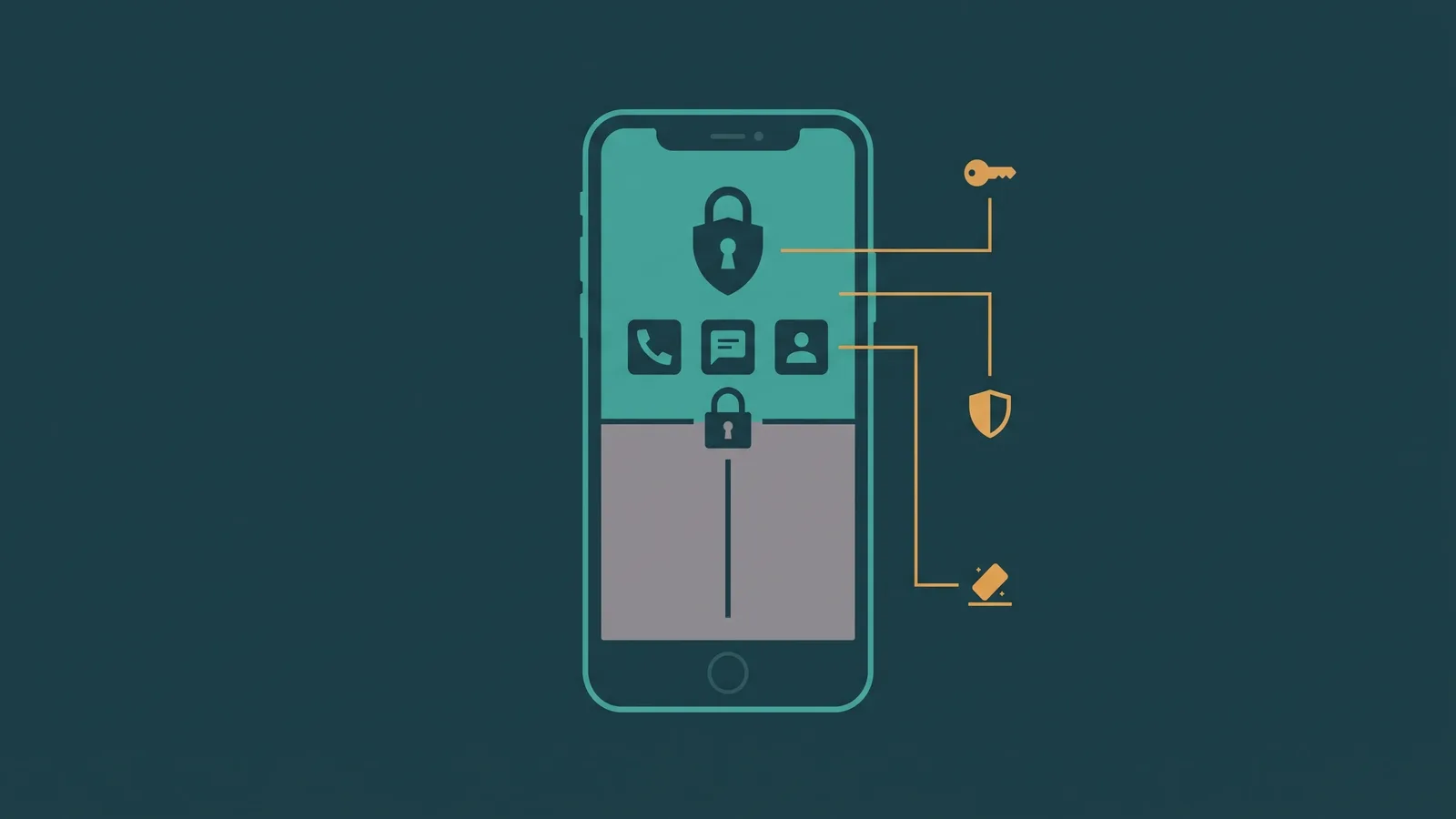
Containerization is the implementation mechanism. Both Android and iOS support work profile separation: Android Enterprise Work Profile and iOS Managed Apps create an isolated, encrypted container where business apps and data live. IT can wipe the business container without affecting personal photos, messages, or accounts.
| Feature | MDM (Full Device) | MAM (App-Level) |
|---|---|---|
| Scope of control | Entire device | Enrolled apps and their data only |
| Remote wipe | Full device wipe (including personal data) | Business app container only; personal data untouched |
| Enforce passcode/biometric | Yes — device-wide | App launch PIN (device-level passcode required as prerequisite) |
| Restrict app-to-app data sharing | Yes | Yes — within enrolled app scope |
| Restrict personal cloud backup of app data | Yes | Yes |
| Employee acceptance on personal devices | Low — frequently refused | Significantly higher — personal data not exposed |
| Recommended for BYOD | No (use for company-owned devices) | Yes |
The practical recommendation: deploy MAM with containerization for BYOD. Require device-level passcode as a prerequisite for app access. Do not attempt full MDM enrollment on personal phones — employee resistance will undermine adoption of the policy entirely.
Encryption requirements for business calling on personal devices
Two encryption layers protect calls in transit. Both must be active; neither alone is sufficient.
- TLS for SIP signaling (SIPS). TLS encrypts the SIP call setup and teardown — credentials, call metadata, and routing information. Plain UDP SIP transmits all of this in cleartext, making it trivial to capture on any shared or monitored network. Any softphone used for business calling should use TLS/SIPS by default, not as an option the user must enable.
- SRTP for media (audio). SRTP (Secure Real-time Transport Protocol, RFC 3711) encrypts the actual audio stream of the call. Without SRTP, someone with access to the network path can capture and play back call audio even if TLS is used for signaling. Most modern UCaaS clients (Teams, Zoom Phone, Webex) enable both TLS and SRTP by default. If you are evaluating a third-party softphone for BYOD, verify explicitly that SRTP is on by default — not an opt-in setting.
- Storage encryption. iOS encrypts device storage when a passcode is set. Android encryption behavior varies by manufacturer and OS version. A MAM policy that requires device-level passcode as a prerequisite for business app access effectively enforces storage encryption on most modern iOS and Android devices, protecting data at rest if the device is lost or stolen.
For a broader look at encryption and compliance requirements across a cloud phone platform, see the guide to UCaaS security and compliance.
Local data storage risks
Even when calls are encrypted in transit, softphone apps cache data locally on the device. This is where most BYOD data governance failures occur in practice.
Common local storage accumulations include:
- Call logs. The app's call history — who called, when, duration — stored in local app cache and potentially synced to the device's native call log.
- Contact sync. If the softphone syncs business contacts to the device's native contacts app, those contacts survive app deletion and remain in the employee's personal address book.
- Message history. In-app chat and SMS history stored locally is accessible if the device is compromised or if a personal iCloud or Google account backs up the device.
- Local call recordings. If the app supports device-local recording, audio files accumulate in device storage outside any organizational retention or access policy. Policy should require all recordings to go to cloud storage, not device storage.
MAM policies should explicitly restrict:
- Backup of business app data to personal iCloud or Google accounts
- Screen capture within the business softphone app
- Copy-paste from business app content to personal apps
- Contact sync from business app to device-native contacts
- Local call recording (require cloud-only recording if the feature is offered)
Number privacy: business numbers on personal devices
A frequently misunderstood aspect of softphone-based BYOD is caller ID behavior. When an employee makes an outbound business call from a UCaaS softphone on their personal device, the call presents the business's phone number as caller ID — not the employee's personal mobile number.
This has two privacy benefits that are often undersold in BYOD programs:
- Employee privacy. The employee's personal mobile number is never visible to customers, prospects, or vendors. Customers can only reach the employee through the business's phone system, not by calling back on a personal number.
- Business continuity. All call records, recordings, and voicemails for calls made through the softphone stay in the business's UCaaS platform — not in the employee's personal call log. When the employee leaves, the business retains the full history.
This is a UCaaS softphone behavior, not a device management feature. It works regardless of whether MAM is deployed. Inbound calls to business numbers ring the softphone app; the employee's personal number is never involved in the call path.
Session revocation and offboarding
One of the highest-risk moments in any BYOD phone program is when an employee leaves the company. Without a documented offboarding procedure, a former employee's personal device may retain access to the business phone system, voicemail, and call history indefinitely.
The correct sequence:
- Revoke the UCaaS account credentials on the business phone platform immediately. The softphone app on the personal device will require re-authentication and fail to connect.
- Apply MAM container wipe through the MAM platform. This removes the business app and all its locally cached data from the personal device without touching personal data. The employee retains full use of their personal device.
- Remove from AD/SSO. If the UCaaS platform integrates with Active Directory or an SSO provider, revoke access at the identity provider level as well.
- Update call routing. Redirect the departed employee's extension and direct number to an appropriate destination — another agent, a queue, or voicemail — so inbound calls are not lost.
- Verify cloud data retention. The business's call history, recordings, and voicemails stored in the UCaaS platform remain in the platform and accessible to administrators. Nothing was lost; only the personal device's local access is removed.
The MAM container wipe is what makes offboarding clean for BYOD. Without it, app data and cached contacts remain on the device after the employee manually uninstalls the app — or don't get uninstalled at all.
For additional context on remote team phone setups and offboarding considerations, see the guide to remote business phone systems.
Labor and privacy considerations
BYOD phone programs raise legitimate employee concerns about monitoring and privacy. Addressing these explicitly in a written policy — before enrollment — prevents friction and legal exposure later.
What IT can see
Through the UCaaS platform, IT administrators can access call logs for business calls made through the softphone, call recordings (where recording is enabled and consent requirements are met), and voicemail messages left on business numbers. Through MAM, IT can enforce policies on the enrolled app but cannot see personal call logs, personal messages, photos, or other personal device activity.
Call recording consent
If the business records calls made through the softphone, federal and state consent requirements apply. Federal law (18 U.S.C. § 2511) requires at least one-party consent. The following states require all-party consent for call recording: California, Connecticut, Florida, Illinois, Maryland, Michigan, Montana, Nevada, New Hampshire, Oregon, Pennsylvania, and Washington. If your business operates in or calls into these states, notification to all parties on the call is required before recording begins. This applies regardless of whether calls are made from personal or company devices — it is a platform policy, not a device policy.
Written BYOD agreement
A written BYOD agreement signed by the employee at enrollment is standard practice. It should cover: what the company can access on the device (app data only, via MAM), what the company cannot access (personal data), the requirement to enroll in MAM before installing the business softphone, the offboarding procedure (including container wipe), and the employee's acknowledgment of acceptable use.
Some employees will decline BYOD participation if the policy is unclear. That is a reasonable choice. The alternative — issuing a company device — remains available. The BYOD policy should never require employees to use personal devices as a condition of employment without appropriate compensation and clear policy terms.
BYOD policy checklist
- Written BYOD policy defining acceptable use, IT access scope, and monitoring boundaries
- Employee BYOD agreement signed at enrollment
- Softphone app security-reviewed: TLS/SIPS for signaling and SRTP for media enabled by default
- MAM enrollment required before business softphone installation
- Device-level passcode or biometric required as a prerequisite for business app access
- App data backup to personal iCloud/Google accounts disabled via MAM policy
- Screen capture restricted within the business softphone app
- Copy-paste from business app to personal apps restricted
- Contact sync from business app to device native contacts disabled
- Local call recording disabled; cloud-only recording enforced if feature is used
- Offboarding procedure documented, tested, and integrated with HR departure process: revoke UCaaS account → apply MAM container wipe → remove from AD/SSO → update call routing
- Call recording consent compliance verified for all states where business operates or calls
Frequently asked questions
Minimum viable BYOD security stack
BYOD for business phone can work securely, but it requires deliberate architecture. The minimum viable security stack is: MAM enrollment with containerization, a softphone that uses TLS and SRTP by default, a written employee BYOD agreement, and a documented and tested offboarding procedure that includes MAM container wipe and UCaaS account revocation. Without these, business contacts, call recordings, and voicemail messages accumulate on personal devices with no reliable way to retrieve or remove them when an employee leaves.
Full MDM on personal devices is not the answer — employee resistance defeats the purpose. MAM and containerization give IT the controls that matter while preserving employee privacy, which makes the policy one employees will actually accept and comply with.