When a SIP trunk drops or a carrier has an outage, every call attempt to your business number fails — unless you have configured failover. VoIP failover is the automatic process of detecting that the primary call path is down and rerouting traffic to a backup path before callers notice a problem. Done well, it is transparent to callers. Done poorly — or not at all — it means a carrier outage becomes a business outage.
For how EaseDial approaches reliability at the platform level, see the reliability page.
This guide covers how failure detection works at the SIP and network level, how DNS SRV records enable automatic rerouting, the tradeoffs between active-passive and active-active trunk configurations, carrier-level number forwarding as a last resort, the important limitation of in-progress calls during failover, and how to actually test that your failover configuration works.
VoIP Failover: The automatic detection of a failure on a primary VoIP call path — a SIP trunk, carrier, or signaling server — and the rerouting of subsequent call attempts to a preconfigured backup path. Failover operates at the signaling level: new call attempts are directed away from the failed path. In-progress calls that were already established when the failure occurred are not rescued by failover and may drop. Failover is distinct from high availability (HA), which uses stateful redundancy to preserve calls through a component failure.
How VoIP Failure Detection Works
Before a phone system can failover, it must first detect that the primary path has failed. There are four main mechanisms, each with different detection speed and reliability characteristics.
SIP OPTIONS Heartbeat (Most Reliable)
The most widely used SIP-level failure detection mechanism is periodic SIP OPTIONS messages — sometimes called "OPTIONS pinging" or heartbeat. The PBX or SBC sends a SIP OPTIONS request to the primary trunk or carrier at regular intervals, typically every 30 to 60 seconds. The remote endpoint responds with a 200 OK if it is operational. When the PBX does not receive a response after a configurable number of consecutive missed responses — typically 2 to 3 — it marks the trunk as down and triggers failover.
The detection window is therefore: OPTIONS interval × missed-response threshold. With a 30-second interval and a threshold of 2 missed responses, detection can take up to 60 seconds from the moment the trunk fails. These parameters are configurable; tighter intervals reduce detection time at the cost of slightly more signaling traffic.
OPTIONS heartbeat is the most reliable SIP-level detection method because it tests the same signaling path that calls use. It will detect SIP-specific failures — such as a carrier proxy refusing connections — that ICMP ping would not see.
SIP Registration Timeout
SIP trunks that use registration (as opposed to IP authentication) send periodic REGISTER messages to the carrier to maintain their active registration. If a re-registration attempt fails — because the carrier is unreachable or rejecting registrations — the PBX detects that the trunk is no longer registered and treats it as unavailable. Registration expiry timers are typically in the range of 60 to 300 seconds, which means this detection method can be slower than OPTIONS heartbeat for carriers that allow long registration windows.
ICMP Ping to Gateway
Some systems monitor the reachability of the SIP provider's IP address using ICMP ping (the same protocol used by the network-layer ping command). This detects network-layer unreachability — the host is completely offline or the network path is down — but it does not detect SIP-specific failures. A carrier proxy could be reachable by ICMP while its SIP stack is not functioning correctly. ICMP monitoring is a useful supplement but should not be the sole failure detection mechanism for SIP trunks.
Carrier-Side Signaling
Some SIP carriers actively signal trunk failures back to the PBX — for example, by sending a specific SIP response code or a BYE message to indicate that the trunk is being taken offline for maintenance. This is the fastest detection method when it is available, but it requires the carrier to implement it and is not universal. Check with your SIP provider whether they support proactive outage notification. For more on how SIP trunking works at the protocol level, see what is SIP trunking.
DNS SRV-Based Failover
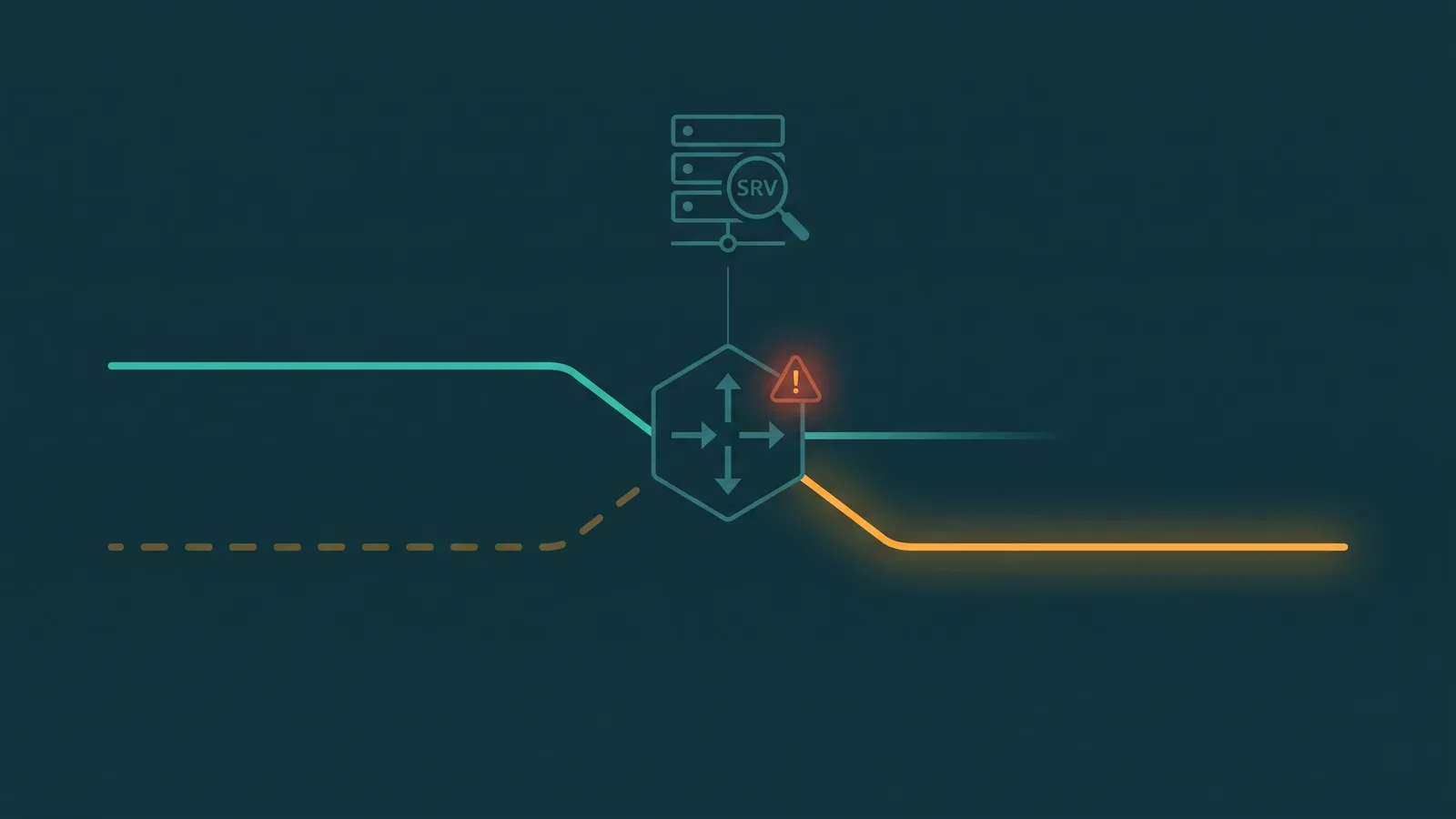
DNS SRV records, defined in RFC 2782, allow a domain name to resolve to an ordered list of endpoints with associated priority and weight values. SIP uses SRV records with service names such as _sip._tcp or _sip._udp to advertise multiple carrier endpoints for a single provider domain.
How SRV Priority Fields Work
Each SRV record carries a priority value — lower numbers indicate higher priority. A PBX resolving a SIP provider's domain receives the full list of SRV records and attempts connections in priority order: it tries priority 10 first, and only moves to priority 20 if the priority 10 target is unreachable or returns an error. This is the mechanism behind DNS-based SIP failover: the primary carrier endpoint is at priority 10, and the backup is at priority 20.
Weight values within the same priority level allow load distribution among equally prioritized endpoints — for example, splitting traffic 70/30 across two servers at priority 10.
TTL and Convergence Speed
DNS TTL (time to live) determines how long resolvers cache the SRV record before re-querying. Low TTLs — in the range of 60 to 300 seconds — allow the PBX to see DNS changes quickly, which matters when a carrier updates their SRV records during an outage response. However, low TTLs also increase DNS query load on the provider's nameservers. Most SIP providers set TTLs in the 60–300 second range to balance responsiveness and query overhead.
The Passive Nature of DNS SRV Failover
An important nuance: DNS SRV records define the order in which endpoints are tried, but the PBX must still attempt to connect to the primary endpoint and receive a failure response before it tries the next one. DNS SRV does not actively monitor trunk health; the failover happens on a per-call-attempt basis when the primary SRV target is unresponsive. For proactive detection and failover before the next call attempt, combine DNS SRV with OPTIONS heartbeat monitoring.
SIP Trunk Failover Modes
Beyond detection, the failover configuration itself determines how quickly and smoothly traffic moves to the backup path. There are two main operational modes.
Active-Passive Configuration
In active-passive mode, the primary trunk carries all traffic under normal conditions. The secondary trunk sits idle — registered or configured, but carrying no calls. When the primary trunk fails and is detected as down, the PBX begins routing new call attempts through the secondary.
The advantages of active-passive are simplicity and lower cost: you only pay for one trunk's capacity in normal operation, and the configuration logic is straightforward. The disadvantages are that the secondary trunk is untested under live traffic until a failure occurs — meaning any configuration issues, capacity problems, or quality issues on the backup path are only discovered during an actual outage, which is the worst time to debug them. There is also a failover delay while the system detects the primary failure and the secondary comes online.
Active-Active Configuration
In active-active mode, both trunks carry concurrent call traffic under normal conditions. Traffic is distributed across both paths — either equally or weighted. When one trunk fails, the remaining trunk absorbs the full load, and the failover is transparent to users because the surviving trunk was already carrying calls.
Active-active is more resilient and provides continuous real-world validation that both trunks are functioning correctly. The tradeoff is cost: each trunk must be provisioned with enough capacity to handle the full call volume alone, so you are effectively paying for double capacity. Active-active also requires both carriers to maintain quality simultaneously, which adds operational complexity.
Carrier-Side Redundancy (Points of Presence)
Many SIP carriers operate multiple redundant Points of Presence (PoPs) — geographically distributed carrier infrastructure — and advertise them via SRV records. When a regional PoP fails, the carrier's DNS automatically routes new connections to a healthy PoP. From the PBX's perspective this is transparent, but it depends entirely on the carrier having implemented this architecture correctly. Do not assume this exists — ask your carrier explicitly whether they operate redundant PoPs and how failover between them is handled.
Alternate Number Routing at the Carrier Level
When the primary VoIP system itself is offline — not just a trunk failure, but the PBX or cloud platform being unavailable — in-system failover routes do not help, because the system that would execute the routing is not running. In this scenario, carrier-level number forwarding is the fallback.
Most VoIP and SIP providers allow emergency call forwarding configuration via a web portal or API. This redirects inbound calls at the carrier level — within the number portability system and carrier infrastructure — before they ever reach your phone system. Calls to your business DID are forwarded to a different number: a mobile phone, a second carrier's platform, or another location entirely.
This is a PSTN-level redirect, not a SIP-level one. It does not require your primary system to be operational, which is precisely why it works as a last-resort failover. The redirect happens in the carrier's network, and callers reach your backup destination without any interaction from your downed system.
Configure emergency number forwarding before an outage occurs. Confirm you can reach the management portal or API from a mobile device — if your primary system is down, you may not be able to access your normal network. For broader outage planning, see the companion guide on business phone disaster recovery. For distributed and remote contact center teams where agent-level internet redundancy is also a concern — not just trunk-level failover — see remote call center internet redundancy.
In-Progress Call Limitations
This is the most commonly misunderstood aspect of VoIP failover: failover does not rescue calls that are already connected when the failure occurs.
An active call consists of two layers: the signaling path (SIP) that set up the call and keeps it tracked, and the media path (RTP) carrying the actual audio. When a signaling server — a SIP proxy, B2BUA, or the carrier's SIP infrastructure — fails mid-call, the call's signaling context is lost. The media may continue flowing briefly between endpoints, but without the signaling layer maintaining the session, the call will eventually drop. In most configurations, mid-call failures result in the call dropping within seconds to minutes.
SBC Call Survival
Session Border Controllers (SBCs) with call survival features can mitigate this in some scenarios. An SBC placed at the network edge can continue bridging media between endpoints even if the upstream SIP signaling path is temporarily interrupted — effectively keeping the audio path alive through a brief signaling disruption. This is not universal SBC behavior; it requires specific call survival or media anchoring features to be configured, and it is only effective for temporary disruptions, not extended outages. For small businesses and branch offices, some SBCs and IP phones support "survivability" modes that allow basic calling to continue locally if the cloud PBX connection is lost.
Failover vs. High Availability
The distinction matters for planning: failover reroutes new calls after a failure is detected, but active calls drop. True high availability (HA) requires stateful redundancy — a standby signaling server with real-time state synchronization that can take over active calls cleanly when the primary fails. HA architectures are significantly more complex and expensive, typically deployed in enterprise and carrier environments rather than SMB phone systems. For cloud phone systems, HA is usually managed by the provider's infrastructure rather than something the customer configures.
Recovery Time: What Determines the Failover Window
The total recovery time — from the moment a trunk fails until new calls are routing over the backup — is determined by several cascading timers:
- OPTIONS heartbeat interval × missed-response threshold: With a 30-second interval and a threshold of 2, detection takes up to 60 seconds. Tightening to a 10-second interval and threshold of 2 reduces this to 20 seconds.
- DNS TTL: If using DNS SRV failover rather than OPTIONS-triggered routing, the DNS cache must expire before the PBX sees updated records. A 300-second TTL means up to 5 minutes of delay. A 60-second TTL reduces this to 1 minute.
- SIP INVITE retry timers (RFC 3261): The SIP standard defines Timer B — the INVITE transaction timeout — as 64 × T1, where T1 is the estimated round-trip time (default 500ms in RFC 3261). This gives a default Timer B of approximately 32 seconds. In practice, most implementations use much shorter values and configure explicit timeouts well below the RFC default.
- Re-registration time: For registration-based trunks, the backup trunk may need to complete a REGISTER transaction before it can accept calls, adding a few seconds.
With aggressive configuration — short OPTIONS intervals, low DNS TTLs, short SIP retry timers — failover recovery can occur in under 30 seconds. With default settings across all timers, the window can extend to several minutes. Document your target recovery time, then configure your timers to achieve it, and test to confirm.
Active-Active vs. Active-Passive: Comparison
| Factor | Active-Passive | Active-Active |
|---|---|---|
| Normal traffic distribution | 100% on primary; secondary idle | Split across both trunks simultaneously |
| Failover speed | Delayed by detection + re-registration | Near-transparent; surviving trunk already active |
| Secondary trunk tested in normal operation | No — only exercised during failure | Yes — continuously carrying live calls |
| Capacity requirement per trunk | Full capacity on primary; minimal on secondary | Each trunk must handle full volume alone |
| Cost | Lower — one active trunk's worth of capacity | Higher — double capacity provisioned |
| Configuration complexity | Simpler | More complex; requires load-balancing logic |
| Best for | Lower call volumes; cost-sensitive deployments | Higher availability requirements; larger volumes |
How to Test Your Failover Configuration
A failover configuration that has never been tested should not be trusted. Failover testing is the only way to confirm that the detection timers, routing logic, backup trunk capacity, and DID forwarding all work as expected. Untested failover is a common source of unpleasant surprises during actual outages.
Simulating a Primary Trunk Failure
The most direct test method is to disable the primary trunk's network path and observe behavior:
- Pull the network cable from the primary SIP gateway or disable the network interface at the firewall — this simulates a complete network-layer failure.
- Alternatively, configure an ACL or firewall rule to block traffic to the primary SIP provider's IP addresses, simulating a carrier-side unreachability scenario.
- Use a softphone or SIP test tool to place inbound and outbound test calls immediately after disabling the primary path, and time how long it takes for calls to route successfully over the backup.
- Confirm that calls to your business DIDs ring correctly on the backup path, including any auto-attendant or IVR behavior that depends on the platform. For related guidance, see how to route business calls after hours.
- Re-enable the primary trunk and verify that calls return to the primary path within the expected convergence window, and that no configuration state was left in a degraded mode.
Testing Carrier-Level Number Forwarding
Test emergency number forwarding separately from SIP-level failover. Enable the carrier-level forward on your DID via the provider portal, then call your business number from an external phone and confirm it reaches the designated backup number. Disable the forward and confirm normal routing resumes. This test should be done during business hours so you can observe the actual caller experience.
Testing Frequency
Failover testing should be scheduled at least quarterly. Phone system configurations change — new trunks, updated firewall rules, carrier maintenance — and any of these changes can inadvertently break failover without triggering an alert. Document the recovery time observed in each test and compare it against your target; if the actual time is significantly longer than expected, investigate before it matters in a real outage.
For a broader framework covering not just failover but the full scope of maintaining phone availability through outages, see business phone disaster recovery planning.
For the architectural approach to preventing failover events entirely, see the guide to VoIP redundancy — it covers active-active vs active-passive design, SIP registration redundancy, and multi-ISP network failover.