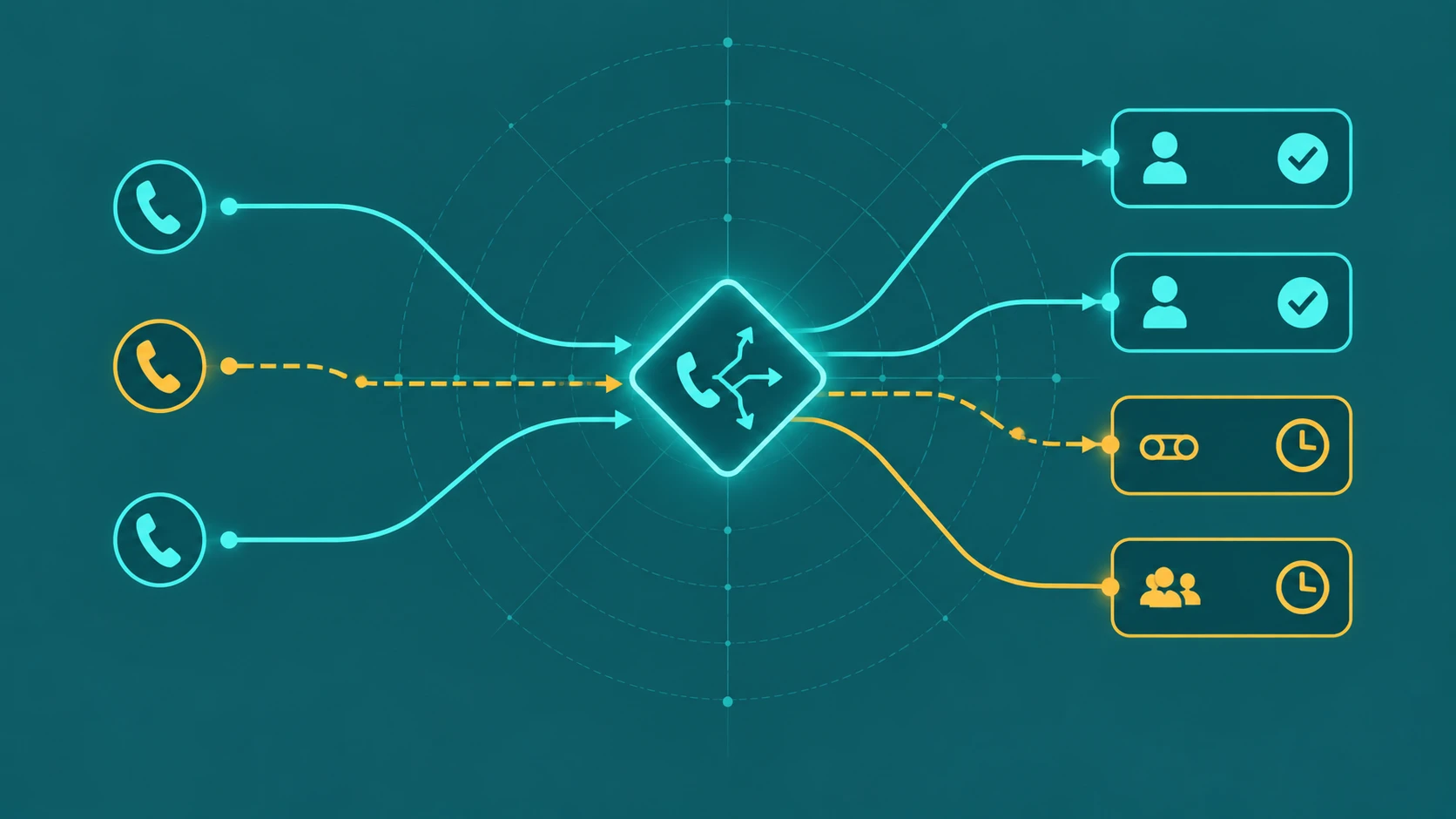
Every phone system that knows when your business is open is using time-based call routing — even if the team that configured it has never heard the term. The moment someone set business hours and told the system "route calls to agents between 9am and 5pm, and send everything else somewhere else," that was time-based routing. The question is never whether you have it; the question is whether the scheduling engine behind it is configured correctly, with rules that cover every scenario, a defined evaluation order when rules conflict, a time zone reference that survives Daylight Saving Time transitions, and a manual override path that does not require an IT ticket to activate at 7am on a snow day. This guide covers all of it.
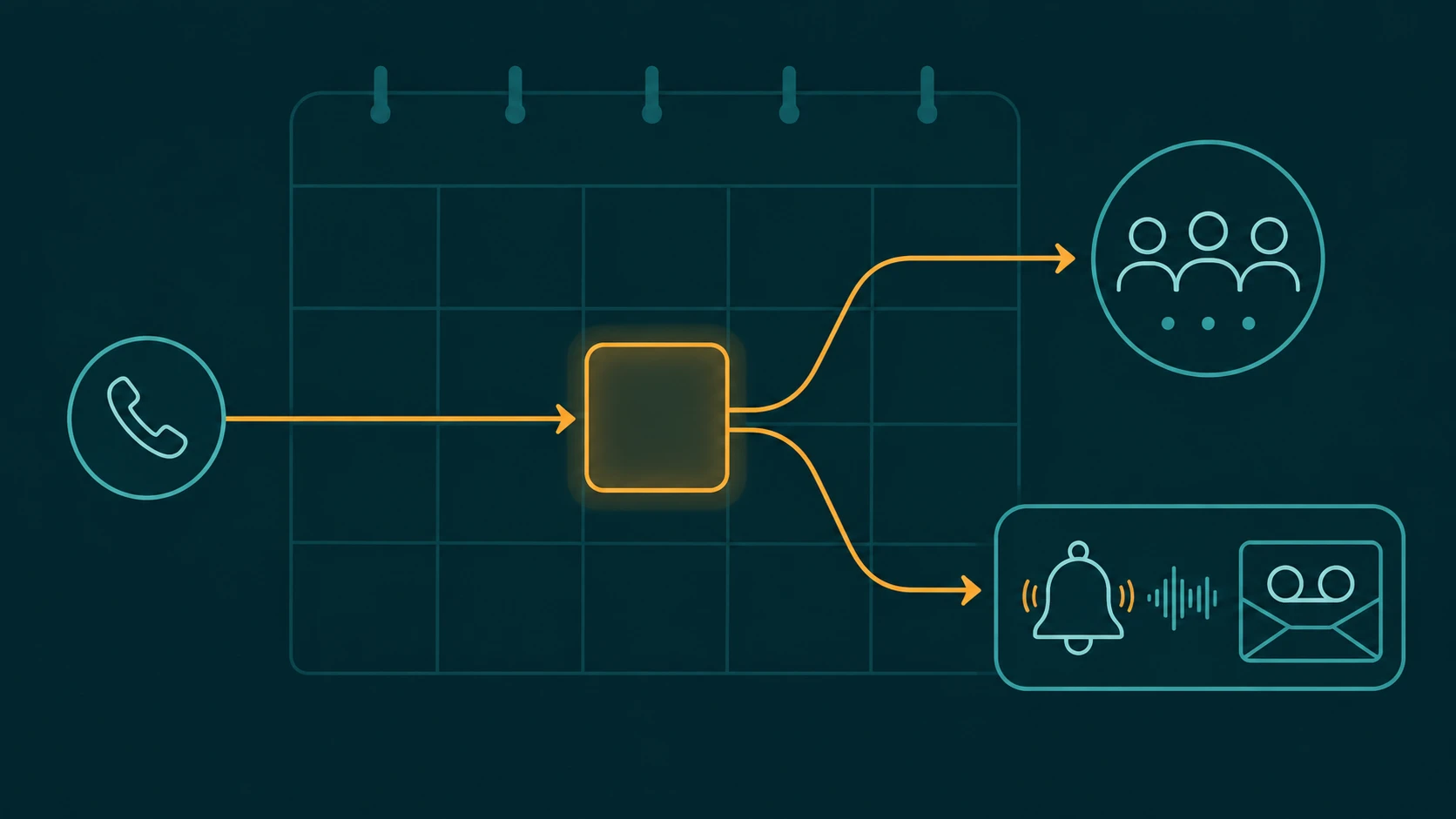
Definition: Time-based call routing (also called schedule-based routing or time-of-day routing) automatically routes inbound calls to different destinations depending on the current time of day, day of week, or calendar date. The routing engine evaluates the current timestamp against a set of configured scheduling rules and applies the action defined by the first matching rule — sending callers to a live agent queue during business hours, and to voicemail, an after-hours message, an answering service, or another destination outside them. Holiday calendar entries and manual override states take precedence over standard time-of-day rules.
How Time-Based Routing Rules Work
A time-based routing configuration is a stack of rules, each defining a time window, a set of days, and an action. When a call arrives, the system evaluates the stack in order and applies the first rule that matches the current timestamp. Six rule types cover virtually every scenario a business encounters.
1. Default Business Hours
The foundation of every schedule: Monday through Friday, 9am to 5pm (or whatever the organization's standard hours are). Calls arriving during this window route to the main agent queue or hunt group. This rule typically sits at the bottom of the stack — it is the fallback that applies when no higher-priority rule fires.
The detail that catches administrators off-guard: "business hours" means hours in a specific time zone, and that time zone must be explicitly configured rather than assumed. A system installed by a San Francisco team defaults to Pacific Time unless told otherwise. If the business serves Eastern-time customers from a Pacific-time office and nobody adjusts the time zone setting, the schedule fires three hours off.
2. After-Hours Rules
The complement to business hours: everything outside the defined open window on standard weekdays. After-hours routing is time-based, not date-based — it fires every day when the clock passes the closing threshold, regardless of whether it is a Tuesday in March or Christmas Eve. Common destinations include voicemail with a custom after-hours greeting, an after-hours message that plays and ends the call, a third-party answering service, or a team located in a different time zone that is still staffed. For a deeper look at what happens during this window, the after-hours call routing guide covers destination options in detail.
3. Lunch and Break Windows
Some organizations configure a midday rule — typically noon to 1pm — for periods of reduced staffing. During this window, callers might hear a message acknowledging longer wait times and be offered a callback option, or calls might overflow to a voicemail box rather than queuing indefinitely behind a skeleton crew. This rule is more common in small offices where the entire team takes lunch simultaneously, and less relevant in larger contact centers where agent schedules are staggered.
4. Day-of-Week Overrides
Not every day of the week follows the same pattern. A business may be open Saturday 10am–2pm but completely closed Sunday. A professional services firm might be open full weekday hours Monday through Thursday but close at noon on Friday. Day-of-week rules let you define per-day schedules that differ from the standard weekday defaults. Saturday and Sunday are the most common targets, but some businesses also configure distinct rules for Mondays (when call volume spikes after the weekend) or Fridays (when staffing drops in the afternoon).
5. Holiday Calendar
Holiday rules override the standard weekly schedule entirely based on calendar date. When a call arrives on December 25th, the holiday rule for Christmas fires regardless of what time it is and regardless of what day of the week December 25th falls on. A properly configured holiday schedule means a Tuesday in July that happens to be Independence Day routes to the holiday destination — not the regular Tuesday business-hours queue. Holiday call routing is a separate configuration layer from time-of-day rules and has its own maintenance requirements.
6. Manual Override (Emergency Closure)
The highest-priority rule in any well-designed scheduling system is not a scheduled rule at all — it is a switch that a supervisor can flip immediately to force the system into "closed" mode. Unexpected office closures — a water main break, a severe weather event, a building evacuation — cannot wait for IT to log into the system and reconfigure a schedule. A manual override lets a supervisor activate emergency-closure routing in seconds from the admin UI or by dialing a feature code, without any technical assistance. Covered in detail in the manual override section below.
Rule Precedence: Why Order Matters
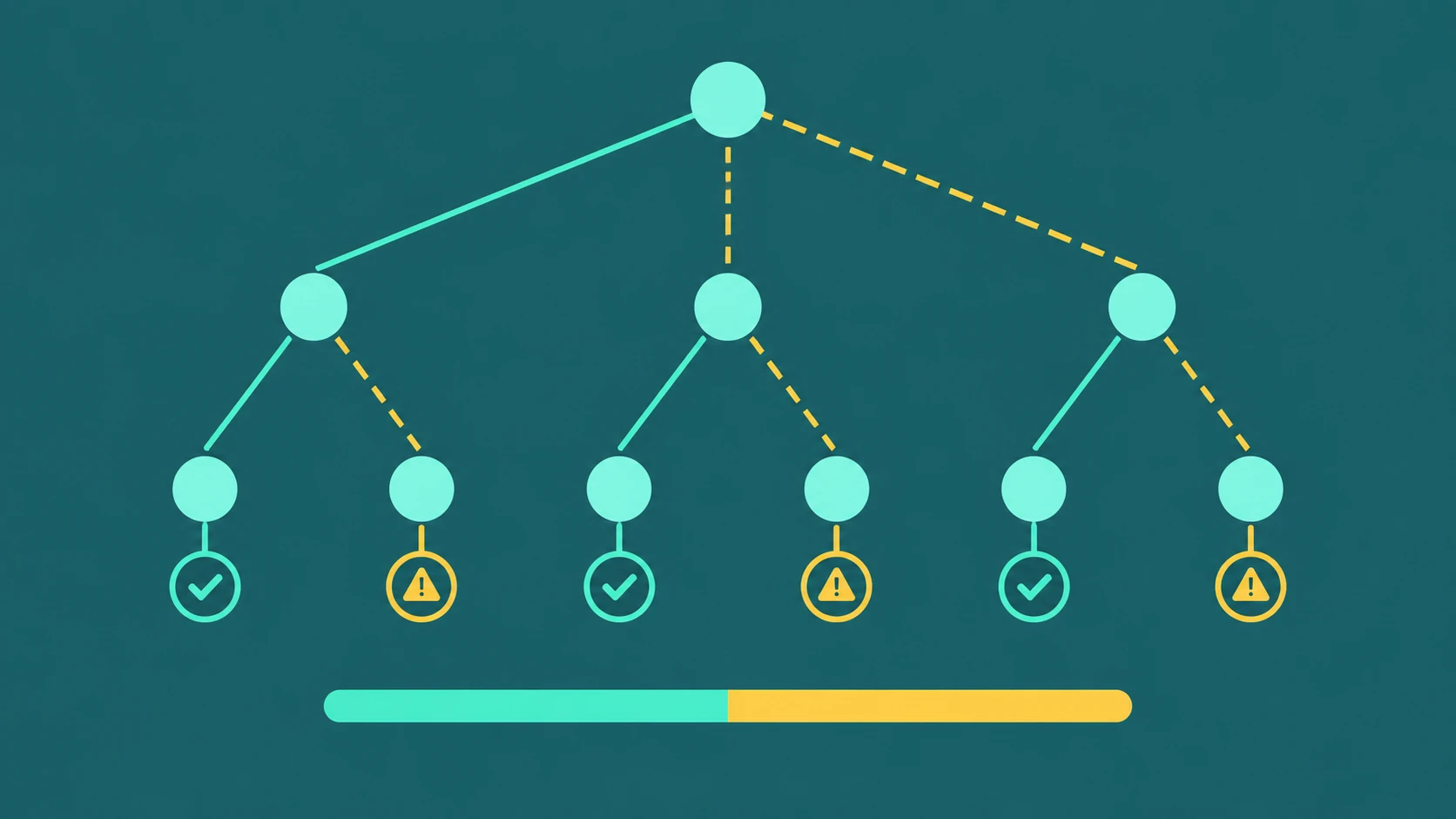
Time-based routing becomes unpredictable when rules overlap and there is no defined evaluation order. Most platforms evaluate rules top-to-bottom and apply the first matching rule, which means the order in which rules appear in the configuration directly determines which rule wins in any conflict scenario. Understanding this order is the single most important concept for debugging unexpected routing behavior.
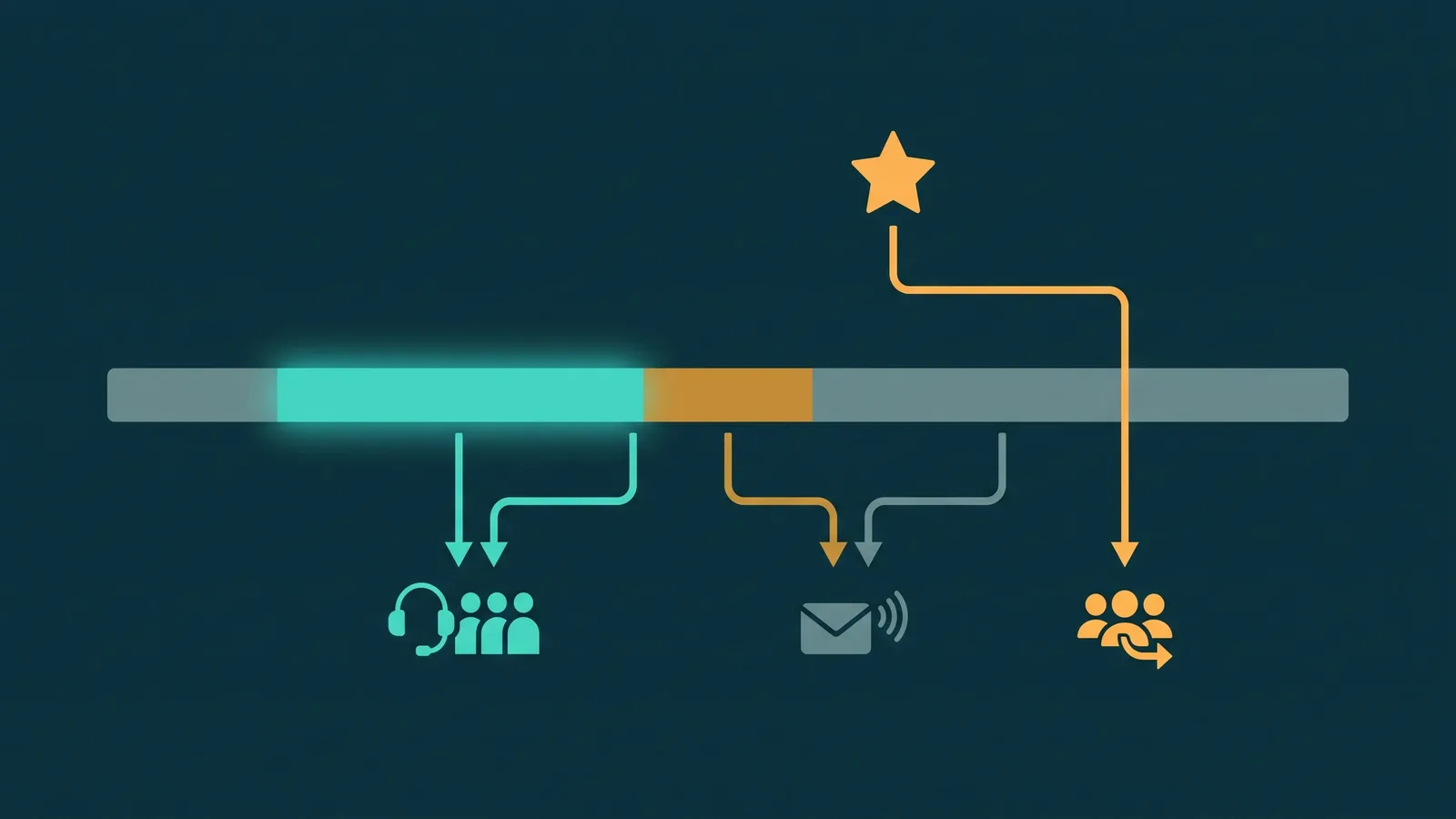
The standard precedence order used by most scheduling engines:
- Manual override — wins unconditionally. If an override is active, nothing else is evaluated.
- Holiday calendar — if today's date matches a holiday entry, the holiday action applies, regardless of what time it is or what day of the week it is.
- Specific day-of-week rules — Saturday and Sunday rules, or any day explicitly configured with non-default hours, override the general weekday defaults.
- Default business hours — applies when no higher-priority rule matches. This is the catch-all for normal weekdays during normal hours.
- System fallback — some platforms have a final fallback if no rule matches at all (for example, if the schedule is misconfigured and the current time falls into a gap between rules). The fallback behavior varies by platform and should be verified during setup.
The canonical conflict scenario that catches administrators off-guard: a holiday that falls on a Saturday. Both the holiday calendar rule and the Saturday rule cover that day. Which one wins? In a top-to-bottom evaluation system, whichever rule appears higher in the stack wins. If the holiday calendar is evaluated before day-of-week rules (which is the correct design), the holiday action applies. If the Saturday rule appears first, the holiday is ignored. Without understanding rule precedence, this scenario produces ambiguous and untested behavior.
A second conflict scenario: a business configures both a general "after-hours" rule and a specific "Sunday closed all day" rule. On Sunday at 10am, both rules could match — after-hours applies 24/7 on unconfigured days, and Sunday has a dedicated closed rule. If after-hours is evaluated first and routes to voicemail with a "call back tomorrow" message, a Sunday caller hears incorrect information. The Sunday-specific rule, which might say "we reopen Monday at 9am," should win but will not unless it appears above the general after-hours rule in the stack.
Best practice: map out every possible conflict during initial configuration, draw the rule hierarchy explicitly, and test each scenario with a real call before going live. When in doubt, more specific rules should always appear above more general ones.
Time Zone Configuration and Daylight Saving Time
Time zone configuration sounds like a detail — it is not. It is the reference frame for every scheduled rule in the system. Get it wrong, and every rule fires an hour off for half the year.
Which Time Zone to Configure
The scheduling system should be configured in the time zone of the team answering calls — specifically, the time zone of the physical or operational location where agents are staffed. This is typically the organization's primary office location. For a business where callers and agents are in different time zones, the agent-side time zone is what matters, because it determines when agents are actually present and available.
For organizations that want to offer extended coverage — for example, a West Coast business that wants East Coast callers to be able to reach an agent until 8pm Eastern while the office closes at 5pm Pacific — the solution is one of two approaches: configure the schedule in Eastern time to reflect the callers' expectations, or combine time-based routing with geographic call routing that sends East Coast area codes to a different schedule rule. The second approach is more complex but more precise.
UTC vs Named Time Zones: The DST Risk
The most consequential technical decision in schedule configuration is whether rule times are stored as UTC timestamps, as UTC offsets (e.g., UTC-5), or as named time zone identifiers (e.g., America/New_York). The difference determines whether the schedule automatically adjusts for Daylight Saving Time or silently misaligns by one hour twice per year.
UTC storage: A rule configured as "14:00 UTC" remains 14:00 UTC regardless of DST. In the Eastern US, Eastern Standard Time is UTC-5, so 14:00 UTC corresponds to 9:00am Eastern. During Daylight Saving Time, Eastern becomes UTC-4, so 14:00 UTC corresponds to 10:00am Eastern. The schedule has shifted one hour relative to local expectations without any change to the configuration. For businesses with morning peaks, this means calls that should hit a live queue at 9am are routing to after-hours handling for the first hour of the business day, half the year.
UTC offset storage: Storing rules as UTC offsets (UTC-5, UTC-4) is worse than raw UTC, because an offset is a static value that does not reflect time zone transitions. UTC-5 is Eastern Standard Time. During Daylight Saving, Eastern becomes UTC-4 — but a rule stored as UTC-5 still fires at UTC-5, which is now one hour behind the local clock. This is the riskiest configuration: it looks correct, behaves correctly for half the year, and silently fails the other half.
Named time zone identifiers (IANA tz database): Storing rules in IANA format — America/New_York, Europe/London, America/Chicago — ties the schedule to the authoritative time zone definition, including DST transitions. The platform's scheduling engine looks up the current offset for the named time zone at the moment the call arrives and applies it correctly. A rule that fires at "9:00am America/New_York" fires at 9:00am Eastern Standard Time in winter and 9:00am Eastern Daylight Time in summer. No manual adjustment required.
Best practice: always configure scheduling rules using IANA named time zone identifiers. If your platform only offers UTC offset fields, you will need to manually adjust schedules twice per year — and document the obligation clearly so it does not get missed when the person who set it up originally is no longer with the organization.
DST Transition Dates Vary by Region
DST does not transition on the same date everywhere, which complicates multi-region deployments. In the United States, DST transitions occur on the second Sunday of March and the first Sunday of November. In the European Union, transitions occur on the last Sunday of March and the last Sunday of October. The US and EU spring transitions are typically a week apart. A business with agents in both regions faces a one-week window twice per year where the time offset between US and EU locations differs from both its standard and DST values. Several US states — Arizona (most of the state), Hawai'i, and parts of Indiana — do not observe DST at all.
For multi-region setups, named time zone identifiers handle this correctly per region. Configuring one schedule in America/New_York and a separate schedule in Europe/London ensures each fires correctly at its local business hours, through all transition dates, without requiring per-region manual intervention.
Holiday Calendar Management
The holiday calendar is a named list of dates — and optionally, time ranges within those dates — that trigger date-based routing exceptions. Managing it correctly requires understanding both the technical structure and the ongoing maintenance obligation.
Fixed-Date vs Variable-Date Holidays
Fixed-date holidays fall on the same calendar date every year: Christmas Day (December 25), New Year's Day (January 1), Independence Day (July 4). Most platforms support recurring entries for these — configure once, apply every year.
Variable-date holidays shift each year: Thanksgiving falls on the fourth Thursday of November, Easter follows a lunar calculation, Memorial Day lands on the last Monday of May. Some platforms support rule-based recurring entries for these ("last Monday of May"). Others require manual annual entry. Know which category your platform falls into — assuming a variable holiday recurs automatically when it requires manual entry is the most common cause of a holiday routing configuration being silently skipped.
Observed vs Actual Holiday Dates
When a fixed holiday falls on a weekend, most businesses observe it on the adjacent weekday — Friday for a Saturday holiday, Monday for a Sunday holiday. Your holiday schedule should reflect the observed date, not the fixed date. Christmas Day is December 25; when December 25 is a Sunday, many businesses close Friday December 24 instead. The holiday calendar entry should be December 24, not December 25, because your after-hours routing already handles Sunday. If your platform auto-loads federal holidays, verify whether it uses actual or observed dates — auto-populated lists often use the government-published observed date, but this varies by platform and data source.
Annual Maintenance
Holiday schedules require annual review. A recurring entry for Christmas handles December 25 every year, but a one-time company closure added in 2025 does not carry over to 2026. The practical risk: an administrator sets up a thorough holiday calendar in year one and moves on, then two years later a variable-date holiday arrives with no entry configured and calls route to the standard business-hours queue on a day when no one is in the office.
Recommended practice: schedule a calendar reminder in Q4 to review the following year's holiday calendar. Confirm that recurring entries are still correct, add variable-date holidays for the upcoming year, add any planned company closures, and remove any one-time entries from the previous year that should not repeat. This review takes under 30 minutes and prevents the alternative: discovering the oversight when a caller complains.
Manual Override: Emergency Closure Design
The manual override is the highest-priority element in a time-based routing system — it overrides all scheduled rules unconditionally. Its design must prioritize speed of activation and accessibility, because the scenarios where it is needed are by definition unplanned and time-sensitive.
Activation Without IT Involvement
A manual override that requires an IT ticket or a senior administrator to log in with special credentials fails the primary use case. When a supervisor needs to close the phone system at 7:30am because the office lost power, they need to do it from their phone, their laptop at home, or a simple admin UI on their mobile. Best-designed systems provide two activation paths: a toggle in the web admin portal that any designated supervisor can reach from any device, and a feature code that can be dialed from any enrolled phone in the system. Either path should be documented in a short reference guide that supervisors keep readily accessible — not buried in a configuration manual.
Automatic Expiry
A manual override with no automatic expiry is a common source of the "we forgot to turn the system back on" problem. A supervisor activates emergency closure at 8am, the crisis resolves by noon, and the team returns to the office — but the override remains active and calls continue routing to the emergency-closure destination for the rest of the day. The best implementations include an optional automatic expiry: when activating the override, the supervisor can set a restoration time ("restore normal routing at 5pm" or "restore at a specific date and time"). If the supervisor forgets to deactivate manually, the system restores itself at the configured time. This is especially valuable for planned short-closure scenarios like a mandatory evacuation drill.
Audit Trail
Manual override activations should generate a log entry recording who activated the override, at what time, from what source (admin UI or feature code), and when the override was deactivated (manually or by automatic expiry). This audit trail serves two purposes: accountability (managers can verify that override activations were appropriate and timely) and diagnostics (if calls routed incorrectly on a particular day, the log reveals whether an override was active and who enabled it). Platforms that lack this logging make it very difficult to investigate routing anomalies after the fact.
Override Destination
The emergency closure override should route to a dedicated emergency-closure greeting and destination, not to the standard after-hours voicemail. The after-hours greeting typically says "our office is closed; please call back during business hours." An emergency closure at 10am on a Wednesday requires a different message: "Due to an unplanned closure, our office is currently unavailable. We apologize for the inconvenience and will return calls as soon as we are able to." Some organizations maintain a generic emergency-closure recording for exactly this use case, separate from the holiday and after-hours recordings.
Inherited vs Dedicated Schedules
In multi-team or multi-site deployments, individual queues, hunt groups, and phone numbers can either inherit a parent schedule or maintain their own dedicated schedule. The choice has significant implications for maintenance overhead and operational flexibility.
Inherited schedules work by pointing multiple resources at a single parent schedule object. When the parent schedule changes — for example, the business extends weekday hours from 5pm to 6pm — every resource that inherits that schedule updates automatically without any per-resource configuration change. This approach is appropriate when all teams follow the same hours and any schedule change should apply universally. It dramatically reduces maintenance overhead for businesses with consistent hours across all departments.
Dedicated schedules allow each resource to have its own independent schedule. A support team that operates 7am–8pm while the main business runs 9am–5pm cannot inherit the company-wide schedule without receiving incorrect routing during the extended hours. A sales queue that is closed on Saturdays while a technical support queue is open Saturday 10am–3pm requires separate schedules. Any team with hours that diverge from the standard should have a dedicated schedule rather than attempting to patch a shared schedule with exceptions.
The practical design: start with a company-wide parent schedule that applies to the majority of resources, then create dedicated schedules only for resources whose hours differ. Document which resources use inherited vs dedicated schedules so that future administrators know which changes will propagate automatically and which require individual updates.
A common mistake in multi-site deployments: an administrator updates the parent schedule to add a new holiday, assumes all resources are updated, and later discovers that several queues are running dedicated schedules that were never updated. The fix is documentation — maintain a schedule inventory that lists every resource, whether it is inherited or dedicated, and who is responsible for keeping each dedicated schedule current.