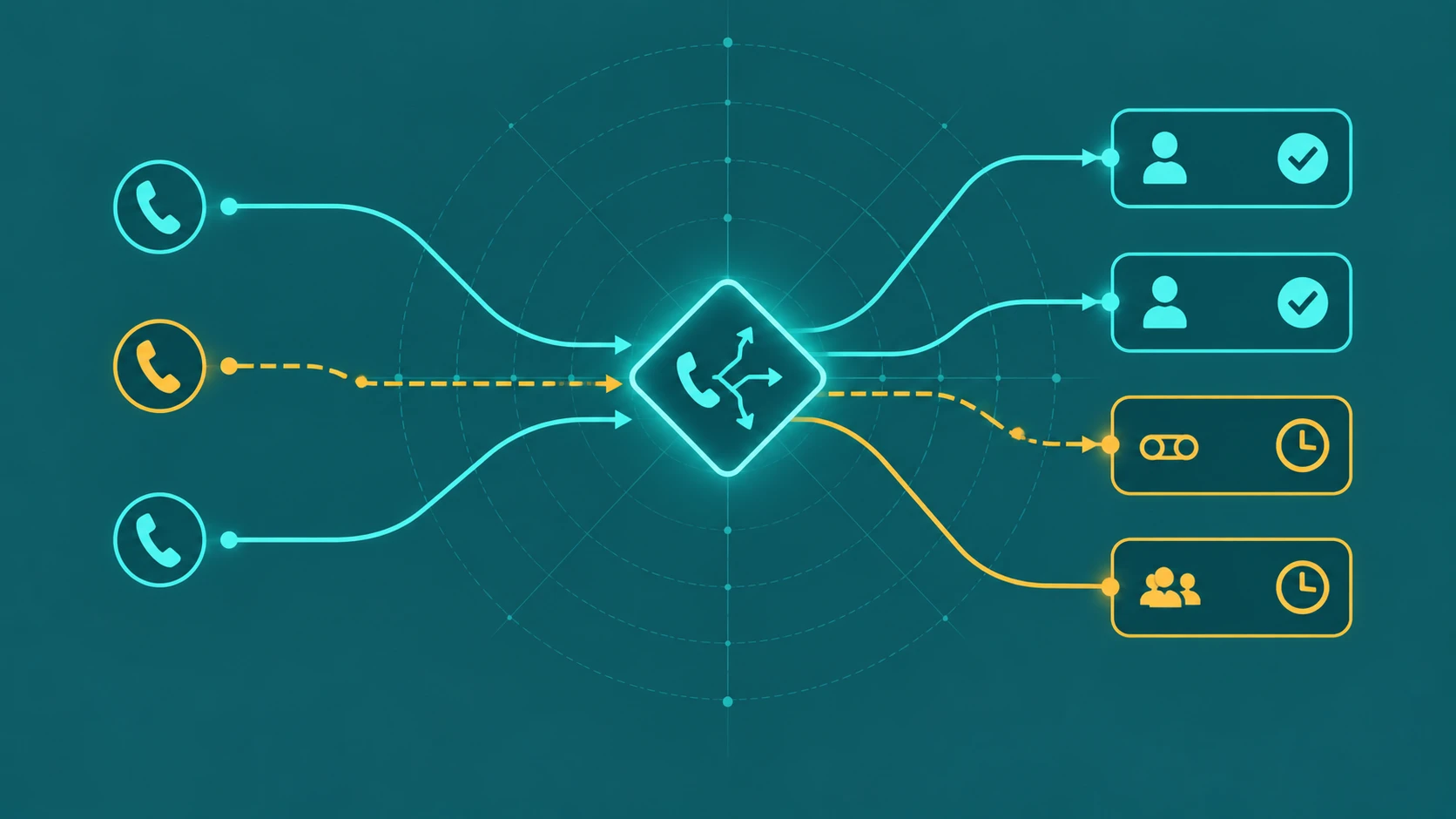
Holiday call routing is the process of redirecting inbound calls to a different destination on specific calendar dates — independently of your normal business-hours schedule. When your office is closed for Thanksgiving, Christmas, or a company-wide closure, calls still arrive. Without a holiday routing configuration, those calls hit whatever fallback your system defaults to: a ringing phone with no one to answer, a generic voicemail, or — worst case — a disconnected-sounding silence. A proper holiday schedule ensures callers hear a clear holiday greeting, know when to expect a callback, and have an option to reach someone in an emergency. This guide covers how holiday routing works technically, how to configure it correctly, and how to avoid the most common setup mistakes.
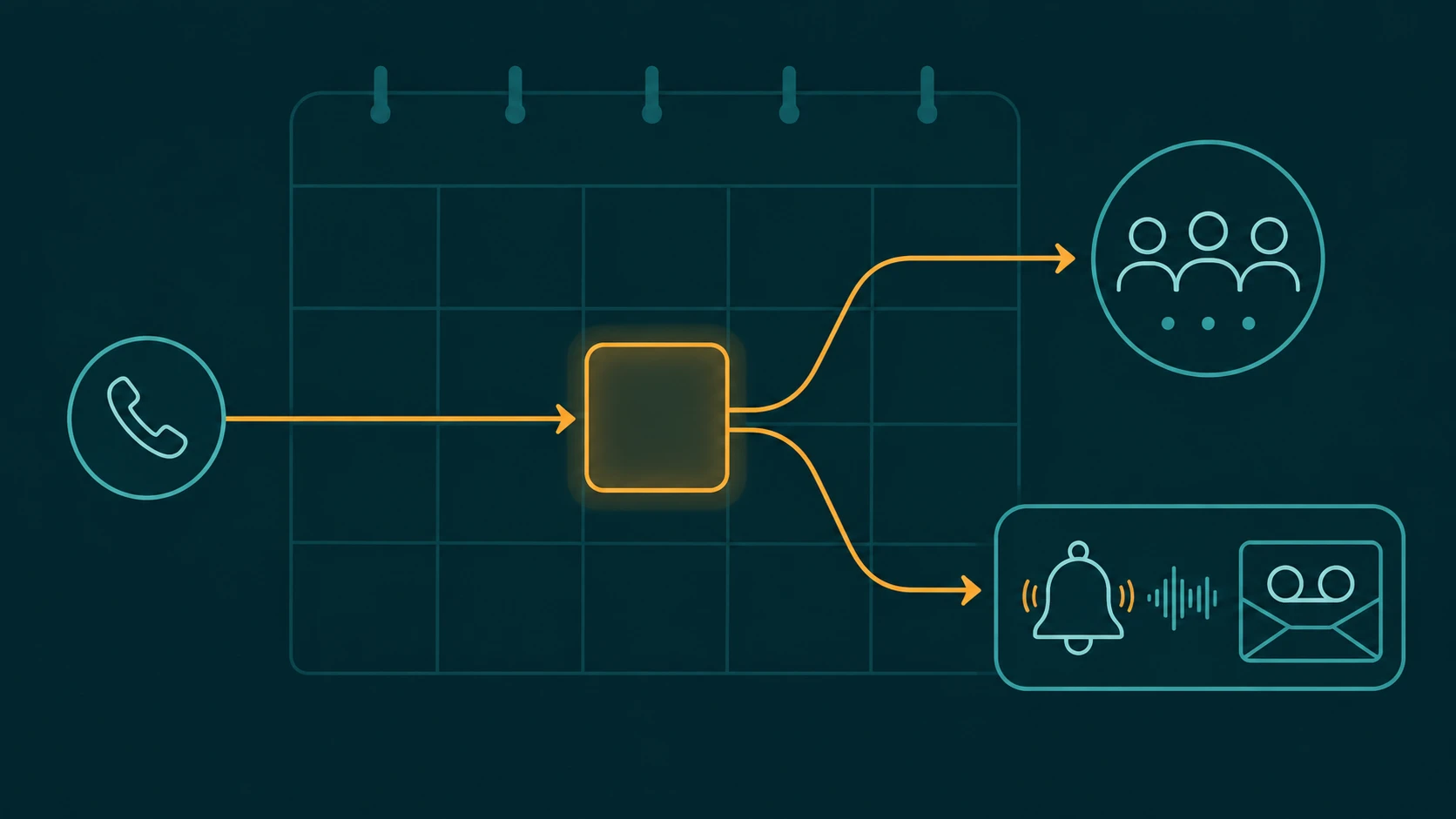
Definition: Holiday call routing is a date-based exception in a PBX or UCaaS system that overrides the normal time-of-day routing rules on designated calendar dates. When a call arrives on a configured holiday date, the system routes it to a holiday-specific destination — such as a custom greeting, voicemail, or on-call mobile — instead of following the standard business-hours call flow. Holiday schedules are evaluated with higher precedence than time-of-day rules, meaning they fire regardless of whether the call arrives during normal business hours on that date.
Holiday Routing vs After-Hours Routing: A Critical Distinction
The single most common source of confusion in call routing configuration is treating holiday routing and after-hours routing as the same thing. They are not, and conflating them leads to misconfigured systems.
After-hours routing is time-based: it fires every day when the clock passes a defined threshold, such as 6:00 PM on weekdays. It does not know or care what date it is — only what time it is. A caller who phones your business at 7:00 PM on a Tuesday gets the same routing as a caller who phones at 7:00 PM on Christmas Eve.
Holiday routing is date-based: it fires when today's date matches a calendar entry in your holiday schedule, regardless of what time the call arrives. A caller who phones at 10:00 AM on Christmas Day — squarely inside normal business hours — gets the holiday routing treatment, not the daytime routing treatment, because the date matches.
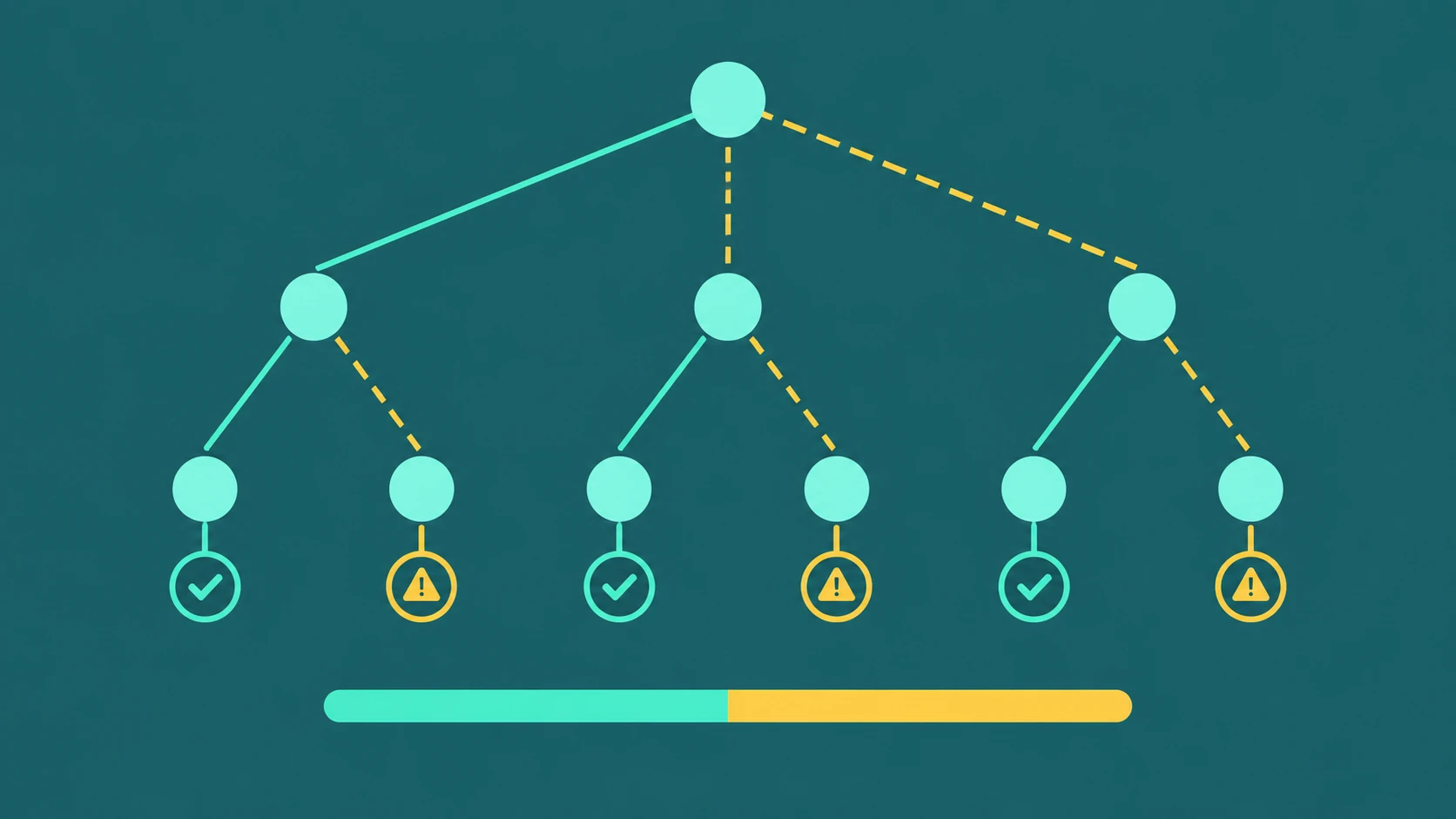
In a properly configured system, these two mechanisms stack. The PBX evaluates rules in precedence order: holiday exception schedules come first, time-of-day rules come second, and a default fallback applies if neither rule matches. On a holiday date, the holiday schedule wins at any hour. On a normal business day after hours, the time-of-day rule applies. Understanding this hierarchy prevents the common mistake of assuming your after-hours route will cover holiday closures automatically. For a full guide to designing the complete scheduling engine — including rule precedence, DST handling, lunch windows, and manual overrides — see time-based call routing: business hours, time zones, and overrides.
How Date-Based Exception Schedules Work
Most modern PBX and UCaaS platforms implement holiday routing through a schedule or calendar object that you configure separately from your business-hours time-of-day rules. The platform stores a list of dates — and optionally time ranges within those dates — and checks each incoming call against that list before evaluating any other routing logic.
When a call arrives, the system's routing engine asks: does today's date appear in any active holiday schedule? If yes, apply the holiday routing action defined for that schedule. If no, continue to the next routing layer (time-of-day, then default).
Holiday schedules typically support two types of entries:
- Recurring entries — tied to the same calendar position every year. Christmas Day (December 25), New Year's Day (January 1), and Independence Day (July 4) are fixed-date holidays that recur annually. You configure them once and the system applies them every year without manual renewal.
- One-time entries — tied to a specific date in a specific year. A company-wide training day on March 14, 2027, or an emergency closure on a date not associated with any fixed holiday. These must be manually entered each time they occur and do not repeat.
Some platforms provide a predefined list of common national holidays (such as the US federal holiday calendar) that administrators can optionally import or enable, which saves manual entry. Others require you to create every holiday date from scratch. A third category pre-loads holidays automatically without requiring explicit administrator action. Knowing which approach your system uses matters — a platform that applies holidays by default will silently activate routing on those dates even if you never explicitly configured them. Additionally, predefined calendars may not match your organization's actual observed holidays: regional observances, company-specific closures, and floating holidays (such as the day after Thanksgiving) may differ. Administrators should review imported calendars, verify that time zones and recurring rules are correct, and confirm which dates are actually enabled before relying on any pre-built schedule.
Time Zone Configuration
Time zone handling is one of the most underappreciated technical details in holiday routing. A holiday schedule fires based on a date reference, and that date reference must be tied to a specific time zone — usually the time zone of your primary business location.
For a business operating entirely in one time zone, this is straightforward. For a business with agents or callers spread across multiple time zones, it becomes a configuration decision with real consequences. Consider: if your holiday schedule is configured in Eastern Time and your Pacific-coast agents work until 6:00 PM Pacific (9:00 PM Eastern), a holiday that "ends" at midnight Eastern will cut off correctly for Eastern agents but terminate three hours early for Pacific agents relative to their local clock.
More practically: if your main number is answered by Eastern-time staff and you configure the holiday schedule in Eastern Time, callers from Pacific Time phoning at 10:00 AM Pacific (1:00 PM Eastern) on a holiday will correctly reach the holiday greeting. That is the intended behavior — your business is closed, regardless of the caller's time zone. The time zone configuration controls when the holiday fires relative to the server clock, not the caller's local time.
The key best practice: configure your holiday schedule in the time zone that corresponds to the physical or operational location of the team answering calls. Document it so future administrators do not inadvertently reconfigure it in a different zone.
Holiday Routing Destination Options
Once you have defined which dates are holidays, you configure what happens to calls that arrive on those dates. The most common destination options are:
- Custom holiday greeting (announcement only) — the caller hears a recording that announces the closure, gives an expected return date, and ends the call. Simple and appropriate for businesses where no one is available under any circumstances.
- Holiday greeting with menu options (IVR) — the caller hears the greeting and is offered keypress options: press 1 to leave a voicemail, press 2 to reach the emergency on-call line. This is the recommended pattern for most businesses because it gives callers a path without obligating staff to answer every call.
- Voicemail — calls route directly to a business voicemail box. Effective when holiday call volume is low and the team will return calls the following business day. Using a voicemail-specific greeting (rather than the standard after-hours voicemail) that acknowledges the holiday is a meaningful improvement in caller experience.
- On-call mobile number — calls forward to a designated mobile number staffed by an on-call team member. Appropriate for businesses with emergency or support obligations — property management, IT managed services, healthcare-adjacent businesses — where some calls genuinely cannot wait.
- Overflow answering service — calls route to a third-party answering service that handles messages and, in some configurations, dispatches emergencies. This option provides live coverage without requiring internal staff to be on-call.
- Reduced-staff queue (partial closure) — discussed separately below.
Building a Holiday Greeting
The holiday greeting is the first thing callers hear, and its content directly affects whether they remain confident in your business or hang up frustrated. A well-constructed holiday greeting does three things: it acknowledges the holiday (so the caller understands why no one is available), it sets a specific expectation for when the business will return, and it offers an alternative path for callers with urgent needs.
A strong structure looks like this:
- Identify the holiday — "You have reached [Business Name]. Our office is closed today in observance of [Holiday Name]." This eliminates ambiguity; callers know immediately it is a planned closure, not an outage.
- State the return date — "We will reopen on [Day, Date] at [Time]." Specificity matters. "We will be back soon" is not useful. "We will return Monday, December 27th at 8:00 AM" is.
- Offer alternatives — "To leave a voicemail, press 1. For urgent matters, press 2 to reach our on-call team." Giving callers a path to resolution — even if that path is simply leaving a message — reduces frustration and abandoned calls.
The menu options in the greeting function as a simple IVR. Limit the options to two or three. A holiday greeting is not the moment for a full department-selection menu. Most callers on a holiday either want to leave a message or reach someone urgently — those are the only two paths worth offering.
Partial Holiday Routing: Reduced-Staff Operations
Not every holiday means a full closure. Many businesses — particularly those in customer-facing or support-heavy industries — operate with a skeleton crew on holidays. Partial holiday routing handles this by routing calls to a reduced-staff queue rather than to a fully closed destination.
The configuration differs from full-closure routing in two ways. First, the destination is a queue with a smaller agent pool — typically an "emergency support" or "holiday team" queue — rather than a voicemail or announcement. Second, the IVR greeting acknowledges reduced staffing and sets realistic wait-time expectations: "We are operating with reduced holiday hours. Your call may experience longer wait times than usual."
Partial closure routing is most common in:
- IT managed service providers handling infrastructure emergencies
- Property management companies covering maintenance requests
- Healthcare-adjacent businesses with clinical or patient-communication obligations
- E-commerce companies managing order and fulfillment issues during peak shopping periods
- Any business where SLA commitments extend through holidays
Partial closure routing still uses the holiday schedule mechanism — the date-based exception fires — but the routing destination is a live queue rather than a closed-state recording. The combination of a holiday-specific greeting (acknowledging the date and reduced staffing) with a routable queue is the defining feature of partial closure configuration.
Emergency Escalation: On-Call Routing
For businesses that need to guarantee a human can be reached on holidays, on-call mobile routing is the solution. When configured as a holiday routing destination, calls forward to a designated mobile number. That number may belong to a rotating on-call individual, a shared on-call line, or a group that rings all on-call staff simultaneously.
The important implementation detail: on-call routing is typically offered as a menu option within the holiday greeting rather than as the sole destination. If every call automatically forwarded to an on-call mobile on holidays, on-call staff would be fielding calls about billing questions and appointment scheduling alongside genuine emergencies. Gating the on-call path behind a keypress — "For urgent matters, press 2" — ensures that only callers who self-select as urgent reach the on-call mobile.
For missed calls to the on-call line, make sure the mobile's personal voicemail does not become the final destination. Route the on-call number back into your PBX so that an unanswered on-call forward falls to your business voicemail rather than a personal mobile voicemail. For more on handling missed calls in business routing, the destination chain matters at every step.
Rolling vs Fixed Holiday Lists
Holiday schedule maintenance is a recurring administrative task that is easy to neglect. Two approaches exist:
Fixed holiday lists require manual entry for every date. This gives you full control but demands consistent annual upkeep. Common failure modes: the list is set up correctly in year one and never updated, resulting in a system that has no holiday routing on dates added later, or that continues to apply routing for old one-time closures that no longer exist.
Rolling or auto-loaded lists automatically populate recognized federal holidays each year. These reduce manual maintenance but can include holidays your business does not observe, or miss company-specific closures that are not federal holidays. Review auto-loaded lists annually to confirm they match your actual closure calendar.
Best practice: configure holiday schedules 2-4 weeks in advance of each upcoming holiday rather than all at once at the start of the year. This approach spreads the administrative load, makes it easier to catch and correct errors, and ensures that one-time closures (announced on short notice) get added before the date arrives rather than after.
Testing Holiday Schedules Before the Holiday Arrives
The most reliable way to test a holiday routing configuration is to temporarily set the holiday date entry to the current date and time, then place a test call to the affected number and verify the routing fires correctly. Once confirmed, restore the entry to the actual holiday date.
This approach tests the full routing chain — the date-matching logic, the IVR greeting playback, the voicemail or forwarding destination — under real conditions. It is significantly more reliable than reading through the configuration in the admin portal and assuming it is correct.
A testing checklist for holiday routing:
- Temporarily set the holiday date to today's date and time
- Call the main business number from an external phone
- Confirm the holiday greeting plays (not the standard business-hours or after-hours greeting)
- Test each keypress option: confirm voicemail records correctly, confirm on-call forwarding reaches the right mobile
- Restore the holiday date entry to the correct date
- Document the test result and who performed it
Schedule this test at least one week before each major holiday, not the morning of. If a misconfiguration is discovered on the day itself, there is very limited time to resolve it with support or make corrections.
Holiday Call Routing Schedule Examples
The right schedule structure depends on how your business handles holidays. The following examples cover the most common patterns.
Full-day office closure
The most common configuration. On the designated holiday date, all calls route to a holiday greeting that acknowledges the closure and states the return date. No agents are staffed; voicemail is the only path for callers who need to leave a message.
- Holiday date entry: December 25 (recurring) — or the observed date if Christmas falls on a weekend
- Routing destination: Holiday announcement IVR → Option 1: Voicemail; Option 2: End call
- Greeting content: "Our office is closed in observance of Christmas. We will return on [Date] at [Time]. To leave a message, press 1."
Reduced business hours
For holidays where some staff are available but hours are shortened — for example, Christmas Eve with a 12:00 PM close — configure the holiday schedule as a partial-day entry covering only the hours the office is closed.
- Holiday date entry: December 24, time range 12:00 PM to 11:59 PM
- Routing destination before noon: Normal business-hours routing (agents available)
- Routing destination after noon: Holiday greeting with reduced-hours message
- Greeting content: "Our office has closed early for the holiday. We will return on December 27th at 8:00 AM. To leave a voicemail, press 1."
Emergency or on-call routing
For businesses with emergency coverage obligations, the holiday schedule routes to a greeting that offers both a voicemail path and an on-call forwarding option. Only callers who self-identify their need as urgent should reach the on-call number.
- Routing destination: Holiday announcement → Option 1: Voicemail; Option 2: On-call mobile (forward)
- Greeting content: "Our office is closed for the holiday. For non-urgent matters, press 1 to leave a voicemail. For emergencies only, press 2 to reach our on-call team."
- On-call number setup: The on-call mobile should be configured to forward unanswered calls back into your PBX voicemail — not to personal mobile voicemail — so the message is captured in your business system.
Multi-day closures (holiday week)
When the business is closed for several consecutive days — for example, December 24 through January 1 — configure either a date range entry (if your system supports it) or individual one-time entries for each day. A multi-day closure greeting should explicitly state the full range: "We are closed from December 24th through January 1st and will return on January 2nd at 8:00 AM."
If your phone system does not support date ranges, adding individual entries for each closed day takes longer but accomplishes the same result. Do not rely on your weekend routing to cover the closed days automatically — weekend routing is time-of-day based and will not fire on a Tuesday that falls inside the closure window.
Holiday Greeting Script Examples
The greeting recording is what callers hear first. A clear, specific greeting reduces caller frustration and reflects well on your business even when you are not available. The following examples cover the most common tones and situations.
Short and professional
"Thank you for calling [Business Name]. Our office is closed in observance of [Holiday]. We will reopen on [Day, Date] at [Time]. To leave a voicemail, press 1, or call back during business hours."
Warm and friendly
"Happy holidays from everyone at [Business Name]! Our team is taking time off to celebrate and will be back on [Day, Date]. Leave us a message after the tone and we'll return your call as soon as we're back."
After-hours with return date (no options)
"You've reached [Business Name]. Our office is currently closed for the holiday season. We will reopen on [Date] at [Time]. Please call back at that time or send an email to [email address]. Thank you."
With emergency routing option
"Thank you for calling [Business Name]. Our office is closed for [Holiday] and will reopen on [Date]. For general inquiries, press 1 to leave a voicemail. If you are experiencing an urgent issue requiring immediate assistance, press 2 to reach our on-call team."
Reduced hours (partial-day closure)
"Thank you for calling [Business Name]. Our office has closed early today in observance of [Holiday]. We will return on [Day, Date] at [Time]. Please leave a message after the tone and we will return your call when we reopen."
Keep holiday greetings under 30 seconds. Callers who reach a holiday greeting already know they will not speak to someone — they want to know when to call back and whether they can leave a message. Deliver those two pieces of information clearly and quickly, then give them the path to do it. For a broader guide to configuring how calls flow throughout the day and week, see time-based call routing: business hours, time zones, and overrides. And for further configuration with IVR and call routing tools, the feature pages cover the platform-specific setup options.