Every incoming call that arrives when your business is closed represents a decision your phone system makes without you. If that decision has not been deliberately configured, the call gets handled by default — which might mean ringing indefinitely, dropping, or reaching a generic voicemail the caller did not expect.
After-hours call routing is the set of rules that govern what happens to inbound calls outside your business hours: evenings, weekends, holidays, and any period when your normal coverage is unavailable. Done well, it captures caller intent, sets accurate expectations, and creates a path for follow-up. Done poorly, it loses the call and potentially the caller's business.
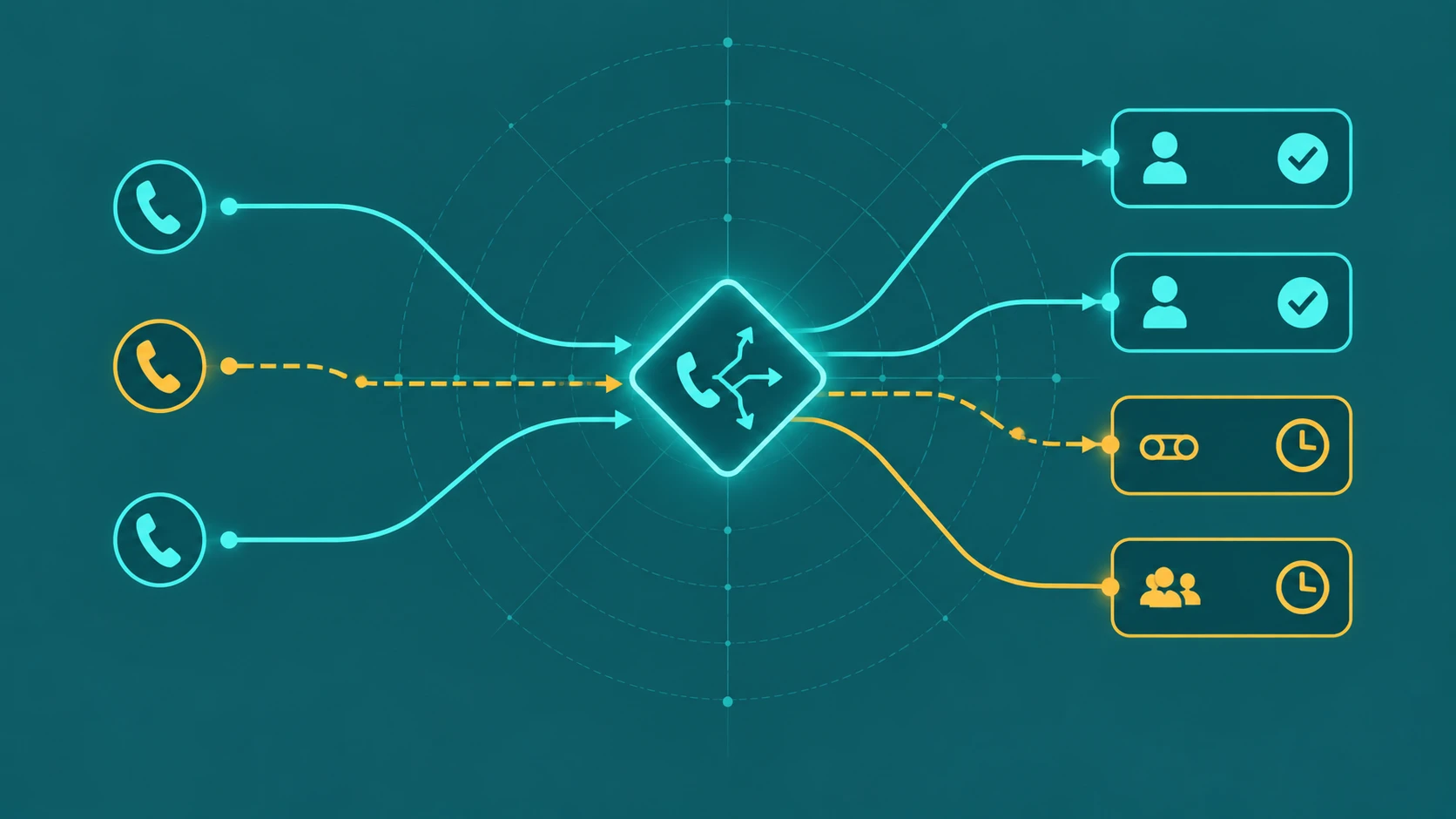
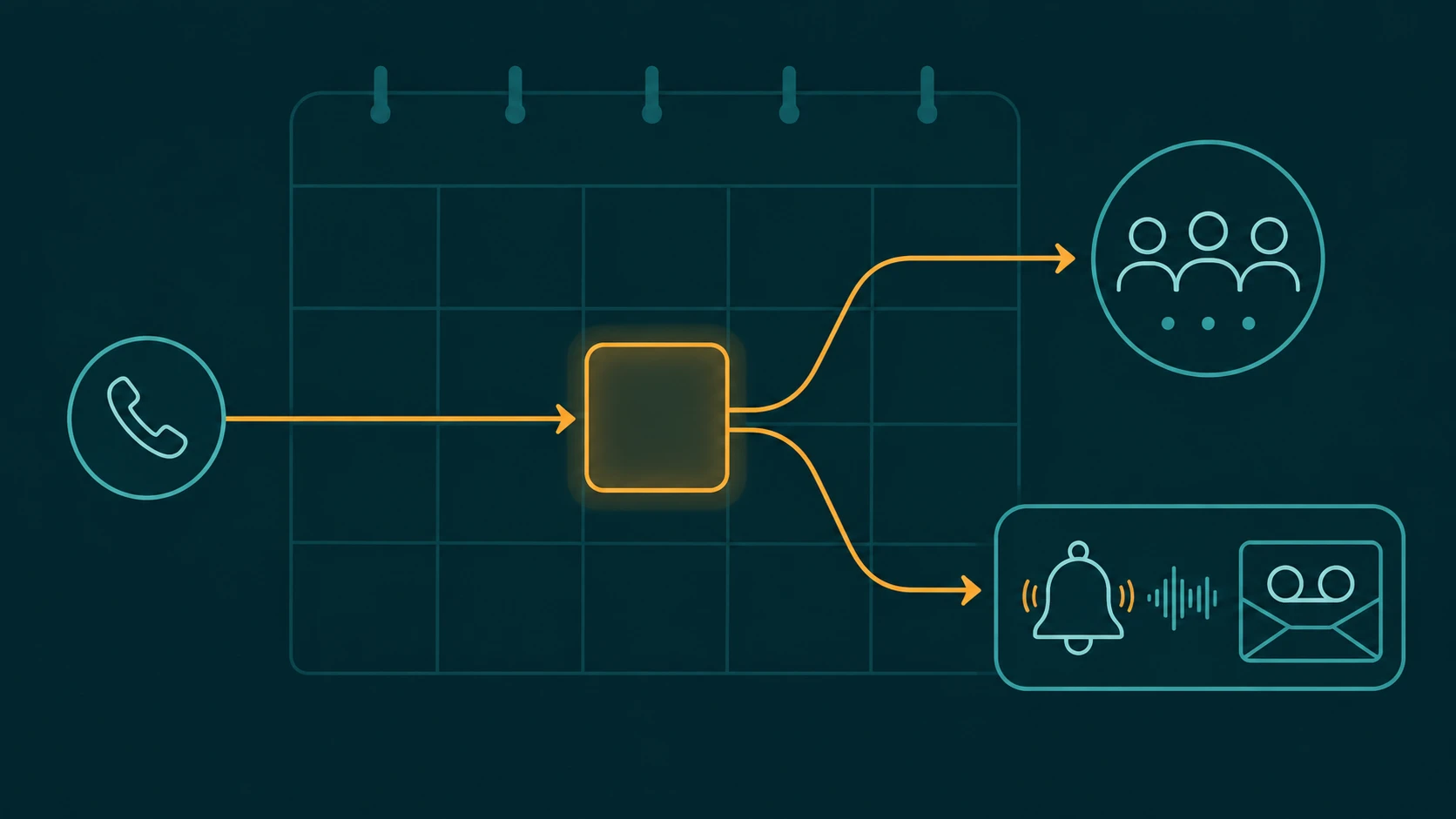
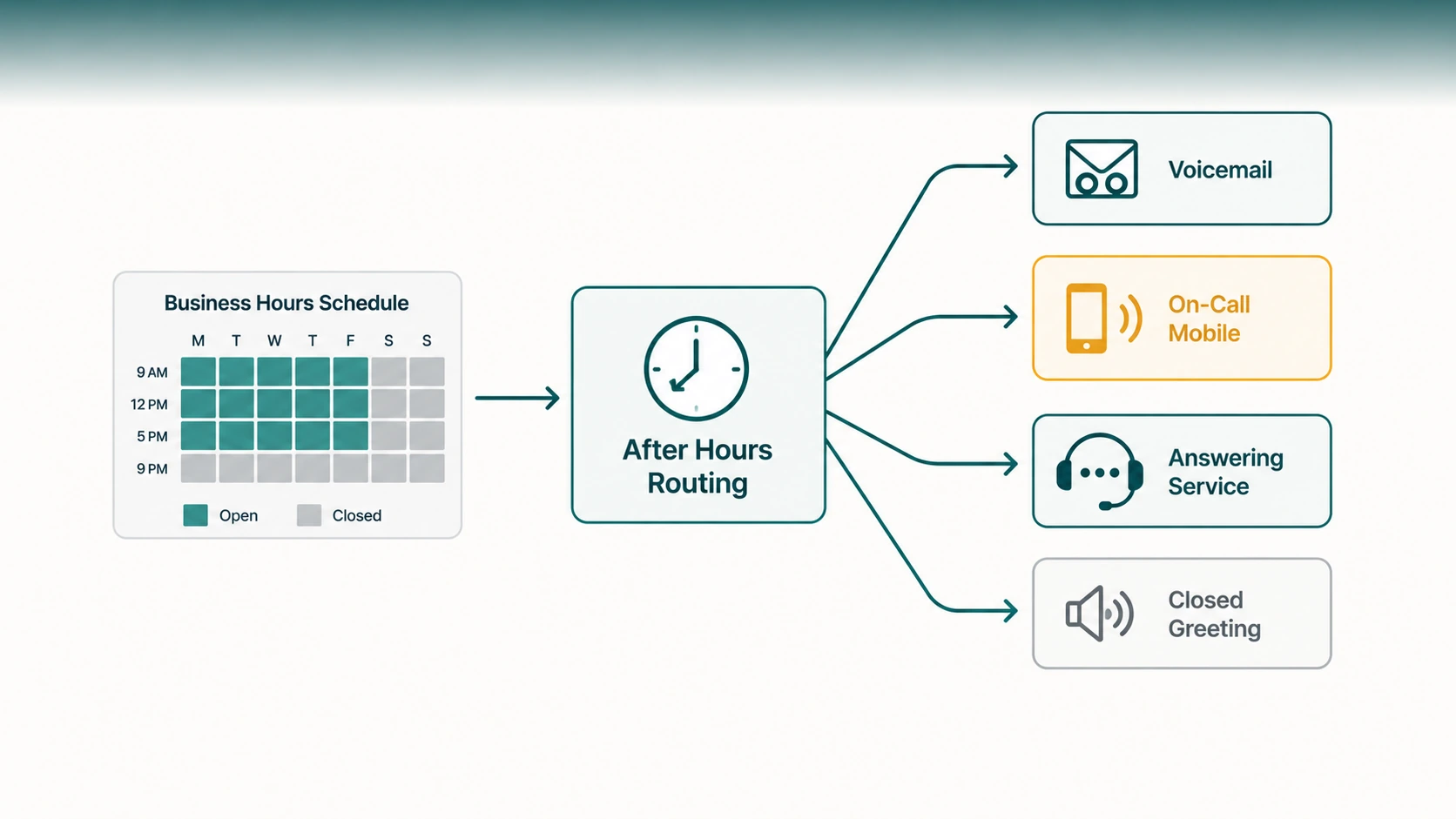
How after-hours routing works: Business phone systems and cloud PBX platforms allow administrators to define business hours schedules — specifying which hours and days are open. When a call arrives outside those hours, the system applies a different routing path than it would during the day. Calls can be sent to voicemail, forwarded to an external number, answered by an AI receptionist, played a closed-hours message, or routed to an answering service. The system makes this determination automatically, without requiring anyone on-site to intercept the call.
How Business Hours Rules Work
Most cloud phone systems and UCaaS platforms allow administrators to configure one or more schedules — defining which days and times count as "open." Calls arriving during those hours follow normal routing: IVR, queue, agent distribution. Calls arriving outside those hours trigger the after-hours routing path.
Schedules can typically be defined at several levels:
- Organization-wide — one schedule that applies to the main number and all departments.
- Per-department or per-queue — sales has different hours from support; each has its own routing rules when closed.
- Per-DID — specific phone numbers have their own schedule, useful for businesses with direct department lines.
- Per-location — multi-location businesses can assign different schedules to each office's number, reflecting local time zones.
Time zone handling
Time zone configuration is one of the most commonly overlooked aspects of after-hours routing. A business schedule set in Eastern Time applies Eastern Time rules — which means a caller reaching a West Coast number at 5:30 PM Pacific may be treated as calling at 8:30 PM Eastern, after-hours. Each number and schedule should be assigned the correct time zone for the team or location it represents, not the server's time zone or the platform's default.
For businesses with teams in multiple time zones, the correct approach is to configure each location or department's schedule in its own time zone — not to try to manage everything from a single universal schedule.
After-Hours Routing Destinations
What actually happens to an after-hours call depends on what the administrator configured as the destination. The available options vary by platform, but most support the following.
Voicemail
The most common after-hours destination. The caller hears a custom closed-hours greeting and is prompted to leave a message. A well-designed voicemail greeting tells the caller: when the business is open, when they can expect a return call, and whether there is another option for urgent matters.
Voicemail is appropriate for businesses that reliably return calls within a reasonable window — typically the next business morning or sooner. It is a poor choice when the team does not reliably check and return voicemail, when call volume is too high to return every message, or when the nature of calls is time-sensitive enough that a same-night response is expected. For a fuller treatment of voicemail in business phone systems, see our guide on business voicemail.
Recorded message with no voicemail
Some businesses prefer to play a closed-hours message without offering voicemail — simply informing the caller of the hours and disconnecting cleanly. This works when the business gets enough call volume that returning every voicemail is impractical, and when most callers are well-served by calling back during business hours. It is less appropriate for businesses where capturing a message matters — a medical practice, a legal office, a service business where emergencies arise.
On-call mobile number
For businesses where some after-hours calls genuinely need a live answer — a plumbing company, an IT managed services firm, a medical practice — the after-hours routing can forward to an on-call employee's mobile number. This keeps live coverage available for urgent calls without staffing the office around the clock.
The challenge with this approach is managing who is on call when. If forwarding always goes to one person's number, that person bears all after-hours contact indefinitely. Platforms that support time-based or schedule-based forwarding allow the on-call number to rotate — forwarding to different employees on different days or weeks.
External answering service
Answering services — whether staffed by humans or AI — can handle after-hours calls on behalf of the business, take messages, triage urgency, or provide standard information. Human answering services are a long-established option for small businesses that need live voice coverage overnight but cannot justify a full-time receptionist. AI-based answering systems can handle routine inquiries autonomously at lower cost.
On platforms that support an AI receptionist, after-hours calls can be answered conversationally — gathering the caller's name, purpose, and contact details — without requiring anyone to be on call. See our guide on AI receptionists for how this technology works.
After-hours IVR
Some businesses route after-hours calls to a specific IVR flow that presents different options than the daytime menu. A caller after hours might hear: "Our office is closed. Press 1 to leave a voicemail. Press 2 for our emergency line. Press 3 to request a callback for the next business day." This approach gives callers agency rather than sending them to a single destination regardless of their need.
Holiday Schedules
Business hours schedules cover regular weekly cycles, but businesses also close for holidays — both standard national holidays and company-specific closure dates. A platform's holiday schedule capability allows administrators to designate specific calendar dates as closed, regardless of what the regular weekly schedule says.
This matters because a platform without holiday schedule support requires someone to manually toggle after-hours routing every holiday — and to remember to toggle it back. A platform with holiday schedules applies closure routing automatically on the designated dates and returns to normal routing the following business day. For a full guide to configuring date-based exception schedules, recurring vs one-time holidays, time zone handling, and testing, see holiday call routing: how to set it up.
Holiday schedules are also useful for planned exceptional closures: a company-wide training day, a team event, a building access issue. Scheduling the exception in advance prevents calls from reaching unstaffed phones.
Multi-Location and Department Considerations
Different hours per department
A sales team may operate 8 AM–8 PM Monday through Friday; a support team may operate 9 AM–5 PM. After-hours routing for each queue or department needs its own schedule, not a single blanket rule. A caller who contacts support at 6 PM should hit support's after-hours voicemail, not the sales team's live queue.
Multiple office time zones
A business with offices in New York and Los Angeles has a natural coverage overlap during business hours. When the New York office closes at 5 PM Eastern, Los Angeles is still open until 5 PM Pacific — effectively providing two additional hours of live coverage. Call routing can take advantage of this by routing to the western office's queue during the eastern office's after-hours window. This requires separate schedules per location and routing logic that understands which locations are currently open.
Emergency escalation paths
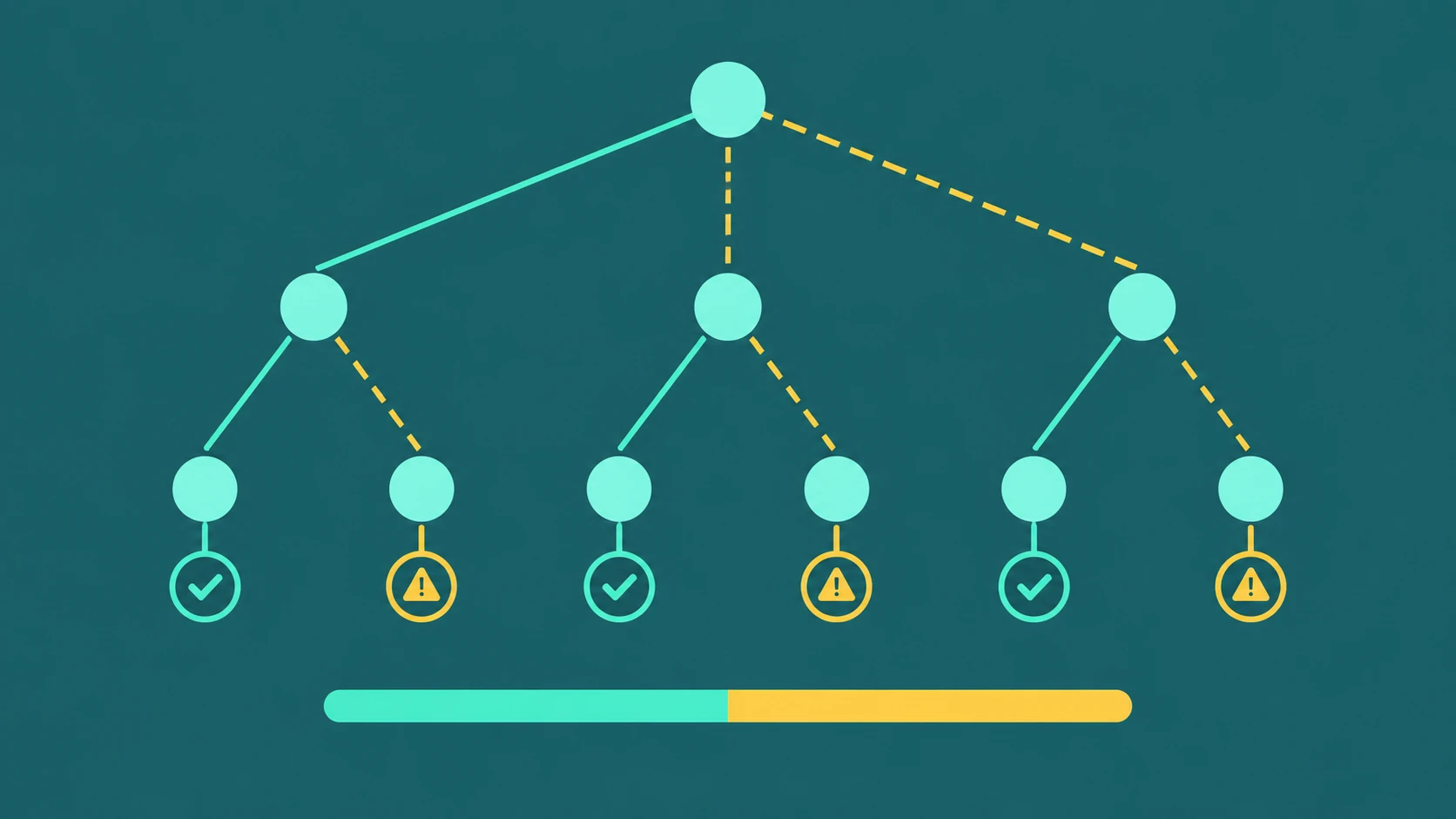
For businesses that receive genuinely urgent calls after hours — medical practices, facilities management companies, IT service providers — a tiered escalation path is important. The first routing attempt might be an on-call mobile number. If not answered in 30 seconds, it forwards to a backup number. If that is also unanswered, it routes to a voicemail that triggers an immediate text notification. This kind of layered fallback is configurable in most business phone platforms and should be documented explicitly so the on-call team knows what to expect.
Real-World Examples
Small retail business
A local furniture store operates Monday–Saturday 10 AM–6 PM. Calls after 6 PM and all day Sunday route to a custom voicemail that reads: "Thank you for calling Oakmont Furniture. Our showroom is open Monday through Saturday, 10 to 6. Please leave your name and number and we'll return your call on our next business day." Holiday closures are pre-programmed into the system at the start of each quarter.
IT support team
An IT managed services provider has a support queue with business hours 8 AM–6 PM. Outside those hours, calls route to an after-hours IVR offering: press 1 for emergency outages (forwards to an on-call engineer), press 2 for general support requests (routes to a shared voicemail, returned next business day). The on-call number rotates weekly via a manually updated forwarding rule.
Multi-location service business
A pest control company with offices in Chicago and Phoenix uses location-specific DIDs. Chicago closes at 5 PM Central; calls then forward to the Phoenix queue until 5 PM Mountain. After both offices close, calls route to a shared voicemail with a next-day return-call commitment. Saturday calls go directly to an AI receptionist that captures service inquiries and schedules Monday appointments.
Sales team with leads at stake
An inbound sales team knows that leads who call after hours often represent high purchase intent. Their after-hours routing goes to an AI receptionist that captures the caller's name, inquiry type, and best callback time — creating a structured lead record rather than a voicemail. The sales manager receives a notification of after-hours inquiries; the team begins callbacks as the first priority each morning.
Key Considerations Before Configuring After-Hours Routing
- Who is responsible for checking after-hours voicemail? If no one owns it, voicemail is not a solution — it is a black hole.
- What is the maximum acceptable response time for after-hours inquiries? This determines whether voicemail is sufficient or whether live coverage is necessary.
- Are there genuinely urgent call types that need a live answer? If so, design an escalation path rather than routing everything to voicemail.
- Has the after-hours greeting been tested recently? An outdated greeting that references old hours or staff members undermines caller confidence.
- Are holiday schedules set up in advance? Forgetting to toggle holiday routing is a common issue and causes preventable caller frustration.
For more on how call forwarding rules work in the context of after-hours and fallback scenarios, see our guide on call forwarding. For overflow conditions that fire during business hours when queues are full, see our guide on call queue overflow.
Frequently Asked Questions
What is the simplest after-hours routing setup for a small business?
A custom closed-hours voicemail greeting connected to a monitored voicemail box with a clear return-call commitment covers most small-business needs. The greeting should state hours, invite a message, and set an expectation for when the caller will hear back.
Can after-hours routing differ by department?
Yes, and for most businesses it should. Sales and support have different urgency profiles and different caller expectations. Configuring separate schedules and after-hours destinations per queue or department gives callers the most appropriate experience for their need.
How do I handle calls on unexpected closures — weather, emergencies?
Cloud phone platforms allow temporary routing overrides — an administrator or manager can switch routing to an after-hours or emergency mode from any internet-connected device, without being in the office. Some platforms support manual "closed" modes that can be toggled from a mobile app or admin portal on short notice.
Should after-hours callers be given the option to leave a voicemail or told to call back?
Generally, offering a voicemail option is better than a flat "call back during business hours" message — provided the voicemail is actually checked and returned. Callers who leave a message have completed an action and received an implicit promise of follow-up. Callers who are simply told to call back have no commitment and may not try again.
What happens if the on-call number for after-hours forwarding doesn't answer?
The forwarded call follows the on-call number's own no-answer behavior — which may send it to personal voicemail, not the business's voicemail. This is often not the desired outcome. Better practice: use the platform to chain fallback forwarding (on-call number 1 → on-call number 2 → shared business voicemail) rather than relying on personal phone settings. See our guide on missed call routing options for how to think through fallback chains.