Business telecommunications solutions cover the infrastructure and services a company uses to communicate — internally between employees and externally with customers, partners, and vendors. The category includes phone systems, internet connectivity, fax, conferencing, messaging, and increasingly the cloud platforms that deliver all of these as integrated services.
For most businesses today, the central decision is no longer which hardware to buy — it is which cloud platform to consolidate on, how to migrate away from legacy infrastructure without disrupting operations, and how to build a communication stack that scales with headcount and evolves without expensive replacements.
Key point: Modern business telecommunications solutions are cloud-delivered, subscription-priced, and hardware-optional. The right architecture for most small and mid-size businesses in 2026 is a cloud VoIP phone system for voice and SIP-based calling, business-grade internet with redundancy, and a messaging/collaboration tool — delivered as separate best-of-breed services or a unified UCaaS platform depending on team size and complexity.
The core components of business telecommunications
Business phone system (voice)
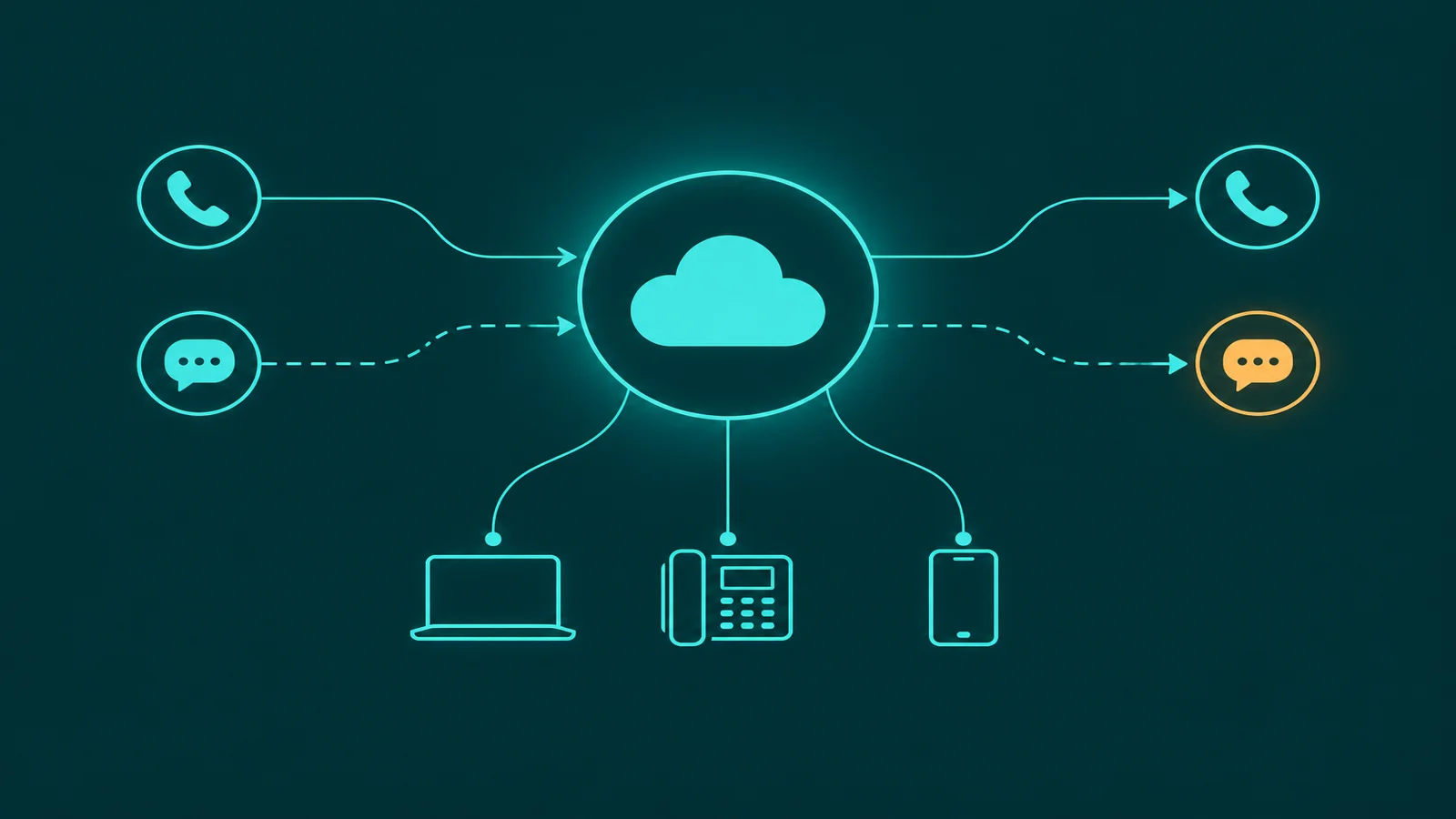
The phone system is the foundation of business telecommunications. For most businesses evaluating new or replacement solutions today, this means cloud VoIP: calls delivered over internet via SIP protocol, managed from a web portal, accessible from any device. Cloud VoIP eliminates the on-premise PBX hardware that was the standard for decades. Our guide to what a business phone system includes covers the full feature set in detail.
Business internet connectivity
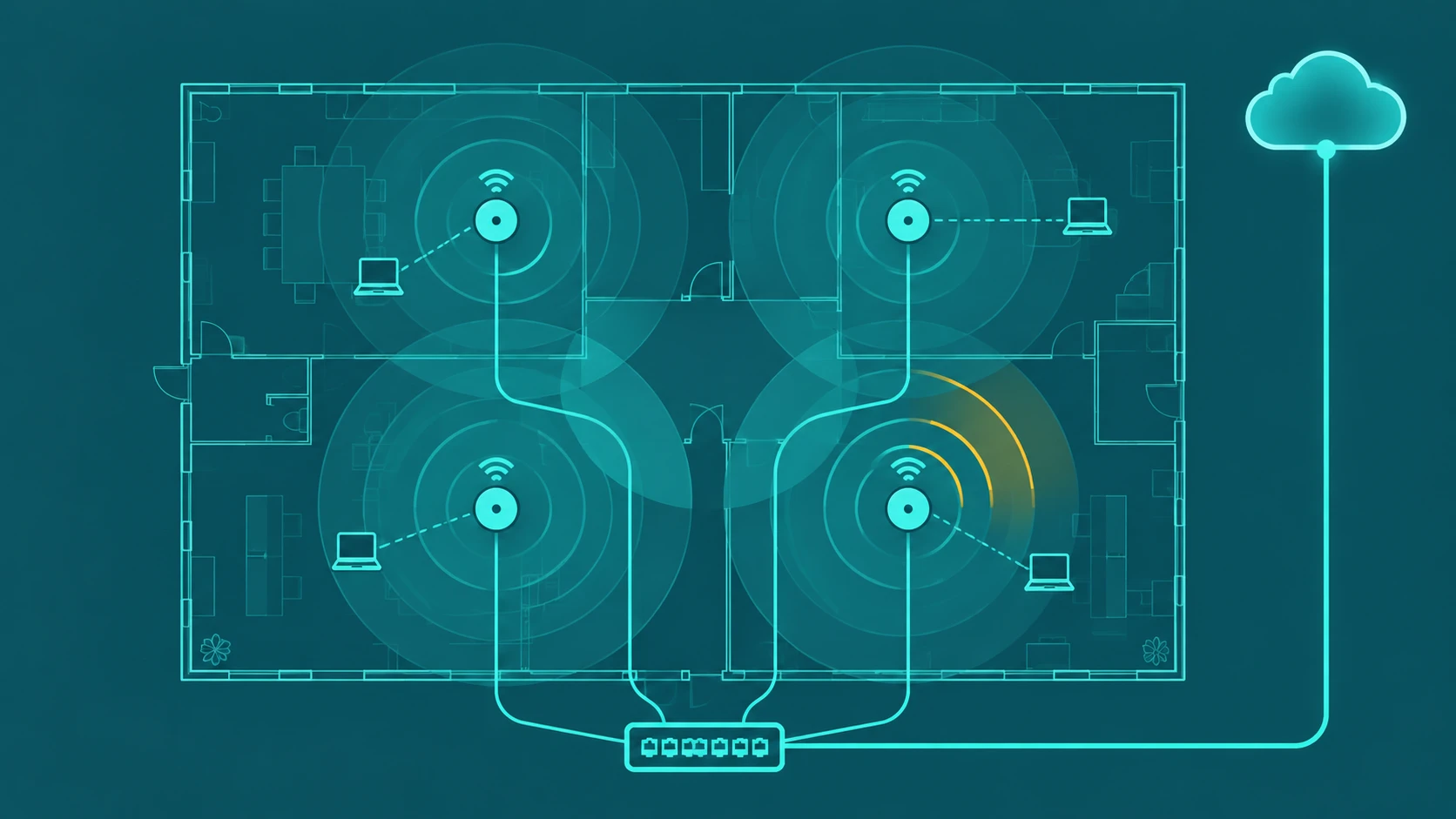
All cloud telecom services depend on reliable internet. Business internet differs from residential in SLA guarantees, upload speed symmetry, static IP availability, and support response time. For a business running VoIP, video conferencing, and cloud applications over the same connection, bandwidth calculation must account for all concurrent uses — not just phone calls in isolation.
Recommended minimum upstream bandwidth for VoIP: approximately 100 Kbps per concurrent call. A 10-person office that may have 5 calls simultaneously needs at least 500 Kbps of reliable upstream bandwidth reserved for voice, separate from other traffic. QoS (Quality of Service) configuration prioritizes voice packets when bandwidth is shared.
Fax and document transmission
Fax remains required in healthcare, legal, and financial services — industries that process documents under regulations that specify fax as an acceptable transmission method. Cloud fax (eFax, Fax.plus, dedicated fax gateway services) replaces physical fax machines with a cloud service that receives and sends faxes as email attachments or through a web portal. Physical fax machines connected to analog lines are rarely the correct choice for a business modernizing its telecommunications stack.
Conferencing and collaboration
Audio and video conferencing are standard components of business telecommunications. These are delivered as standalone services (Zoom, Google Meet, Microsoft Teams) or as features within a UCaaS platform that bundles conferencing with voice and messaging. The key evaluation is whether conferencing is needed as a standalone tool or as part of a unified platform — the economics and integration experience differ significantly.
Business messaging
Internal messaging (Slack, Microsoft Teams chat) and external business SMS are now standard in most business communication stacks. Business SMS — sending and receiving text messages from a business phone number — is increasingly expected by customers for appointment reminders, delivery updates, and two-way communication. Cloud VoIP platforms typically include business SMS as a standard feature on the business phone number.
Legacy vs cloud telecommunications: the business case
| Dimension | Legacy on-premise | Cloud-delivered |
|---|---|---|
| Upfront cost | High (hardware, installation) | None (subscription only) |
| Scaling | Hardware procurement required | Add seats via portal |
| Remote workers | Separate solution required | Full parity on any device |
| Maintenance | In-house IT or service contract | Managed by provider |
| Feature updates | Hardware replacement cycles | Continuous software updates |
| Geographic flexibility | Tied to physical location | Works from any location |
For EaseDial's business phone products, see business phone.
Small business telecom solutions: what to prioritize
Small businesses (under 25 employees) typically need:
- A cloud VoIP phone system with extensions, auto-attendant, voicemail, and mobile apps
- Business internet with at least 10 Mbps symmetrical and a business SLA
- Business SMS on the main business number
- A conferencing solution (often included in the VoIP platform or via Google Meet/Zoom free tier)
Small businesses should avoid over-buying: a UCaaS enterprise suite with features designed for 500-person organizations adds cost and complexity without corresponding value. Start with what you use, and add features as the need becomes concrete.
Mid-size business telecommunications: integration and management
Mid-size businesses (25–250 employees) typically face the same decision as small businesses but with additional complexity: multiple office locations, dedicated IT staff, CRM and helpdesk integrations, compliance requirements (call recording, E911 for remote workers), and a larger migration project when replacing legacy systems.
Key additions at this scale:
- Call recording with cloud storage and access controls
- CRM integration (Salesforce, HubSpot) for screen-pop and call logging
- Call analytics and reporting dashboards
- IVR and call queue management — see how IVR systems work and multi-level IVR configuration for depth on this
- SSO and directory integration (Active Directory, Google Workspace)
- Dedicated support and SLA commitments from the provider
Cloud-based contact centers for specific industries
Some industries have specific telecommunications requirements that go beyond standard business phone features:
Power and utilities. Field workforce coordination, emergency response routing, and compliance recording requirements make cloud contact center features (not just basic VoIP) necessary for operations teams.
Healthcare. HIPAA compliance requires encrypted transmission, secure voicemail, and BAAs from providers. E911 with precise location for remote clinical staff is also required.
Professional services. Call recording for documentation and dispute resolution, CRM integration for client relationship management, and direct-dial numbers for each professional are standard requirements.
How to evaluate business telecommunications providers
The evaluation framework for any business telecom solution:
- Define what you actually use. Audit your current communication tools — which are used daily, which are rarely touched, what gaps exist. Buy to address real gaps, not anticipated ones.
- Confirm number portability. If you have established numbers, porting them is non-negotiable. Verify the provider's porting process and timeline before committing.
- Evaluate infrastructure reliability. Ask about uptime SLA, failover architecture, and what happens during an outage.
- Assess integration support. If you use a CRM, helpdesk, or other business software, confirm integration availability and depth before signing.
- Test support quality. Submit a support ticket or call support before buying. Support quality at a telecom provider has an outsized impact on your operational experience.
Frequently asked questions
For tracking telecom spend across carriers and lines, see Telecom Expense Management: Complete Guide for Businesses.