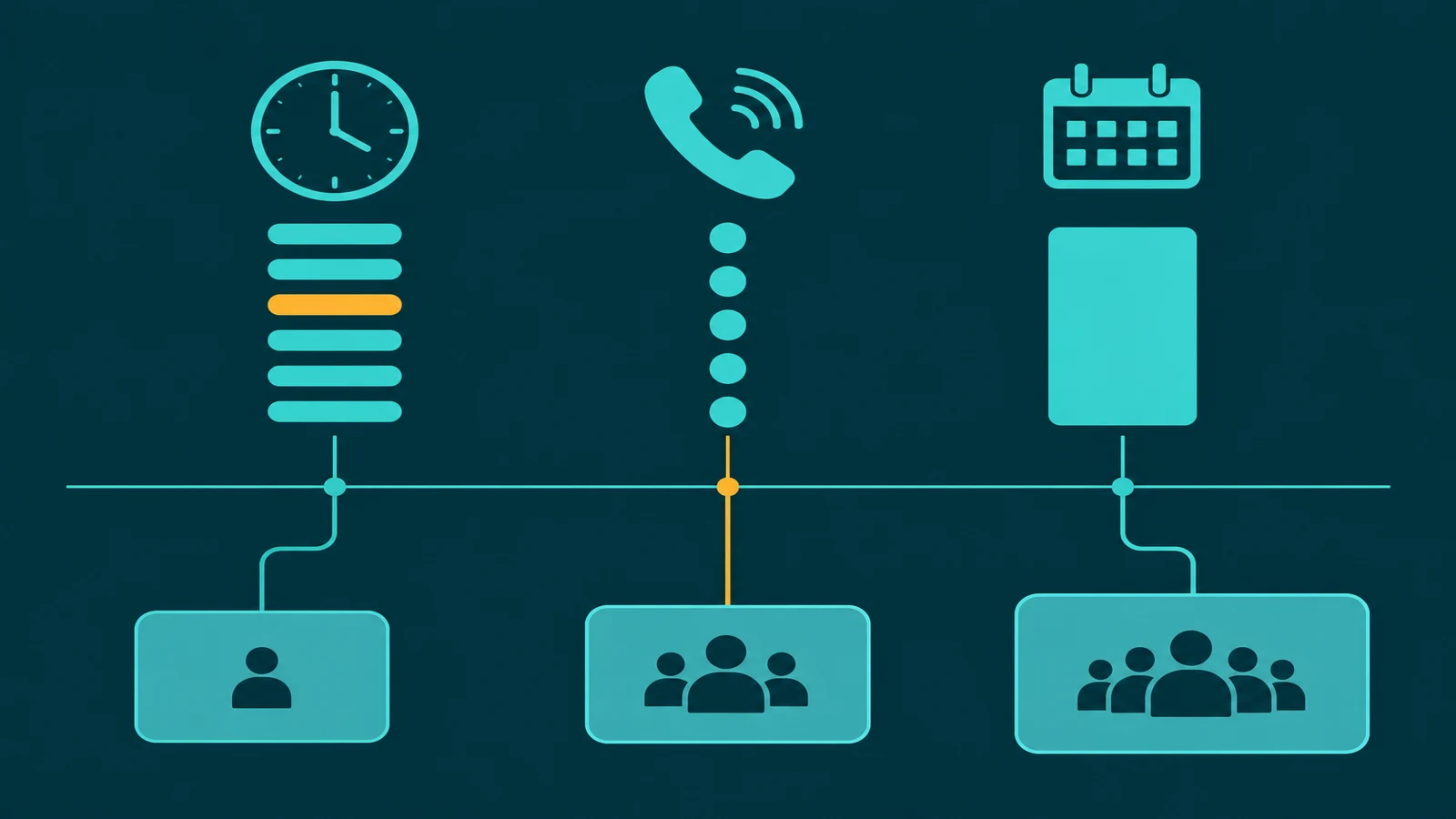
VoIP text messaging is business SMS delivered through the same cloud phone platform that handles your voice calls. Instead of managing a separate SMS service on a different number, VoIP providers enable text messaging on the same business number your customers already call — so a customer can call, text, or switch between the two without reaching a different number or department.
This guide explains how VoIP text messaging works, what it enables for businesses, how it differs from standalone SMS platforms, and what to look for in a VoIP provider that includes texting as part of the phone system.
Key point: VoIP text messaging lets businesses send and receive SMS on the same number used for voice calls. It is delivered through the cloud phone system rather than a separate SMS platform, which means the same number handles both channels, message history is visible alongside call records, and no separate integration is required.
For how EaseDial handles this, see business messaging.
How VoIP text messaging works
Traditional landline phone numbers cannot receive text messages — SMS was built for mobile numbers, not wireline. VoIP numbers, however, are cloud-allocated and can be text-enabled by the provider. When a VoIP provider enables SMS on a business number, that number can both make and receive calls and send and receive text messages.
On the technical side, VoIP platforms route SMS through carrier-connected messaging APIs. The business manages messages through a web portal, a desktop app, or a mobile app — the same interface used for calling. Incoming texts appear in an inbox alongside call history. Outgoing texts are sent from the business number, so recipients see the business's main number — not a personal cell or a third-party shortcode.
What VoIP text messaging enables for businesses
Two-way conversations on the business number
The most impactful use case is two-way customer communication. A customer texts the business number to ask about an appointment, a product, or a service issue. A staff member replies from the same number — from a desktop or mobile app — and the customer sees a continuous thread with the business. The business number is the single point of contact for both voice and text, which is how most customers now expect to communicate.
Appointment reminders and confirmations
Automated appointment reminders via SMS dramatically reduce no-shows. A VoIP platform with built-in SMS can trigger reminder texts from the business number based on scheduled appointments in a connected calendar or CRM. Customers can reply to confirm, cancel, or reschedule — the business receives those replies in the same inbox as inbound call notifications.
After-hours text intake
Customers who call after hours and reach a voicemail or IVR auto-attendant can be offered a text option in the IVR message: "We are closed, but you can text this number and we will reply during business hours." This captures leads and service requests that would otherwise be lost when the customer hangs up rather than leaving a voicemail. See how IVR systems handle after-hours routing alongside text options. Businesses that want automated handling of inbound texts around the clock can explore an SMS answering service for more structured after-hours coverage.
Field team coordination
Businesses with field technicians, delivery drivers, or outside sales staff use VoIP SMS for internal coordination. Staff can text updates from mobile without using personal numbers, and messages appear in the business system alongside call records for accountability and documentation.
Follow-up and post-call communication
After a call with a customer, a quick follow-up text — a summary of what was discussed, a link to a quote, a confirmation number — extends the conversation without requiring the customer to remember information from a voice call. This is particularly effective in service businesses where customers need written confirmation of what was agreed.
VoIP text messaging vs standalone SMS platforms
| Dimension | VoIP SMS (built-in) | Standalone SMS platform |
|---|---|---|
| Number | Same as voice number | Separate number or shortcode |
| Setup | Enabled in VoIP portal | Separate account + integration |
| Message history | Alongside call records | Separate platform |
| Cost | Included or low add-on | Separate subscription |
| High-volume campaigns | Limited (designed for 1:1) | Purpose-built |
| Customer experience | One number, voice + text | Different number for SMS |
Standalone SMS platforms (Twilio, SimpleTexting, Attentive) are purpose-built for high-volume outbound campaigns and complex automation flows. VoIP SMS is the right choice when businesses want conversational two-way texting on the same number used for voice — not when they are running broadcast marketing campaigns at scale. For small businesses evaluating whether a VoIP phone system fits their needs, built-in SMS is often one of the primary reasons to switch from a legacy phone line.
10DLC registration and carrier compliance
Business SMS sent from 10-digit local numbers (10DLC) must be registered with The Campaign Registry (TCR) to reach major US carriers without being blocked or heavily filtered. This applies to VoIP SMS exactly as it applies to standalone SMS platforms.
Registration involves: registering your business (brand registration), defining the use case for your SMS program (campaign registration), and having the carrier approve the campaign type. Most VoIP providers handle this registration process for customers as part of SMS enablement — but the business is responsible for ensuring the campaign use case accurately represents how it uses SMS.
Unregistered 10DLC traffic is subject to carrier filtering that results in messages being blocked or silently dropped. If your VoIP SMS is not reaching recipients, 10DLC registration status is the first thing to verify.
Choosing a VoIP provider for business texting
- SMS on the main business number. Confirm the provider enables SMS on the same number used for voice — not a separate number that creates a split-channel experience for customers.
- 10DLC registration support. The provider should handle or guide the TCR brand and campaign registration process. Without this, messages will be filtered.
- Shared inbox for teams. If multiple staff members need to respond to incoming texts, the provider should support a shared team inbox rather than routing all texts to a single user.
- Mobile app with SMS. Staff who answer calls on mobile should also be able to send and receive texts from the mobile app on the same business number.
- Message history retention. Texts should be retained alongside call records for documentation, compliance, and staff handoff continuity.
- MMS support. The ability to send and receive images, documents, and media in addition to plain text is increasingly expected by customers and useful for service confirmations, photo documentation, and visual instructions.
Frequently asked questions
Can I text-enable my existing business landline number through VoIP?
It depends on whether the number is portable and text-enable-able. Traditional landline numbers in some cases can be ported to a VoIP provider and then text-enabled once on the VoIP platform. However, not all numbers can be text-enabled — some number types (particularly legacy wireline numbers in certain NPA-NXX blocks) may not support SMS activation. If keeping a specific existing number is critical, confirm text-enablement capability with the VoIP provider before porting.
Is VoIP text messaging HIPAA compliant for healthcare businesses?
Standard VoIP SMS is not HIPAA compliant by default. SMS is not an encrypted end-to-end channel — messages pass through carrier infrastructure without the encryption required for protected health information (PHI). Healthcare organizations that need to communicate PHI via text must use a platform that offers HIPAA-compliant secure messaging (encrypted, auditable, with a BAA from the provider). For how a healthcare team handles patient messaging, see the healthcare communication example. Appointment reminders that do not include clinical details are generally lower risk, but the correct guidance is to consult your compliance team before using VoIP SMS for any patient communication.
What is the difference between VoIP SMS and using a personal phone for business texting?
When staff use personal phones for business texting, the customer has a personal number — not the business number. If that staff member leaves, the business loses access to the conversation history and the customer may lose the point of contact. VoIP SMS keeps all messages on the business number, stored in a system the business owns. Staff can reply from a mobile app without exposing their personal number. Messages are retained for documentation regardless of which staff member handled them. This is the fundamental reason businesses prefer VoIP SMS over personal phone texting for customer communication.
How does VoIP text messaging handle opt-out requests?
Under carrier rules and TCPA requirements, any business SMS program must honor opt-out requests from recipients. Standard opt-out keywords (STOP, UNSUBSCRIBE, CANCEL, END, QUIT) must cause the business to cease sending texts to that number. Most VoIP platforms automatically process standard opt-out keywords and suppress future messages to opted-out numbers. Businesses should verify their VoIP provider handles opt-out processing automatically rather than requiring manual list management — manual handling creates compliance risk when opt-outs are not acted on promptly.