Site-level vs agent-level redundancy: what is the difference?
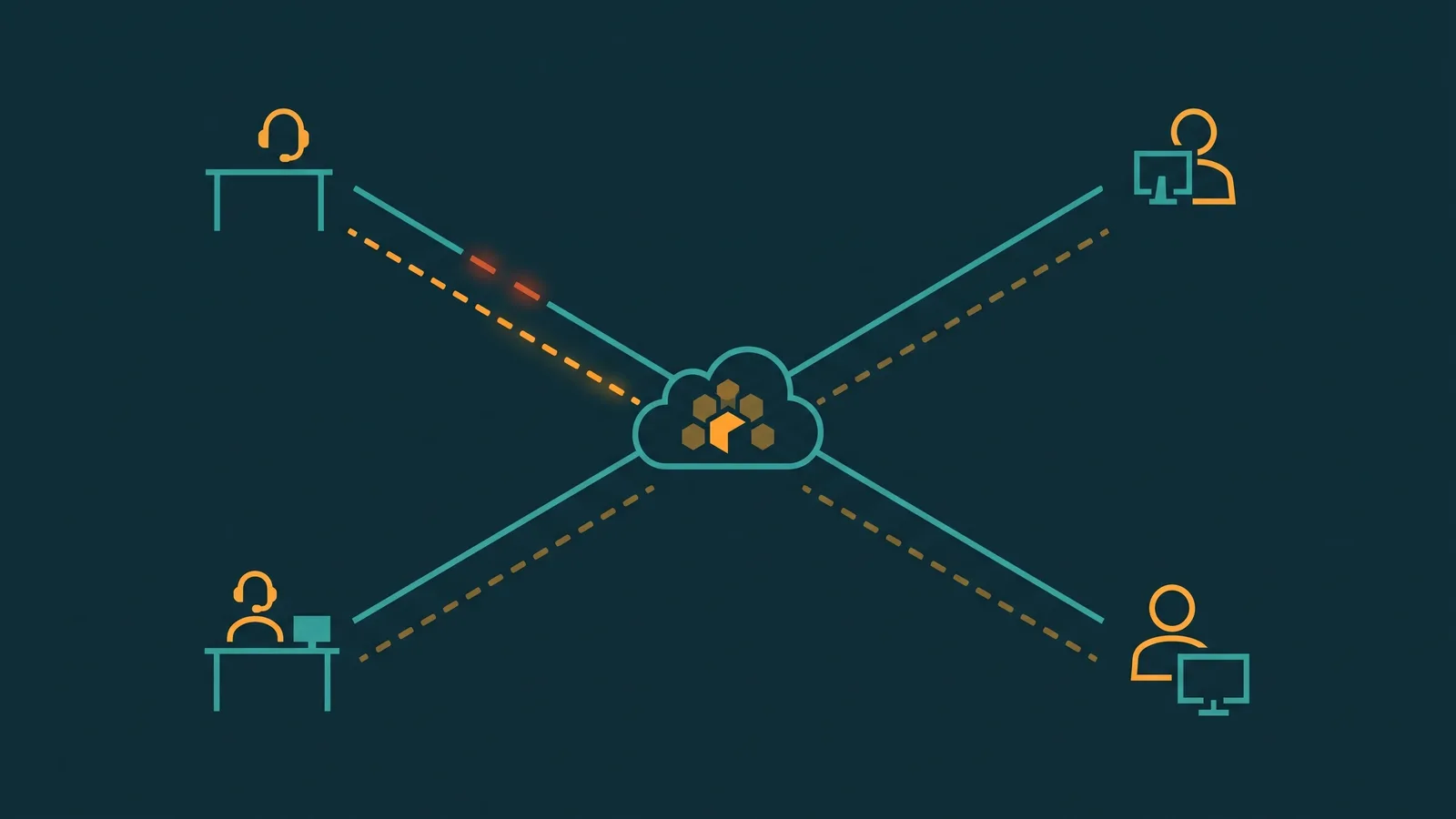
Site-level redundancy applies to any centralized location in your remote call center architecture — a supervisor hub, a small satellite office, or a shared workspace. At a site, you control the network, so you can install two separate ISPs and a failover router that switches automatically when the primary link fails. Agent-level redundancy applies to individual home agents. You do not control a home agent's ISP connection; each agent has their own broadband plan from their own carrier. Redundancy here means equipping the agent with a cellular hotspot as a backup path, a QoS-capable router to prioritize voice traffic, and a UPS to survive brief power outages. The two tiers require completely different designs, and conflating them leads to gaps in either direction.
A remote call center trades a single shared network infrastructure for dozens or hundreds of individual home connections — none of which you control. One agent's ISP outage affects only that agent's calls, but if the right design is not in place, that agent is simply offline until connectivity restores. Multiply that by a distributed team and you have a real operations problem.
This guide covers how to approach internet redundancy at both levels: designing dual-ISP failover for any centralized site, equipping home agents with cellular backup, configuring QoS to protect voice traffic, managing VPN effects on call quality, planning for power outages, and testing that failover actually works. For broader context on building the remote phone infrastructure itself, see remote business phone system setup. For understanding what affects call audio, see VoIP call quality: what affects it and fixes.
VoIP bandwidth requirements for home agents
Before designing redundancy, you need accurate numbers for what a VoIP call actually consumes. The raw codec bitrate is not the full picture.
G.711 codec encodes voice at 64 kbps per direction, but RTP packets carry IP, UDP, and Ethernet headers on top of each voice payload. With standard header overhead, a single G.711 call uses approximately 87 kbps per direction — about 174 kbps total for the bidirectional call path.
G.729 codec compresses voice to 8 kbps raw, but with packet headers adds up to approximately 32 kbps per call with overhead.
For a home agent handling one concurrent call, the practical minimum is around 200 kbps dedicated to VoIP with adequate headroom. But that number assumes nothing else is competing for the connection.
| Codec | Raw bitrate (per direction) | With RTP/IP/UDP/Ethernet overhead | Total per call (bidirectional) |
|---|---|---|---|
| G.711 | 64 kbps | ~87 kbps | ~174 kbps |
| G.729 | 8 kbps | ~32 kbps | ~64 kbps |
A household broadband plan advertised at 10 Mbps does not guarantee 10 Mbps at peak evening usage times. ISP bandwidth is shared across neighbors on the same node. The practical recommendation for home agents is a minimum of 5 Mbps upload and 5 Mbps download of headroom beyond normal household usage, using wired Ethernet rather than Wi-Fi. Wi-Fi introduces its own jitter and interference that can degrade voice quality even when raw bandwidth appears adequate.
Dual-ISP design at the site level
If your remote call center includes any centralized site — a supervisor hub, a management office, a small regional workspace — you control the network at that location and can implement proper dual-ISP redundancy.
Two ISPs from different carriers, different infrastructure
The goal is failure isolation. If both ISPs share the same physical cable run or the same local carrier, a backhoe cut can take both down simultaneously. The preferred design is:
- Primary ISP: Fiber from carrier A — lower latency, higher bandwidth, dedicated for VoIP and primary data traffic.
- Secondary ISP: Cable or DSL from carrier B — different physical infrastructure entering the building, serving as the failover path.
Failover router: active-passive vs active-active
A dual-WAN router or SD-WAN device monitors both uplinks and manages traffic routing between them. The two main configurations are:
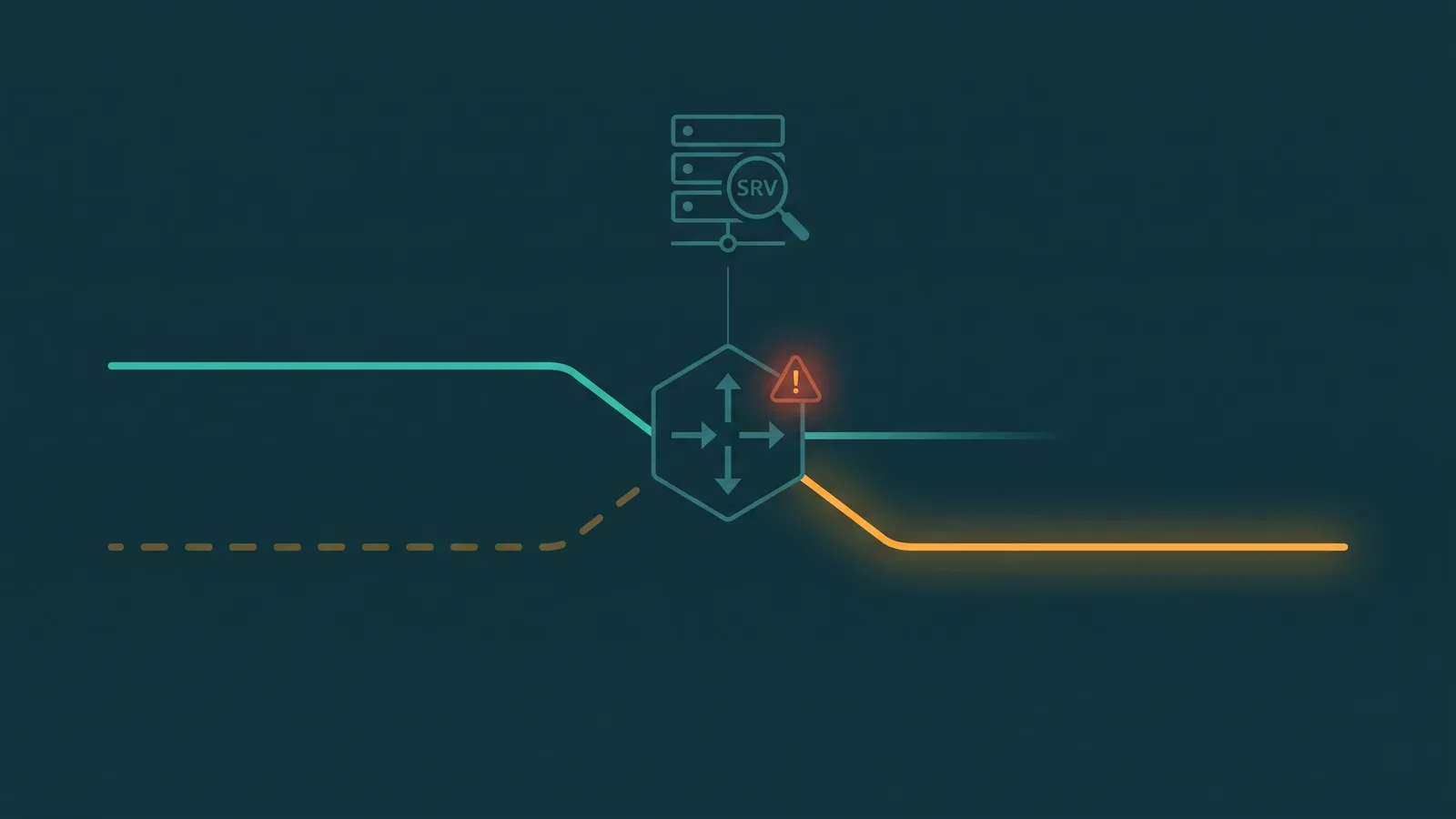
- Active-passive (failover): All traffic runs on the primary link. The secondary sits idle but ready. If the primary link fails a health check, the router moves traffic to the secondary. Failover time is typically 15–60 seconds depending on the router's detection interval.
- Active-active (load balancing): Traffic flows across both links simultaneously. This uses both connections continuously, but for VoIP, session persistence is critical — a call that starts on link A must stay on link A for its duration. Mid-call link switching drops audio or disconnects the session. SD-WAN devices with per-session sticky routing handle this, but basic dual-WAN routers using per-packet load balancing will cause problems with VoIP.
For most call center sites, active-passive failover with fast link-loss detection is the simpler, safer configuration. Active-active is appropriate only when the router supports per-session routing that keeps voice flows on a single link end-to-end.
Link health monitoring
A good failover router monitors uplink health by pinging a known external address (a carrier DNS server or a dedicated probe address) at regular intervals — typically every 5–10 seconds. If pings fail for two or three consecutive intervals, the router declares the link failed and initiates failover. Configure two monitoring targets per ISP link so that a single probe address becoming unreachable does not trigger a false failover.
Cellular backup for home agents
A home agent cannot run dual ISPs — that requires physical infrastructure the agent does not own. The practical redundancy solution for individual home agents is a cellular hotspot as a backup path for VoIP calls when the primary broadband connection fails.
What cellular can deliver for VoIP
LTE (4G) provides typical download speeds of 5–25 Mbps and upload speeds of 2–10 Mbps. For a home agent handling one or two simultaneous calls, LTE has adequate bandwidth. 5G adds higher peak speeds where available, though coverage varies significantly by geography.
Limitations of cellular for VoIP — key factors to understand
| Factor | What it means for VoIP |
|---|---|
| Latency | LTE typically adds 30–70 ms of latency. Total round-trip delay can reach 100–150 ms, which is within acceptable range for voice but can compound with processing and jitter buffer delays at both ends. |
| Congestion | Cellular bandwidth is shared across all users on the same cell tower. In dense areas or at peak times, effective bandwidth can drop significantly, causing jitter and packet loss on voice calls. |
| CGNAT | Mobile carriers use Carrier-Grade NAT — multiple subscribers share one public IP address. This can cause SIP registration failures unless the softphone or PBX uses ICE/STUN/TURN to traverse the NAT layer. Confirm your softphone handles CGNAT before relying on cellular backup. |
| Data caps | Enterprise cellular plans have data limits. An extended outage with full call volume on cellular will consume data quickly. Budget for higher data allowances on any hotspot used for VoIP backup. |
| Power dependency | A hotspot plugged into a wall outlet fails in a power outage along with the home router. Battery-powered hotspots remain usable during power failures, but battery life is typically 4–8 hours under load. |
Softphone reconnection on cellular
When an agent's broadband connection drops, the softphone registration to the cloud PBX is lost. The agent must switch to cellular (manually connecting their laptop to the hotspot) and allow the softphone to re-register. This typically takes 20–60 seconds from connection switch to active registration. Any calls in progress at the moment of the outage are dropped — there is no mid-call path migration for home agents without specialized SD-WAN equipment at the endpoint. The cellular path is for new calls placed after reconnection, not for rescuing in-progress calls.
QoS at the home agent
Even on a reliable broadband connection, a home agent shares bandwidth with other household devices. Without Quality of Service configuration, a household member streaming 4K video while the agent is on a call can cause jitter and packet loss on the VoIP stream — degrading audio quality without any ISP problem at all.
How QoS helps
QoS on the home router prioritizes specific traffic types. For VoIP, this means ensuring that RTP voice packets get queued and transmitted before other traffic when the link is congested:
- DSCP marking: Voice packets are typically marked by the softphone or PBX with DSCP EF (Expedited Forwarding, DSCP value 46). A router that honors DSCP marks places EF-marked packets in the highest-priority queue, ahead of streaming video and downloads.
- Application or port-based QoS: Consumer routers that do not process DSCP may still support application-based prioritization — identifying traffic by destination port (RTP typically uses UDP ports in the 10000–20000 range) and giving it higher scheduling priority.
- Upstream QoS: The upload direction is typically the bottleneck for home connections. QoS on the upload queue is more impactful for VoIP than download queue management.
Consumer router variation
QoS capabilities vary widely across consumer router models and firmware versions. Some support DSCP honor and per-application rules; others offer only basic traffic prioritization by device. Before deploying home agents, verify that the recommended or provided router model supports the QoS configuration your softphone traffic requires. For agents with very limited routers, the alternative is upgrading the router to a model with stronger QoS support — this is a practical step for any agent whose home network regularly causes call quality complaints.
VPN effects on VoIP
Many organizations require remote workers to connect through a corporate VPN. VPN tunnels add overhead that affects VoIP in ways that are important to understand before deploying a remote call center.
Latency and encryption overhead
A VPN introduces additional latency — typically 5–30 ms depending on VPN server location relative to the agent and the cloud PBX, plus encryption and decryption processing. For most voice calls, this is manageable on its own, but it compounds with network latency, jitter buffer depth, and codec processing delay at each end.
Hairpinning
The more significant problem is path inefficiency. If VoIP traffic must travel through a corporate datacenter VPN server before reaching the cloud PBX, the path is: agent's home → VPN server → cloud PBX → VPN server → cloud PBX → agent. This adds unnecessary round-trip distance and makes each hop visible to the latency budget. Cloud PBX platforms are specifically designed for direct internet connectivity; routing them through an on-premise VPN server defeats much of that design.
Split tunneling
The solution is split tunneling: configure the VPN to route only internal corporate traffic (file servers, internal web applications, corporate email) through the tunnel, while VoIP traffic goes direct from the agent's connection to the cloud PBX provider. This keeps compliance-required VPN active for sensitive internal systems while allowing voice to take the shortest and fastest path.
- Split tunneling requires VPN client configuration that specifies which IP ranges or domains go through the tunnel and which go direct. Most enterprise VPN solutions support this.
- If your compliance requirement mandates that all traffic goes through the VPN, ensure VPN server capacity is provisioned for the concurrent VoIP sessions the team generates — VPN servers can become a bottleneck under load.
- Validate that DSCP markings on voice packets survive the VPN tunnel. Some VPN configurations strip or remark DSCP values, defeating QoS prioritization on the far end.
Power backup for home agents
An ISP outage and a power outage are different failure modes. A power outage at the agent's home kills the broadband router, the laptop or desktop, and any plugged-in hotspot simultaneously. Cellular backup only helps if the hotspot has its own battery.
UPS for the home agent
An Uninterruptible Power Supply (UPS) keeps the home router and a laptop running for 30–90 minutes during a power outage, depending on UPS capacity and device load. This covers brief power interruptions — a circuit trip, a short outage — without the agent losing connectivity at all. For extended outages, the UPS buys time but is not a long-term solution.
A practical home agent power backup kit:
- UPS sized for router and laptop — small units (300–600 VA) are inexpensive and sufficient for these two devices
- Battery-powered cellular hotspot — provides connectivity when both power and broadband are lost; charges from its own internal battery and can operate independently
- Laptop rather than desktop — laptops have built-in battery backup; desktops require external UPS to survive any power loss
The ceiling of home agent redundancy
If an agent's entire home loses power for an extended period, they are offline. There is no home-based solution for this scenario short of leaving the home. The appropriate response is not to promise individual home agent uptime that cannot be delivered, but to design the call center platform so that agent dropouts are absorbed gracefully — which is covered in the section on realistic limitations below.
Failover testing
Failover that has never been tested is failover that may not work when needed. The failover path — whether site-level dual ISP or agent-level cellular — must be validated before it is needed in production.
Agent-level cellular failover test
- With the primary broadband connection active and the softphone registered, disconnect the broadband router (unplug it or disable Wi-Fi at the router).
- Connect the laptop to the cellular hotspot via Wi-Fi or USB tethering.
- Observe how long it takes for the softphone to detect the connection loss, switch to the cellular path, and complete re-registration with the cloud PBX.
- Place a test call to verify audio quality is acceptable on the cellular path.
- Document the observed failover time and any SIP registration errors that occurred.
Site-level dual-ISP failover test
- Simulate primary ISP failure by disconnecting the primary WAN port on the failover router (or using the router's diagnostic tools to mark the link down).
- Observe the router's failover detection time and confirm active sessions move to the secondary link.
- Place outbound and receive inbound test calls to verify call completion on the secondary link.
- Reconnect the primary link and verify the router fails back according to configured policy.
Testing should be scheduled quarterly. Document observed failover times and any failure modes found during testing so they can be corrected before a real outage occurs. For a broader framework on planning for phone system failures, see VoIP failover: how backup call routing works.
Realistic limitations of home-agent redundancy
Remote call center redundancy has a design ceiling that is worth stating clearly so expectations are calibrated correctly.
- Individual agent uptime cannot be guaranteed. Unlike a centralized call center where the network infrastructure is under your control, each home agent's connection depends on their ISP, their home router, their local power grid, and their household's network usage. Cellular backup reduces the probability of an agent being completely offline, but does not eliminate it.
- In-progress calls cannot be rescued. If a home agent's internet drops mid-call, that call drops. There is no transparent path migration available to home agents without hardware that most home environments will not have.
- Power outages are the hardest failure to cover. A UPS and battery-powered hotspot help for short outages, but an extended power failure at an agent's home takes that agent offline regardless of other redundancy measures.
- The cloud platform is the real resilience layer. The correct design goal for a remote call center is a cloud PBX or CCaaS platform that routes calls to available agents when others are offline — using queue-based distribution, skill-based routing, and automatic agent availability detection. When one agent drops, the platform should route new calls to agents who are still available without any manual intervention. This is how the overall call center absorbs individual agent dropouts gracefully.
- Do not promise 100% individual agent uptime. Design SLAs around the overall call center's ability to handle volume, not around any single agent's availability. Staffing with appropriate buffer agent counts ensures that individual dropouts do not cause service level failures.