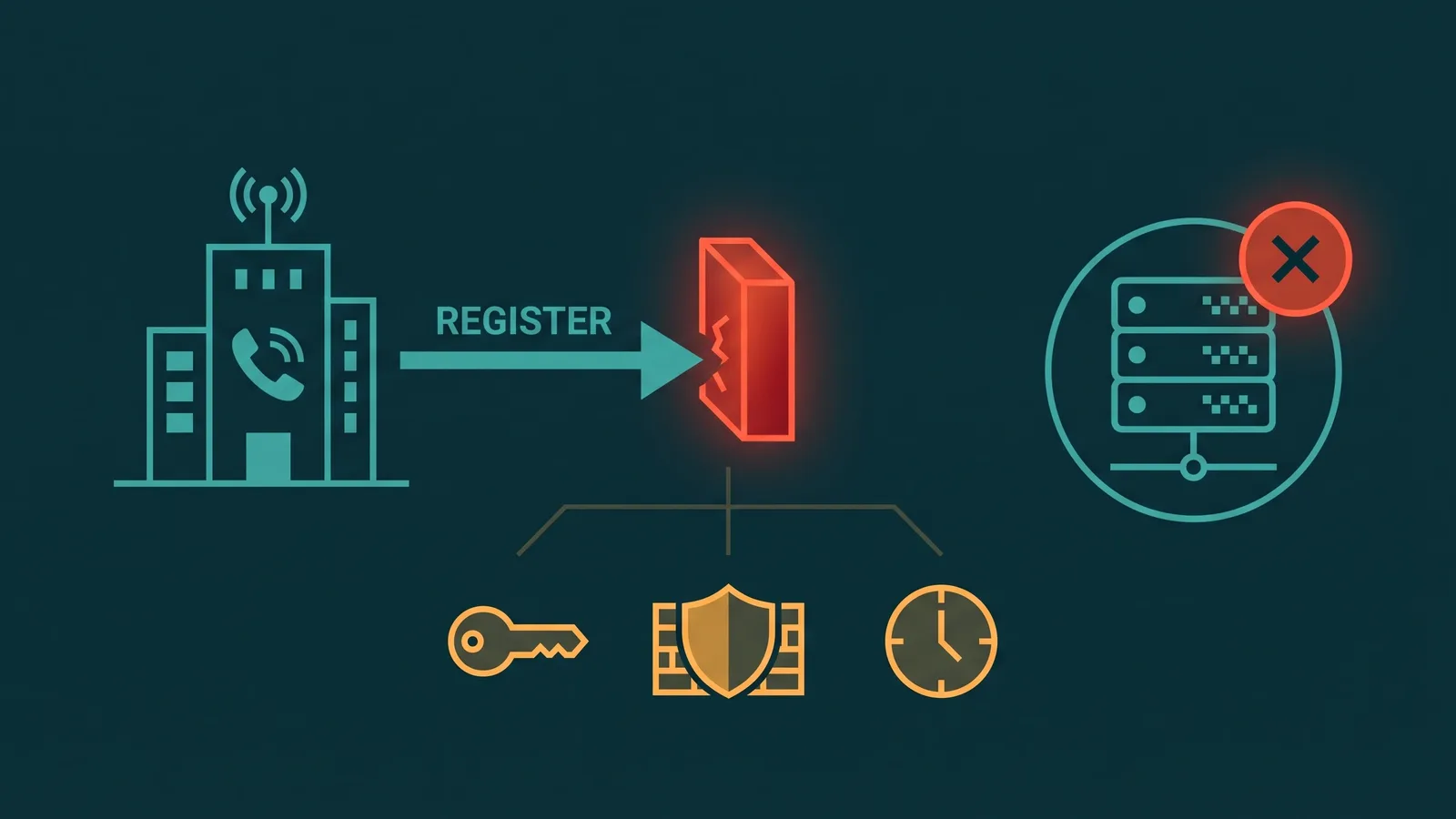
When your PBX reports "registration failed" for a SIP trunk, calls cannot flow in either direction. The message is clear but the cause is not — registration failure is a symptom that can stem from a wrong password, a misconfigured SIP domain, a firewall blocking port 5060, a NAT issue inserting a private IP into the wrong header, or a provider-side restriction. Each cause requires a different fix.
This guide works through every failure point in order: what registration-based trunks actually do, how the SIP registration exchange is supposed to work, where it breaks and why, and a step-by-step diagnostic workflow to identify your specific problem. Before diving into causes, the most important distinction to establish is which type of trunk you are actually using — because not all SIP trunks use registration at all.
Registration-based vs IP-authenticated trunks — the critical distinction:
Registration-based trunk: Your PBX sends a SIP REGISTER message to the provider's registrar server, authenticating with a username and password (RFC 3261 digest authentication). The registrar accepts valid credentials and routes inbound calls to the registered endpoint. The PBX must maintain an active registration and re-register before the registration expires — typically every hour, sometimes more frequently.
IP-authenticated trunk: No REGISTER message is sent. The provider whitelists your PBX's public IP address, and calls are accepted based on source IP alone. Registration cannot fail in this model — but if your public IP changes (ISP reassignment, NAT change) or is not correctly listed in the provider's whitelist, inbound routing breaks silently with no error message.
Most troubleshooting content — including everything below — assumes a registration-based trunk. If your trunk is IP-authenticated and you are seeing inbound routing failures, the fix is updating the IP whitelist with your provider, not debugging SIP authentication.
How SIP Registration Is Supposed to Work
Understanding the registration handshake makes it straightforward to pinpoint where the failure is occurring. The exchange follows a defined sequence under RFC 3261 §22:
- REGISTER sent. The PBX sends a REGISTER request to the provider's registrar (typically UDP or TCP port 5060, or TLS port 5061). The request contains a To header identifying the SIP account and a Contact header with the PBX's address — the endpoint the registrar should route inbound calls to.
- 401 Unauthorized (challenge). The registrar responds with a 401 containing a
WWW-Authenticateheader. This header includes a realm string (the SIP domain or provider identifier) and a nonce (a one-time value for this challenge). This 401 is normal — it is not a failure, it is the authentication challenge mechanism. - REGISTER with credentials. The PBX computes an MD5 digest combining the username, password, realm, nonce, and other fields (per RFC 3261 §22.4), and retries the REGISTER with an
Authorizationheader containing the digest response. - 200 OK. The registrar verifies the digest and, if correct, responds with 200 OK. The response includes a
Contactheader and anExpiresvalue — how long the registration is valid, typically 3600 seconds (one hour). - Re-registration. Before the Expires value elapses, the PBX must send another REGISTER to renew the registration. If it fails to do so, the registration lapses and inbound calls stop routing to this endpoint.
Every failure maps to one of these steps. The SIP response code in your logs tells you exactly where the exchange is breaking down. See the companion SIP response codes guide for a full reference.
Failure at Step 1: No Response to REGISTER
If the PBX sends a REGISTER and receives no response — the status page shows "timeout" or "request timeout" — the problem is at the network level. The SIP message is not reaching the registrar, or the registrar's response is not reaching the PBX.
- Wrong registrar address. The hostname or IP configured as the SIP server in the PBX does not match the registrar. Verify the exact registrar address in the provider's documentation — it is often different from the outbound proxy address.
- DNS not resolving. The registrar hostname is correct but DNS is not resolving it to an IP. Test by running a DNS lookup for the registrar hostname from the PBX host. Some PBX platforms require a static IP fallback if DNS resolution fails.
- Firewall blocking SIP traffic. An outbound firewall rule is blocking UDP or TCP port 5060 (or TLS 5061). The REGISTER leaves the PBX but is dropped before it reaches the registrar. Do a packet capture on the PBX's network interface to confirm the REGISTER is actually leaving the host.
- Wrong transport. The PBX is sending UDP but the registrar requires TCP or TLS, or vice versa. Check the provider's requirements and match the transport setting in the PBX trunk configuration.
A packet capture is the fastest way to confirm whether the REGISTER is leaving the PBX at all. If packets are leaving and no response arrives within a few seconds, the issue is between the PBX and the registrar — firewall, routing, or a genuinely unreachable registrar.
Failure at Step 3: Authentication Fails (403 Forbidden)
If the PBX receives a 401 challenge but the subsequent authenticated REGISTER is rejected — resulting in a 403 Forbidden — the credentials or the way they are being computed are wrong.
- Wrong username. SIP authentication usernames are often specific formats. Some providers use a numeric account ID, others use a full SIP URI like
account@domain, others use an alphanumeric string. Using "account" when the provider expects "account@domain" causes 403. Compare the username in the PBX configuration against the exact value in the provider's provisioning documentation. - Wrong password. A copy-paste error, a trailing space, or a character encoding issue in the password. If the provider allows it, regenerate the SIP account password and reconfigure the PBX with the new value. Passwords are case-sensitive.
- Realm mismatch. The MD5 digest computation includes the realm string from the
WWW-Authenticateheader. If the PBX is configured with a different realm than the one the registrar sends, the computed digest will not match. The PBX should use the realm from the challenge response automatically — check whether the PBX has a hardcoded realm override that does not match what the registrar sends. - Account suspended. The provider has suspended the account due to non-payment or a fraud flag. A 403 with no configuration change on your end is a strong signal to check the account status directly with the provider.
- Source IP not in whitelist. Some providers require both valid credentials and a registered source IP. Even with correct credentials, the REGISTER is rejected with 403 if it arrives from an IP address not in the provider's whitelist for the account.
SIP Response Codes for Registration Failure
The response code in your SIP log identifies where the failure is occurring. The most common codes encountered during registration:
| Code | Name | What it means in a registration context |
|---|---|---|
| 401 | Unauthorized | Normal authentication challenge — the PBX must respond with credentials. A problem only if the PBX does not respond correctly. |
| 403 | Forbidden | Credentials rejected, IP not authorized, or account suspended. Check username, password, realm, and account status. |
| 404 | Not Found | The registrar hostname resolves but the SIP domain or account URI in the To/From header is not recognized. Wrong SIP domain configured in the PBX. |
| 408 | Request Timeout | REGISTER sent but no response received within the timer window. Firewall issue, wrong registrar IP, or registrar is down. |
| 423 | Interval Too Brief | The PBX requested an Expires value shorter than the provider's minimum. Increase the registration expiry setting in the PBX trunk configuration. |
| 503 | Service Unavailable | The registrar or proxy is temporarily unavailable — overloaded, in maintenance, or experiencing an outage. The correct response is retry with exponential backoff, not configuration changes. Check the provider's status page. If 503 Service Unavailable is persistent (more than a few minutes), contact provider support — this is a provider-side incident, not a local configuration problem. |
NAT and the Contact Header Problem
NAT is responsible for a significant portion of SIP registration issues that appear to work but then cause inbound call failures. The problem unfolds like this: the PBX sits behind a router performing network address translation. The PBX's own IP address is a private address (for example, 192.168.1.10). When the PBX sends a REGISTER, the Contact header — which tells the registrar where to route inbound calls — contains this private address.
The registrar may accept the REGISTER and return 200 OK. Registration status shows "registered." But when an inbound call arrives, the registrar tries to route it to 192.168.1.10, which is unreachable from the public internet. The call fails silently from the caller's perspective. This is one of the hardest failure modes to diagnose because the registration itself looks healthy.
- Fix: configure the public IP in the PBX. Most PBX platforms have a setting variously labeled "external IP," "public IP," "NAT address," or "RTP IP." Set this to the router's public IP address so the PBX uses it in the Contact header rather than the private LAN address. Check this setting first if registration succeeds but inbound calls fail.
- STUN. Some PBX platforms support STUN (Session Traversal Utilities for NAT), which allows the PBX to discover its public IP address automatically. This is useful when the public IP changes, but introduces a dependency on the STUN server's availability.
- Dynamic public IP. If the ISP assigns a dynamic IP address that changes periodically, any hardcoded public IP in the PBX configuration will become stale. For IP-authenticated trunks, this breaks inbound routing. For registration-based trunks, it may break the Contact header. A stable public IP from the ISP — or a DDNS solution — avoids this problem.
The guide on VoIP firewall and NAT configuration goes deep on NAT behavior in VoIP environments.
SIP ALG: The Silent Header Corruptor
SIP ALG (Application Layer Gateway) is a feature present in many consumer and small-business routers that attempts to help SIP traffic traverse NAT by modifying SIP headers. In practice, SIP ALG frequently corrupts the headers it is trying to fix — particularly Via, Contact, and Route headers — producing errors that are extremely difficult to diagnose because the SIP messages reaching the registrar do not match what the PBX sent.
Symptoms of SIP ALG interference include: registration appears to succeed but inbound calls fail, one-way audio on established calls, or registration that works intermittently. The fix is to disable SIP ALG entirely on the router or firewall. The exact setting location varies by device — search for "SIP ALG" in the router's advanced or firewall settings. Once disabled, the PBX handles its own NAT traversal using the public IP configuration or STUN.
See the VoIP firewall and NAT configuration guide for a detailed walkthrough of SIP ALG behavior and how to disable it safely. If you are experiencing one-way audio alongside registration issues, SIP ALG should be your first suspect.
Firewall and Port Requirements
A firewall that is too restrictive — or configured incorrectly — can block SIP traffic at multiple points in the registration and call flow. The ports involved are:
- SIP signaling: UDP/TCP 5060 or TLS 5061. REGISTER and INVITE messages use these ports. Outbound connections from the PBX to the provider's registrar and proxy must be permitted. Most stateful firewalls automatically allow the responses back in, but check that stateful inspection is enabled for SIP traffic.
- RTP audio: typically UDP 10000–20000. The actual audio stream uses RTP on a high UDP port range negotiated in the SDP offer/answer. Blocking this range causes calls that connect but have no audio — a separate problem from registration failure, but often encountered at the same time when hardening firewall rules.
- RTCP: the port immediately above each RTP port. RTCP carries call quality statistics. Some providers monitor RTCP; blocking it does not break audio but may affect quality reporting.
If registration is failing with no response (408 or timeout), run a packet capture on the PBX's network interface. If REGISTER packets are present in the capture leaving the PBX but no response arrives, the firewall or a network device between the PBX and the registrar is dropping the traffic.
Registration Expiry and Re-registration Failures
A registration that succeeds initially can lapse later if re-registration fails. The provider sets an Expires value — typically 3600 seconds — and the PBX must send a new REGISTER before this time elapses. If a re-registration attempt fails (intermittent network outage, transient firewall block, brief provider unavailability), the registration lapses and inbound calls stop routing to the PBX until the next successful REGISTER.
- Shorten the re-registration interval. If the PBX re-registers every 3600 seconds and a re-registration attempt fails, the registration lapses and inbound routing is broken for up to an hour. Configuring a shorter re-registration interval — every 300–600 seconds — means a failed attempt is retried sooner and the outage window is smaller.
- Monitor registration state. Many PBX platforms expose a registration status indicator and can alert on registration failure. Monitoring this proactively allows you to catch lapsed registrations before callers report them.
- NAT session timeout. Consumer routers often time out UDP sessions after 30–90 seconds of inactivity. If the SIP registration keepalive interval is longer than the router's UDP session timeout, the NAT mapping for the SIP connection disappears and re-registration packets from the registrar cannot reach the PBX. The fix is to enable SIP OPTIONS keepalives at an interval shorter than the router's session timeout, or to configure the PBX's keepalive interval accordingly.
Provider-Side Restrictions
Some registration failures originate at the provider side and have nothing to do with PBX configuration:
- IP whitelist requirements. The provider only accepts REGISTER messages from IP addresses listed in the account's whitelist. If the PBX's public IP is not listed — or has changed since it was listed — the REGISTER is rejected regardless of correct credentials. Add or update the IP in the provider's account portal.
- Concurrent registration limits. Some providers cap how many endpoints can be simultaneously registered to the same SIP account. If you are registering multiple PBX nodes or softphones to a single account and the limit is reached, additional REGISTER requests cause the oldest registration to be displaced or rejected. Check the provider's documentation for the concurrent registration limit on your account type.
- Account suspension. Non-payment, fraud flags, or terms of service violations cause the provider to suspend the account and reject REGISTER requests with 403. Check the account status in the provider portal if you receive a sudden 403 with no configuration change.
- Provisioning not yet active. New SIP accounts or newly ported numbers sometimes require a short provisioning period before the credentials are active on the registrar. If registration fails immediately after provisioning a new account, wait a few minutes and retry.
Security Note: SIP Credentials in Logs
When sharing SIP debug logs for troubleshooting — with support teams or in community forums — be aware that the SIP Authorization header contains your username in plaintext, and your SIP configuration export may include the password. The computed MD5 digest itself is not the password, but the username is visible and the realm is visible, which narrows what an attacker needs to brute-force the password offline.
Redact the Authorization header values and any password fields from logs before sharing them publicly. If you have shared full SIP logs that included credentials, change the SIP account password immediately. For a broader look at protecting VoIP infrastructure, see the guide on VoIP toll fraud prevention.
Step-by-Step Diagnostic Workflow
Work through these steps in order. Each step either identifies the problem or narrows the scope for the next step.
- Confirm the trunk type. Is this a registration-based trunk (PBX must REGISTER) or an IP-authenticated trunk (provider whitelists the source IP)? Check the provider's documentation or account portal. If IP-authenticated, skip to verifying the IP whitelist — there is no registration to debug.
- Check the PBX registration status page. What status is shown — "failed," "timeout," "403 Forbidden," "408 Request Timeout," or something else? Note the exact response code. This is your primary diagnostic signal.
- Look at the SIP trace log. Most PBX platforms have a SIP trace or SIP debug log. Find the REGISTER transaction and read the response code from the registrar. If no response appears at all, the REGISTER is not reaching the registrar.
- No response (408/timeout) → firewall or network issue. Run a packet capture on the PBX's network interface to verify the REGISTER is leaving the host. Check that UDP/TCP 5060 (or TLS 5061) is permitted outbound. Verify DNS resolution for the registrar hostname. Check whether SIP ALG is enabled on the router and disable it.
- 403 Forbidden → credentials or account issue. Compare the username, password, and SIP domain in the PBX configuration against the exact values in the provider portal. Check the realm in the WWW-Authenticate header against any hardcoded realm in the PBX. Verify the account is not suspended. Verify the source IP is listed in the provider's whitelist if required.
- 404 Not Found → wrong SIP domain. The SIP domain or account URI in the To/From header does not match what the registrar expects. Check the SIP domain setting in the PBX trunk configuration against the provider's documentation.
- 423 Interval Too Brief → increase Expires. The PBX is requesting a registration expiry shorter than the provider allows. Increase the Expires value in the PBX trunk configuration to at least the provider's minimum (check their documentation).
- 503 Service Unavailable → provider-side outage; retry and wait. A 503 means the registrar or proxy is temporarily unavailable — this is not a configuration problem. Do not change credentials or PBX settings. Check the provider's status page for an active incident. The PBX should retry registration automatically with exponential backoff; if it does not, manually trigger a re-registration after a few minutes. If 503 persists beyond 5–10 minutes with no provider status update, open a support ticket with the provider directly.
- Registered but inbound calls fail → NAT/Contact header issue. Check whether the PBX is using its private IP in the Contact header. Configure the public IP in the PBX's NAT/external IP settings. Disable SIP ALG on the router if enabled.
For the underlying SIP concepts that inform this workflow, the SIP trunking guide provides the full context. If call quality issues appear alongside registration problems, also check the VoIP call quality guide.