Virtual receptionists answer business calls, route to the right person, take messages, and handle basic FAQs — either through a live agent answering service staffed by humans or through an AI-powered system that handles interactions automatically. Both solve the same problem: making sure incoming calls are handled professionally without requiring a dedicated in-house receptionist. But the pricing models, what you get at each price point, and which one makes sense for a given business vary considerably.
Virtual receptionist cost depends on three things: whether you're using a live service or an AI system, how many calls you receive each month, and what the service is expected to do beyond simply answering. Appointment scheduling, bilingual agents, HIPAA compliance, and CRM integration all pull the price upward. This breakdown covers both models so you can see where the money actually goes.
Virtual receptionist pricing ranges from $25–$100/month for AI-based systems to $100–$500+/month for live answering services, depending on call volume, hours of coverage, and services included. Most providers charge per minute of talk time or per interaction, with a base monthly fee covering a set allocation.
Live Answering Service vs AI Virtual Receptionist — Cost Comparison
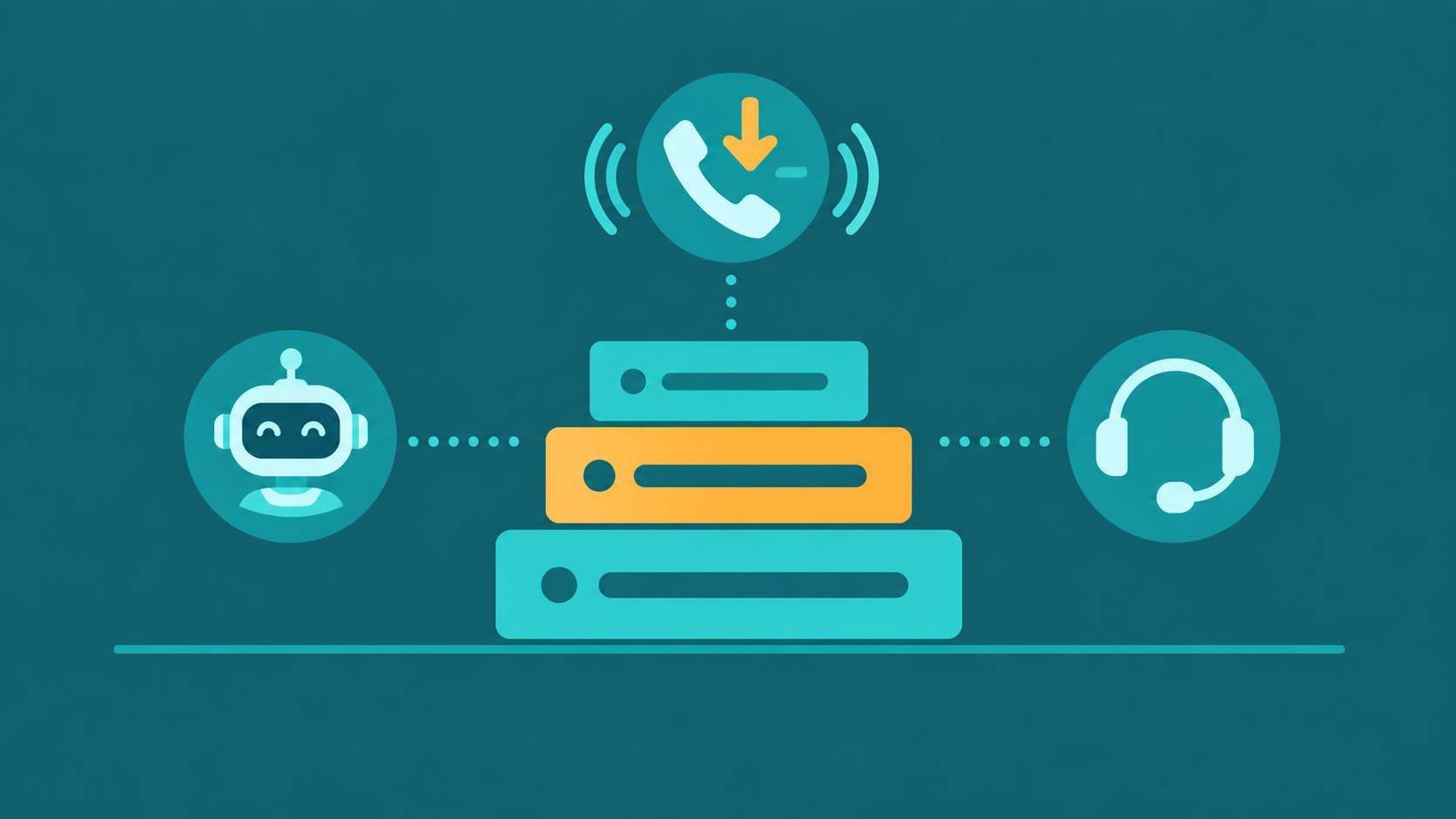
The biggest pricing split is not between providers — it is between the two delivery models. Live answering services charge for human time, which is inherently more expensive and scales with call volume. AI virtual receptionist platforms charge for platform access, with near-zero marginal cost per additional call once you are on a plan.
| Factor | Live Answering Service | AI Virtual Receptionist |
|---|---|---|
| Monthly base cost | $100–$500+ (includes a set number of minutes or calls) | $25–$150 (typically unlimited or high-cap call volume) |
| Per-minute / overage rate | $0.75–$2.00 per minute over allocation | Near-zero marginal cost above base tier |
| Hours of coverage | 24/7 available at premium tiers; business hours is the standard default | 24/7 by default at most AI providers |
| Call handling | Live agent; can handle nuanced, complex inquiries with natural conversation | Handles FAQs, routing, appointment booking; escalates complex calls to a human |
| Setup time | 1–5 business days with scripting and agent training | Minutes to hours via a configuration portal |
Live Answering Service Pricing Tiers
Live answering services price by the minute of agent time. You pay a monthly base fee that includes a block of minutes, then an overage rate for anything beyond that. The economics make sense for businesses that receive a manageable call volume with calls that require genuine human interaction — but overages can surprise businesses that underestimate call length.
Entry tier ($50–$150/month): Covers 50–100 minutes of live agent time. Works for very low-volume businesses receiving 20–50 calls per month, assuming average call length of 2–3 minutes. Overage rates at this tier typically run $1.25–$2.00 per minute, which can add up quickly during busy periods. At this level, you get basic answering and message relay — no appointment scheduling, no integrations.
Mid tier ($150–$350/month): Includes 150–300 minutes, suitable for small businesses receiving 75–150 calls per month. Overage rates drop to $0.95–$1.50 per minute. This is where most small professional service firms operate — the price is predictable for steady call volumes, and the minute allocation covers a typical business month without frequent overages.
High-volume tier ($350–$600+/month): Covers 500 or more minutes. Appropriate for busier offices — medical practices, law firms, real estate agencies — where inbound call volume is consistent and high. Some providers offer unlimited call volume in custom enterprise tiers at pricing negotiated directly. The per-minute overage rate is typically lower or eliminated in these arrangements.
Several factors drive the cost higher regardless of tier: bilingual (Spanish/English) agents typically add 10–20% to the plan cost; HIPAA-compliant call handling requires a BAA and a compliance tier that adds $25–$75/month or more; appointment scheduling software integration (where agents book directly into your calendar system) typically runs $50–$150/month as an add-on; custom scripting beyond a basic greeting takes setup time and often involves a one-time fee; holiday and after-hours coverage is usually priced at a premium over standard business-hours rates.
AI Virtual Receptionist Pricing Tiers
AI virtual receptionist platforms charge differently. The cost is primarily for platform access, not agent time — so the per-call cost drops significantly as volume increases, and the 24/7 coverage that costs extra on a live service is included by default.
Starter / free tier: Some AI receptionist tools offer a free plan for very low call volumes — typically under 50 calls per month. Features at this level are limited: basic call answering, simple routing, and voicemail transcription. Useful for solo operators or businesses that primarily want after-hours coverage for a handful of calls per week without committing to a paid plan.
Paid tier ($25–$75/month): Handles hundreds of calls per month. Includes call routing by intent, FAQ answering from a configured knowledge base, voicemail with transcription, and basic appointment booking. This is the sweet spot for most small businesses replacing an entry-level live answering service — the monthly cost is similar, but the call capacity is dramatically higher and 24/7 coverage is included without premium pricing.
Business tier ($75–$200/month): Adds custom voice selection, CRM integration, multiple department call flows, call recording, and analytics. The jump from paid to business tier is mainly about configurability and data — you can route calls differently based on time of day, caller history pulled from a CRM, or specific department needs. Relevant for multi-department businesses or those with existing CRM workflows they want to connect.
Enterprise (custom pricing): Unlimited concurrent channels, advanced analytics, outbound calling capability, deep platform integrations (EHR, practice management, custom APIs), and dedicated support. Pricing is negotiated based on volume and integration complexity. Relevant for larger operations that have outgrown a standard tier or need capabilities not available in packaged plans.
What's Typically Included vs Add-On Costs
The plan price is rarely the total cost. Understanding what's included and what's extra helps when comparing providers on an apples-to-apples basis.
Usually included in the base price:
- Basic call answering and routing to the right number or team
- Voicemail with email or SMS delivery
- Business hours call handling
- Call summaries or transcriptions (AI) / message relay (live services)
Often charged as add-ons:
- After-hours coverage — live services price this at a premium; AI services typically include it
- Appointment scheduling — live services often add $50–$150/month for agents to book directly
- Bilingual agents — typically adds 10–20% to live service tier pricing
- CRM integration — AI services may charge for this separately or include it at higher tiers
- Custom greeting and multi-department routing — live services may charge setup fees for complex scripts
- HIPAA-compliant data handling — adds a compliance tier, often $25–$75/month or more on top of the base plan
When Live Answering Is Worth the Higher Cost
The cases where a live answering service justifies the price premium are specific. Law firms that need to conduct intake conversations — capturing case details, assessing urgency, gauging the caller's situation before transferring to an attorney — benefit from a trained live agent who can follow a nuanced script and respond to what the caller says rather than what the script anticipates. A rigid AI handling complex intake risks missing information or misrouting a caller whose situation doesn't fit a predefined category.
Medical offices handling sensitive scheduling — appointment types that require privacy, verification of insurance details, or clinical triage questions — are similarly better served by live agents trained in healthcare intake, particularly where HIPAA obligations extend to the conversation itself and not just the data captured. For these practices, the cost of a live answering service is a business requirement, not just a preference.
Service businesses where caller conversion depends on immediate human connection — a caller who is ready to hire a plumber or book a contractor and will go with whoever picks up first — may find that a live voice converts at a higher rate than an AI system for that specific type of call. That conversion difference, if it's real for a given business, can more than justify the cost gap.
FAQ answering, appointment reminders, basic call routing, after-hours message taking, and standard business-hours overflow are all AI territory. Paying live answering service rates for these interactions doesn't improve the caller experience — it just increases the cost.
Frequently Asked Questions
Related Articles