Every missed call is a missed opportunity. For a small business — a dental practice, a plumbing company, a law firm, a yoga studio — the phone is still the primary way customers reach out, and most small businesses cannot staff the phones around the clock. Calls that come in after hours, during busy periods, or when the one person who answers is already on another line either go to voicemail (where many callers simply hang up) or ring endlessly (where all callers hang up). Research consistently puts the missed-call rate for small businesses between 25% and 40% of all inbound calls.
AI answering services have changed the economics of this problem. Instead of hiring a live answering service for several hundred dollars a month or hoping callers leave voicemails, small businesses can deploy an AI voice agent that picks up every call, converses naturally, books appointments directly into a calendar, answers frequently asked questions, and transfers to a human when the situation warrants it — all at a cost that is a fraction of staffed alternatives. This guide explains how they work, what they can and cannot do, and what to look for when you are evaluating a provider.
What is an AI answering service for small business? An AI answering service for small business is a phone answering solution that uses artificial intelligence — specifically speech recognition, a large language model, and text-to-speech — to answer inbound calls on behalf of a business without a live operator. It can handle FAQs, book appointments, collect caller information, route calls, and escalate to a human when needed. Unlike traditional IVR menus that rely on "press 1 for X" navigation, AI answering services hold natural back-and-forth conversations. For a deeper technical overview of the underlying technology, see our article on AI voice agents.
How AI answering services work
Understanding the technology at a high level helps you evaluate providers and set realistic expectations. An AI answering service chains three core components together in real time every time a call comes in.
Speech-to-text (STT). When a caller speaks, the AI converts the audio into text in near real time. Modern STT engines are accurate enough to handle accents, background noise, and mid-sentence corrections. The quality of the STT layer directly affects how well the AI understands callers who do not speak in perfectly clear conditions.
Large language model (LLM). The transcribed text is processed by a large language model — the same kind of AI behind chatbots like ChatGPT. The LLM interprets what the caller is asking, decides how to respond, and determines what actions to take (look up an answer, book an appointment, transfer the call). The LLM's reasoning is shaped by the knowledge base and instructions your provider configures for your business.
Text-to-speech (TTS). The LLM's response is converted back into natural-sounding speech and played to the caller. Modern TTS has improved dramatically — it no longer sounds robotic, and many callers cannot easily tell they are speaking with an AI on first contact.
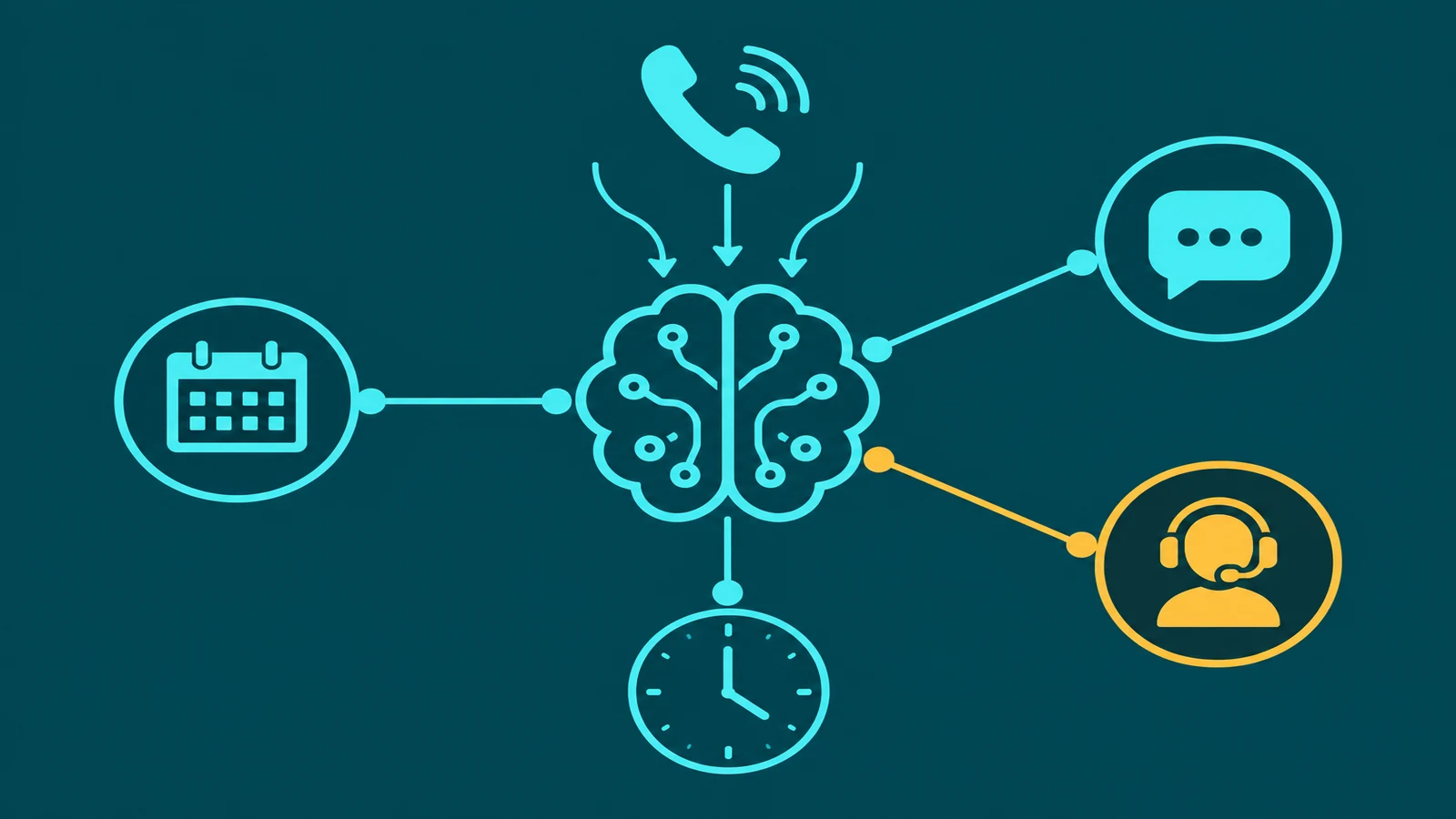
Beyond the core pipeline, well-built AI answering services add two critical layers. A RAG knowledge base (Retrieval-Augmented Generation) lets the LLM draw on your specific business information — hours, services, pricing, location, policies — rather than guessing. The AI retrieves the relevant facts from your knowledge base before formulating each response, which is what makes it accurate about your business rather than generic. And tool calls let the AI take actions: querying a calendar API to check availability, writing a booking into your scheduling software, looking up an account in your CRM, or sending a follow-up SMS. Without tool calls, the AI can only converse — with them, it can actually complete tasks.
This architecture is fundamentally different from a traditional IVR menu. Where an IVR forces callers through a rigid tree of numbered options, an AI answering service lets callers state their need in plain language and responds conversationally. The IVR systems article covers that contrast in full.
AI answering vs. live answering service vs. IVR
Small businesses evaluating their options typically compare three approaches. Some also use an email answering service to handle written inquiries alongside phone calls. Here is how the phone-based options stack up across the dimensions that matter most:
| Dimension | AI Answering | Live Answering Service | Traditional IVR |
|---|---|---|---|
| Availability | 24/7, no hold times | 24/7 (with premium plan), hold times vary | 24/7, instant answer |
| Cost/month (estimate) | $30–$150 typical for SMB | $250–$600+ typical for SMB | $20–$80 (platform only) |
| Natural conversation | Yes — open-ended dialogue | Yes — human agent | No — menu-driven only |
| Task completion (booking etc.) | Yes — via calendar/CRM integration | Varies by service level | Limited — routing only |
| Setup time | Days to 2 weeks | Days to 2 weeks (scripting) | Days (menu tree build) |
| Scalability | Instant — handles volume spikes | Limited by agent capacity | Instant — but no task completion |
| Best for | SMBs wanting 24/7 coverage + booking without staff cost | Complex calls requiring human judgment | High-volume routing with simple needs |
What a small business AI answering service can handle
The practical capability set of a well-configured AI answering service covers the majority of inbound call scenarios a typical small business faces.
Inbound calls 24/7. The AI picks up every call instantly, at any hour, on any day. There is no hold time while it "becomes available," and there is no maximum number of simultaneous calls — every caller gets answered immediately regardless of how many calls arrive at once. For small businesses that receive calls outside business hours — evenings, weekends, public holidays — this alone prevents a large share of missed leads.
Appointment scheduling. When integrated with your calendar system, the AI can check real-time availability, offer time slots, capture caller details, and write the confirmed booking directly into your calendar — all without human involvement. Callers hear a natural conversation, not a clunky web-booking detour.
FAQ answering (hours, directions, pricing). The most common inbound calls to small businesses are questions: what are your hours, where are you located, how much does X cost, do you accept insurance, what is your cancellation policy. A well-built knowledge base lets the AI answer all of these accurately and consistently, without variation depending on who answers.
Call routing to the right person. The AI can determine what the caller needs and route accordingly — connecting sales inquiries to one extension, support calls to another, urgent matters to a priority line. This is routing driven by conversation understanding rather than by which number the caller pressed.
After-hours handling. Outside business hours, the AI can answer, take messages, book appointments for the next available slot, and flag urgent calls for callback — rather than sending every after-hours caller to voicemail and hoping they leave a message.
Overflow when staff are busy. During peak periods when your team is already on calls, the AI handles overflow rather than letting calls ring unanswered or go to voicemail. It can complete the interaction entirely or take details and arrange a callback — the caller reaches someone rather than no one.
What it cannot handle (yet)
Being clear about limitations matters as much as understanding capabilities. Current AI answering services — even the best ones — have categories of calls they should not be expected to handle well.
Emotionally complex calls. A caller who is distressed, angry, or going through a difficult situation needs a human. AI can detect negative sentiment and trigger a handoff, but it cannot provide the empathy and judgment that a skilled human agent can. Trying to handle a genuinely upset caller with AI typically makes the situation worse.
Highly technical support. If your calls regularly require deep domain expertise — troubleshooting complex equipment, navigating nuanced legal situations, providing detailed medical guidance — AI is not a substitute for a knowledgeable human. It can handle the routing and triage but not the technical depth.
Negotiations. Any call that involves back-and-forth negotiation — pricing disputes, contract adjustments, compensation discussions — requires human judgment and authority. AI does not have the flexibility or the accountability to handle these situations.
Non-standard situations requiring judgment. Calls that fall outside the AI's configured knowledge and call flows require escalation. When a caller presents a genuinely unusual situation that does not fit the patterns the AI was set up to handle, the AI should recognize the limits of its capability and transfer to a human rather than attempting an answer and getting it wrong.
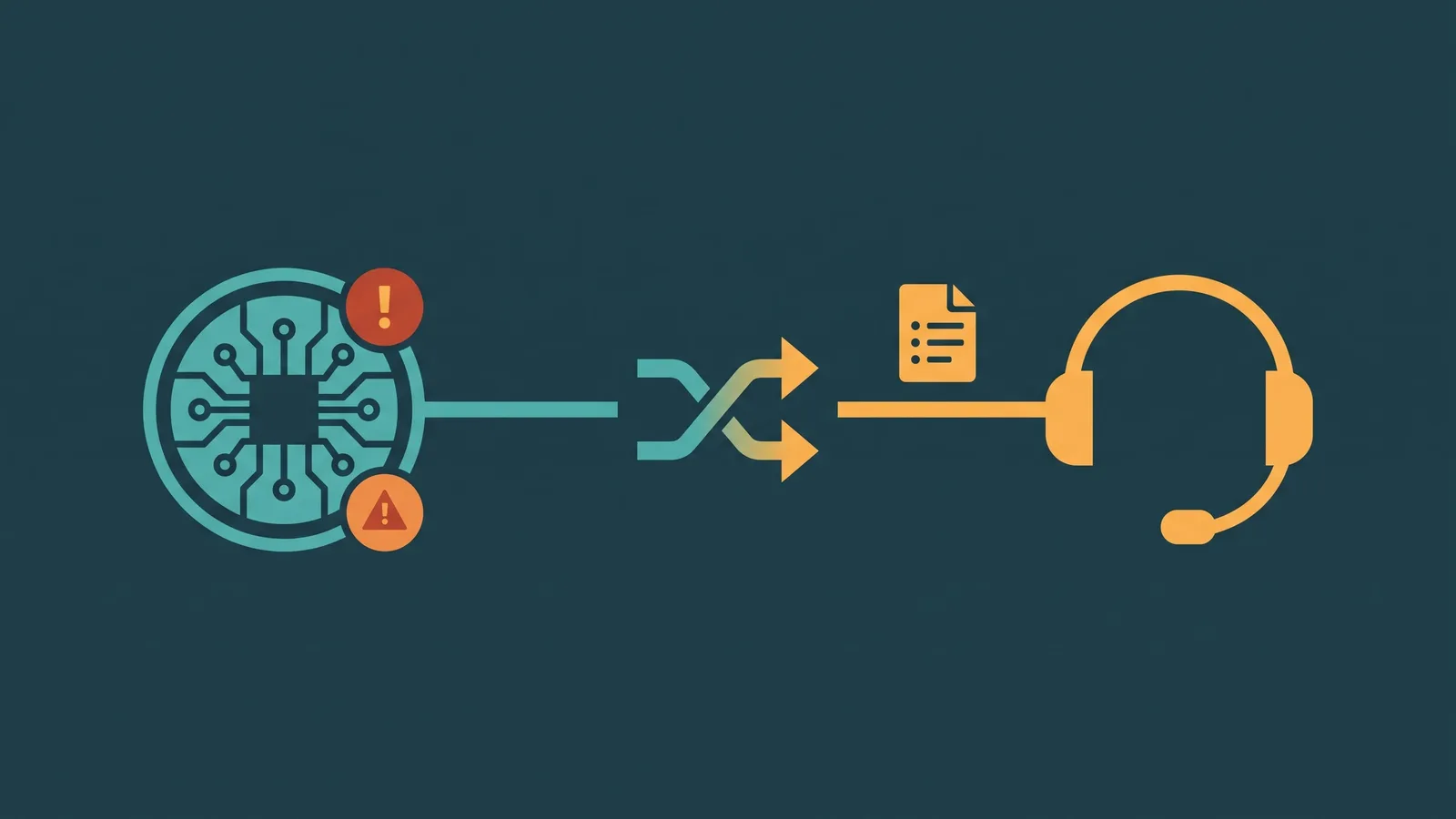
A well-designed AI answering service handles these limits gracefully by escalating to a human with context rather than failing visibly. The AI voice agent human handoff guide goes deep on designing those escalation paths.
Cost: what AI answering services for small businesses charge
AI answering service pricing for small businesses falls into two main structures, and the right one depends on your call volume and usage patterns.
Per-minute pricing charges you for the actual time the AI spends in conversation. Rates vary significantly by provider and feature level — expect a range of $0.07–$0.25 per minute all-in for small business tiers, with lower rates generally available at higher volume commitments. If your business receives fewer than 200–300 minutes of AI-handled calls per month, per-minute pricing is often the more cost-efficient model.
Monthly flat plans charge a fixed fee for a bundled allocation of minutes or calls. For SMBs, these plans typically run $50–$200/month at entry to mid tiers, with limits on included minutes and overage rates that apply beyond the bundle. Flat plans are predictable for budgeting and cost-effective once you consistently use the full allocation.
Compare both against the typical cost of a live answering service: most SMB-oriented live answering services charge $250–$600/month for modest call volumes, and costs rise quickly with volume. The AI alternative typically delivers comparable or better availability at 20–50% of the cost.
Watch for hidden costs when evaluating providers. Setup fees (ranging from free to several hundred dollars) are common but not always disclosed upfront. Integration fees for connecting to your calendar or CRM may be separate. Some providers charge for the knowledge base build or for changes to call flows after initial setup. Ask specifically about all-in costs before committing.
How to evaluate AI answering service providers
The AI answering service market for small businesses has expanded quickly, and not all providers are equivalent. These are the six dimensions that differentiate quality providers from adequate ones.
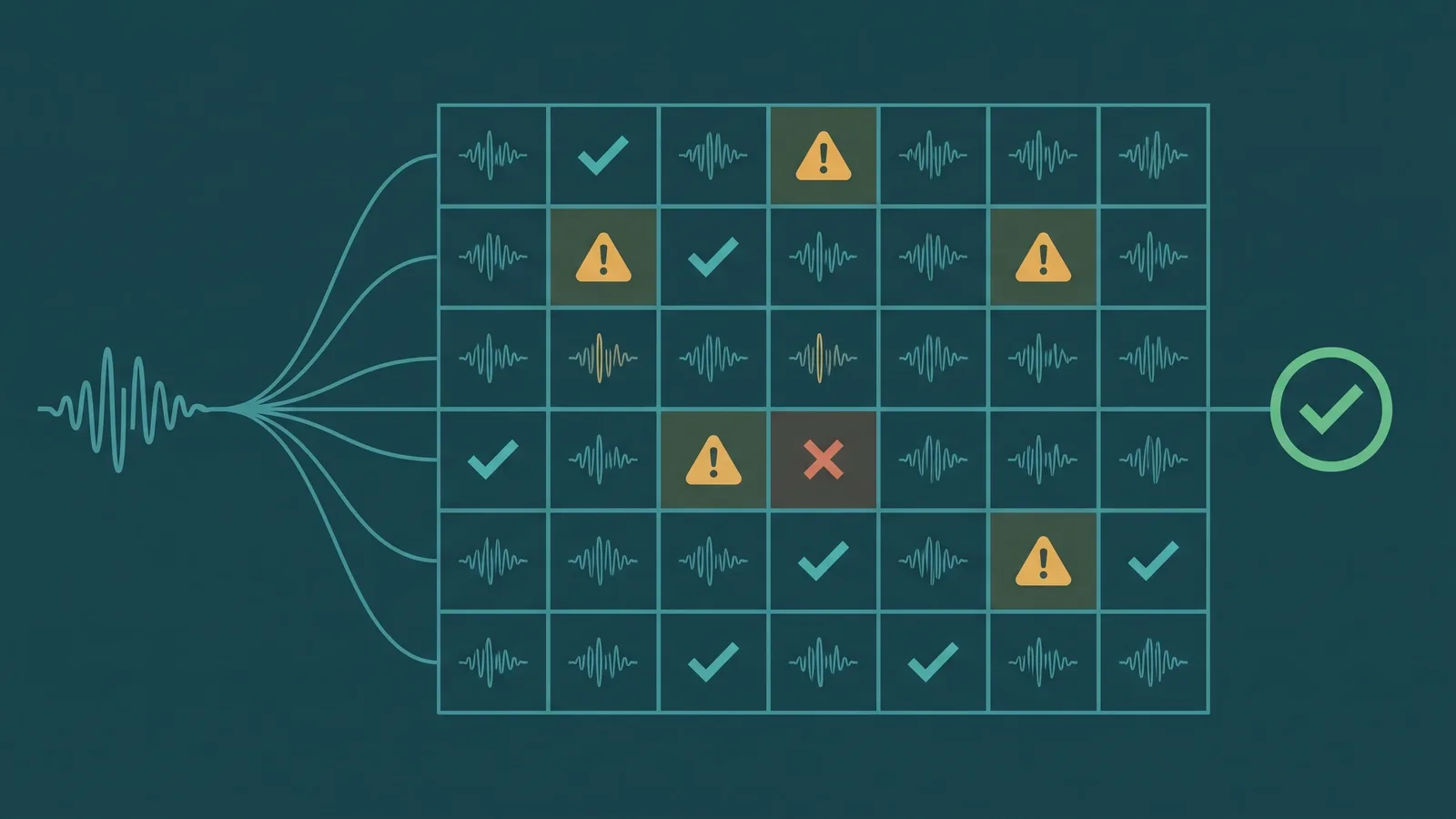
Natural conversation quality. Ask for a live demo using realistic caller scenarios — not a scripted walkthrough the provider has rehearsed. How does the AI handle an interruption? What happens when a caller phrases a question in an unusual way? How long is the delay between the caller finishing speaking and the AI beginning its response? Latency and naturalness are easy to evaluate in a real call but invisible in a marketing demo.
Warm transfer to humans. When the AI cannot handle a call, how does it hand off? A good provider supports warm transfers — where the AI announces the transfer to the caller, optionally whispers a summary to the receiving agent, and connects the caller with context already delivered. Cold transfers that simply dump a caller into a queue with no explanation are a poor experience and a sign of a less mature platform.
Knowledge base setup (how hard is it?). The AI is only as good as the information it has about your business. Ask how the knowledge base is built: does the provider do it for you, do you fill in a template, or do you need to write structured content from scratch? How easy is it to update the knowledge base when your hours, pricing, or services change? A provider whose knowledge base is painful to maintain will result in an AI that gives callers outdated information.
Calendar/CRM integration. If appointment booking is a priority — and for most service-based small businesses it is — verify exactly which calendar and scheduling platforms the provider integrates with before you commit. "Calendar integration" can mean anything from a native two-way sync with Google Calendar and Calendly to a webhook that requires developer work on your end. Know what you are getting.
HIPAA BAA availability (for healthcare SMBs). If your business handles protected health information — a medical practice, dental office, therapy practice, or any other healthcare provider — you need a provider who will sign a Business Associate Agreement (BAA) and whose platform is built to HIPAA standards. Not all AI answering service providers offer a BAA; confirm this before evaluating any other feature.
Pricing transparency (per-minute vs. flat). A trustworthy provider publishes its pricing clearly and can tell you exactly what you will pay at different usage levels. If a provider is reluctant to give you a clear all-in cost estimate for your expected call volume, that reluctance is itself a signal. Ask specifically about setup fees, integration fees, overage rates, and what happens to your cost if your call volume doubles.
Setting up: what the process looks like
Most small businesses can go from signed contract to live AI answering in one to two weeks. Here is what the process typically involves.
Step 1: Define your call flows. Work with your provider to map out the types of calls you receive and what should happen with each. Which calls should the AI handle completely? Which should route to a human immediately? What should happen after hours versus during business hours? Getting this documented before any configuration starts saves significant iteration time.
Step 2: Build your knowledge base. Provide the information the AI needs to answer your callers accurately: business hours (including holiday hours), all location details and directions, a complete service and pricing overview, cancellation and rescheduling policies, insurance or payment terms, and any other questions your staff currently field repeatedly. The more complete this is at launch, the fewer knowledge gaps callers will encounter.
Step 3: Connect calendar and CRM. If appointment booking is part of your call flow, connect your scheduling system at this stage and test the integration thoroughly. Create test bookings, check that they appear correctly in your calendar, and confirm cancellations and reschedules work as expected. CRM integrations for logging call data or creating leads follow the same test-before-launch approach.
Step 4: Configure escalation rules. Define exactly when the AI should transfer to a human: on explicit caller request, on sentiment detection, on topics outside the knowledge base, or on specific keywords. Set up what happens when no human is available — callback offer, voicemail capture, or queue hold — and confirm that context is passed to the human agent regardless of which escalation path fires.
Step 5: Test before go-live. Run test calls through every scenario you defined in Step 1. Include edge cases: a caller asking about something not in the knowledge base, a caller interrupting mid-sentence, a caller requesting a human, a call at a time outside business hours. Fix gaps before pointing live call traffic at the system. A rushed launch that exposes callers to a half-configured AI creates a worse impression than the problem you were trying to solve.