Every missed call is a missed opportunity. For small businesses and busy teams without a dedicated front-desk person, that means voicemail boxes that fill up, leads that go cold, and callers who try the next business on their list. An AI receptionist is designed to solve exactly that problem — answering every incoming call immediately, understanding what the caller needs, and getting them to the right place or person without hold queues and without asking a human to drop what they are doing.
The term gets used loosely enough that it is worth being precise about what it actually means, how it differs from related technologies, what it can genuinely do, and where it still requires a human in the loop. Because products in this category vary widely in setup effort and capability, it also helps to compare the leading AI receptionist software before committing to one.
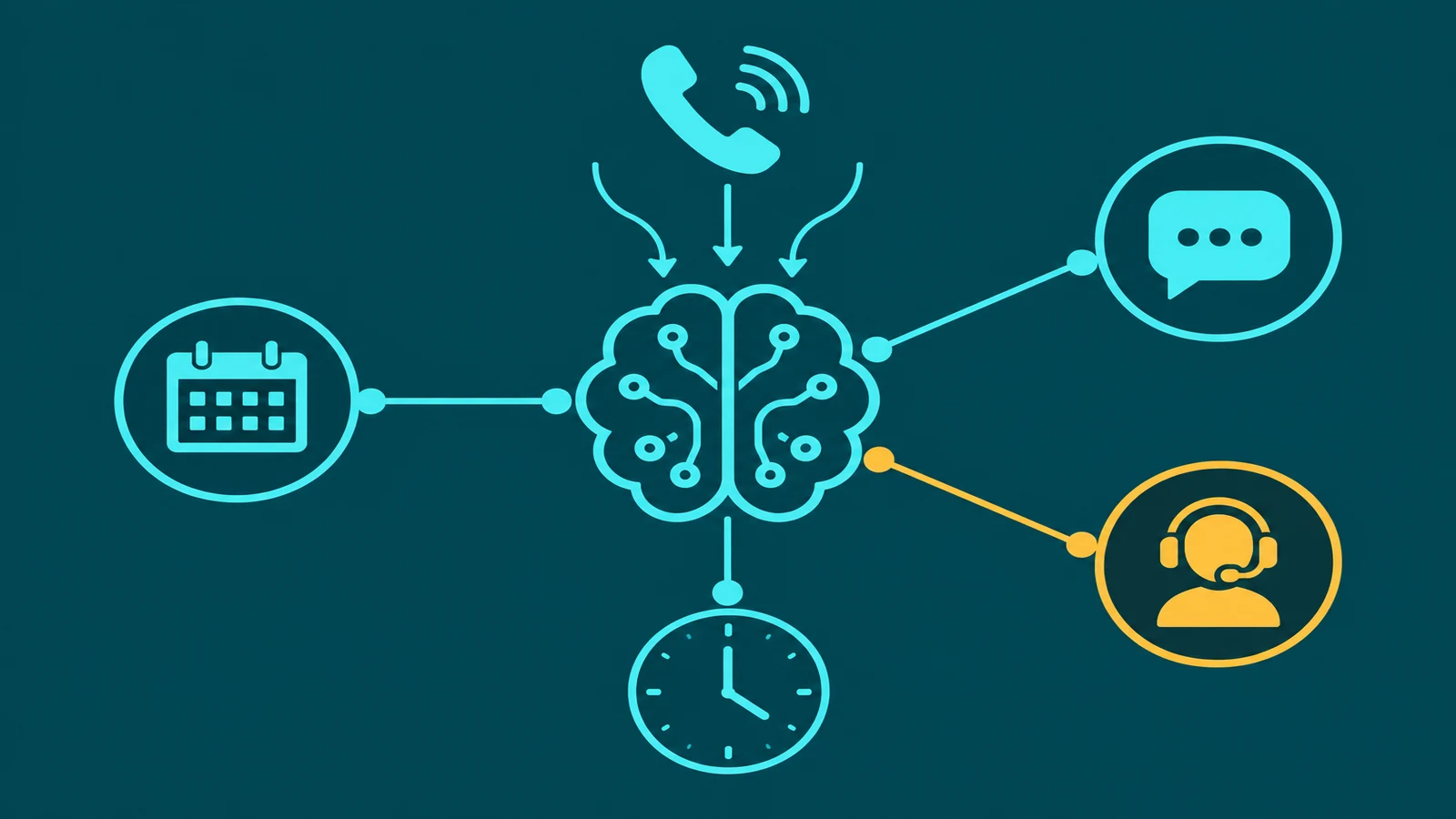
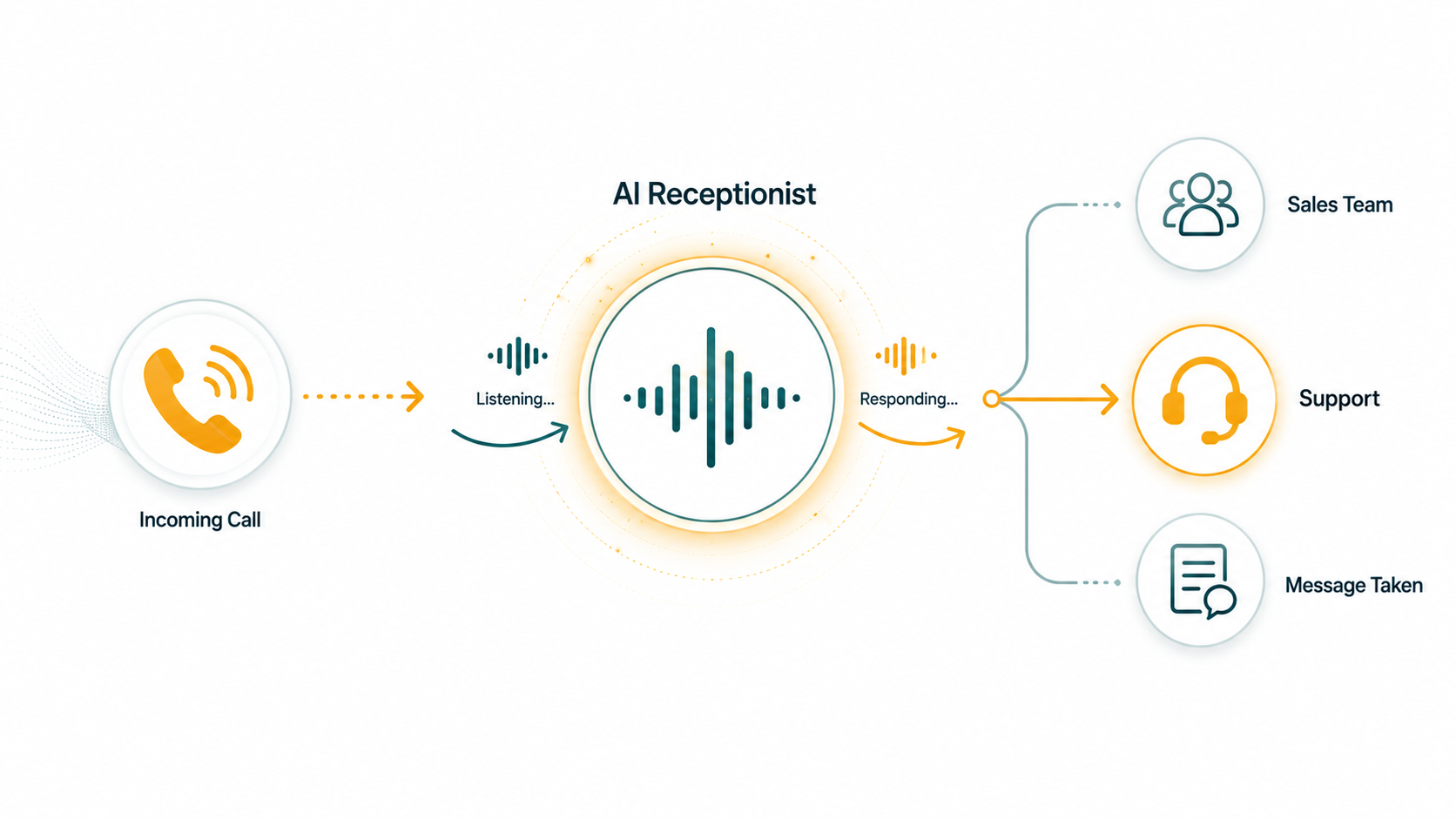
What is an AI receptionist? An AI receptionist is a software system that answers incoming phone calls, conducts a natural-language conversation with the caller, captures relevant information (name, purpose, contact details), and takes a defined action — routing to an agent or department, placing a live transfer, sending a follow-up SMS, or taking a message. Unlike a traditional IVR menu, an AI receptionist understands open-ended natural language and does not require the caller to press buttons or remember menu options. Unlike a general-purpose AI voice agent, it is specifically scoped to the front-door function of a business: answering, qualifying, and routing.
How an AI Receptionist Differs from Related Technologies
Because vendors apply the label "AI receptionist" to a wide range of products — some barely above a basic phone menu — it helps to understand the landscape clearly.
AI Receptionist vs. Traditional IVR
A traditional IVR routes callers through a scripted decision tree. The caller presses 1 for sales, 2 for support, and so on. If their need does not fit the menu, they press 0 for the operator or hang up frustrated. An AI receptionist does not present a menu. The caller speaks naturally — "I'm calling about renewing my contract" or "I need to speak with someone about a billing issue" — and the AI understands the intent and responds accordingly. There is no tree to navigate, no options to remember, and no "press star to repeat the menu."
For a deeper look at how these two technologies compare, see the IVR systems guide and AI voice agent vs. IVR.
AI Receptionist vs. AI Voice Agent
An AI voice agent is the broader technical category. AI voice agents can handle a wide range of conversational tasks: outbound sales calls, appointment scheduling with live calendar integration, order status lookup, claim intake, and more. An AI receptionist is a specific application of AI voice technology focused narrowly on the inbound front-door experience — answering, capturing intent, gathering contact information, and routing. Think of the AI receptionist as a purpose-built deployment of AI voice technology rather than a separate technology entirely.
AI Receptionist vs. Human Receptionist
A human receptionist brings genuine conversational intelligence, empathy, and the ability to handle truly unusual situations. They can read tone, de-escalate a frustrated caller, and improvise when a caller's need does not fit any predefined category. An AI receptionist offers something different: consistent availability (24/7, no breaks, no days off), zero hold time on routine calls, and the ability to handle many simultaneous inbound calls without any one caller waiting. AI receptionist vs. human receptionist covers that comparison side by side.
AI Receptionist vs. General Contact-Center AI Software
Contact-center AI platforms — covered in depth in how AI is changing contact centers — address the full lifecycle of customer interactions: routing intelligence, agent assist, quality monitoring, workforce management, analytics, and more. An AI receptionist is a specific front-door use case within that broader ecosystem, not a replacement for it. Many businesses deploy an AI receptionist as their first AI capability before expanding into deeper contact-center AI.
How an AI Receptionist Works: The Call Flow
Understanding the mechanics of an AI receptionist call helps businesses set realistic expectations and configure the system correctly.
Step 1: Call arrives and AI answers instantly
When a caller dials the business number, the AI receptionist answers on the first ring — or faster. There is no queue, no hold music, no "your call is important to us." The AI greets the caller with a configured greeting, typically including the business name and a natural opening that prompts the caller to state their purpose.
The greeting sets tone. A well-configured AI receptionist sounds professional and natural, not robotic. It identifies itself as an automated assistant when required by law or by business policy. Transparency about AI interaction is both a legal consideration in some jurisdictions and a practical one — callers who discover mid-call that they were not informed tend to feel misled.
Step 2: Intent recognition
The caller responds in their own words. The AI processes what they say using speech recognition (converting audio to text) and a language model (understanding the meaning behind the words). The system identifies the primary intent: sales inquiry, support request, billing question, appointment scheduling, general information, specific person lookup, and so on.
Intent recognition in a well-configured AI receptionist handles natural variation in how people phrase the same request. "I want to talk to someone about pricing," "Can I get a quote?" and "How much does your service cost?" should all resolve to the same intent and route accordingly.
Here is what that looks like in practice: a caller says "I need to talk to someone about renewing my contract." The speech-to-text layer transcribes it; the language model identifies account/renewal intent. The system checks configured workflows — renewal calls are mapped to the account management queue. The AI confirms the intent ("Sure, I can connect you with our account team about your renewal"), captures the caller's name if needed, and initiates a warm transfer with a whisper briefing ("Renewal inquiry, existing customer"). All of that happens in the first 10–15 seconds of the call, before any human is involved.
Step 3: Conversational interaction and information capture
Rather than a static form or a scripted question sequence, the AI engages in a brief natural conversation to gather what it needs. This typically includes: the caller's name, the nature of their inquiry, any context that helps with routing (location, account number, specific product interest), and contact information for follow-up if needed.
The conversation feels fluid because the AI adapts to what the caller volunteers. If a caller says "Hi, I'm John Smith and I need to talk to your sales team about your enterprise plan," the AI already has the name and the intent — it does not need to ask for them separately. It might ask one clarifying question ("Are you a new customer or an existing one?") before routing.
Step 4: Routing and live transfer
Based on the identified intent and captured information, the AI receptionist routes the call. Routing options typically include: transferring to a specific agent or extension, routing to a department queue, placing a warm transfer where the agent is briefed before the caller is connected, or sending to voicemail with context attached.
A warm transfer is the highest-quality outcome for the caller: the AI dials the target agent privately first, delivers a brief briefing — "I have John Smith calling about enterprise pricing, he is an existing customer" — and then bridges the caller in. The agent already knows who is calling and why. The caller does not re-explain anything. For more on how transfers work, see warm transfer vs. cold transfer.
Step 5: Transcripts, summaries, and follow-up
After the call, the AI receptionist generates a full transcript of the conversation and typically an AI summary highlighting key points: caller name, intent, information captured, action taken. These are delivered to the appropriate team member via notification, email, or integrated into a CRM record.
If the call could not be transferred to a live person — after hours, no agents available — the AI can send the caller an SMS follow-up confirming that their message was received and that someone will be in touch. This closes the loop with the caller and reduces the chance they try a competitor while waiting.
EaseDial AI Receptionist
Answer every call instantly. Capture leads, route callers, and never miss an inquiry again.
Key Capabilities in Detail
Lead and contact information capture
For businesses where inbound calls are revenue opportunities — service businesses, professional practices, agencies, real estate — capturing the caller's details is often more important than any other outcome. An AI receptionist collects name, phone number, email if needed, and the nature of the inquiry — reliably, on every call, without depending on whether a human was available or had time to document the conversation.
This changes the economics of lead handling materially. A call that reached voicemail and never got documented represents a lost lead. A call answered by the AI, with caller details and intent captured and summarized, represents a qualified lead that the sales or service team can follow up on with full context.
Multilingual communication
Modern AI receptionists with multilingual support can detect what language the caller is speaking and respond in that language — or be configured to handle a specific set of languages for a given business. For businesses serving diverse communities, this removes a real barrier: callers who are more comfortable in a language other than English can communicate naturally rather than struggling through an interaction designed for a single language. EaseDial's AI Receptionist supports multilingual interaction across the languages its underlying AI models cover.
Business-hours awareness and always-available coverage
An AI receptionist can be configured to behave differently at different times. During business hours, it may attempt a live transfer immediately after capturing intent. Outside business hours, it might take a message, offer a callback option, or send an SMS confirmation. Some businesses use the AI as their primary answering system during peak hours and as the only answering resource after hours — giving callers a consistent, professional experience regardless of when they call.
This always-available characteristic is one of the clearest points of differentiation from human reception staff. A human receptionist works defined hours. An AI receptionist answers at 2 AM on a Sunday with exactly the same quality as at 10 AM on a Tuesday.
Call routing logic
Routing rules can be configured based on the intent identified, the information captured during the call, the time of day, the inbound number dialed (useful for businesses with multiple product lines or locations on different numbers), and caller history when CRM integration is present. For businesses with multiple departments or team members, intelligent routing ensures that sales inquiries reach salespeople, support issues reach the support team, and billing questions reach the right person — without callers being bounced between extensions.
Common Use Cases by Business Type
| Business type | Primary AI receptionist use | Key outcome |
|---|---|---|
| Professional services (law, accounting) | New client intake, routing to attorney/advisor | Every inquiry captured, no billable interruptions |
| Healthcare practices | Appointment and prescription inquiry routing | Front desk freed from phone queue |
| Real estate agencies | Lead capture from listing inquiries, agent routing | No cold leads from after-hours calls |
| Home services (HVAC, plumbing, electrical) | Job request capture, dispatch routing | Technicians in field, not answering phones |
| Multi-location retail | Store locator, hours, and product availability routing | Consistent caller experience across locations |
Limitations and Human Fallback
An AI receptionist performs well on routine, structured interactions — answering, capturing, and routing. There are categories of calls where human judgment remains essential.
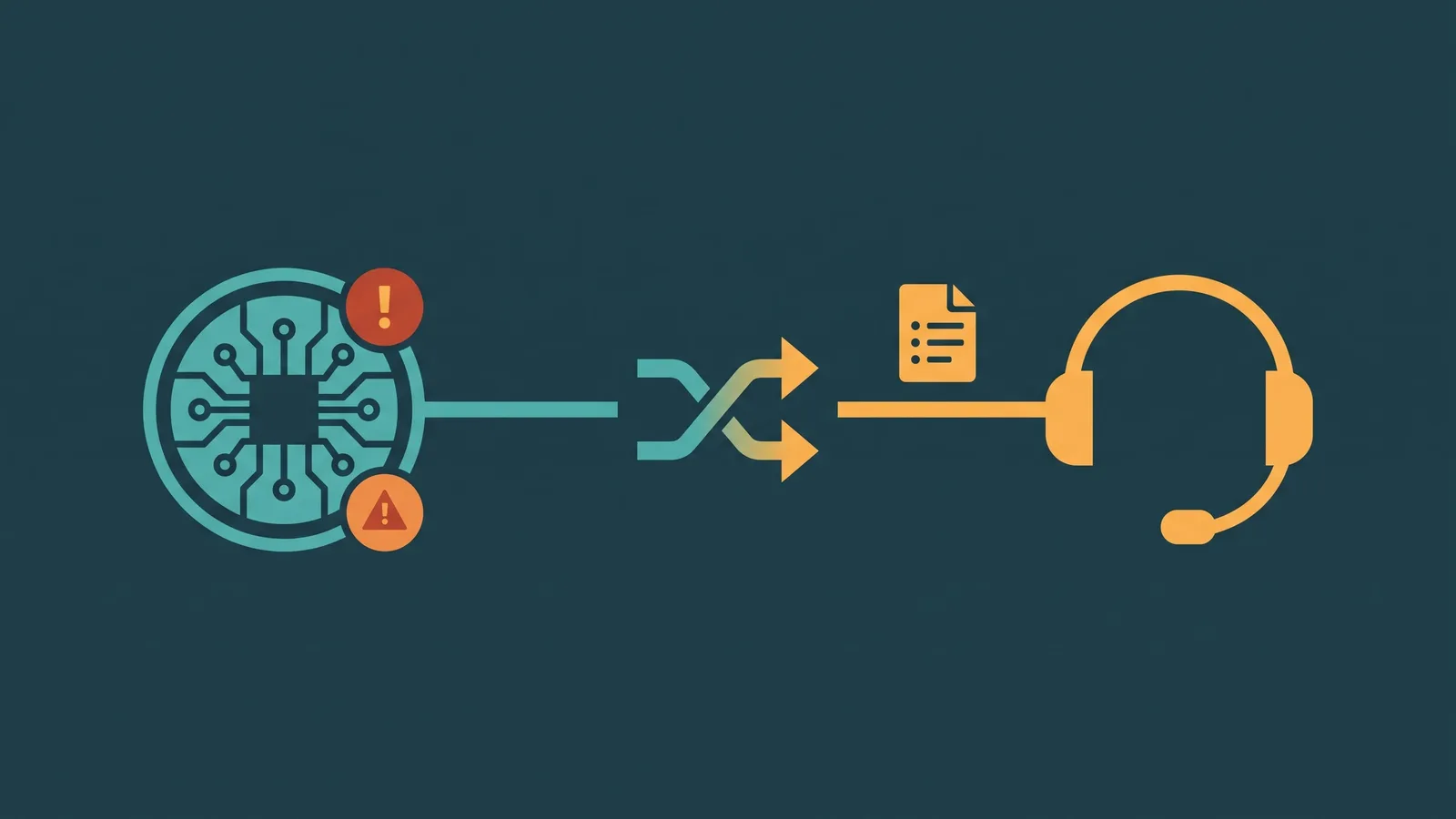
Emotionally complex situations. A caller who is distressed, grieving, or genuinely angry needs more than efficient routing. Human empathy and the ability to improvise are qualities no AI system currently replicates reliably. A good AI receptionist is configured to detect frustration signals and escalate quickly, not to attempt to handle a crisis alone.
Unusual or novel requests. If a caller's situation does not fit any of the intent categories the AI was configured to handle — an unusual complaint, a non-standard business request, a call in an unexpected language — the AI should gracefully offer a transfer or message option rather than looping or failing silently. This requires thoughtful configuration of fallback behavior.
High-stakes first impressions. For some businesses, the receptionist interaction is the caller's first meaningful contact with the brand. A poorly configured AI that misunderstands, misroutes, or fails to capture information can do more harm than a voicemail box. Quality of configuration and ongoing monitoring matters.
Speech recognition gaps. Callers with strong accents, callers in noisy environments, and callers who speak quickly can challenge speech recognition systems. These calls may require graceful fallback to a human or to a clear message-taking option.
The practical answer for most businesses is a hybrid model: AI handles routine answering and routing, with a clear and fast path to a human when the situation calls for it. The AI is not a replacement for human reception capacity — it is a front layer that handles the structured, repeatable portion of inbound call handling, freeing humans to focus on the interactions that genuinely need them. For a full comparison of reception delivery models — in-house, virtual, automated, and hybrid — see service reception models.
What to Configure Before Going Live
The quality of an AI receptionist deployment depends heavily on how it is set up. A few configuration decisions have outsized impact.
Greeting and tone. The opening greeting sets expectations. It should be natural, professional, include the business name, and offer a clear invitation to speak. If disclosure of AI interaction is required or preferred, it belongs here.
Intent categories. Define the list of caller intents the AI should recognize and the routing action for each. Be specific — "sales" is less useful than "new customer inquiry," "pricing question," and "demo request." More specific intents lead to more accurate routing.
Information to capture. Decide what the AI should ask for on every call (name, number), what it should ask for conditionally (email if the caller is a new lead), and what it should not ask for (sensitive information that should only be provided in a secure, verified context).
Transfer targets. Configure where each intent routes: specific extensions, department queues, direct lines, or voicemail. Include after-hours behavior for each intent — some callers can wait for a callback; others (like a plumbing emergency) should always reach an on-call number.
Fallback and escalation. Every AI receptionist needs a defined path for calls it cannot categorize. Options include a transfer to a general queue, a message-taking flow, an SMS confirmation, or a callback offer. Leaving this undefined means the AI improvises — which is not the behavior you want at the front door of your business.