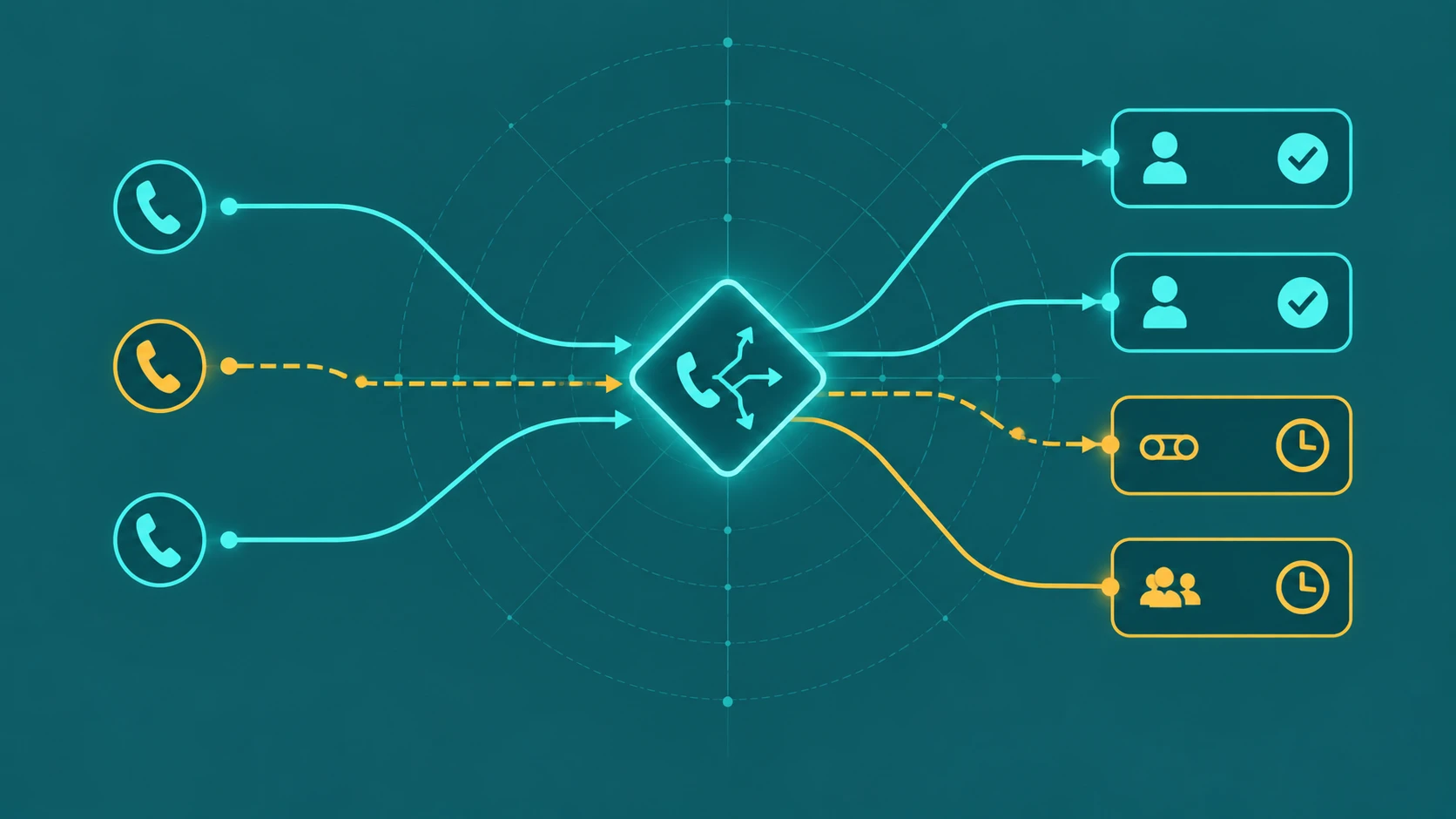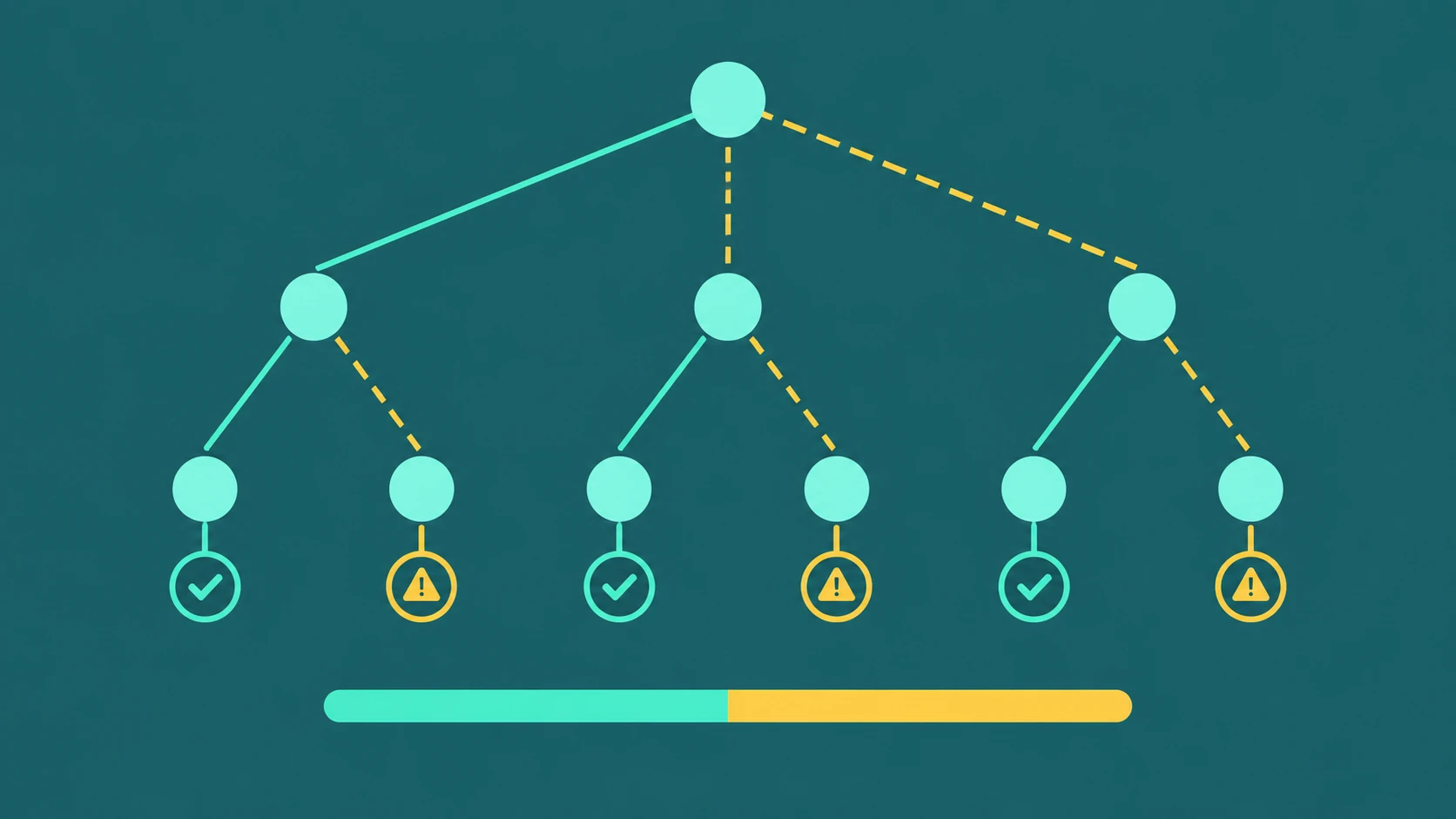
When a business call goes unanswered, it does not simply disappear. Something happens to it — but what exactly depends on what the phone system has been configured to do, which kind of destination did not answer, and what fallback rules are in place.
The answer to "what happens to missed business calls" is not one thing. It is a set of possible outcomes determined by the call flow architecture. Understanding those outcomes — and which ones are actually configured for your business — is the foundation for making sure calls are handled well rather than just handled.
The core answer: What happens to a missed business call depends on three things — what type of destination missed the call (an individual extension, a queue, a department), what fallback rules have been configured for that destination, and what time and conditions apply when the call arrives. A well-configured business phone system ensures every missed call reaches a meaningful outcome. An unconfigured one leaves calls to ring out, drop, or hit the wrong destination.
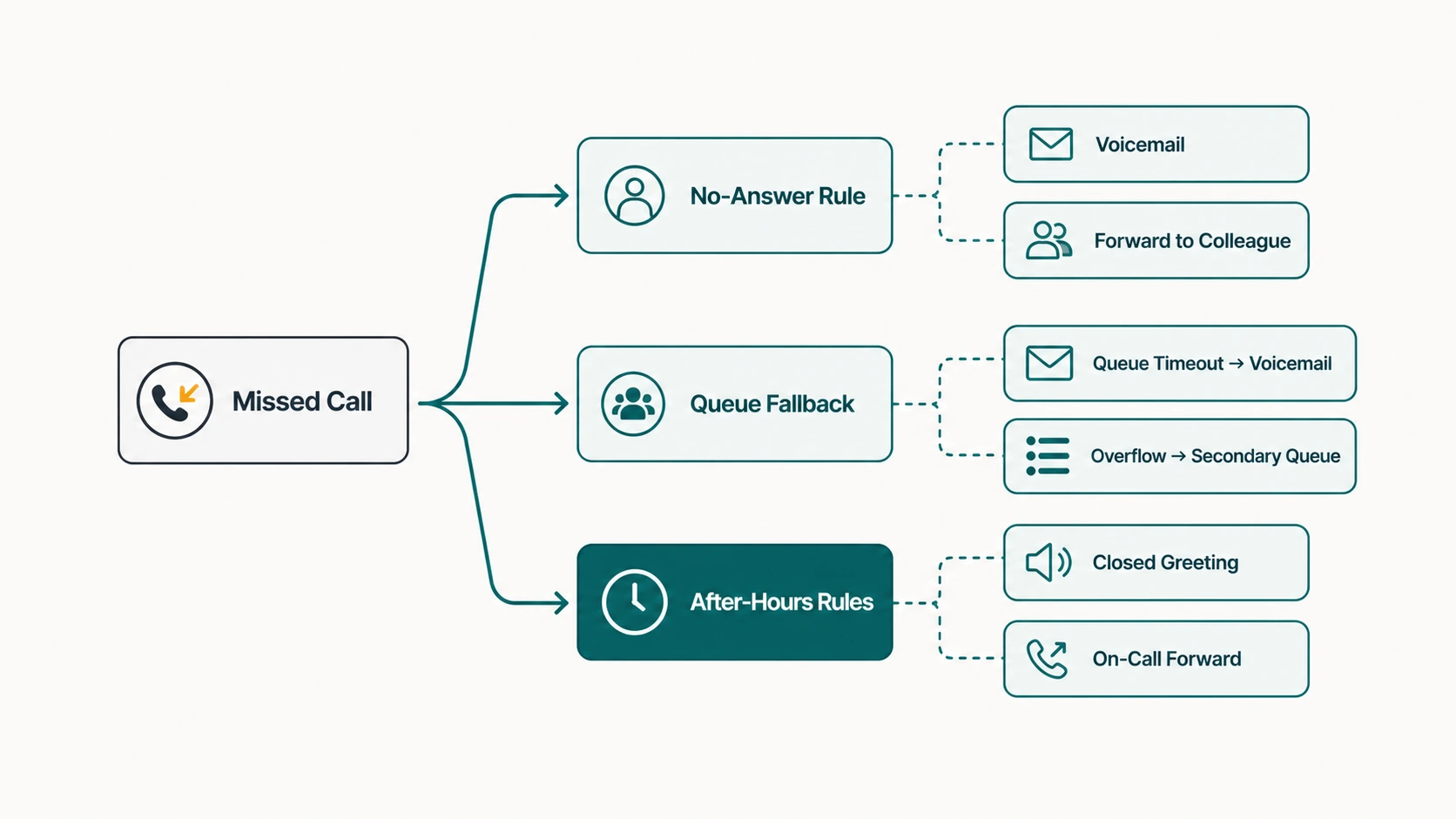
Scenario 1: An Individual User Does Not Answer
When a caller dials a direct extension or DID assigned to a specific person, and that person does not answer, the call follows whatever no-answer rules have been set for that extension.
Common outcomes:
- Personal voicemail. The caller is routed to the extension owner's voicemail. This is the most common default on cloud phone systems when no other no-answer rule is configured.
- No-answer forwarding to another user. The call rings the primary user for a set time and then forwards to a backup user — a colleague, assistant, or manager. This is useful for key personnel who should not send callers to voicemail.
- No-answer forwarding to a queue. The call enters a queue where the next available team member can handle it. Useful when the primary user is part of a team that can cover the call.
- No-answer forwarding to an external number. Common for remote workers who want their business calls to reach their mobile if the desk line goes unanswered.
- Ring indefinitely. If no forwarding rule is configured and voicemail is not set up, the call may ring until the caller hangs up. This is usually the worst outcome — the caller gets no feedback, no option, and no resolution.
The no-answer timeout — the number of seconds the phone rings before forwarding — is typically configurable per user. For how call forwarding rules work at the user level, see our guide on call forwarding.
Scenario 2: A Queue Does Not Connect the Caller
When a caller enters a call queue but is never connected to an agent, several things can cause the disconnection:
Queue timeout
If the caller waits longer than the configured maximum wait time, the queue routes them to the timeout destination — which may be voicemail, another queue, an external number, or in some configurations a disconnect. The caller has technically been "in" the phone system; they have just been moved to a fallback path.
Queue full (overflow)
If the queue has a maximum capacity set and all slots are taken, a new caller is immediately redirected to the overflow destination rather than entering the queue. This is a form of missed connection — the caller never had a chance to wait. (See our guide on call queue overflow for how overflow works and where calls go.)
No agents available
If no agents are opted in or logged in — which can happen after hours, during system issues, or when all agents go offline simultaneously — the queue may route callers directly to its "no agents" fallback. This is typically a separate destination from the timeout and overflow settings, and should be configured explicitly.
Caller abandonment
The caller hangs up voluntarily after waiting. The call is logged as an abandoned call and exits the queue. No automatic action follows — the business must decide whether to pursue abandoned callers through outbound follow-up or simply lose the interaction.
Scenario 3: An Extension Is Unavailable
Extensions can be unavailable for reasons other than no-answer: the line is already in use (busy), the device is offline, or the user's presence status indicates do-not-disturb. Depending on the platform and configuration:
- Busy forwarding kicks the call to a backup destination when the line is occupied.
- DND (do not disturb) typically routes calls to voicemail, but platform behavior varies — some DND settings send calls to voicemail immediately; others still ring the device.
- Offline device behavior depends on the platform: some route immediately to voicemail, some ring the number briefly before routing, some wait for a configured timeout.
Scenario 4: The Business Is Closed
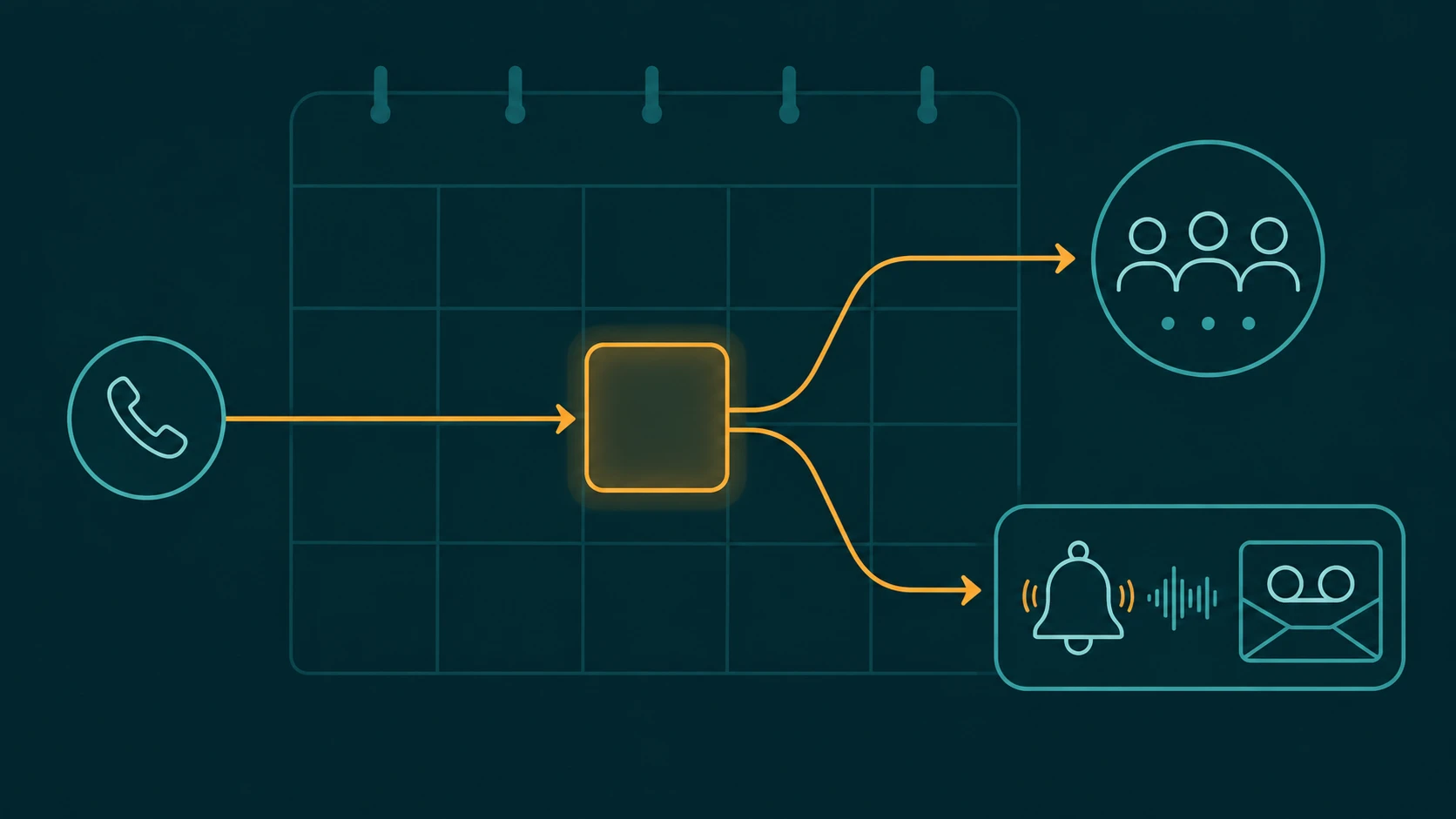
Calls arriving outside business hours are handled by the after-hours routing rules — or not handled at all if those rules were never configured. A caller who dials during closed hours might reach:
- A closed-hours IVR that offers voicemail, an emergency number, or a callback request.
- A direct voicemail with a closed-hours greeting.
- An answering service or AI receptionist that is active around the clock.
- An on-call mobile number if the business type warrants emergency coverage.
- An unanswered queue if no after-hours rules were set — one of the most common oversights.
After-hours routing is a significant source of missed calls for businesses that have not thought it through. Our full guide on routing business calls after hours covers the options and considerations in detail. For holiday-specific coverage — calls arriving on public holidays or scheduled company closures — see the dedicated guide on holiday call routing, which uses date-based exception schedules rather than time-of-day rules.
Scenario 5: All Agents Are Busy
In a queue-based setup, "all agents are busy" is not a missed call — it is a queued call. The caller waits in line. But in simpler configurations — small businesses using ring groups or direct numbers rather than queues — a call that arrives when everyone is busy may get a busy signal, overflow to voicemail, or ring unanswered.
The distinction between a missed call and a queued call matters for reporting. A queued call that is eventually answered was never truly missed. A call that reached voicemail or was abandoned may or may not result in a follow-up action. How these are tracked and followed up on is a management decision, not a technology default.
Where Missed Calls Can Go: A Summary
| Routing destination | What happens for the caller | What the business needs to do |
|---|---|---|
| Voicemail | Hears greeting, leaves message | Check and return voicemail promptly |
| Another extension | Rings a backup person | Ensure backup is available and trained |
| Another queue | Enters a secondary hold line | Monitor secondary queue capacity |
| Ring group | Rings multiple people simultaneously | Ensure group members are available |
| Mobile / external number | Rings a personal or backup phone | Confirm external number is active and monitored |
| Answering service / AI | Call is answered by service or AI | Ensure service has current information and escalation path |
| Callback workflow | Receives a return call | Place callbacks promptly; manage callback queue |
| Disconnect | Call is terminated | Nothing — caller is lost |
The Configuration Gap: What Most Businesses Overlook
The most common problem with missed call handling is not that the wrong destination was chosen — it is that no destination was configured at all. A new phone system often requires someone to deliberately set up no-answer rules, voicemail greetings, after-hours schedules, and fallback destinations. Without this configuration, the platform's defaults apply — and defaults are designed for general cases, not specific businesses.
Common configuration gaps that cause avoidable missed calls:
- Queues with no overflow destination — calls that time out simply disconnect.
- Extensions with no voicemail set up — calls ring until the caller gives up.
- After-hours schedules not configured — the queue continues to ring with no agents available.
- Voicemail boxes that are full or unmonitored — calls reach a technical destination that offers no real resolution.
- External forwarding numbers that are wrong or outdated — calls forward to a number no one answers.
Frequently Asked Questions
Does every missed call automatically go to voicemail?
Not automatically. Voicemail is a common fallback, but it only activates if it is configured as the no-answer or overflow destination. A call that reaches an extension with no voicemail set up and no forwarding rule will ring indefinitely or until the caller gives up.
Can a business see all missed calls?
Most cloud phone platforms log all inbound calls, including unanswered ones. Call logs typically show the caller's number, time, duration, and disposition (missed, answered, forwarded, etc.). Whether voicemail captures a message is separate from whether the missed call is logged.
What is the best destination for a missed call on a sales line?
For a sales line, the priority is capturing lead information and enabling rapid follow-up. Options in roughly increasing effectiveness: voicemail with a fast return-call commitment, callback request workflow, AI receptionist that captures lead details, or live answering service. Simple "ring through" with no fallback is the worst option for a sales line.
How do overflow calls differ from missed calls?
A missed call typically refers to a call that rang to an individual or queue and was not answered. An overflow call is a call that hit the queue's capacity limit or timeout and was redirected before or after the wait period. Both result in the caller not speaking to the intended destination, but they are triggered differently and require different configuration responses.
Can a business call back a caller who abandoned a queue?
If the platform logs the caller's number — which most cloud phone systems do — an agent can initiate a manual callback to anyone who abandoned the queue. Some platforms allow supervisors to export abandoned call lists for outbound follow-up campaigns. This requires a deliberate process; it does not happen automatically unless a callback workflow has been configured.