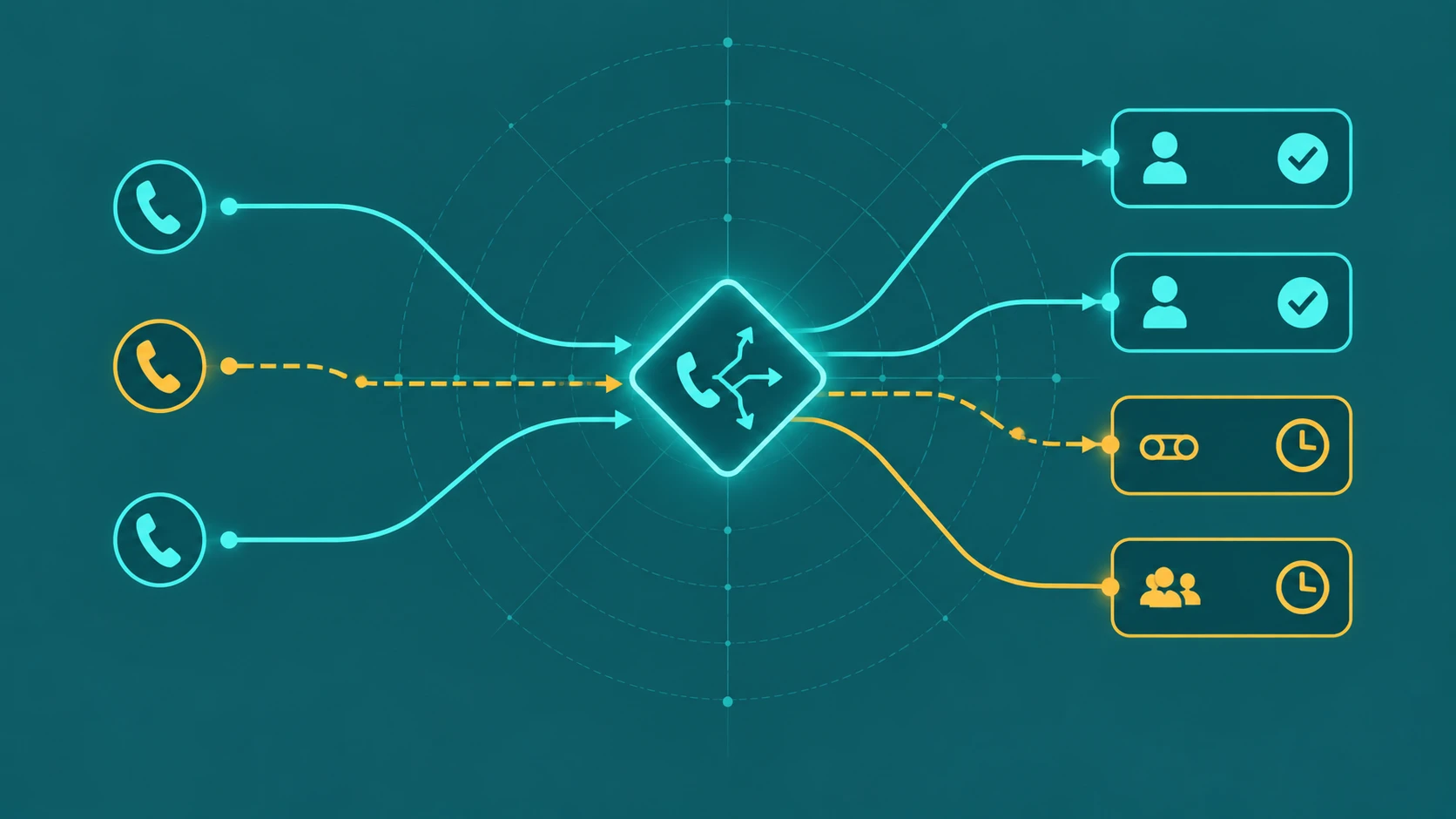
Every call queue has limits. At some point — whether because too many callers are already waiting, the wait has gone on too long, or no agents are available to take the call — a new incoming caller cannot simply join the queue as normal. That is the overflow condition. What happens to that caller depends entirely on how the overflow rules have been configured.
Understanding overflow is not just a technical detail. It is the difference between a caller who reaches an answering machine that captures their inquiry and a caller who hears a disconnection tone and dials a competitor.
What is call queue overflow? Call queue overflow is a condition in which a call queue cannot place an incoming caller into the normal wait line — because the queue has reached its maximum caller capacity, a caller has exceeded the configured maximum wait time, or no agents are available. When overflow triggers, the call is redirected to an alternative destination defined in the queue's overflow configuration. Without overflow rules, calls in this condition may be dropped or left to ring indefinitely.
Why Overflow Happens
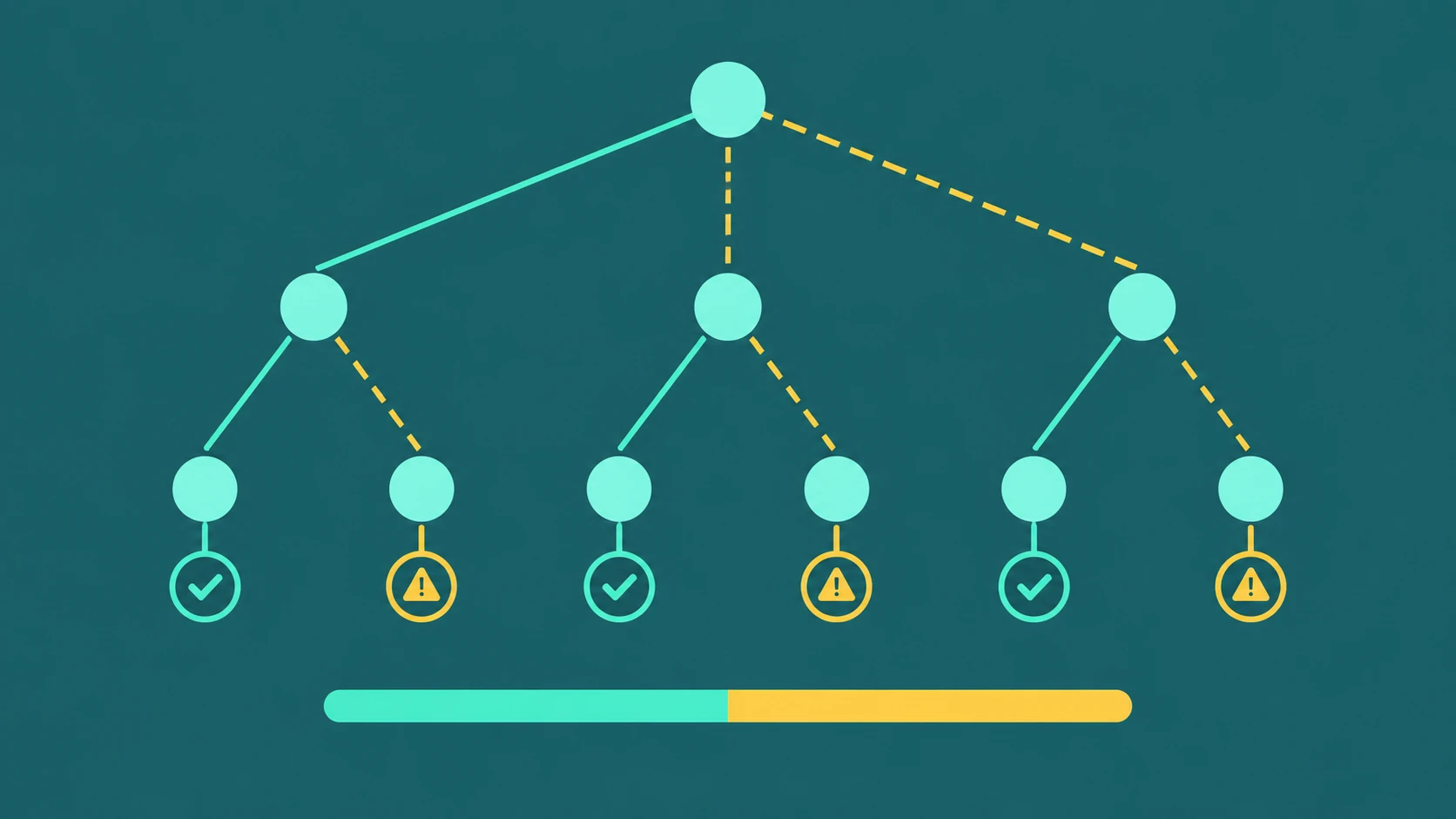
Overflow is triggered by one or more of three distinct conditions, and it is important to understand them separately because they each warrant different responses.
Maximum queue size reached
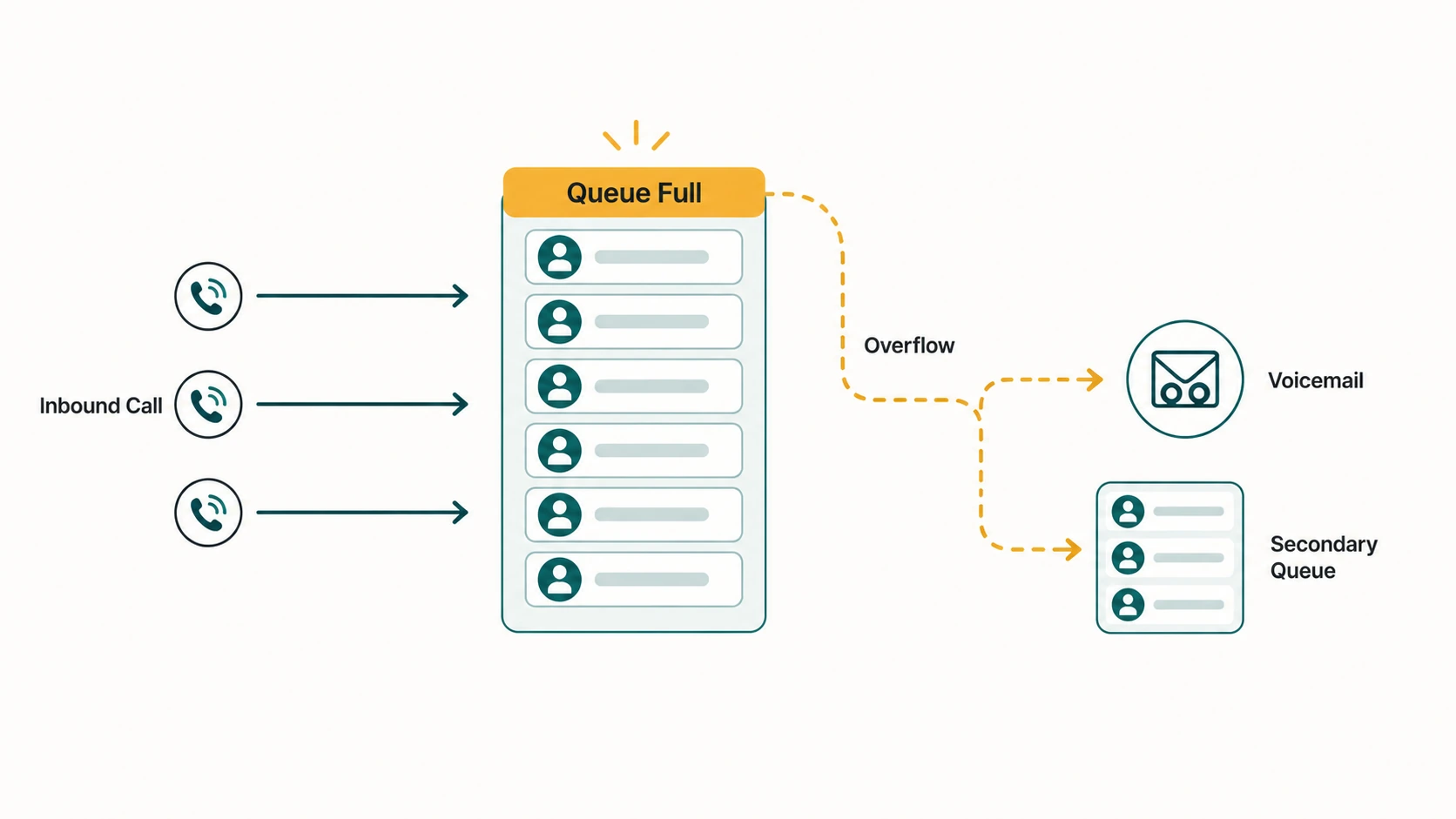
Most queue configurations allow administrators to set a ceiling on how many callers can wait simultaneously — sometimes called the maximum calls in queue or queue depth. When that limit is reached, any new caller attempting to enter the queue triggers overflow immediately. They never enter the hold line at all — they hit the overflow path the moment the queue is full.
Queue size limits exist to prevent runaway wait times. If 50 callers are waiting for 5 agents, the callers at the back of the line face a very long wait regardless of how well the queue is managed. Capping the queue forces newer callers toward a faster alternative — voicemail, a secondary queue with shorter wait, or an external service — rather than queuing them for an unacceptable wait they may not know about.
Maximum wait time exceeded
A queue timeout — sometimes called maximum wait time or call timeout — specifies how long any individual caller can remain in queue before the system acts. When a caller crosses that threshold without being connected to an agent, they are moved to the overflow destination.
This is different from the queue size limit. A queue might have capacity for 20 callers while also having a three-minute wait timeout. A caller who has been waiting three minutes exits to overflow even if fewer than 20 people are in queue. The timeout and the size limit are independent controls that can both apply to the same queue. (For a closer look at how queue timeouts work, see our guide on call queue timeouts.)
No agents available
Some platforms support a separate overflow condition for when no agents are opted in or available — distinct from the timeout that applies when agents are present but busy. This condition commonly occurs outside business hours, during system errors, or when all agents log out simultaneously. A call entering an empty queue hits a different kind of problem than a call waiting behind 15 others: there is no queue to hold it meaningfully, because no one is coming.
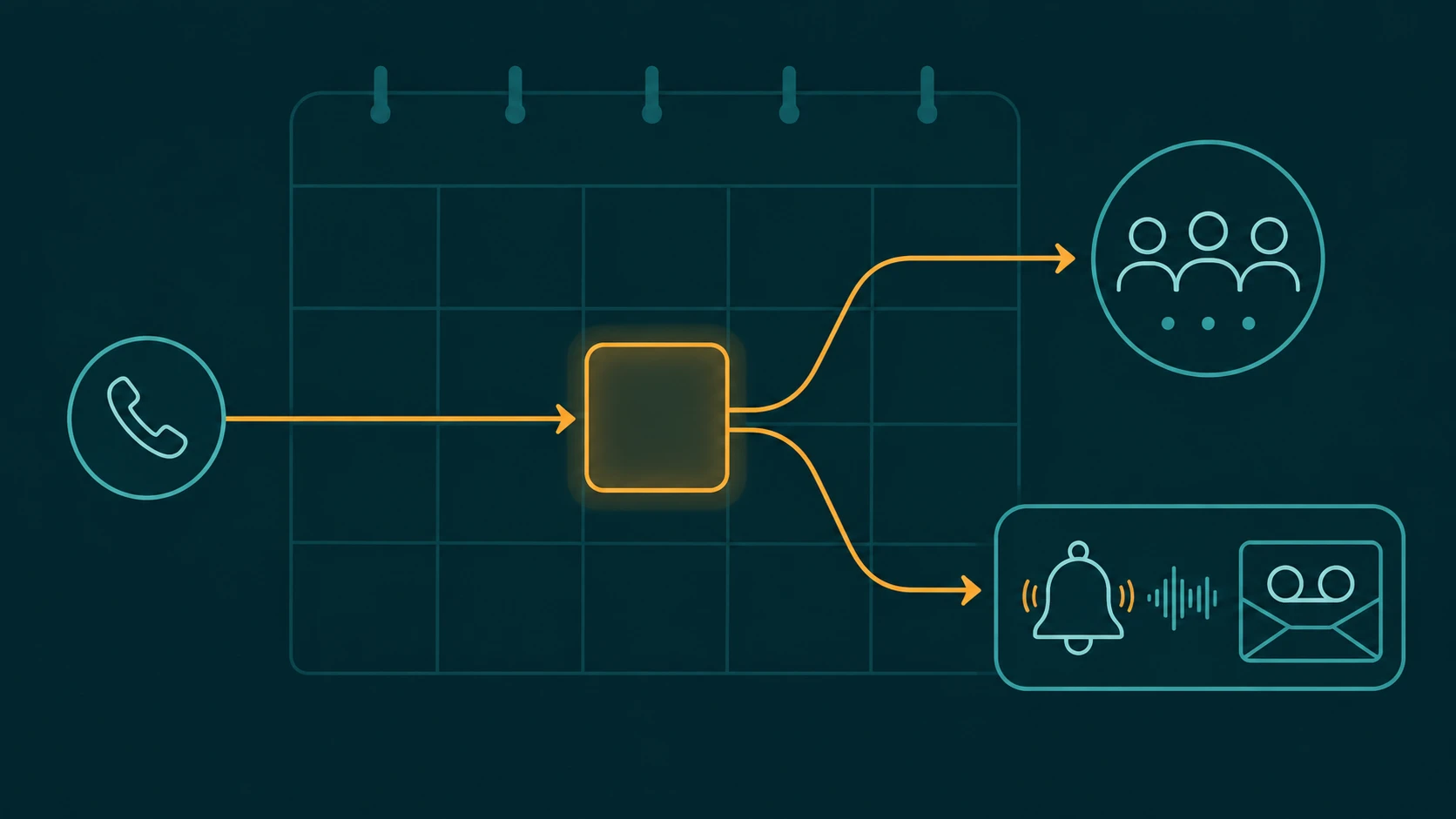
After-hours conditions often combine this with business hours rules — calls outside configured hours can be routed by the IVR before they reach the queue at all, which is generally a cleaner approach than relying on queue overflow to handle closure. (See our guide on routing business calls after hours for that parallel topic.)
Where Overflow Calls Can Go
When overflow triggers, the call needs somewhere to go. The available destinations vary by platform, but most modern cloud phone systems and contact center platforms support the following options.
Another queue
One of the most useful overflow destinations is a secondary queue — often called an overflow queue. The primary queue handles normal volume; the overflow queue handles the excess. The overflow queue might use a different agent pool (a general support group that handles spillover), a different routing strategy, or lower priority agents who are available for backup coverage.
This keeps the caller in a managed hold environment rather than dumping them into voicemail or an external number. The experience remains consistent — hold music, position announcements — but the caller is now in a queue with more capacity or different agents.
Ring group
A ring group simultaneously rings a defined set of extensions or users. Sending overflow to a ring group is useful when there is a small backup team that can handle calls on a best-effort basis without being assigned to the primary queue. The ring group approach is simpler than a full secondary queue — it does not manage position or wait time — but it can be an effective safety net for moderate overflow situations.
Voicemail
Routing overflow to a voicemail box — either a shared queue voicemail or an individual user's box — allows the caller to leave a message when a live connection is not possible. This is the right destination when the business can reliably call back within a reasonable window and the caller's inquiry does not require immediate resolution. It is generally not the right destination for urgent support lines or high-value inbound sales calls, where the cost of a missed conversation outweighs the cost of routing to a more capable option.
For more on how voicemail fits into call handling, see our guide on business voicemail.
External number
Overflow calls can be forwarded to an external phone number — an answering service, an on-call mobile phone, a partner office, or a third-party call center. External forwarding is particularly useful for after-hours overflow or situations where a business has a backup vendor handling spillover volume. Calls that exit to an external number typically leave the cloud phone system's tracking scope, which has implications for reporting.
Individual extension or user
Some platforms allow overflow to route to a specific user or extension — a manager, a senior agent, or a general office line. This is more commonly used in small teams where overflow should go to a named individual rather than a group or service.
Auto-attendant or IVR
Returning a caller to an IVR or auto-attendant is sometimes the right approach — particularly when the overflow condition occurred because the caller selected an option that led to a very busy queue. The auto-attendant can offer them additional options: leave a message, try a different department, request a callback. (For context on how IVR fits into the wider call flow, see our guide on call queue vs IVR.)
Disconnect
Some configurations allow a disconnect action — the call is terminated after a message is played. This is rarely the best choice for customer-facing lines, but it may be appropriate in narrow situations: internal helpdesk lines with specific operating hours where voicemail is not monitored, for example. Any disconnect flow should include a clear recorded message explaining the situation and when the caller can reach someone.
Overflow vs Queue Timeout: Understanding the Distinction
The terms overflow and timeout are sometimes used interchangeably, but they describe different things. Overflow refers to the condition (queue is full or wait exceeded a threshold) and the resulting action (redirect to another destination). Timeout more specifically refers to the time-based trigger — the maximum wait time — that causes overflow to fire for individual callers.
Adding to the complexity, many platforms also have a separate agent ring timeout — the number of seconds any individual agent's phone rings before the queue moves the call to the next agent. This is an intra-queue mechanism, not an overflow mechanism. A call that cycles through several agents because they didn't answer in time is still in the queue, not in overflow. Only after the overall queue timeout is exceeded does overflow apply. Confusing agent ring timeout with queue timeout is one of the more common configuration mistakes — it leads to queues that exhaust all their agents and then timeout callers far faster than intended.
A Realistic Overflow Call Flow
Incoming call → Sales queue
        ↓
Queue checks: Is there room? (Max 20 callers)
        ↓
Yes — caller joins queue, hold music begins
        ↓
Caller waits 4 minutes (queue timeout: 3 minutes)
        ↓
Timeout exceeded → Overflow condition
        ↓
Overflow destination: Sales Voicemail
        ↓
Caller hears: "We're unable to connect you right now.
Please leave your name and number and a team member
will return your call within one business day."
        ↓
Caller leaves message → Queue logs abandoned/overflow event
In this scenario, the overflow destination — voicemail — is reasonable for a sales team that can realistically return calls. The same scenario with an overflow destination of "disconnect" would leave callers with no recourse and no confidence that their inquiry was captured.
Real-World Examples
Dental office: lunch-hour overflow
A four-person dental practice routes all calls to a two-agent reception queue. During the lunch hour, both receptionists are away. The queue's "no agents" overflow condition routes incoming calls to the practice's voicemail, which plays a custom greeting explaining the lunch hours and inviting callers to leave a message. Calls resume normally when the receptionists return. The voicemail captures appointment requests and callback numbers that the team addresses in the first 20 minutes after lunch.
E-commerce support: peak-season overflow
During a sale promotion, inbound support volume spikes. The primary support queue caps at 15 callers. When the queue is full, overflow routes new callers to a secondary queue staffed by agents pulled from the general customer service pool. The secondary queue handles escalations and less-urgent inquiries, while the primary queue handles order-related issues. Both queues share the same voicemail destination for their own timeout conditions.
Multi-location business: after-hours overflow
A regional property management company has three offices in different time zones. After each office closes for the day, its queue's "no agents" overflow routes emergency calls to an on-call mobile number and non-emergency calls to a shared voicemail box. The IVR plays a prompt distinguishing between emergency and general inquiries before routing — avoiding emergency calls sitting in voicemail overnight.
Configuration Considerations
Before setting overflow rules, it helps to think through several practical questions:
- What is the caller's likely reason for calling? Urgent matters warrant live overflow destinations; routine inquiries can wait in voicemail.
- Is the overflow destination actually monitored? Routing to voicemail is only useful if someone checks and returns those calls. Routing to an external number is only useful if someone answers it.
- Does the overflow greeting explain what's happening? Callers who reach overflow should hear something that sets accurate expectations — not just a generic "please hold" message.
- Are both overflow conditions configured? Many teams configure timeout overflow but forget to configure the queue-full overflow — or vice versa. Both deserve explicit attention.
- Is reporting in place to track overflow volume? Frequent overflow is a signal — not a solution. If callers are regularly hitting overflow, the team needs to examine staffing, queue limits, or capacity. (See our guide on call center metrics for what to monitor.)
Common Mistakes
Setting no overflow destination at all. The most dangerous configuration is a queue with no overflow rule. Depending on the platform, callers may ring indefinitely, hear a generic error, or be dropped silently. Always configure an explicit overflow destination.
Routing overflow to an unmonitored voicemail. A voicemail box that fills up or isn't checked promptly is not meaningfully better than a disconnect for the caller.
Confusing agent timeout with queue timeout. If agent ring timeout is 30 seconds and five agents are in the queue, the system can spend up to 150 seconds cycling through agents before the queue-level timeout fires. Administrators sometimes set the queue timeout too short, thinking agents aren't getting enough time — when actually the queue timeout is triggering before all agents have been tried.
Creating overflow loops. If Queue A overflows to Queue B and Queue B's overflow routes back to Queue A, callers can loop between queues indefinitely. Always verify that overflow destinations are terminal or genuinely different routing paths.
For a related discussion of what happens when callers don't connect through any of these paths, see our guide on missed business call routing options.
Frequently Asked Questions
What is the difference between overflow and a queue timeout?
Overflow is the condition and the resulting routing action. Queue timeout is one specific trigger for overflow — when a caller has waited longer than the configured maximum wait time. Overflow can also be triggered by queue size limits or no-agents conditions, independently of any timeout.
Does overflow always send the caller to voicemail?
No. Voicemail is one of several possible overflow destinations. Calls can also overflow to a secondary queue, a ring group, an external number, an individual extension, an IVR, or — in some configurations — a disconnect. The destination is configurable and should reflect the caller's likely need.
Can a queue have both a size limit and a timeout?
Yes. These are typically independent controls. A caller who enters a non-full queue and then waits too long will hit the timeout overflow. A caller who attempts to enter a full queue will hit the size-limit overflow immediately, regardless of how long other callers have been waiting.
What happens to the caller's place in queue when overflow fires?
Once overflow routes a caller out of the queue, they are no longer in the queue. They are directed to the overflow destination and treated as a separate call event. Queue callback systems on some platforms can offer callers a way to request a return call before exiting — see our guide on queue callback for how that works.
Is overflow the same as call forwarding?
They are related but not identical. Call forwarding is typically a rule applied at the user or number level — redirecting a call based on no-answer, busy, or time conditions. Queue overflow is specifically a queue-level mechanism that fires based on queue-state conditions (depth, wait time, agent availability). Both redirect calls; overflow is triggered by queue state, forwarding is triggered by individual-line conditions. See our comparison of call queue vs call forwarding for more on how the two differ.
How does overflow affect call reporting?
Calls that exit via overflow are typically logged as overflow or abandoned events in the queue's reporting. Depending on the platform, the overflow destination may or may not capture its own call records. Calls that forward to an external number may fall outside the platform's reporting entirely. Understanding these reporting boundaries matters for accurately tracking missed-call volume.