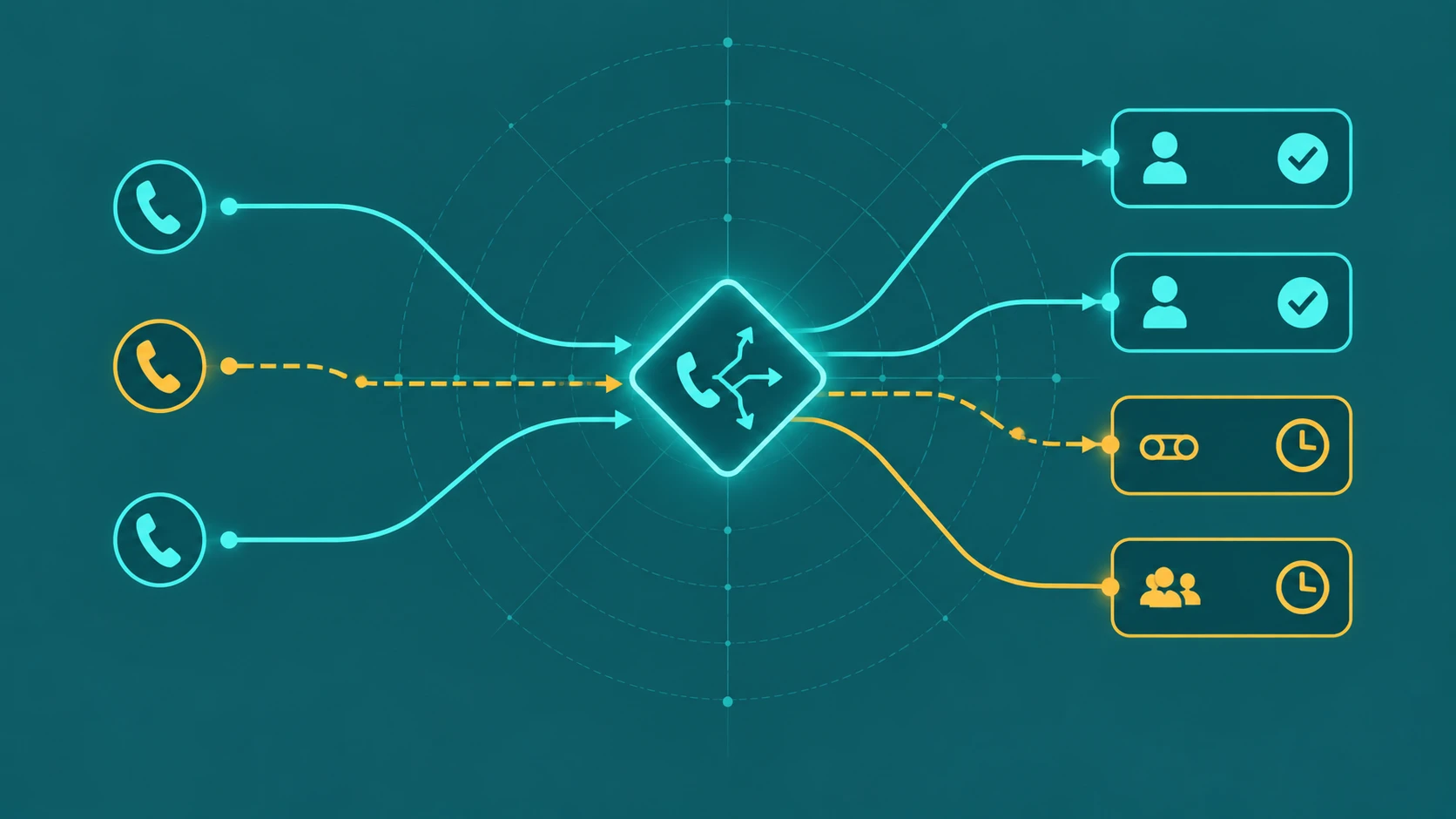
Every call queue needs a maximum wait threshold. Left without one, callers can sit on hold indefinitely — which serves no one. A call queue timeout defines the limit: how long a single caller may wait before the system takes a defined action, whether that is routing them to voicemail, another queue, or a different destination.
Timeout is one of the most misunderstood settings in queue configuration, partly because multiple different timeouts govern related but distinct behaviors. Getting them confused leads to queues that either time callers out far too early or leave them holding long past any reasonable limit.
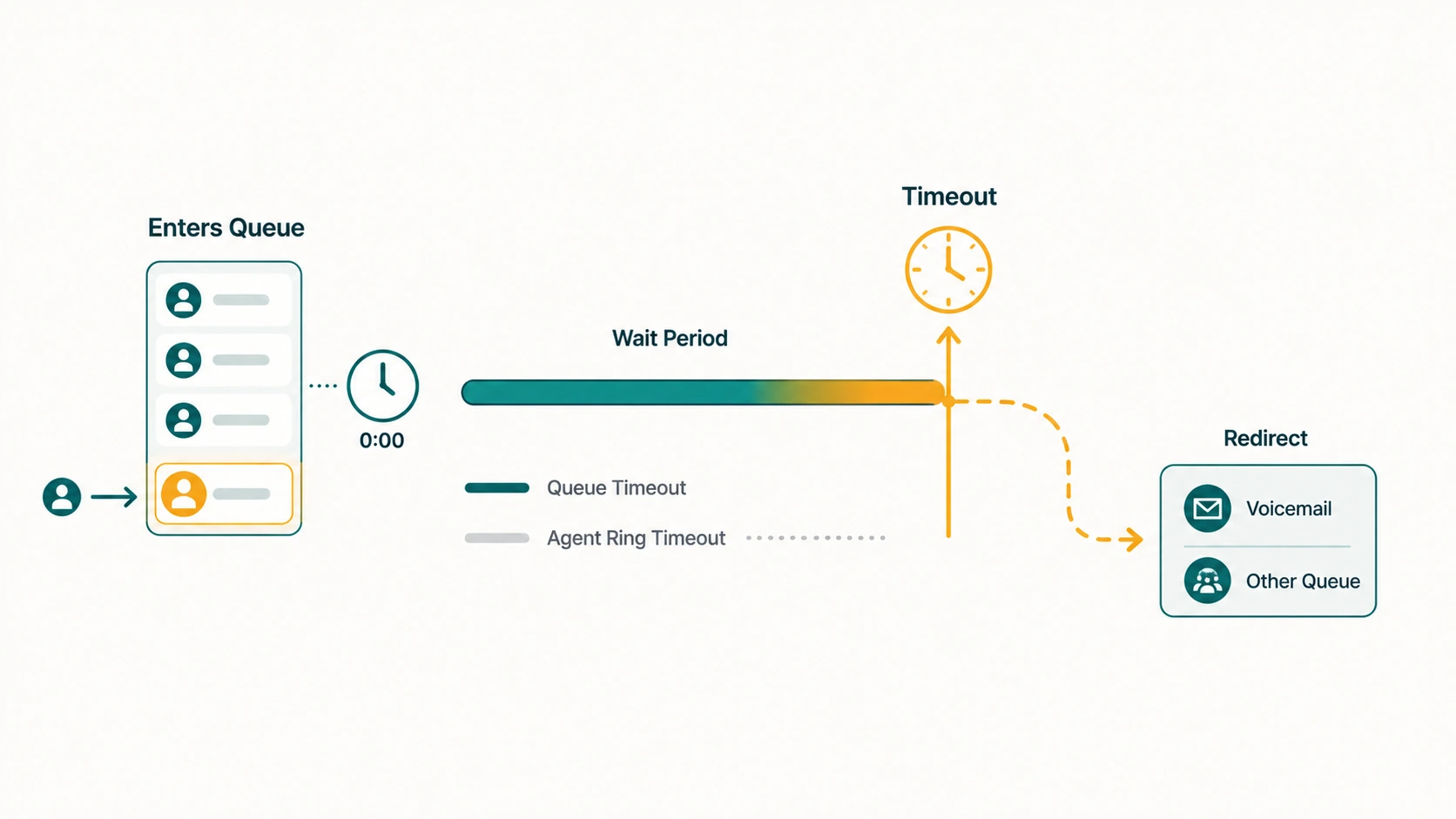
What is a call queue timeout? A call queue timeout — often called maximum wait time or call timeout — specifies how long a caller can remain in queue before the system redirects or disconnects the call. When the timeout threshold is crossed, the call exits the queue and is routed to the configured timeout destination: voicemail, another queue, an extension, an external number, or in some configurations, a disconnect. The timeout applies to each individual caller's time in queue, not to the total number of callers waiting.
The Four Timeouts — and How They Relate
Queue-related timeouts confuse administrators because several different settings interact, and terminology is not consistent across platforms. Here is how they typically break down:
1. Queue timeout (maximum wait time)
This is the primary timeout: the maximum total time a caller can remain in queue. When a caller's wait time exceeds this value, the queue system routes them to the timeout destination. This timeout is per-caller — it counts from the moment that caller entered the queue, not from when the longest-waiting caller in the queue arrived.
For reference, Microsoft Teams call queues allow this to be set anywhere from 0 seconds to 45 minutes. Other platforms have their own ranges; there is no universal default, and treating any specific value as an industry standard would be incorrect.
2. Agent ring timeout (agent alert time)
This is a completely separate setting: how long any individual agent's phone rings before the queue stops trying that agent and moves on to the next one. If the agent ring timeout is 25 seconds and the queue has round-robin routing, the queue will ring Agent A for 25 seconds, then move to Agent B for 25 seconds, then Agent C, and so on.
Agent ring timeout does not move the caller out of the queue — it moves the ring attempt from one agent to another. The caller remains in queue throughout this process. Only the queue-level timeout causes the caller to exit.
3. No-answer forwarding
Configured at the individual user or extension level, not the queue level. If an agent's personal phone has a no-answer forward set to 20 seconds, that forward may fire before the queue's agent ring timeout — depending on whether the no-answer forward is applied to queue-delivered calls. Interaction between user-level forwarding rules and queue-level agent ring timeouts is a common source of unexpected behavior and varies by platform.
4. Queue overflow (maximum calls in queue)
Overflow based on queue size is separate from timeout. A queue can cap the number of concurrent waiting callers, and callers attempting to enter a full queue are redirected immediately — before any timeout countdown begins. See our guide on call queue overflow for how size-based overflow works alongside time-based timeout.
How Queue Timeout and Agent Ring Timeout Work Together
Understanding how these two settings interact is essential for setting them correctly. Consider this example:
- Queue timeout (maximum wait time): 3 minutes (180 seconds)
- Agent ring timeout: 30 seconds
- Agents in the queue: 6
- Routing method: sequential (serial)
With these settings, the queue will try to ring each agent for 30 seconds before moving to the next. With 6 agents, a full cycle takes up to 180 seconds. The queue timeout is also 180 seconds. In this scenario, a caller who enters the queue when all agents are busy may time out at exactly the same moment the system has cycled through every agent once — the caller never gets a second pass at available agents.
This is a common misconfiguration. The queue timeout should generally be long enough to allow multiple cycles through the agent pool, or the agent ring timeout should be short enough that several cycles complete within the queue timeout window. Administrators who set equal values for both — or set queue timeout shorter than one full agent cycle — often find that callers time out before they have had a genuine chance to reach an available agent.
What Happens When Queue Timeout Fires
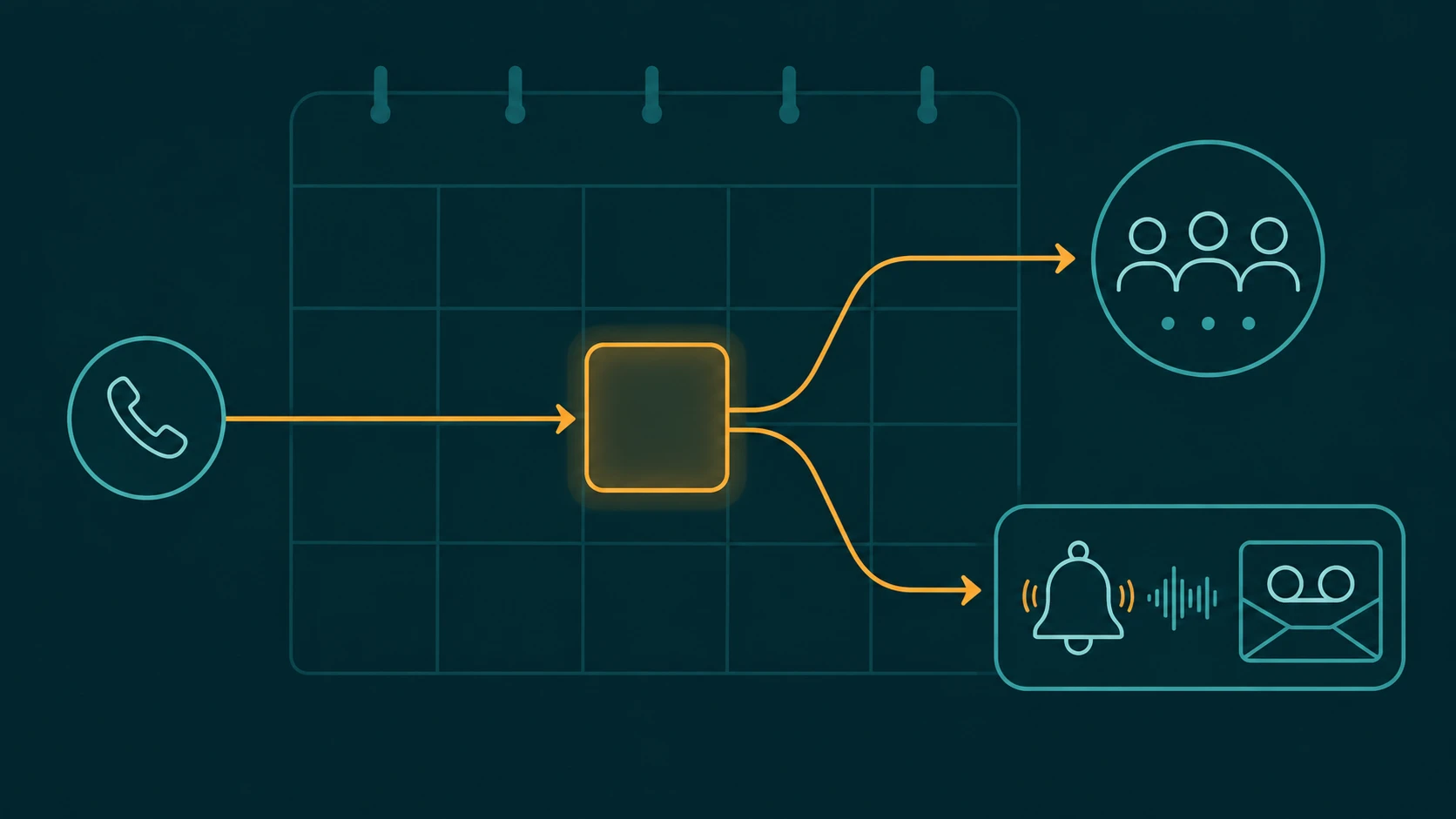
When a caller's wait time exceeds the configured maximum, they exit the queue and are routed according to the timeout destination setting. The caller does not receive a busy signal or an abrupt disconnection unless disconnect is the configured timeout action.
Possible timeout destinations on most platforms include:
- Voicemail — the caller hears a greeting and is prompted to leave a message. The most common destination for standard business queues.
- Another queue — the caller is transferred to a secondary queue, often with different agents or lower priority assignments.
- A specific extension or user — routes to a named individual such as a manager or backup agent.
- An external phone number — forwards to an answering service, on-call number, or partner team outside the platform.
- An auto-attendant or IVR — returns the caller to a menu where they can choose a different path or leave a message.
- Disconnect — the call is terminated, typically after a recorded explanation. Should only be used when all other options are genuinely unavailable.
The right timeout destination depends on the nature of calls the queue handles. A sales queue should not route timed-out callers to a generic voicemail with no call-back commitment. A support queue may reasonably route to voicemail if agents are genuinely overwhelmed and callbacks are reliably returned.
Realistic Queue Timeout Scenarios
Caller enters Support queue at 2:14 PM
         ↓
Queue checks agent availability — all busy
         ↓
Caller holds with music and position announcement
         ↓
Agent ring attempts cycle through available pool
         ↓
2:19 PM — Queue timeout fires (5-minute max wait)
         ↓
Caller is transferred to: Support Voicemail
         ↓
Greeting: "You've reached our support team voicemail.
Please leave your name, number, and issue.
We return all messages within 2 business hours."
         ↓
Caller leaves message
         ↓
Queue logs event: timeout → voicemail
Configuration Mistakes That Create Real Problems
Setting queue timeout shorter than one agent ring cycle
If the agent ring timeout is 30 seconds and the queue has 8 agents, one full sequential ring cycle takes up to 240 seconds. Setting the queue timeout to 120 seconds means the caller will be timed out halfway through the first cycle — some agents never get a ring attempt at all. Most callers with a 2-minute wait expectation would prefer to reach an agent over receiving a voicemail prompt.
Setting no timeout at all
A queue with no maximum wait time is a queue where callers can theoretically hold indefinitely. While this might seem caller-friendly on the surface, it creates unpredictable experiences — callers don't know when or whether they'll be connected. It also means the queue has no fallback for scenarios where agents are unavailable for an extended period.
Routing timed-out callers to a disconnected or unmonitored destination
A timeout that routes to an unmonitored voicemail box, a full inbox, or an external number no one answers wastes the caller's wait time and captures nothing. Every timeout destination should be verified as functional and monitored.
Assuming platform defaults are appropriate
Different platforms use different defaults for queue timeout and agent ring timeout. A default that makes sense for one use case — a large contact center with many agents in serial rotation — may be completely wrong for a small business with two agents in ring-all mode. Defaults should be reviewed and adjusted to the specific team's size, call volume, and caller expectations.
Queue Timeout vs Overflow: Are They the Same Thing?
No, though they are related. Queue timeout is a time-based trigger that fires when an individual caller's wait time crosses the threshold. Overflow is the broader category of actions — which includes timeout as one trigger, but also includes queue size limits and no-agent conditions. When timeout fires, the resulting action is an overflow action. But not all overflow is caused by timeout: a queue can overflow because it is full, even if no caller has waited long enough to hit the time threshold.
In many platforms, timeout and overflow share the same destination configuration — the timeout destination and the overflow destination may be the same setting or separate settings depending on the platform's architecture.
Frequently Asked Questions
What is a reasonable queue timeout?
There is no universal standard. The right timeout depends on what callers expect for the type of call they are making, how quickly agents realistically become available, and what the timeout destination can offer. A queue with reliable 2-minute average wait times might set a 5-minute timeout as a generous buffer. A queue with chronic agent shortages needs a shorter timeout and a better timeout destination — not a longer tolerance for callers in an unresolvable hold state.
Is queue timeout the same as agent ring timeout?
No. Agent ring timeout (sometimes called agent alert time) controls how long an individual agent's phone rings before the queue moves the attempt to the next agent. Queue timeout controls how long a caller remains in the queue overall. They are independent settings that interact — getting one right without considering the other leads to misconfigured queues.
Can a caller get a callback before the queue timeout fires?
On platforms that support it, yes. Some platforms allow callback to be offered to callers before the queue timeout fires — typically after a configured wait threshold. The timeout needs to be long enough that the caller becomes eligible for callback, hears the callback offer, and makes a decision before the timeout fires. Our guide on queue callback covers how this interaction works.
What should happen when the timeout destination is also unavailable?
Timeout destinations can fail — voicemail boxes fill up, external numbers go unanswered, secondary queues have their own timeout conditions. Wherever possible, configure a fallback for the timeout destination as well. Nested failure conditions — where every fallback also has a fallback — are the sign of a well-thought-through call flow.
How does queue timeout affect service level reporting?
Callers who exit via timeout are typically counted as abandoned or timed-out calls in queue reporting. This affects service level calculations, abandonment rate, and calls answered metrics. See our guide on call center metrics and KPIs for how these measurements interact.