A standard call queue serves callers in the order they arrive: first in, first out. That's fair — but fair isn't always the right objective in a contact center. An enterprise customer mid-way through a deployment issue and a free-tier user with a general question don't necessarily deserve the same wait time. Priority queuing lets you reflect that reality in your routing logic, without building a separate queue for every tier of customer.
This guide explains exactly how priority queuing works — the mechanics of priority levels, why strict priority creates a starvation problem, how aging solves it, and the practical decisions involved in deploying it across a real contact center.
For how EaseDial handles this, see call queues.
What Is Call Queue Priority?
Definition: Call queue priority is a queuing mechanism that assigns each incoming call a numeric priority level and serves higher-priority calls before lower-priority ones, regardless of the order in which they arrived. Within calls sharing the same priority level, standard first-in, first-out (FIFO) ordering applies. Priority is typically assigned based on caller identity, the number dialed, IVR input, or a real-time CRM lookup at the moment the call enters the system.
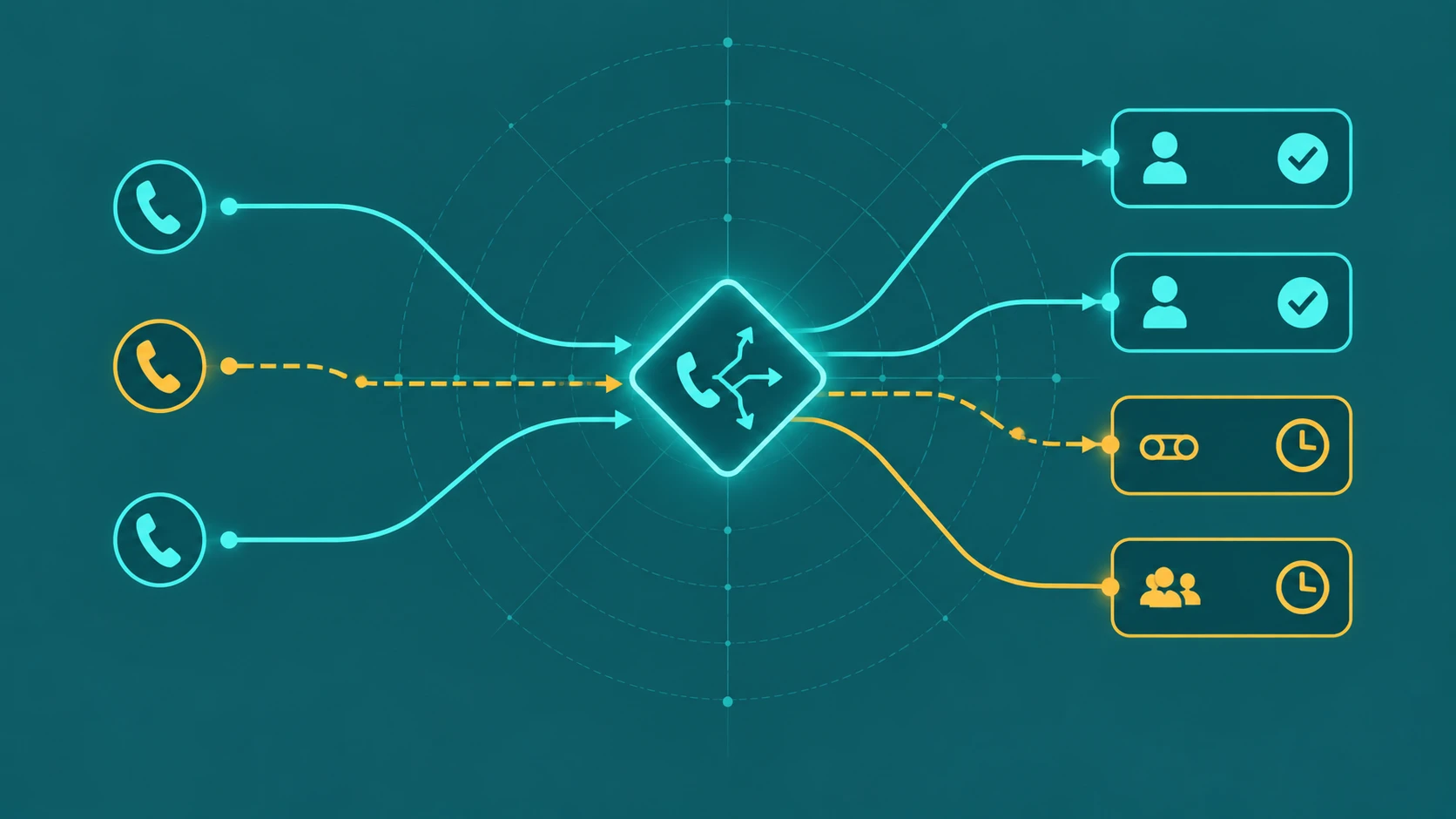
Priority queuing sits within the broader family of call routing strategies. Where routing determines which queue or agent pool a call enters, priority queuing determines the order in which calls within a queue get served. The two are complementary and are often deployed together.
How Priority Levels Work
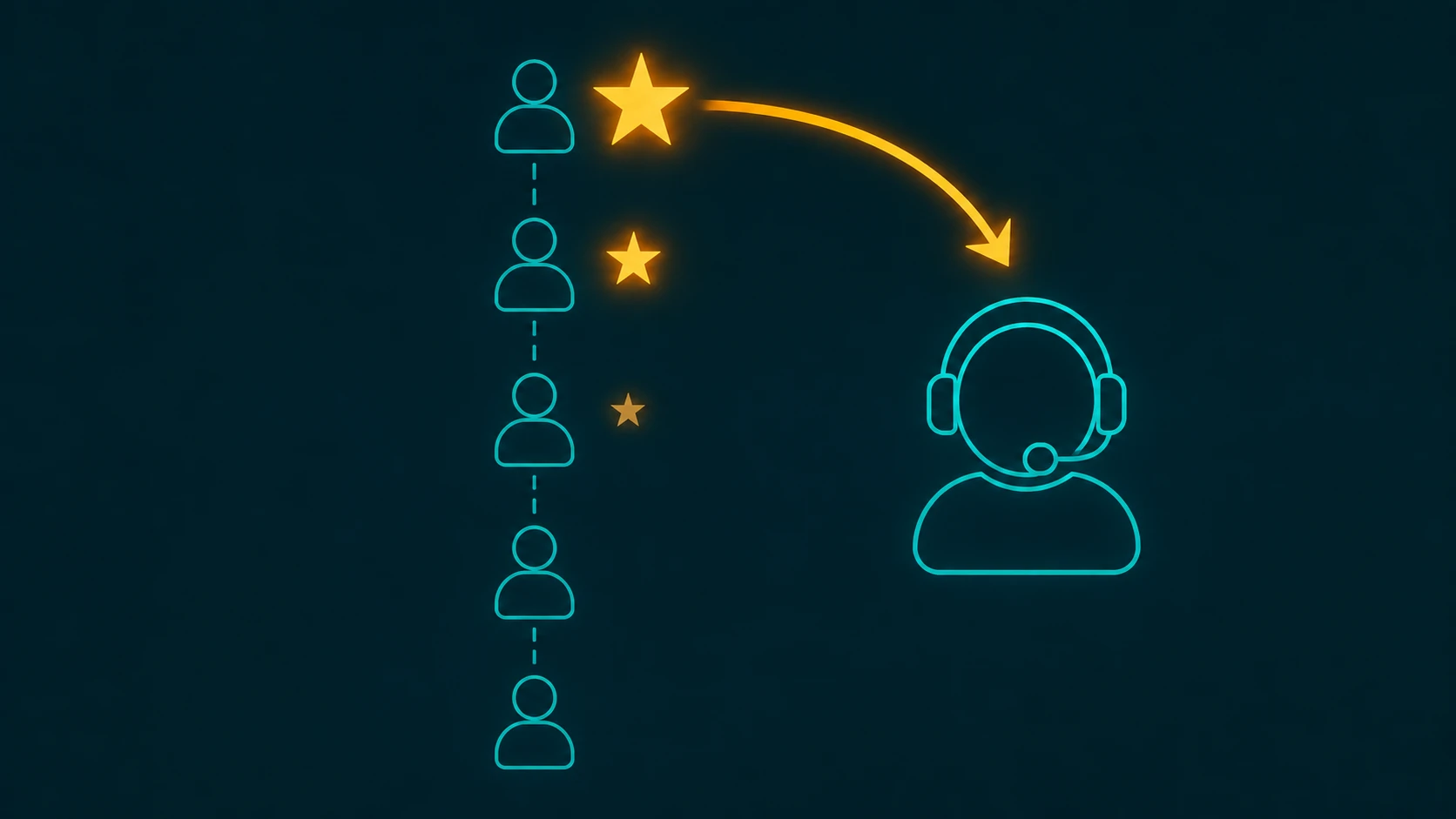
Most contact center platforms implement priority as a numeric scale — commonly 1 through 5 or 1 through 10, where 1 is the highest priority. The ACD maintains an ordered queue that continuously re-sorts based on these values: as new calls arrive, they are inserted at the correct position relative to calls already waiting.
The result: when an agent becomes available, the system selects the highest-priority call waiting, not the call that has been waiting longest. If two calls share the same priority level, FIFO applies between them — the earlier arrival is served first.
A practical tier structure for a SaaS company might look like this:
- Priority 1: Enterprise contract customers — routed to the front automatically via ANI match or DNIS
- Priority 3: Standard paid customers — default inbound queue position
- Priority 5: Free-tier users or trial accounts — lowest position in the queue
An enterprise caller who dials in 10 minutes after a free-tier caller will reach an agent before that free-tier caller — their priority level overrides arrival time. This is the core mechanic, and it's also the source of the most significant operational risk in priority queuing: starvation.
The Starvation Problem and Anti-Starvation Aging
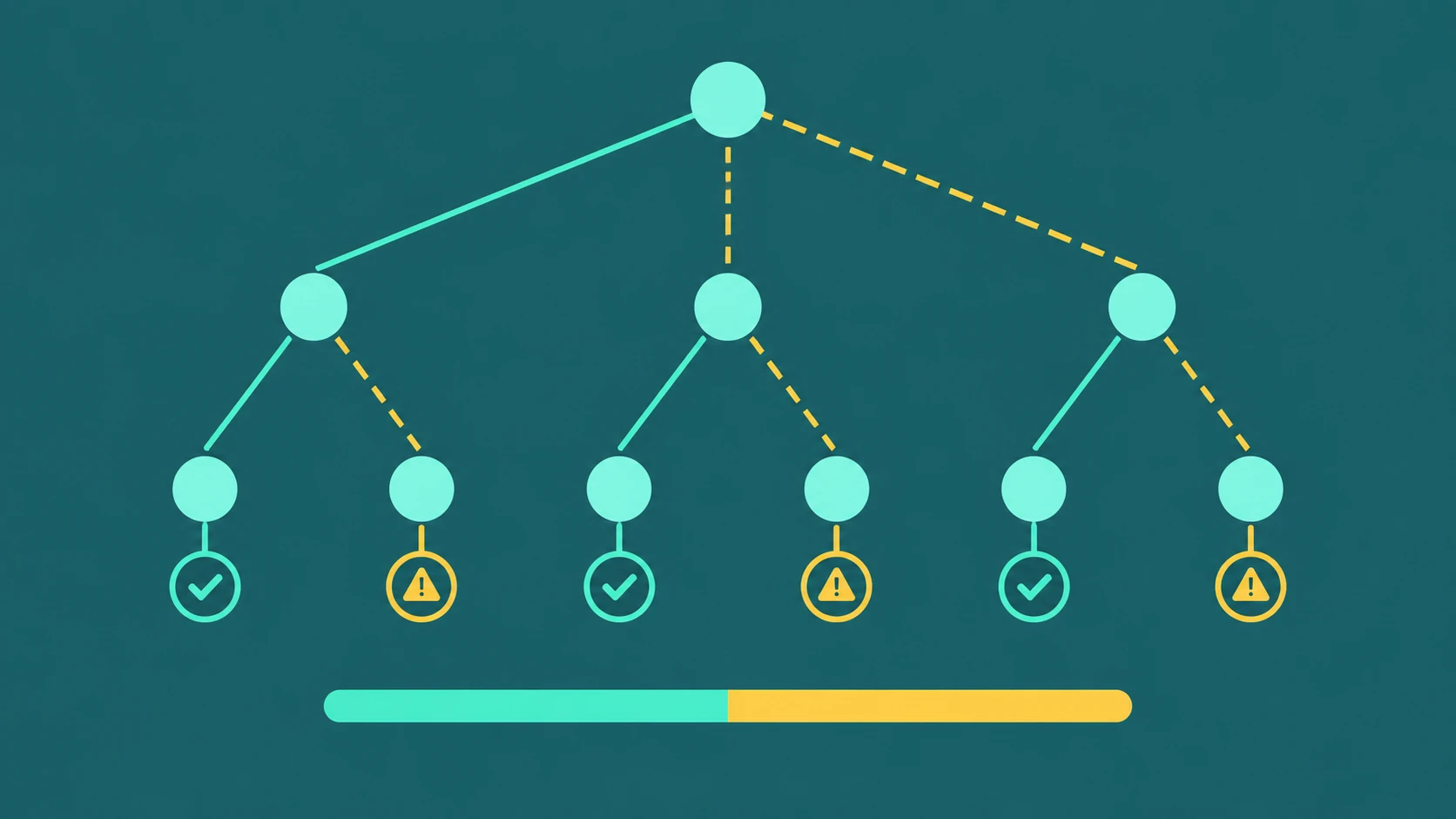
Strict priority queuing — serving priority 1 calls first, always — creates a theoretical (and sometimes practical) problem: if priority-1 calls arrive continuously, lower-priority callers may never reach an agent. They wait indefinitely while a constant stream of higher-priority callers moves ahead. This is called starvation.
Starvation is not just a theoretical concern. In environments where enterprise volume is high relative to agent capacity, priority-5 callers can regularly wait 30–45 minutes or more while the priority-1 queue stays full. Even moderate starvation — where low-priority callers experience wait times far beyond the average — creates its own support and brand problems.
The standard solution is aging (sometimes called priority escalation or anti-starvation). Aging works by incrementally increasing a call's effective priority the longer it waits. A common implementation: every 30 seconds a call spends in the queue, its priority level increases by one step. A priority-5 call that has waited 2 minutes becomes effectively priority-3. After 4 minutes, it reaches priority-1 and is treated the same as the highest-value caller.
Aging guarantees that every caller will eventually reach an agent, regardless of how much higher-priority traffic is flowing in. It transforms strict priority queuing — which can starve lower tiers — into a system that still favors premium callers, but puts a finite ceiling on how long anyone waits.
One important caveat: aging buys time, but it does not create capacity. If priority-1 volume persistently exceeds what your agent pool can absorb, even with aging, lower-priority callers will still experience very long waits. Aging extends the runway; the underlying fix is staffing or overflow routing. See our guide to call queue management for the full capacity picture.
How Priority Gets Assigned
Priority assignment happens at the moment a call enters the system — before it reaches the queue. The five main sources of priority assignment are:
- IVR input: The caller selects an option that identifies their customer type. Selecting "enterprise support" or "existing customer" routes them into a higher-priority segment before they ever reach the queue.
- ANI matching: The caller's phone number (Automatic Number Identification) is checked against the CRM at the point of call entry. If the number matches a VIP account record, the system automatically assigns elevated priority without requiring the caller to do anything.
- DNIS: The number the caller dialed (Dialed Number Identification Service) determines priority. Calls arriving on the premium support number receive priority 1 by default; calls on the general line receive priority 3 or lower.
- CTI integration: A real-time CRM lookup on the SIP INVITE identifies the caller's account tier the moment the call arrives, before any IVR interaction. This enables the cleanest experience — priority is set silently based on account data, with no action required from the caller.
- Manual agent transfer: A front-line agent handling an escalating situation can manually elevate a call's priority before transferring it to a specialist queue. This is the least scalable method but covers edge cases that automated rules miss.
For most deployments, a combination of two or three of these methods works best. ANI matching plus DNIS covers the majority of cases automatically; IVR input handles callers calling from unrecognized numbers; manual escalation covers the remainder.
Priority Queuing vs. Skills-Based Routing
These two concepts are frequently confused and equally frequently combined, so the distinction is worth being precise about.
Skills-based routing determines which queue or agent pool a call goes to. A Spanish-speaking caller routes to the Spanish-language team. A technical support call routes to the engineering support queue. A billing inquiry routes to the billing team. Skills-based routing is about matching the caller's need to the right pool of agents.
Priority queuing determines the order in which calls within a queue get served. Once a call is in the technical support queue, priority queuing decides whether the enterprise account waiting 2 minutes gets served before the standard account that's been waiting 5 minutes.
In practice, most mature contact centers use both. Skills-based routing ensures calls reach the right agent type; priority queuing ensures the most important calls within each pool get served first. For a full overview of routing strategy types, see our guide to call routing.
VIP Use Cases in Practice
Priority queuing earns its value most clearly in a tiered customer model. Consider a SaaS company with three customer tiers:
- Enterprise accounts (priority 1): contracted SLA of 4-hour response, high ACV, complex integrations
- Standard accounts (priority 3): best-effort response, moderate ACV
- Free-tier users (priority 5): no response SLA, lowest queue position
Without priority queuing, an enterprise customer who calls during a busy period waits behind a queue of standard and free-tier callers — potentially violating a contracted SLA. With priority queuing, that enterprise caller reaches an agent ahead of lower-priority callers, even if they called later, keeping SLA compliance intact without requiring a dedicated agent pool for enterprise alone.
Priority queuing also applies within a single customer tier. A caller already on their third contact about the same unresolved issue can be escalated to priority 1 manually by the previous agent — ensuring continuity rather than another long wait.
Choosing How Many Priority Levels to Use
Most contact center platforms support between 5 and 10 priority levels. The practical question is how many you should actually use.
The general guidance is to use fewer levels than the system supports. Three to five priority levels covers the vast majority of real-world customer tier models without creating management complexity. Each additional level requires:
- A defined rule set for what puts a caller in that level
- Aging configuration specific to that level's acceptable wait ceiling
- Supervisor dashboards that can track queue depth at that granularity
- Training for agents on what each level means operationally
Ten priority levels sounds like precise control, but in practice it becomes difficult to reason about. If your operations team can't immediately explain why a call is priority 4 versus priority 6, the system is too complex. Start with three levels — high, standard, low — and add a fourth only when you have a clear operational need that the existing levels can't address.
It's also worth noting that priority queuing improves SLA compliance for premium tiers without requiring a dedicated separate queue per tier. Where a dedicated queue might demand maintaining minimum agent counts per pool at all times, priority queuing within a shared queue allows agents to serve multiple tiers efficiently while still honoring the ordering rules.
Real-Time Monitoring of Priority Queues
Priority queuing adds a dimension to supervisor dashboards that flat FIFO queues don't require: queue depth by priority level, not just total queue depth.
A total queue depth of 20 callers tells you something, but not enough. If all 20 are priority-1 calls and your agent pool is sized for normal volume, you have a critical situation. If 18 are priority-5 and 2 are priority-1, the priority-1 calls will be served quickly and the situation is manageable.
Supervisors should monitor:
- Queue depth per priority tier — a priority-1 queue that's backing up is an SLA risk regardless of what's happening in lower tiers
- Oldest call in queue per tier — if aging is configured and a priority-5 call has been waiting 8 minutes, the aging system should be escalating it; if it hasn't, there's a configuration issue
- Priority distribution over time — if your priority-1 volume is growing as a proportion of total calls, it may signal a customer tier migration or a misconfigured assignment rule pushing too many calls to the top tier
Real-time alerts on priority-1 queue depth exceeding a threshold are a standard configuration in mature deployments. When the priority-1 tier is backing up, that's when overflow routing to a secondary agent group should trigger automatically — not after a supervisor notices 10 minutes later. For broader queue monitoring principles, see our overview of call queues.