When a customer receives a text from your business, they see a message in their native messaging app. Whether that message arrived as SMS or MMS often makes no difference to what they see — both appear in the same conversation thread. The underlying protocols, however, are different, and those differences have practical implications for businesses: what content they can send, how character limits work, what it costs, and where the messages actually deliver.
This article explains how SMS and MMS each work technically, when to use each for business messaging, and where the choice matters for your communications strategy.
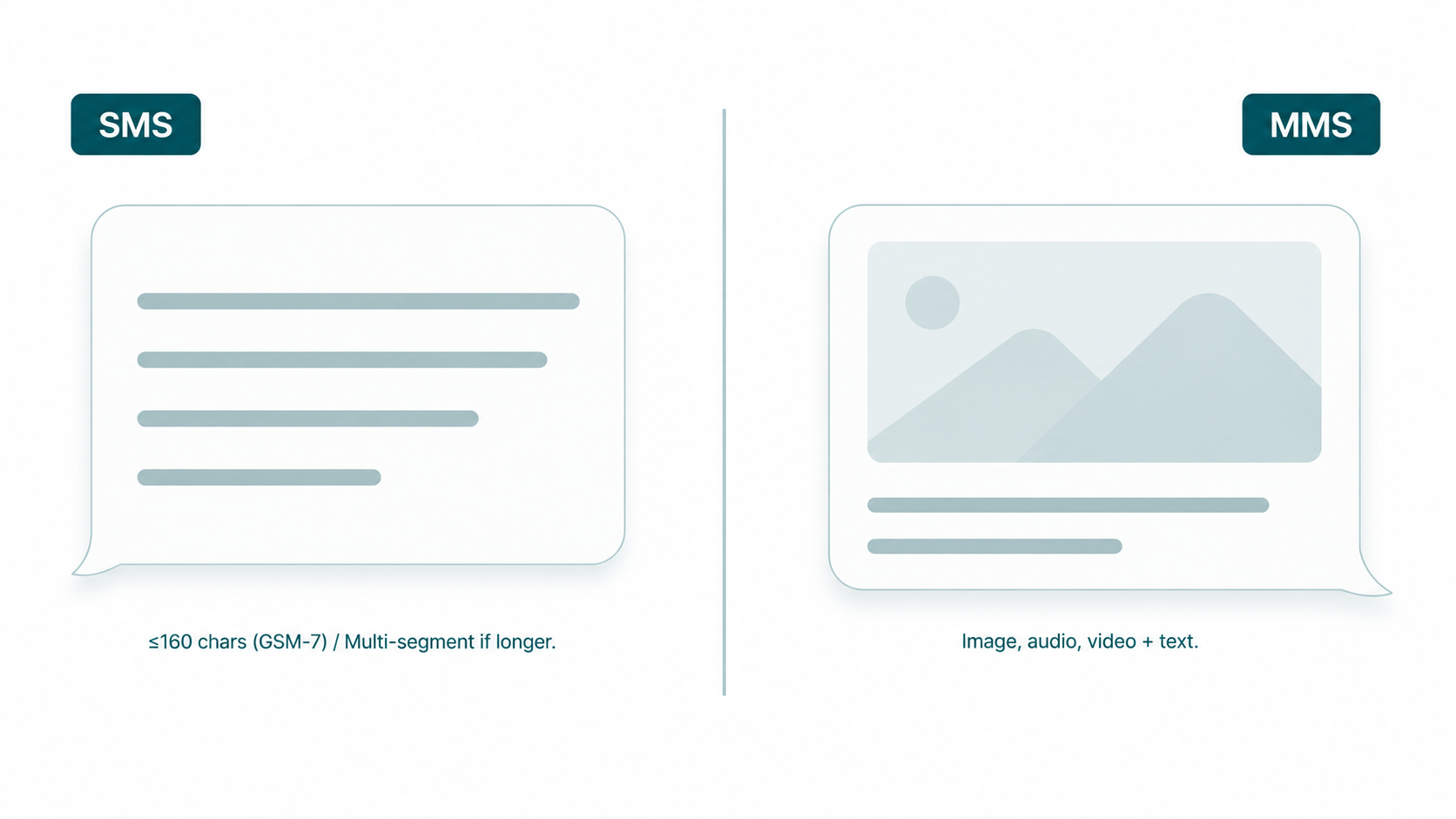
SMS vs MMS at a glance: SMS (Short Message Service) is a text-only protocol with per-segment character limits. MMS (Multimedia Messaging Service) extends SMS to support images, video, audio, and longer text content. Both travel over carrier networks and appear in the same messaging threads on a recipient's device, but they use different protocols, have different size limits, and carry different per-message costs.
SMS: How It Works Technically
SMS is one of the oldest data services in mobile telephony, built into the GSM standard in the 1980s. Its character limits are a direct consequence of the original protocol design — messages were carried on the same control channel used for network signaling, which had strict size constraints.
Character encoding and segment limits
The character limit for SMS is not simply "160 characters." It depends on the character encoding used:
- GSM-7 encoding — the standard Latin alphabet character set. Each message segment accommodates 160 characters under GSM-7. This covers standard English letters, digits, and common punctuation.
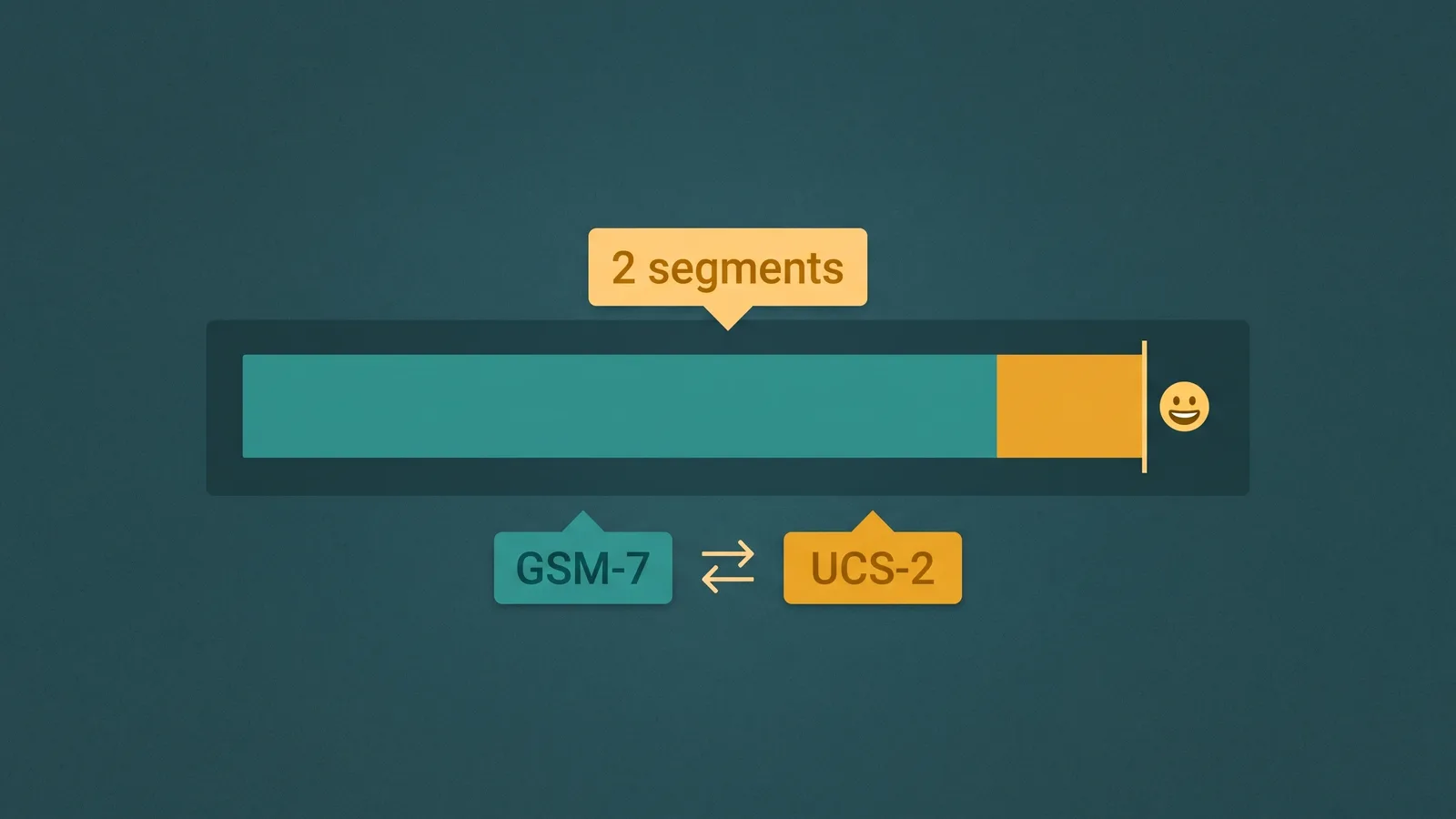
- Unicode (UCS-2) encoding — required for any character outside the GSM-7 set: emojis, accented characters from many European languages, Chinese, Japanese, Korean, Arabic, and others. Under Unicode encoding, each segment holds only 70 characters.
The encoding switch happens automatically based on the content. A message composed entirely in standard English stays within GSM-7. Add a single emoji — a thumbs-up, a heart, anything — and the entire message switches to Unicode encoding, reducing the effective character count per segment from 160 to 70.
This matters for business messaging in a practical way: a message that appears to be within a "safe" length in your drafting interface may actually be encoded differently — and billed differently — if it contains emoji or special characters.
Concatenated SMS: what happens when messages exceed the limit
Messages that exceed a single segment's character limit are handled through concatenation: the message is split into multiple segments, each transmitted independently, and reassembled by the recipient's device for display. From the recipient's perspective, it arrives as one message. From a billing and infrastructure perspective, each segment is counted and priced individually.
Concatenation also reduces the usable characters per segment because a portion of each segment's capacity must be reserved for the reassembly header that tells the receiving device how to put the pieces back together. Under GSM-7, concatenated segments carry 153 characters each (not 160). Under Unicode, concatenated segments carry 67 characters each (not 70).
A business composing a 300-character message in standard English expects it to be transmitted as two GSM-7 segments (153 + 147 characters). If someone edits the message to add an emoji, the same 300 characters become five Unicode segments (67 characters each, with the last partially filled). Five segments at the per-segment rate compared to two — the content barely changed, but the transmission cost more than doubled. For a complete reference on encoding rules, segment math, and cost implications, see SMS character limits, encoding, and segments.
MMS: How It Works Technically
MMS was developed to extend SMS beyond text, and it operates on a fundamentally different delivery mechanism. Where SMS messages are carried over the signaling channel, MMS uses a data channel — content is uploaded to a carrier media server and downloaded by the recipient's device.
What MMS supports
- Images: JPEG, PNG, GIF (including animated GIF) — the most common use case in business messaging
- Audio files
- Video
- Longer text: MMS supports significantly longer text content than SMS — though for pure text-heavy messages, SMS concatenation or alternative channels are often more appropriate
File size limits
MMS file sizes are constrained by carrier limits, which vary by carrier and region. There is no universal maximum that applies across all carriers. Carriers impose their own limits on the media content they will relay, and oversized files may be rejected, downsampled, or blocked without notification to the sender. When building MMS into business workflows, it is important to test with the carrier(s) serving your target audience, not assume a universal size limit applies.
Cost and international delivery
MMS carries a higher per-message cost than SMS in most carrier and platform pricing structures — reflecting the additional infrastructure involved in media delivery. MMS is also not universally supported internationally. Carrier support for MMS varies significantly outside the United States and Canada. Some carriers in other regions have limited or no MMS support, and messages sent as MMS to those carriers may be converted to SMS with a link (stripping the media content) or may fail to deliver. For businesses with international audiences, this is a meaningful consideration.
When to Use SMS for Business
SMS is the right choice when the content is text-only and the value is in the information, not the visual presentation:
- Appointment reminders: "Your appointment with [provider] is tomorrow at 2:00 PM. Reply C to confirm or R to reschedule."
- Order and shipping confirmations: "Your order #12345 has shipped and will arrive by Thursday."
- Service alerts and notifications: Account balance thresholds, system status updates, delivery windows
- Two-way support conversations: Text-based customer service where the interaction is conversational rather than visual
- OTP and verification codes: One-time passcodes for authentication — always SMS, never MMS
- Short informational messages: Any content that a sentence or two can communicate clearly
The argument for SMS in these cases is not only cost — it is deliverability and reliability. SMS is more universally supported, transmits faster, and carries no file size variables that can cause delivery failures. It also provides consistent SMS delivery receipts, giving senders reliable confirmation that messages reached recipients.
When to Use MMS for Business
MMS earns its higher cost when the visual content genuinely changes what the message can communicate:
- Product images: A retailer sending a personalized promotion where the image is the point — the product visual drives the click
- Visual instructions: A field service company sending a diagram or photo to help a technician or customer identify a part, a location, or a step in a process
- Branded visual marketing: Promotional messages where logo, color, and design reinforce brand recognition
- Image attachments for support: Sending a reference image (e.g., "here is what the part should look like when installed") in a support context where text alone is insufficient
- Rich campaign messages: Marketing messages where the visual is intended to increase engagement or conversion compared to text-only
The test for whether MMS is warranted: would an image materially change what the recipient understands or does? If yes, MMS may be the right format. If the text content could stand alone and achieve the same outcome, MMS adds cost without proportional benefit.
Business Messaging Infrastructure Considerations
Both SMS and MMS sent at business scale require a sender number — a phone number registered to and associated with the business. The type of number matters:
- 10-digit local numbers (long codes): Standard local phone numbers used for business text messaging. When used for Application-to-Person (A2P) messaging at scale, these require registration through the 10DLC ecosystem. See the full guide for detail: business SMS guide.
- Short codes (5–6 digit numbers): High-throughput numbers approved specifically for A2P messaging. Support both SMS and MMS, carry higher deliverability, and require a carrier approval process.
- Toll-free numbers: 10-digit toll-free numbers that can be used for SMS and MMS, subject to toll-free SMS verification with carriers.
The choice of sender number type affects throughput, deliverability, and the registration requirements that apply. SMS and MMS compliance requirements — including carrier registration and consent rules — apply to all sender types and are covered in the dedicated guide: business SMS guide.
EaseDial and Business Text Messaging
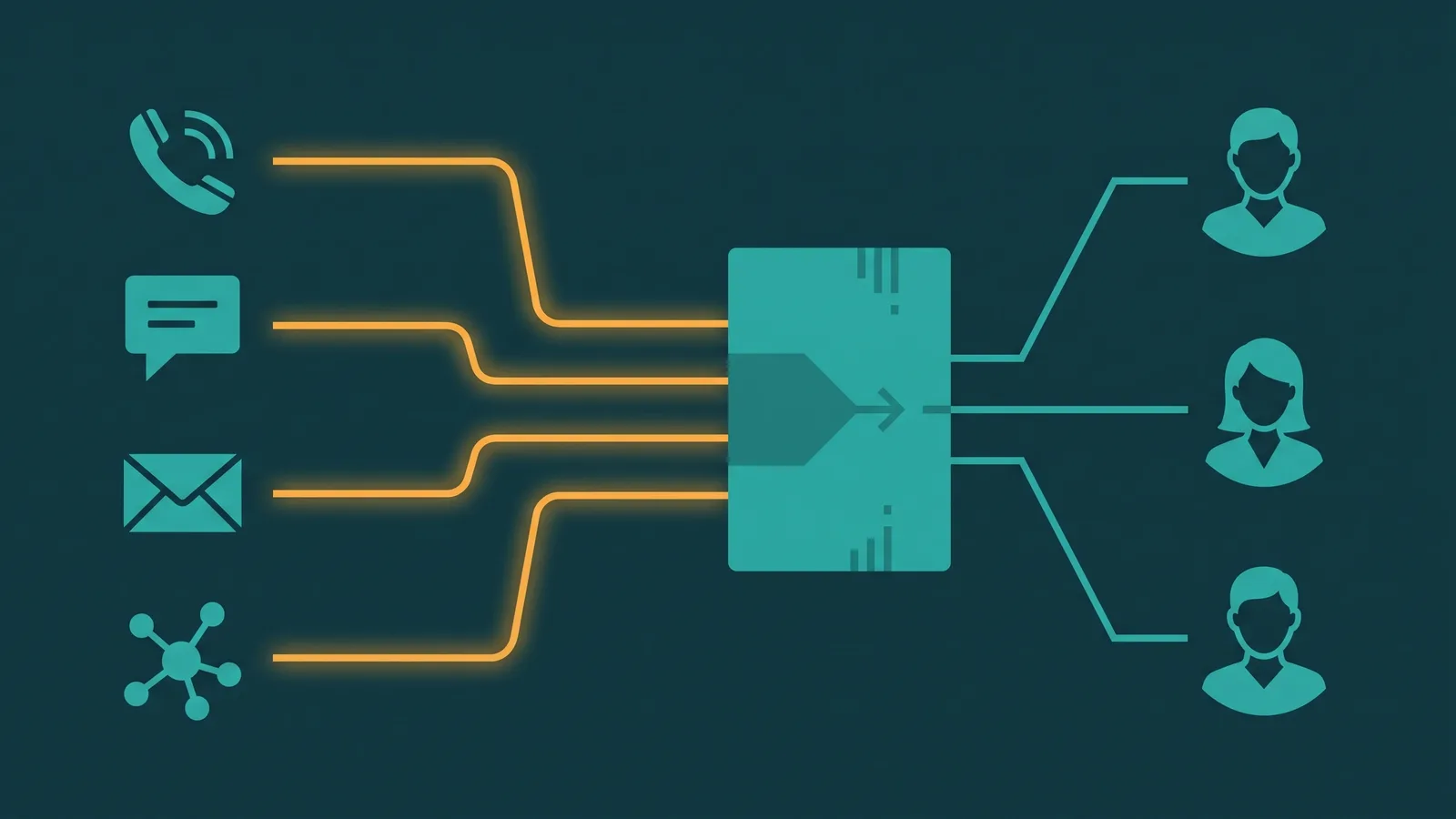
EaseDial supports both SMS and MMS through its unified omnichannel inbox, alongside voice, WhatsApp, Telegram, Instagram, Facebook, and website chat. Agents manage all channels from a single workspace. Outbound SMS and MMS campaigns and two-way messaging conversations are both supported within the platform.
EaseDial Omnichannel
SMS, MMS, and every other channel your customers use — managed from one agent inbox alongside voice.