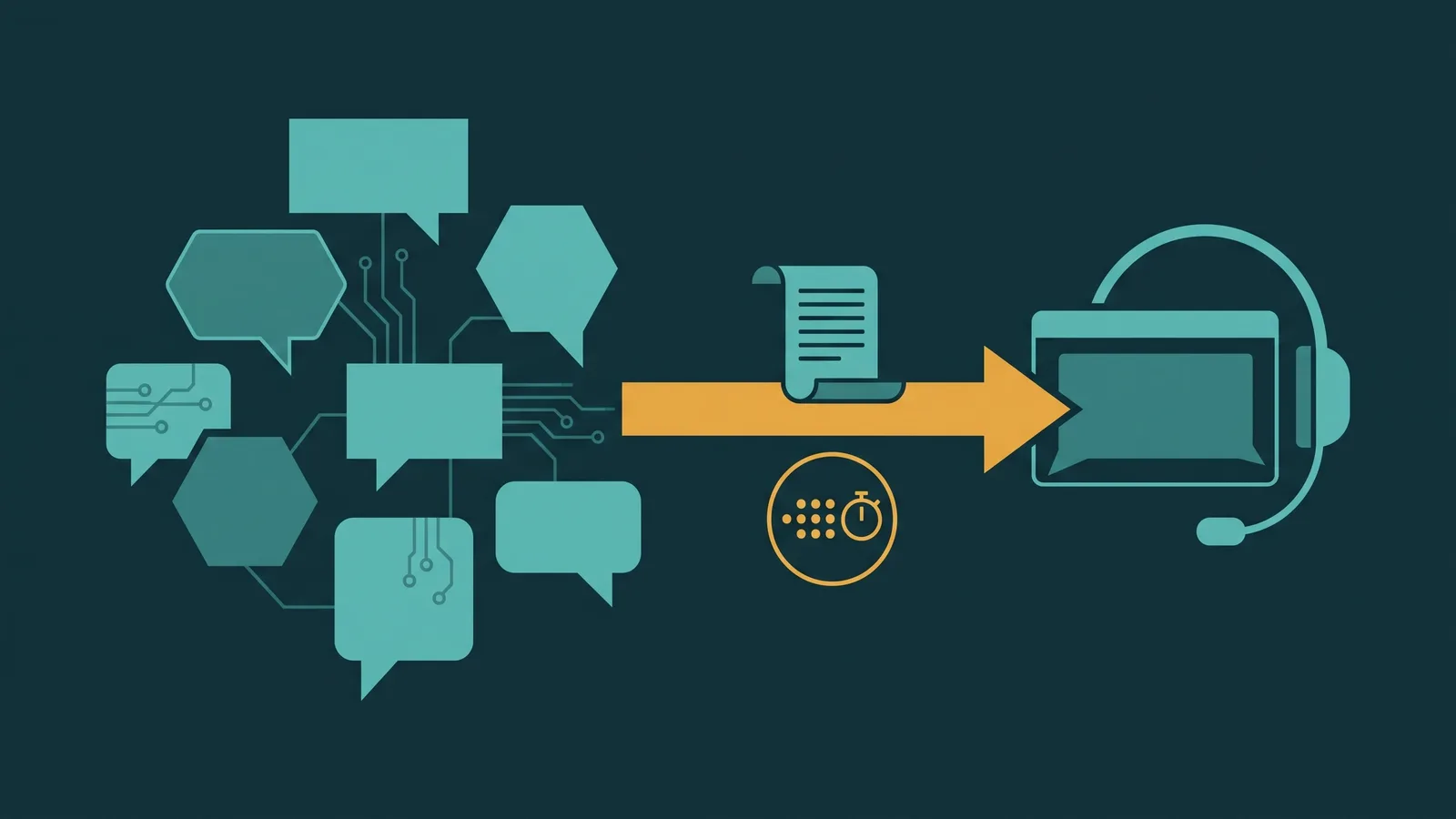
An AI chat agent that handles routine questions well is only as useful as its ability to step aside gracefully when it reaches its limits. A handoff that makes a customer repeat themselves, or leaves a human agent with no idea what was already discussed, does more damage to confidence in the service than the AI's failure to answer would have done on its own.
AI chat agent handoff to a human is a distinct problem from AI voice agent handoff to a human. Chat is asynchronous. The customer does not need to hold in real time. A human agent can handle multiple concurrent chats. The transcript is already text — it does not need to be converted or summarized. And there is no barge-in, no whisper, no hold music. The design challenges are different, and the solutions follow from those differences.
This guide covers when to trigger a chat handoff, what context to transfer, how async queue behavior changes the experience, what the return-to-bot rules should be, and how to test every path before you go live.
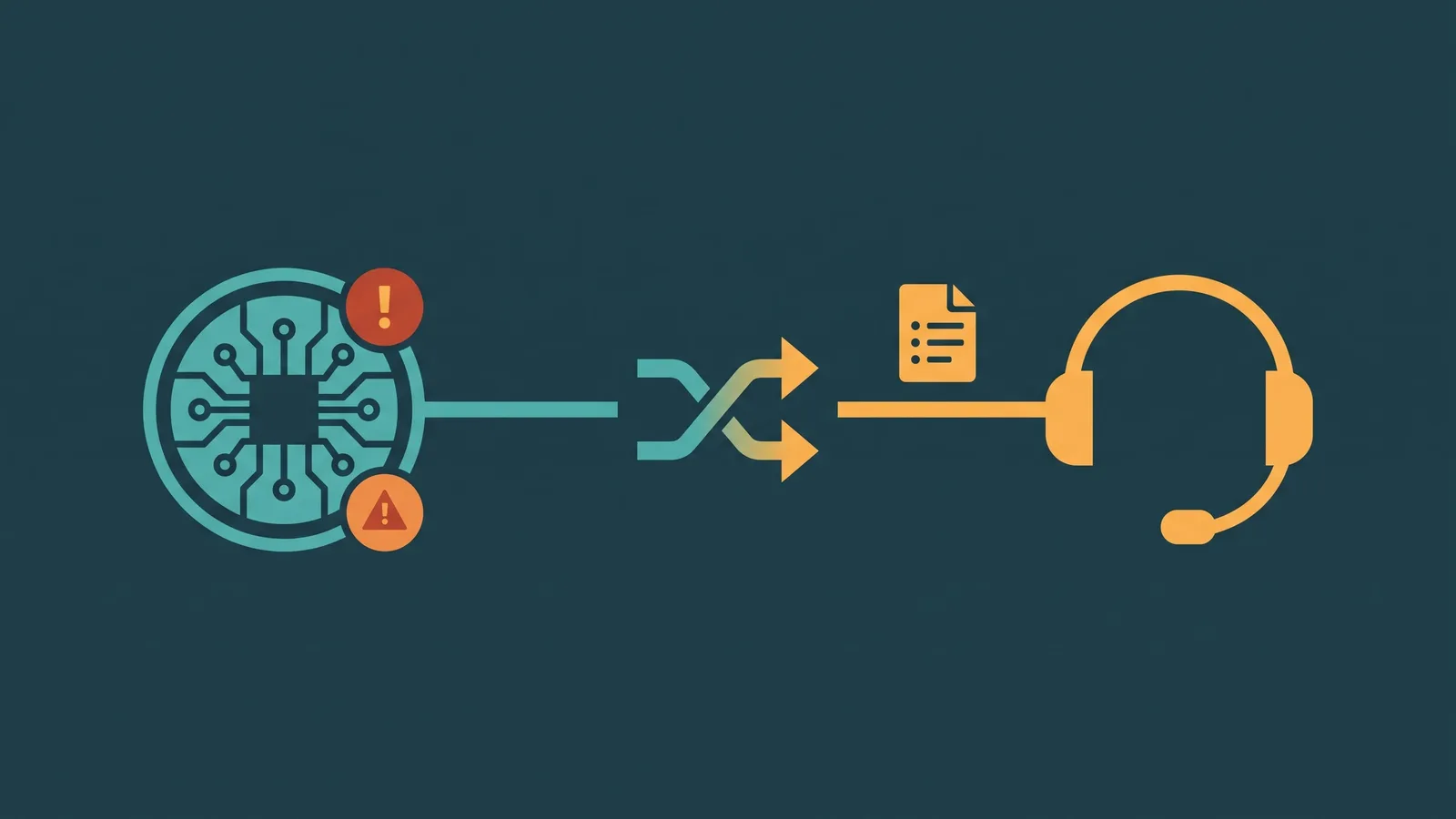
What is an AI chat agent handoff to a human? A chat handoff moves an active customer conversation from an AI chat agent to a human agent — including the full transcript and any extracted context — when the AI cannot or should not continue handling the conversation. The customer does not need to repeat themselves; the human agent reads the thread before responding.
How Chat Handoff Differs from Voice Handoff
The mechanics of an AI voice vs chat agent differ enough that handoff design cannot simply be copied from one to the other. Understanding the structural differences first prevents you from applying voice-pattern solutions to chat problems.
| Dimension | Voice Handoff | Chat Handoff |
|---|---|---|
| Timing model | Synchronous — caller waits in real time | Asynchronous — customer can leave and return |
| Agent concurrency | One call per agent at a time | One agent handles multiple chats simultaneously |
| Transcript packaging | Requires special packaging — call must be transcribed or summarized | Transcript is already text, visible in the same thread on same platform |
| Wait experience | Caller holds; hold audio fills silence | Estimated wait shown in chat; customer can leave |
| SLA measurement | Seconds — speed to answer is critical | Minutes — first response time SLA is the key metric |
| Barge-in / whisper | Relevant — supervisors can intervene on live calls | Not applicable in the same way |
| Channel switch option | Limited — call must stay on voice | AI can offer a voice callback or escalate to phone |
The asynchronous nature of chat is both an advantage and a challenge. The customer is not trapped holding — they can continue their day and return when a human is available. But that means you need a persistent session that survives reconnection, and you need to handle abandonment differently than in voice.
Trigger Conditions for Chat Handoff
Chat handoff triggers follow the same broad categories as voice triggers, but some fire differently in a text channel. Sentiment detection in chat reads written language rather than tone of voice. Confidence scoring evaluates text intent rather than speech recognition uncertainty. And the asynchronous nature changes how some triggers interact with queue availability.
| Trigger | Description | Chat-specific notes |
|---|---|---|
| Confidence below threshold | AI is uncertain about what the customer is asking | Text is unambiguous input — low confidence here means genuine topic ambiguity, not transcription error |
| Negative sentiment / frustration | Customer language signals irritation or distress | Written sentiment is more explicit — capslock, "this is ridiculous", "absolutely useless" are clear signals |
| Policy-mandated topics | Billing disputes, legal, safety, complaints about the AI | Define topic list explicitly; "complaint about the bot" should always route to human |
| Repeated failure | Customer rephrases the same question 2–3 times without resolution | Easier to detect in chat — the repeated text is visible. Set a hard retry limit, not an open loop |
| Explicit request for human | Customer types "agent", "human", "real person", "talk to someone" | Must fire immediately — not after one more AI response. No exceptions |
| High-value / high-risk indicators | VIP customer flag, cancellation intent, large transaction value | Combine with CRM lookup at session start to identify these callers early |
| Queue state check | Before triggering, check agent availability | If no agents are available, offer alternatives before placing in queue — see async queue section below |
The explicit-request trigger deserves particular attention. A customer who types "I want to speak to a real person" and receives another AI response — even a polite one — experiences that as a flat refusal. The handoff must initiate in the same turn, with a clear acknowledgment that the request has been heard and acted on.
Transcript and Context Transfer
In chat, the transcript is already text and may already be visible in the same thread interface — which is the natural advantage of the channel. But "the transcript exists" is not the same as "the agent has the context they need." Transcript transfer still requires deliberate configuration.
When a chat conversation transfers to a human agent, what should be visible to that agent before they type their first response:
- Full AI-customer transcript — every turn, in order. If the platform shows this in the same thread, confirm the agent has scrolled access to the full history, not just recent messages.
- Entity extraction — name, account number, order ID, or other structured data the AI extracted during the conversation. This saves the human agent from re-reading the transcript to find the order number buried in message four.
- Sentiment history — not just current sentiment, but how the tone shifted over the conversation. A customer who started neutral and escalated sharply needs different handling than one who has been frustrated since the first message.
- Trigger reason — which condition caused the handoff. An agent receiving a handoff triggered by "repeated failure" knows the customer has already been through this topic multiple times and is prepared for potential frustration.
- AI actions taken — if the AI looked up order status, initiated a return, or updated account information during the conversation, the human agent needs to know what has already been done.
The customer must not be asked to repeat information they already gave to the AI. If the AI collected the customer's order number in turn two, the human agent should not open with "Could you give me your order number?" That single failure — easily prevented by proper context transfer — is among the most common complaints after AI handoffs.
PII handling applies to chat transcripts the same way it applies to call recordings. If your platform logs transcripts, apply the same redaction and retention rules. Account numbers, payment card fragments, health details, and authentication credentials should be masked in stored transcripts according to your data handling policies.
If the customer escalated from SMS to web chat — for example, clicking a link in an SMS that opened a chat session — include the SMS thread in the context package as well. The omnichannel inbox is designed precisely to make this cross-channel history visible in one place.
Async Queue Behavior: The Customer Doesn't Have to Stay
This is the structural difference that most separates chat handoff design from voice handoff design. In voice, the caller holds — they are either waiting or they have hung up. In chat, the conversation is persistent. A customer can close the browser tab, lock their phone, or switch applications, and return minutes or hours later without losing their place in the conversation.
That changes how you design queue behavior:
- Show estimated wait time in the chat window immediately after handoff. Unlike voice, the customer can read "expected wait: 12 minutes" and decide whether to stay or return later — without the pressure of holding a phone to their ear.
- Preserve the session across disconnects. If the customer closes the chat and reopens it, the conversation history and their queue position should persist. Do not restart the handoff process when they reconnect.
- Send a notification when an agent is assigned. If the customer has left the chat, notify them via email or SMS that an agent is now available, with a link back to the session. Without this, an assigned agent waits for a customer who doesn't know they're next.
- Handle abandonment gracefully. Define what happens when a customer leaves the queue without reconnecting. Options include holding the queue position for a defined window, auto-closing after inactivity, or routing to async follow-up. Document your choice explicitly — do not let the platform default silently.
- Measure first response time, not queue hold time. The SLA for chat queue is measured in minutes from handoff request to first human response — not in real-time seconds. Design your staffing and SLA targets around this metric, not voice-queue equivalents.
One failure mode specific to async chat queues: an agent claims the conversation, reads the transcript, and then the customer is no longer active in the window. The agent sends a greeting and waits. The customer reconnects twenty minutes later. If the agent has moved on to other chats and the session is now cold, the customer gets another wait. Design your queue system to handle this reconnect scenario explicitly, not as an edge case.
If no human agents are available and estimated wait time is very long, the AI should proactively offer alternatives before placing the customer in queue: an email follow-up, a callback request, or — if the topic warrants it — a channel switch to voice. A customer who needs to discuss a billing dispute urgently should not be silently placed in a 45-minute text queue without knowing there is a phone option.
Return-to-Bot Rules
Once a conversation has escalated to a human agent, what happens next? The answer is not always "the human agent handles everything from here." Some post-resolution interactions are well suited for returning to the AI — but the rules for when that happens must be defined explicitly, and the mid-resolution bounce-back is almost always wrong.
The principle is: once a human agent has accepted a conversation and begun addressing the customer's issue, do not return that conversation to the AI until the issue is resolved. A customer who was escalated because they were frustrated with the AI and then gets handed back to the AI mid-resolution will not find that acceptable.
Return-to-bot is appropriate in two scenarios:
- Post-resolution CSAT surveys. After the human agent closes the conversation, the AI can re-engage to deliver a satisfaction survey. This is a distinct interaction from the escalated session, and customers understand the switch in context.
- Follow-up FAQ after resolution. If the customer has a new, unrelated question after their issue is resolved, it is reasonable to route them back to the AI for a fresh session — especially if the original escalation topic has been fully addressed and closed.
Define these rules in your platform configuration and document them so that agent teams know what customers may experience after a conversation is closed on their end.
Testing Chat Handoff Paths
A chat handoff that works in a controlled demo will fail in production if the test coverage was incomplete. These are the specific paths that require independent testing — not a combined single run-through:
- Each trigger condition independently. Test a confidence-threshold handoff as a separate session from an explicit-request handoff. Do not assume triggering one validates the others — trigger logic can be misconfigured for a specific condition while others work correctly.
- Transcript completeness. After a handoff, log in as the receiving agent and check the thread. Confirm the full history is visible — not just the last five messages. Confirm extracted entities (name, order number) are surfaced in the agent panel, not buried in the raw transcript.
- Queue-full path. Simulate a state where no agents are available. Confirm the AI presents alternatives (estimated wait, email, voice callback) rather than silently placing the customer in an unacknowledged queue.
- Cross-session reconnect. After handoff, close the chat window without completing the conversation. Reopen the session. Confirm queue position is preserved, transcript is intact, and the customer is not re-routed through the AI before reaching the human.
- Cross-channel context. If your product supports SMS-to-chat escalation, test that the SMS thread appears in the agent's view of the conversation — not just the web chat portion that started after the escalation.
One path that is easy to overlook: the notification flow. When an agent is assigned to a session and the customer is not actively in the window, does the notification (email or SMS) reach the customer? Does the link in that notification bring them back to the active session, or does it open a new session? Test this end to end with a real mobile device, not just a desktop browser.
What Good Looks Like After the Handoff
A well-designed AI chat agent handoff to a human produces a specific agent experience: the agent opens the conversation, reads the thread in under thirty seconds, sees the extracted context in a panel, knows why the handoff triggered, and types a first message that references what the customer already said. The customer's first human response begins with context — not a greeting that pretends the AI conversation never happened.
The data after each handoff feeds back into the design. Track which triggers fire most often. If repeated-failure handoffs are the most common trigger, the AI is regularly encountering topics it was not trained to handle — that is a training gap, not just a handoff problem. If queue-full fallbacks are frequent at certain hours, staffing for the human queue needs to reflect the AI's handoff volume, not just direct chat contacts.
The difference between a frustrating AI chat experience and a good one is rarely whether the AI could answer the question. More often it is whether, when the AI couldn't answer, the transition to a human felt smooth. That transition is engineering, not luck. Design the trigger conditions, configure the context transfer, test each path independently, and treat first response time after handoff as a metric that matters as much as AI containment rate.
Frequently Asked Questions
How long should a customer's queue position be held if they leave the chat?
This depends on the channel. For web chat, a session timeout of 5 to 15 minutes is common — long enough to cover a tab switch or brief absence, short enough to free the slot for waiting customers. For async channels like SMS or messaging apps, the position can persist longer since the customer does not need to stay on the page.
What happens if an agent accepts a chat but the customer has gone inactive?
Set an inactivity timer after agent assignment. If the customer does not respond within a defined window (commonly 3 to 5 minutes), the agent can send a follow-up prompt. After a second timeout, the conversation can be closed with a summary message and an option for the customer to reopen. This prevents agents from being locked into unresponsive sessions.
Should the AI resume after a human agent closes the conversation?
It depends on the use case. A common pattern is to return the customer to the AI for a brief post-resolution survey (CSAT rating) or to offer self-service for any follow-up questions. However, if the handoff was triggered by a sensitive topic or a complaint, returning to the AI immediately may feel dismissive. Use the handoff reason to decide whether to offer AI follow-up or simply close.