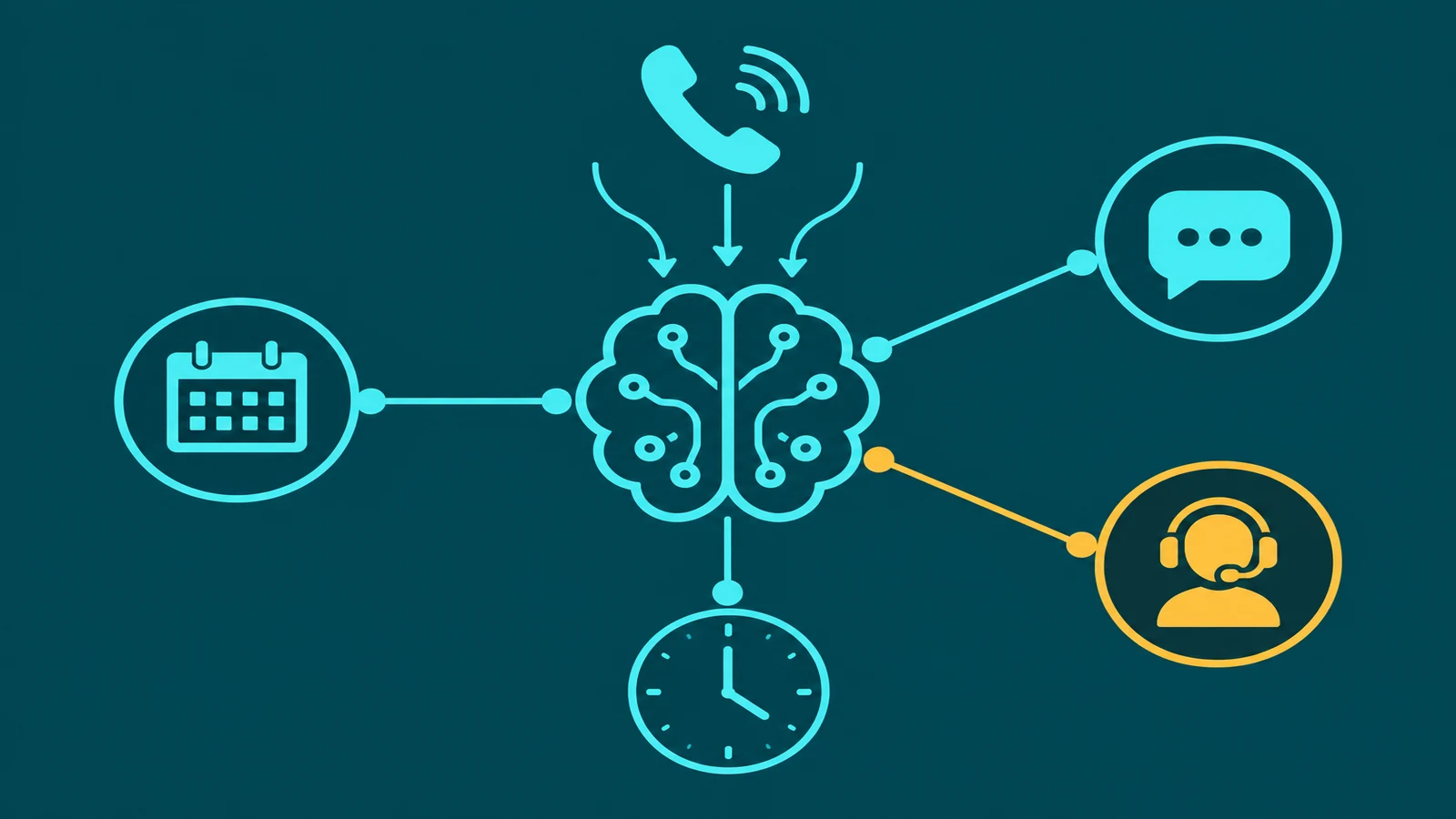
The chat widget in the corner of a website used to mean one of two things: a human agent who might respond in a few minutes, or a chatbot that would answer "billing" with a link to the billing FAQ and "anything else?" with an offer to start over. Neither experience was particularly good, and customers learned to treat chat as a last resort rather than a first option.
AI chat agents are changing that dynamic. Not because the technology is magic — it is not — but because the gap between what customers ask and what these systems can actually answer has narrowed substantially. An AI chat agent powered by a real knowledge base and a large language model can handle a wide range of genuine customer questions, in natural language, without a menu tree, and escalate to a human when it reaches the edge of what it can reliably do.
This guide explains what AI chat agents are, how they differ from the rule-based chatbots they are replacing, how knowledge bases make them useful, where they have real limitations, and what human fallback looks like in practice.
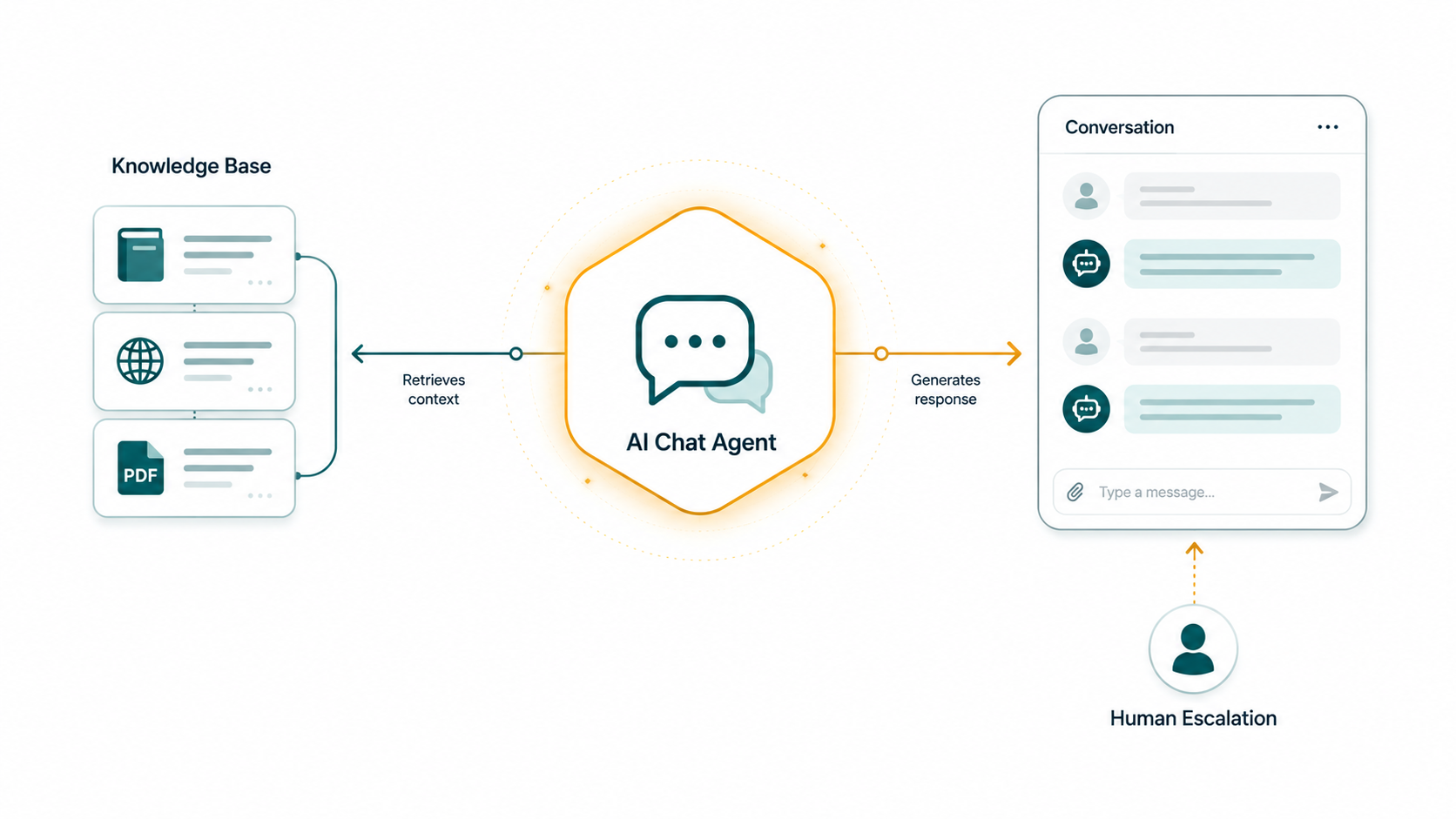
What is an AI chat agent? An AI chat agent is a text-based conversational system that uses a large language model (LLM) to understand natural language input, retrieve relevant information from a configured knowledge base, and generate contextually appropriate responses. Unlike rule-based chatbots, an AI chat agent can handle questions it has never seen before, maintain context across multiple turns in a conversation, and recognize when a question falls outside what it can answer reliably — at which point it escalates to a human agent.
AI Chat Agent vs. Rule-Based Chatbot: The Critical Distinction
This distinction matters more than almost anything else when evaluating chat technology, because a significant portion of what is marketed as "AI chat" is still fundamentally rule-based.
How a rule-based chatbot works
A rule-based chatbot operates on a decision tree or keyword-matching system. The developer defines a finite set of expected inputs and a corresponding response for each. When a user types something that matches a defined keyword or pattern, the bot returns the associated response. When the input does not match anything, the bot either offers a generic fallback ("Sorry, I didn't understand that. Can you try rephrasing?") or presents a menu of options.
The fundamental limitation of this approach is that every possible question must be anticipated and scripted in advance. Any question outside the decision tree — phrased differently, asking about something the developer did not foresee, combining two topics in a single message — produces a failure. Rule-based bots also have no memory across a conversation: each message is treated independently, with no awareness of what the user said two turns ago.
For very narrow, highly predictable interactions — routing menus, simple FAQ retrieval with exact keywords — rule-based systems work adequately. For anything resembling a real customer conversation, they frustrate more than they help.
How an AI chat agent works differently
An AI chat agent does not use a decision tree. It processes the user's message using a large language model that was trained on vast quantities of text and understands language at the level of meaning, not pattern matching. The LLM can parse questions it has never seen before, understand implied meaning, handle misspellings and informal phrasing, and follow conversational threads that branch and circle back.
Context is maintained across the session. If a user asks "What's included in the Pro plan?" and then follows up with "And does that include API access?", the AI understands that "that" refers to the Pro plan — it does not treat the second message as an isolated query. This context maintenance is what makes conversations feel like conversations rather than repeated form submissions.
The LLM generates responses rather than retrieving them from a pre-written library. This means it can construct answers that synthesize multiple pieces of information, handle compound questions, and provide explanations rather than just links. But it also means the AI can generate responses that are plausible-sounding but incorrect — which is where knowledge base grounding becomes essential.
Knowledge Bases: How AI Chat Agents Know Your Business
A large language model trained on general internet text does not know your product pricing, your return policy, your support procedures, or anything else specific to your business. Without specific knowledge, an AI chat agent will either refuse to answer business-specific questions or, worse, generate plausible-sounding but incorrect answers — a failure mode called hallucination.
The solution is a knowledge base: a collection of your actual business content that the AI is given access to before generating any response.
Knowledge base content types
EaseDial's AI Chat Agent supports knowledge bases built from several content types:
- PDF documents — product manuals, policy documents, compliance materials, pricing sheets, onboarding guides
- URLs — the AI can be pointed at specific web pages (your FAQ page, product pages, help center articles) and will extract content from those pages to populate the knowledge base
- Text content — directly entered text, useful for custom instructions, specific policies, or content that does not exist in document or web form
The knowledge base content is indexed and stored so that when a user asks a question, the system searches the knowledge base for the most relevant material and includes that material in the context it provides to the LLM. The LLM then synthesizes an answer from the retrieved content rather than from its general training. This technique — Retrieval-Augmented Generation, or RAG — substantially reduces the risk of hallucination by grounding the AI in verified source material.
What good knowledge base content looks like
The quality of the knowledge base directly determines the quality of the AI's answers. A knowledge base with clear, complete, up-to-date content produces accurate, useful responses. A knowledge base with outdated policies, contradictory information, or gaps in coverage will produce answers that reflect those same problems.
Common knowledge base mistakes: including content that contradicts other content (the AI will synthesize from both), using highly technical internal language that does not match how customers ask questions, and not updating the knowledge base when policies or products change. The AI does not know when its source documents are out of date — it will answer from whatever is indexed.
EaseDial AI Chat Agent
Answer customer questions from your knowledge base. Hand off to humans when it matters.
Intent Recognition and Response Generation
When a user sends a message, the AI chat agent processes it through several steps before producing a response.
First, the LLM reads the message in the context of the full conversation history. It identifies what the user is asking about and what kind of response they need — a factual answer, a process explanation, a clarification, a recommendation, or a request that requires a human (a complaint, an account-specific action, something outside the AI's configured scope).
If the query is within scope and the knowledge base contains relevant material, the system retrieves the most relevant content and constructs a response that directly addresses the question. If multiple pieces of information are relevant — for example, a question about pricing that also touches on the terms of a promotional offer — the AI synthesizes from all relevant retrieved content rather than just returning the first match.
If the query is outside the scope of the knowledge base or outside the AI's configured behavior, a well-configured agent acknowledges the limit and offers a path forward: "I don't have information about that specific account detail — I can connect you with a team member who can help."
Context Maintenance Across the Session
Maintaining context is one of the most practically significant differences between AI chat agents and earlier chatbot generations. A session-aware AI chat agent tracks what has been discussed across every turn of the conversation.
This matters in several ways. A user who asks a multi-part question across several messages gets coherent, connected answers rather than disconnected FAQ responses. A user who starts with a broad topic and progressively narrows it — "Tell me about your Enterprise plan" → "Does that include SSO?" → "And is SSO available on the annual billing cycle?" — gets answers that correctly follow the narrowing context rather than starting over each time.
It also matters for human escalation. When the AI transfers a conversation to a human agent, the full conversation history transfers with it. The human agent sees every message, every question the AI answered, and the point at which the AI determined that a human was needed. They do not ask the user to start over. This continuity is what makes an AI-to-human handoff feel like a transition rather than an interruption.
Human Fallback: When and How the AI Escalates
Human fallback is not an edge case — it is a designed component of a well-built AI chat system. The question is not whether to include it but how to implement it well.
There are several categories of conversations where human escalation is appropriate:
Out-of-scope questions. The user asks something the knowledge base does not cover and the AI cannot reliably answer. A well-configured AI acknowledges this and offers to connect with a human rather than guessing.
Account-specific actions. Requests that require access to real account data — checking a specific order status, processing a refund, modifying an account setting — require system access or human authorization that the AI does not have. These should route to a human.
Expressed dissatisfaction. A user who says "I've been waiting three weeks and this is unacceptable" is signaling a situation that needs human attention. Continuing to offer FAQ responses after this signal is a poor experience. The AI should recognize the signal and escalate.
Explicit human request. If a user says "I want to speak to a person," the AI should honor that immediately without attempting to continue handling the conversation itself.
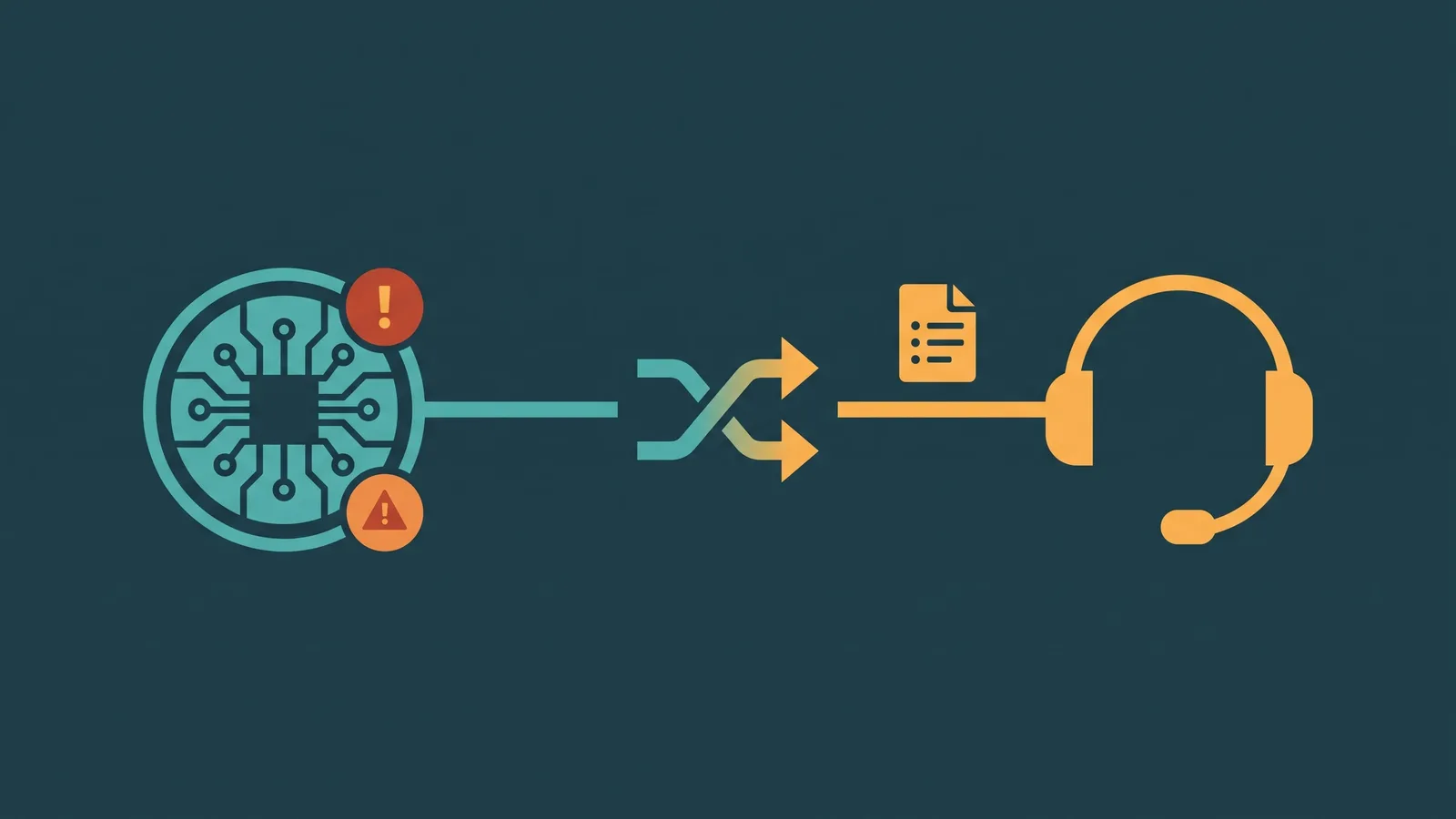
When escalation happens, the conversation transcript and context pass to the human agent. The agent sees the full exchange before they type their first message. This prevents the most frustrating experience in customer service: being transferred and having to re-explain everything. AI chat agent human handoff is the full guide on designing handoff triggers, context packaging, and fallback strategies for text-based AI agents.
Omnichannel Context: Where AI Chat Agents Live
AI chat agents are not limited to website widgets. The same underlying technology can serve chat interactions across multiple channels: website chat, in-app messaging, SMS, and third-party messaging platforms. For businesses that support customers across multiple contact points, deploying an AI chat agent that operates consistently across channels — with shared knowledge base content and unified conversation history — is more effective than building separate experiences for each channel.
This connects to the broader concept of omnichannel customer service, covered in depth in omnichannel customer service and what is an omnichannel inbox. An AI chat agent that feeds conversations into a shared inbox ensures that human agents can see the AI's interactions alongside phone calls and other channels in a single view of the customer.
Common Use Cases
| Use case | What the AI handles | Human escalation triggers |
|---|---|---|
| Product/service FAQ | Feature questions, plan comparisons, how-to guidance | Questions not in knowledge base, purchase intent |
| Policy and process questions | Returns, shipping timelines, cancellation terms | Policy exceptions, disputes, complaint follow-up |
| Pre-sales qualification | Scope questions, fit assessment, general pricing context | Serious purchase intent, custom pricing requests |
| Support triage | Common issues, known solutions, self-service steps | Unresolved after self-service, account-specific issues |
| After-hours coverage | All answerable questions, message capture for rest | Queued for next human shift |
Hallucination Risk and How to Control It
Hallucination — when an AI generates a response that is confident-sounding but factually incorrect — is the most significant risk in deploying an AI chat agent. It is not hypothetical: every LLM-based system has some propensity to generate plausible-but-wrong content, particularly when asked about something outside its knowledge base.
RAG grounding substantially reduces this risk by tethering the AI's responses to verified source documents. When the AI is generating an answer from retrieved content, its error rate is far lower than when it is generating from general training. But grounding does not eliminate the risk entirely — the AI can still misinterpret retrieved content, synthesize incorrectly from multiple sources, or generate incorrect answers when no relevant source content is found.
The practical mitigations are: a comprehensive and up-to-date knowledge base, a configured scope that explicitly directs the AI to acknowledge when it does not have information rather than guessing, and ongoing monitoring of conversation transcripts to identify patterns of incorrect answers. Deploying an AI chat agent and assuming it is working correctly without reviewing interactions is a mistake that tends to surface at the worst possible moment — when a customer shares a screenshot of an incorrect answer.
Configuring Behavior: What You Control
An AI chat agent is not a static piece of software — it is highly configurable, and the configuration decisions have significant impact on how it performs.
Persona and tone. The AI can be configured with a name, a communication style (formal, conversational, concise), and specific greeting language. This shapes the first impression and the overall experience of interacting with the system.
Scope boundaries. The system prompt defines what the AI should handle and what it should decline. An AI configured with explicit scope limits — "Do not discuss competitor products," "Do not make pricing commitments beyond what is in the knowledge base," "Do not provide legal or medical advice" — is more predictable and less likely to produce off-brand or incorrect responses.
Escalation triggers. Configure what triggers a human handoff: specific topics, expressed frustration, an explicit request to speak to a person, or questions that the AI has acknowledged it cannot answer. Escalation triggers should be tested before deployment.
Session handling. Configure how long a session stays open, what happens when a user goes idle, and whether a new message after a period of inactivity starts a fresh context or continues the existing one.