This is a phone-first call center guide — focused on ACD, IVR, call recording, outbound dialers, and the operational tools agents and supervisors use when the primary channel is voice. If your operation handles agents on phones — inbound service queues, outbound dialing campaigns, or a blended mix — this guide covers what to evaluate. If you need a platform for voice plus chat, email, and SMS managed as native omnichannel channels, see the contact center software guide.
Call center software is the operational platform that manages phone-based customer interactions — routing inbound calls to the right agents, powering outbound dialing campaigns, capturing call data, giving supervisors real-time visibility into queue health, and generating the analytics that drive staffing and service decisions. The platform a call center runs on affects everything: concurrent call capacity and how the system behaves under peak load, IVR depth and how well callers self-serve before reaching an agent, outbound dialer type and how efficiently agents work through campaign lists, and whether call recording meets the compliance requirements your industry demands. This guide explains how call center software works, what phone-specific features matter, and how to evaluate platforms before committing.
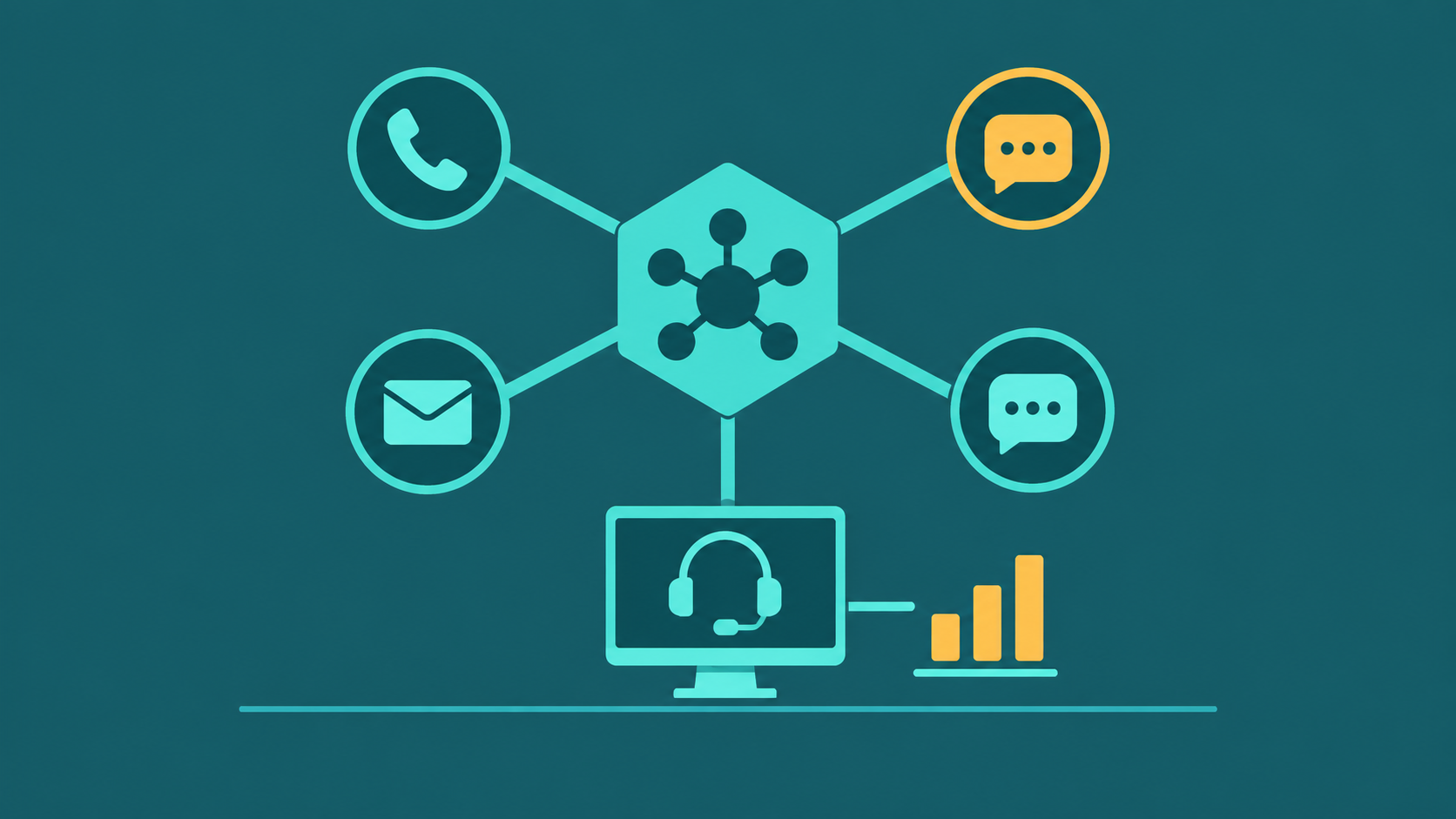
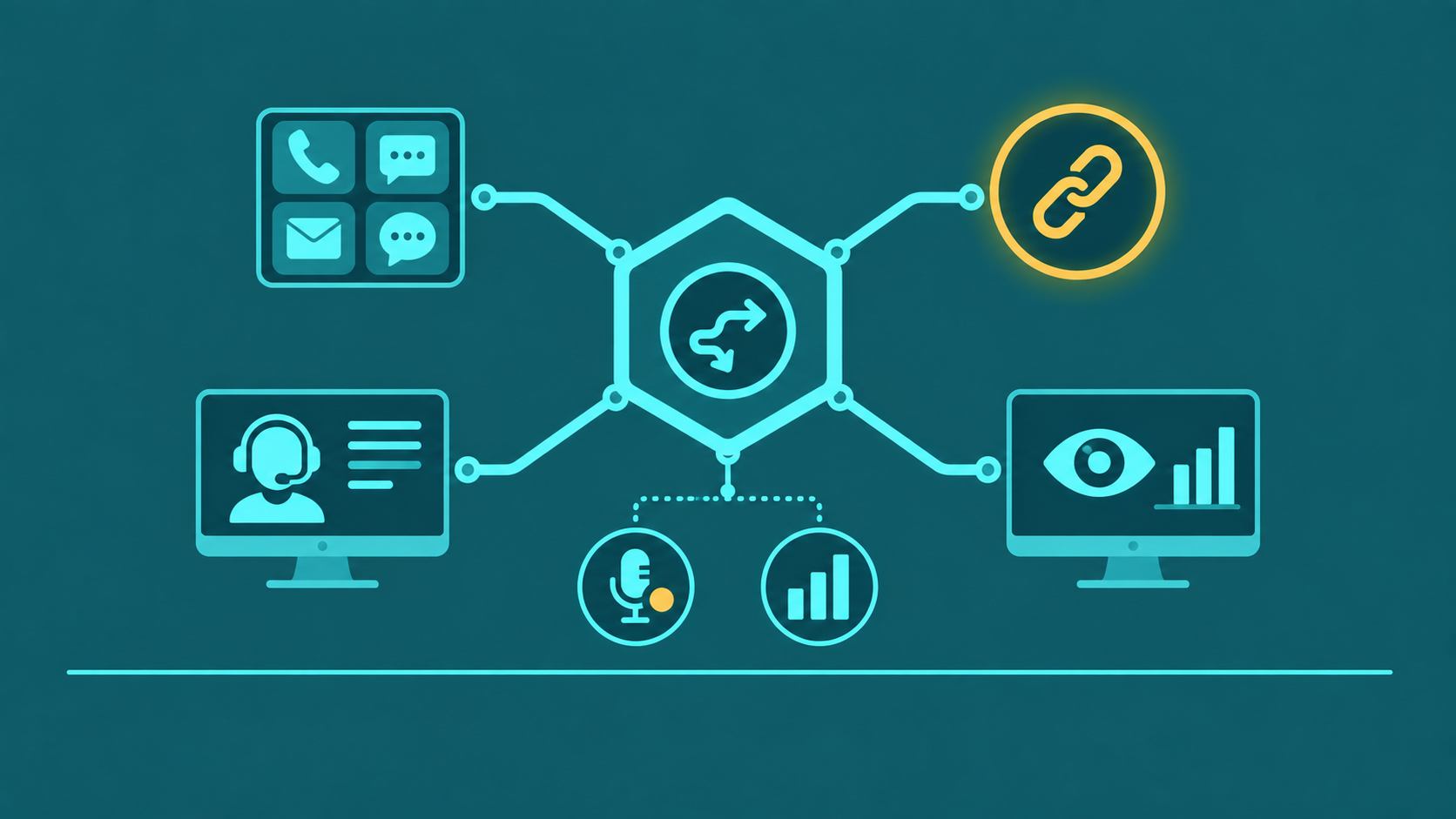
Call center software is the platform that manages inbound and outbound call routing, agent interfaces, and customer interaction data. Modern platforms include ACD, IVR, CRM integration, call recording, analytics, and omnichannel channels — voice, chat, email, SMS — in a single interface.
For omnichannel and contact center platforms, see contact center software.
How Call Center Software Works
ACD and IVR: The Routing Foundation
At the core of any call center platform is the Automatic Call Distributor (ACD) — the engine that receives inbound contacts and assigns them to agents based on configured routing logic. The ACD works in conjunction with the IVR (Interactive Voice Response) system: the IVR collects caller input (voice or DTMF keypad) to determine the caller's intent and required skill set, and passes that context to the ACD, which then queues the call and routes it to the appropriate agent or agent group.
Modern ACD routing goes beyond simple round-robin distribution. Skills-based routing matches calls to agents based on declared proficiency levels. Priority queuing serves high-value or urgent callers ahead of standard queue position. Data-directed routing pulls from CRM records to route repeat callers to their assigned representative or to agents with context on their issue history.
Agent Desktop
The agent interface is where agents handle every interaction. In modern call center software, the agent desktop is a unified workspace: incoming call notification with caller ID and CRM record screen pop, a softphone for call controls (hold, transfer, mute, conference), a chat or messaging panel for digital channels, and embedded access to the knowledge base and CRM. The quality of the agent desktop directly affects handle time — poorly designed interfaces with multiple disconnected tools add wrap-up time and create error risk.
Supervisor Tools
Supervisors require real-time visibility that agents do not have access to: live queue dashboards showing current wait times, agent availability states, calls in queue, and service level status. Monitoring tools let supervisors listen to live calls silently (listen mode), whisper coaching guidance to the agent that the caller cannot hear (whisper mode), or join the call as a third participant if needed (barge mode). Alerts notify supervisors when queue thresholds are crossed or when individual agent metrics fall outside acceptable ranges.
Reporting Layer
The reporting layer captures every event in the platform — call records, agent state changes, queue metrics, interaction outcomes — and aggregates them into operational and strategic reports. Real-time dashboards drive moment-to-moment management decisions. Historical reports feed workforce management, QA processes, and executive reviews. The quality and flexibility of reporting varies substantially between platforms; systems with limited export options or rigid pre-built reports constrain what operations teams can analyze.
Need voice + chat + email + SMS in one platform? See our contact center software guide.
On-Premise vs Cloud Call Center Software
| On-Premise | Cloud | |
|---|---|---|
| Deployment | Hardware and software installed on-site or in customer-managed data center | Provider manages all infrastructure; agents connect via browser or softphone app |
| Upfront cost | High — hardware, software licenses, installation, and integration labor | Low to none — subscription-based, hardware-optional |
| Scalability | Adding capacity requires hardware procurement and deployment cycles | Add agents through portal; scale up or down within billing period |
| Maintenance | Customer responsible for patches, upgrades, hardware replacement, and support contracts | Provider handles all maintenance, updates, and infrastructure reliability |
| Disaster recovery | Customer designs and funds DR; recovery time depends on customer DR investment | Provider-managed geographic redundancy; DR is built into the service SLA |
The market has moved decisively toward cloud — new deployments are predominantly cloud-based, and the remaining on-premise installations are largely legacy environments managed through migration or end-of-life cycles. For most businesses evaluating call center software today, the decision is between cloud platforms, not between cloud and on-premise.
10 Key Features of Call Center Software
1. ACD with Skills-Based Routing
The ACD should support skills-based routing with configurable proficiency levels, not just queue assignment. Agents should be assignable to multiple skills with different priority levels, and the routing engine should expand skill requirements as wait time increases to prevent indefinite holds when specialists are unavailable.
2. IVR
A multi-level IVR with DTMF and speech recognition input collects caller intent before queue entry, improving routing accuracy and enabling self-service for routine inquiries. Evaluate the IVR builder interface — drag-and-drop visual flow builders reduce IT dependency for menu updates. For a full breakdown of IVR design, see what is an IVR system.
3. Call Recording
Call recording should be available for 100% of interactions with configurable retention periods. Evaluate storage limits, playback search capabilities, and integration with QA scorecards. For regulated industries (healthcare, financial services), verify that call recording meets applicable requirements — PCI DSS prohibits storing sensitive authentication data, including card validation codes, after authorization. Organizations should evaluate their call-recording architecture with a qualified PCI DSS assessor.
4. Real-Time Monitoring and Alerting
Supervisor dashboards should show live queue metrics — calls waiting, longest wait time, current service level — with configurable threshold alerts. Agent state monitoring (available, on-call, in wrap-up, on break) enables supervisors to intervene before service level breaks rather than after.
5. Agent Scripting
Dynamic agent scripts displayed in the agent desktop guide agents through call types, compliance disclosures, and objection handling — reducing average handle time and improving consistency. The most useful implementations are data-driven: scripts that update based on IVR data collected before the call, caller account data from CRM, or call type routing context.
6. CRM Integration
Native integration with Salesforce, HubSpot, Zoho, or your specific CRM enables screen pop — automatically opening the caller's record when a call connects — and bidirectional data sync that logs call outcomes, dispositions, and notes back to the CRM without manual agent entry. CRM integration quality is a major differentiator between platforms; evaluate actual field-level mapping, not just the existence of a connector.
7. Omnichannel Support
Platforms with native omnichannel routing manage voice, chat, email, and SMS in a unified queue with consistent routing logic, shared agent state, and unified reporting. Bolted-on channel integrations through third-party connectors typically create reporting gaps and agent state inconsistencies. For outbound contact centers, SMS and email channel support enables multichannel campaign execution from a single platform.
8. Workforce Management Integration
Workforce management (WFM) tools — either native or integrated third-party — use historical contact volume data to forecast future demand, generate staffing plans using Erlang C or simulation models, and publish agent schedules. Without WFM, staffing decisions are manual and typically imprecise, leading to service level failures during peaks and idle cost during troughs.
9. Analytics and Reporting
Beyond real-time dashboards, platforms should provide historical reporting with configurable date ranges, agent-level and queue-level breakdowns, and export capability. Core metrics to track include service level, average handle time, first call resolution, agent occupancy, and abandonment rate. For a full overview of what each metric means and how to calculate it, see call center metrics and KPIs explained.
10. AI Assist and Automation
Modern call center software increasingly includes AI-powered features: real-time transcription and next-best-action suggestions for agents, automated post-call summarization to reduce wrap time, sentiment analysis for QA prioritization, and AI-powered IVR that handles natural language rather than rigid menu trees. The depth and reliability of AI features varies significantly; evaluate based on production use cases with reference customers, not demo scenarios.
Inbound vs Outbound vs Blended Platforms
| Inbound | Outbound | Blended | |
|---|---|---|---|
| Primary use | Customer service, support, helpdesk | Sales, collections, appointment setting, surveys | Operations handling both inbound service and outbound campaigns |
| Key feature | ACD, IVR, skills-based routing, queue management | Predictive or progressive dialer, list management, AMD | Dynamic agent allocation between inbound queues and outbound campaigns |
| Typical buyer | Customer support teams, service desks, healthcare scheduling | Sales operations, collections agencies, market research firms | BPOs, insurance carriers, telecom providers |
| Pricing driver | Agent seat count, inbound minute volume | Outbound minute volume, dialer channel count | Seat count plus usage; may have separate inbound/outbound pricing tiers |
Pricing Models for Call Center Software
The price ranges in this section are general market figures, not EaseDial rates. For EaseDial's own prices, see EaseDial pricing.
Per-Agent / Per-Seat
The most common pricing model for cloud call center software: a flat monthly fee per named agent or per concurrent agent seat. Per-named-agent pricing charges for every provisioned user; per-concurrent-seat pricing charges only for the maximum simultaneous agents logged in. For operations with shift-based staffing where total headcount exceeds simultaneous logins, concurrent seat pricing is typically more economical.
Per-Minute
Some platforms — particularly those focused on outbound dialing and contact center SIP trunking — price primarily on usage, charging per minute of call traffic. This model suits high-volume outbound operations where per-seat charges would add up significantly compared to the actual call minutes used. For more on how per-minute pricing works in the SIP layer that underlies outbound call volume, see SIP trunking: how it works and pricing models.
Concurrent Channel
Pricing based on the number of simultaneous active calls the platform can handle — similar to SIP trunk channel pricing. This model is common in wholesale and high-volume environments. The cost scales with peak simultaneous call capacity rather than agent count or minutes used.
Usage-Based
Consumption-based pricing charges for actual interactions handled — calls connected, chats resolved, emails responded to — rather than provisioned capacity or headcount. This model provides cost flexibility for operations with highly variable volume but can produce unpredictable monthly bills during unexpected spikes.
Evaluation Criteria for Phone-First Call Center Platforms
1. Concurrent Call Capacity and Peak Load Behavior
For phone-first operations, the platform's behavior under peak concurrent call load is the most operationally critical specification. Ask vendors: what is the maximum concurrent call capacity on your plan, how does the system behave when that limit is reached (do calls queue, route to overflow, or drop?), and how does call quality (MOS score) hold up at 80–100% of peak capacity? Platforms that degrade call quality under load — increasing jitter, latency, or packet loss — create a customer experience failure at exactly the moment when service demand is highest.
2. Call Quality and MOS Score Commitments
Mean Opinion Score (MOS) is the standard measure of voice call quality, ranging from 1 to 5 — a MOS below 3.5 is perceptible to callers as degraded quality; below 3.0 is a call quality failure. Ask vendors whether their SLA includes a minimum MOS commitment, which codec is used by default (G.711 delivers MOS ~4.1; G.729 compresses more but delivers MOS ~3.9), and whether the platform supports codec negotiation for variable network conditions. Voice quality commitments are distinct from uptime commitments — a platform can be technically "up" while delivering MOS scores that make calls unusable.
3. IVR Depth and Self-Service Containment
IVR containment rate — the percentage of callers who fully resolve their inquiry without reaching an agent — is one of the most direct levers on cost per contact. Evaluate the IVR builder's depth: how many menu levels can be configured, does it support DTMF and speech recognition, can it perform account lookups against your CRM or database mid-flow, and does it support natural language input via conversational AI? Shallow IVR systems that can only handle simple menu selections and cannot integrate with backend data sources will have low containment rates, routing work to agents that could be resolved in self-service.
4. Outbound Dialer Types and Compliance Controls
For outbound operations, the dialer type determines agent productivity and regulatory exposure. Predictive dialers maximize agent talk time by dialing ahead of agent availability — but TCPA compliance requires careful abandoned call rate management (FTC limit: 3% of answered calls may be abandoned). Progressive dialers dial one call per available agent, eliminating abandonment risk but reducing talk time efficiency. Preview dialers show the record to the agent before dialing, suitable for high-value or complex outbound interactions. Verify that the platform includes built-in DNC list scrubbing, consent management, and STIR/SHAKEN attestation for outbound caller ID — compliance gaps in outbound dialing create material legal exposure.
5. Call Recording Compliance and Retention Controls
Call recording compliance requirements vary by industry and geography: two-party consent states (California, Florida, Washington) require both parties to be notified; PCI DSS requires DTMF masking during card number entry; HIPAA requires appropriate access controls and audit logs on recordings containing protected health information. Verify that the platform handles all consent disclosure, masking, and retention requirements applicable to your operation before signing. Recording platforms that rely on customers to implement compliance controls in post-processing create audit risk — the platform itself should enforce masking and retention rules at the recording layer.