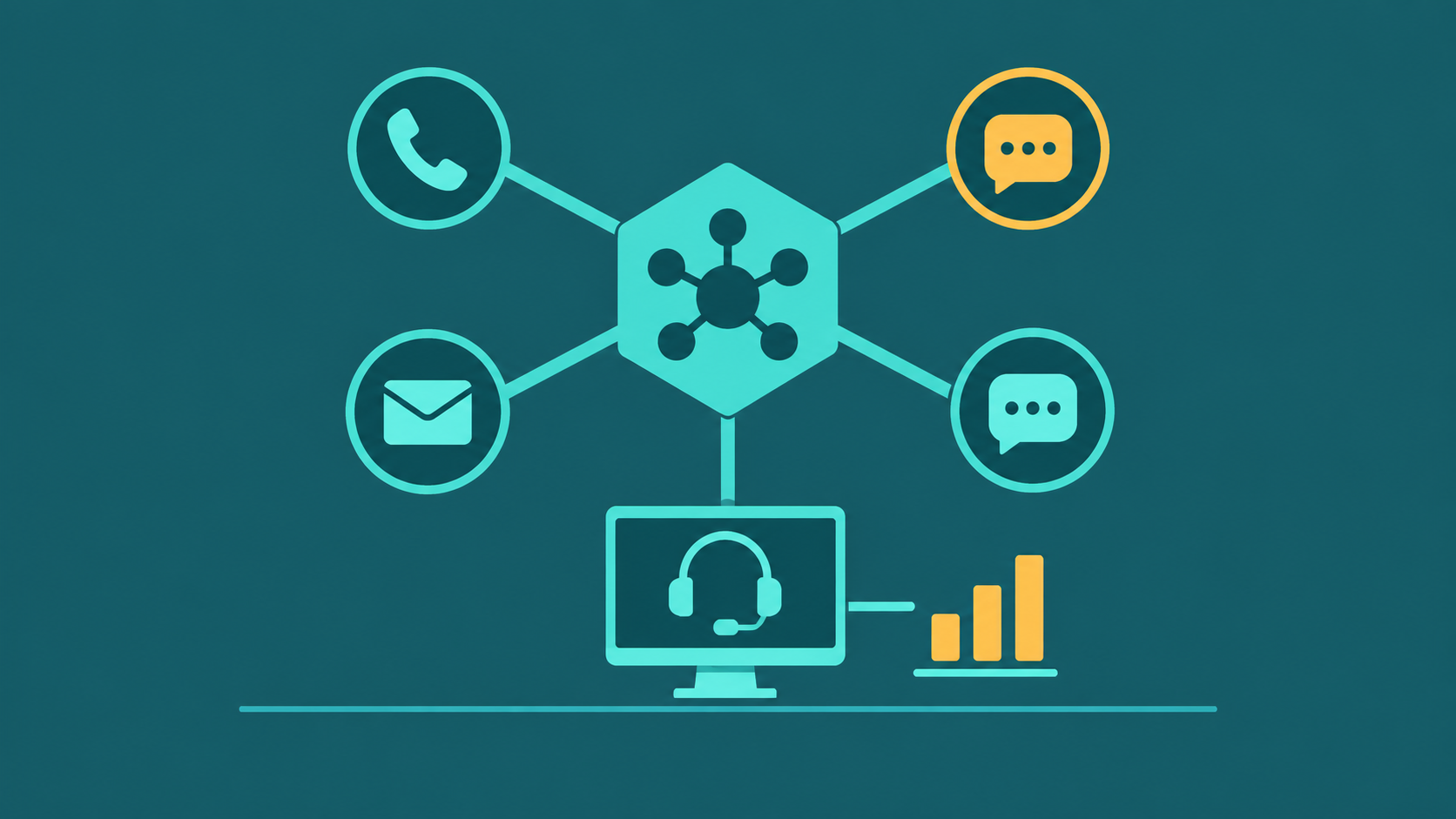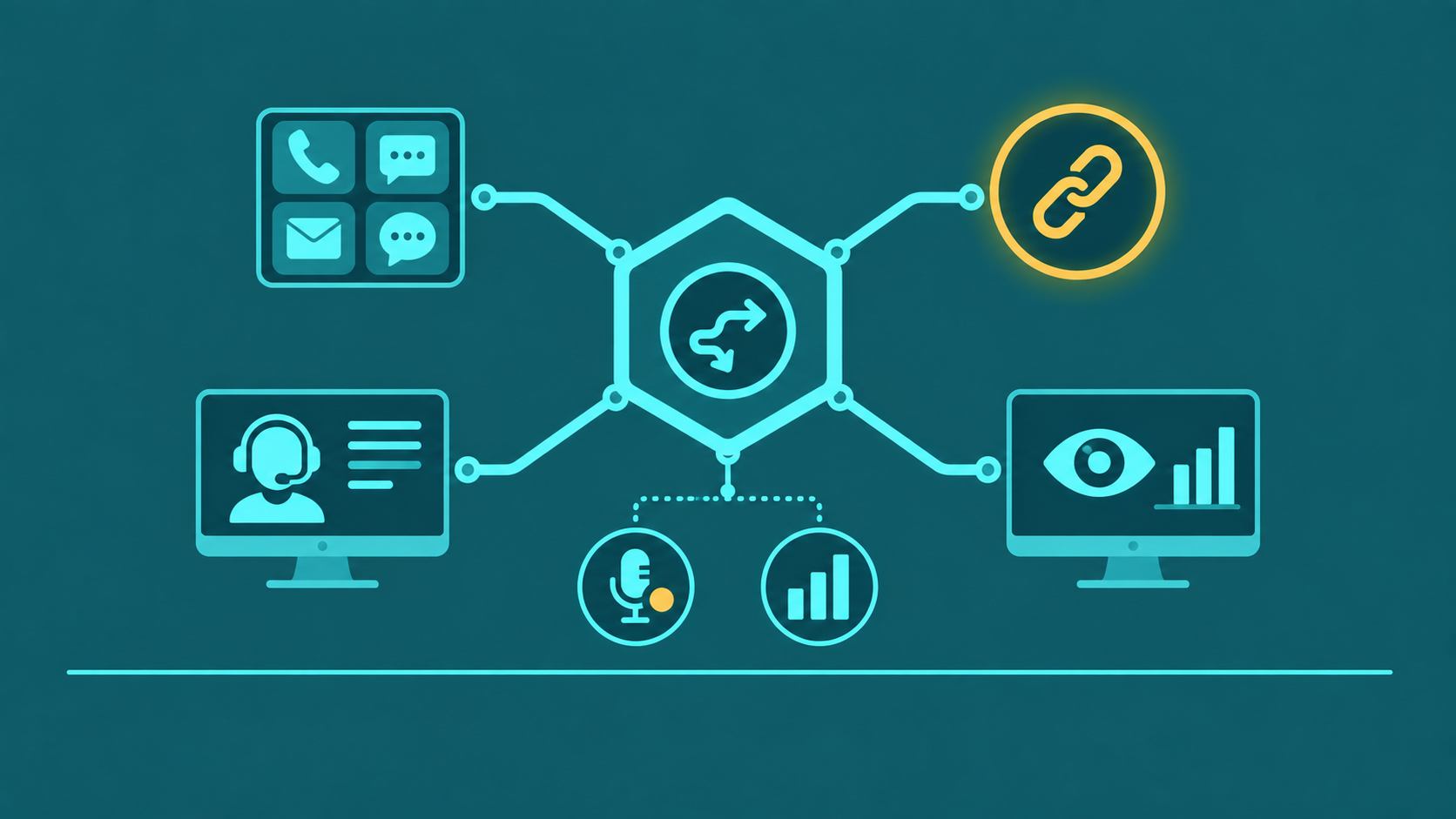
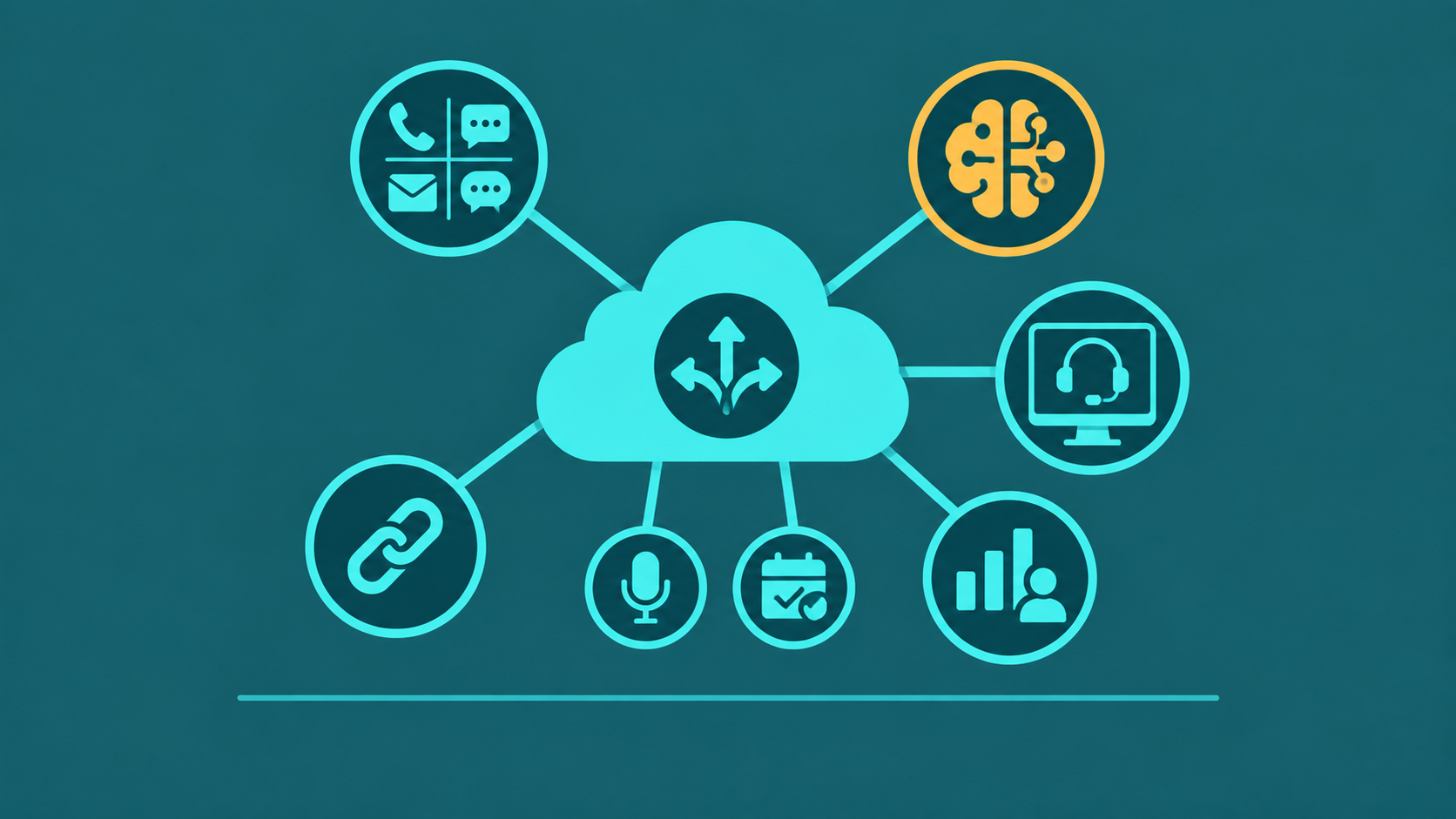
CCaaS — Contact Center as a Service — is cloud-delivered contact center software that replaces on-premise contact center infrastructure with a subscription-based platform managed by the provider. Instead of purchasing and maintaining ACD servers, IVR hardware, call recording infrastructure, and WFM tools on-site, contact center teams access these capabilities through a browser or softphone client, paying a per-agent or usage-based monthly fee.
The CCaaS market has absorbed the majority of new contact center deployments over the past decade, and legacy on-premise platforms are in active migration or end-of-life cycles. This buyer's guide covers what CCaaS is, how it differs from UCaaS and on-premise systems, what features matter, how AI fits in, pricing models, and the six evaluation criteria that separate capable CCaaS providers from problematic ones.
CCaaS (Contact Center as a Service) is cloud-based contact center software delivered on a subscription basis. It provides ACD, IVR, omnichannel routing, analytics, call recording, and AI features without on-premise hardware — scaled per agent seat with the provider managing all infrastructure, redundancy, and upgrades.
What Is CCaaS?
CCaaS delivers the full contact center technology stack — ACD, IVR, omnichannel routing, call recording, analytics, quality monitoring, and workforce management — as a cloud service. The provider operates the infrastructure (servers, networking, geographic redundancy, SIP carrier connectivity) and the customer provisions agents, configures routing, and uses the platform through a web portal and softphone interface.
The subscription model means capital expenditure is eliminated. There are no hardware refresh cycles, no maintenance contracts for on-site equipment, and no upgrade projects. Feature updates deploy automatically. Capacity scales by adding or removing agent seats through the admin portal — typically within the same billing period — without hardware procurement cycles.
CCaaS is distinct from standard VoIP or UCaaS (Unified Communications as a Service). Where UCaaS focuses on internal team communication — voice calling, video meetings, messaging — CCaaS is purpose-built for customer-facing contact center operations: inbound queue management, outbound dialing campaigns, omnichannel customer interactions, and the supervisor tools, analytics, and QA infrastructure that contact center operations require. Many organizations deploy both: UCaaS for internal collaboration and CCaaS for the customer contact operation.
CCaaS vs UCaaS vs On-Premise
| Dimension | CCaaS | UCaaS | On-Premise |
|---|---|---|---|
| Focus | Customer-facing contact center operations: inbound queues, outbound campaigns, omnichannel routing | Internal team communication: voice calling, video meetings, team messaging, file sharing | Full contact center or PBX platform installed and managed on customer-owned hardware |
| Deployment | Provider-managed cloud; agents use browser or softphone client | Provider-managed cloud; employees use softphone, desktop app, or desk phone | Customer-managed data center; customer responsible for all hardware, software, and network |
| Channels | Voice, chat, email, SMS, social — all routed through contact center ACD | Voice, video, team messaging — internal collaboration focus; limited customer channel management | Varies by platform version; digital channels often require add-on modules or third-party integrations |
| AI / Analytics | Real-time agent assist, sentiment analysis, auto-summarization, predictive routing — built-in or deeply integrated | Meeting transcription, noise suppression; limited contact center analytics | Depends on platform version; AI features require platform upgrades or separate AI layer integrations |
| Scalability | Add or remove agent seats through admin portal; capacity scales on demand | Add or remove user seats through admin portal; scales similarly to CCaaS | Adding capacity requires hardware procurement, installation, and configuration cycles |
| Pricing model | Per-agent seat (named or concurrent), usage-based, or bundled; monthly subscription | Per-user seat; monthly subscription; tiered feature bundles common | Upfront hardware and software licenses plus annual maintenance and support contracts |
Core CCaaS Features
A CCaaS platform that cannot cover these ten capabilities at a production-ready level is incomplete for contact center operations. Because CCaaS is delivered as a subscription service, each feature below carries a specific buying consideration that differs from evaluating the same feature in on-premise software — the provider's operational decisions, upgrade cadence, and infrastructure become your operational reality.
1. Omnichannel ACD — delivered as a service with no hardware
In a CCaaS model, the ACD runs entirely in the provider's cloud: no on-site media servers, no hardware refresh cycles, and routing logic changes deploy in minutes through a web portal. Voice, chat, email, and SMS route through the same engine with unified agent state — an agent handling a chat is marked occupied for voice assignment in the same system. What to look for: Confirm that omnichannel ACD is core to the subscription tier you are buying, not an add-on module that requires a separate license. Providers that bundle omnichannel as a premium tier inflate per-seat cost for capabilities that should be baseline.
2. IVR and Conversational AI — no hardware, automatic updates
Cloud-delivered IVR means self-service capacity scales with demand automatically — no hardware dimensioning, no capacity planning for peak seasons. Conversational AI voice bots handle natural language queries, account lookups, payment processing, and FAQ resolution. Because the bot runs as a service, model updates and improvements deploy without upgrade projects. What to look for: Evaluate containment rate against your specific call types — not vendor-provided demos. Ask what the provider's update cadence is for NLP models and whether accuracy improvements require re-training on your data. A bot that improves over time as a service is meaningfully different from one frozen at the version you deployed. For IVR design considerations, see what is an IVR system.
3. Real-Time Analytics — always current, no BI infrastructure required
CCaaS real-time dashboards stream live queue metrics — calls waiting, service level, occupancy, agent states — directly to supervisor browsers without any on-site analytics infrastructure. Threshold alerts fire automatically when configurable limits are crossed. What to look for: Verify that real-time analytics covers all channels in a single unified view — channel-siloed dashboards are a symptom of incomplete omnichannel architecture. Ask whether dashboard customization (adding queues, adjusting KPI thresholds) is self-service or requires a support ticket; in a CCaaS model, supervisors should own their dashboards without waiting on vendor professional services.
4. Historical Reporting — data retained and accessible in the cloud
Because CCaaS retains interaction data in the provider's infrastructure, historical reporting is accessible from any browser without local data warehousing. Configurable reports deliver interval-level granularity, agent and queue breakdowns, cross-channel comparison, and flexible export. What to look for: Confirm the minimum data retention period included in your subscription tier and the cost of extending it — contact centers in regulated industries may need 12–36 months of retained interaction records. Verify that historical data export is unrestricted; some providers limit export volume or format to create dependency on their reporting layer.
5. Quality Monitoring and Call Recording — compliance without on-site storage
CCaaS call recording stores audio in the provider's cloud, eliminating on-site recording servers and tape or disk management. A QA scorecard system structures evaluation of recorded interactions across all channels. What to look for: For regulated industries, the subscription model shifts compliance responsibility — confirm your tier includes the specific controls your industry requires: DTMF masking for PCI DSS scope, BAA availability and data handling controls for HIPAA-covered entities, and consent disclosure handling for multi-state operations with two-party consent requirements. These are not universal defaults; they are specific subscription features to verify in writing.
6. Workforce Management — subscription access to forecasting tools
Native WFM or deep third-party integration uses historical contact volume to forecast staffing, generate schedules, and track adherence in real time — delivered as part of the subscription rather than as separately licensed software. What to look for: Evaluate whether WFM is native to your subscription tier or a separately priced add-on. Ask how easily the CCaaS platform exports interval-level data in formats compatible with your existing WFM tool — forcing a WFM migration as a side effect of a CCaaS purchase adds significant cost and risk to the evaluation. For a full WFM overview, see what is call center workforce management.
7. CRM Integration — bidirectional sync without custom middleware
CCaaS CRM connectors for Salesforce, HubSpot, Zoho, and ServiceNow are maintained by the provider and update when either the CRM or CCaaS platform releases new versions — without the customer managing middleware. Screen pop, interaction logging, and data-directed routing (routing decisions based on CRM account attributes) work as a subscribed capability, not a custom integration project. What to look for: Evaluate field-level mapping depth and sync reliability, not just connector availability. A CCaaS platform with a Salesforce "connector" that only logs basic call records in one direction is materially less capable than one with full bidirectional field mapping. Ask specifically whether CRM-data-directed routing is included in your tier or requires an upgrade.
8. Outbound Dialer — TCPA and DNC compliance as a service
For CCaaS deployments with outbound campaigns, the platform provides predictive, progressive, and preview dialing modes with integrated DNC scrubbing, STIR/SHAKEN attestation, and TCPA abandoned-call controls — compliance obligations that the provider maintains and updates as regulations change. What to look for: Confirm that blended operations are supported — the dialer should integrate with the inbound ACD to pull agents from outbound campaigns when inbound queue depth spikes, without manual supervisor intervention. Ask whether DNC list updates and STIR/SHAKEN compliance are automatic service updates or customer-managed configurations. For predictive dialer specifics, see what is a predictive dialer.
9. APIs and Webhooks — the integration ceiling of the platform
Open REST APIs and real-time event webhooks determine how far the CCaaS platform can extend into your technology stack without custom development work — the key question in a subscription model is how much the provider's API quality constrains your operations team's autonomy. What to look for: Evaluate API completeness (can every meaningful platform action be performed via API?), rate limits, and webhook reliability for real-time event streaming. Poor API documentation imposes a hidden engineering tax on every integration project. CCaaS platforms with limited APIs create ongoing dependency on the vendor's professional services team for changes that should be self-service.
10. Built-In Redundancy and Failover — infrastructure responsibility shifts to the provider
The fundamental CCaaS promise is that geographic redundancy, failover, and disaster recovery are the provider's operational responsibility — not yours. Multiple distributed data centers with automatic failover mean that a regional infrastructure failure does not require customer action. What to look for: Read the contractual SLA, not the marketing page. Verify what the SLA excludes — planned maintenance windows, third-party carrier outages, and customer network issues are common exclusions. Confirm that SIP carrier connectivity is also redundant at the platform level; a single-carrier SIP dependency can take down calling even when the CCaaS platform itself is healthy.
AI Features in Modern CCaaS
AI features are now standard marketing language across CCaaS vendors. What separates meaningful AI capabilities from shallow implementations requires specific evaluation criteria.
Real-Time Agent Assist
Real-time agent assist transcribes the call as it happens and surfaces relevant knowledge base articles, suggested responses, compliance alerts, or next-best-action prompts to the agent during the interaction — not after. The value depends entirely on transcription accuracy (particularly for accented speech and domain-specific terminology) and the quality of the knowledge base the AI is grounded in. Evaluate accuracy on your actual call recordings with your customer demographics and product language, not on generic demo audio.
Sentiment Analysis
Sentiment analysis classifies utterances as positive, neutral, or negative using NLP models. In production CCaaS use cases, the most valuable application is QA prioritization: flagging calls with extended negative sentiment segments for human review rather than sampling randomly. Real-time sentiment alerts — notifying supervisors when a call's sentiment turns sharply negative — enable proactive intervention. Evaluate sentiment accuracy on your actual call recordings; generic models trained on different domains often perform poorly on contact center-specific language.
Auto-Summarization
Auto-summarization generates a structured call summary — issue, resolution, follow-up actions — at call conclusion, reducing or eliminating agent after-call work for disposition and notes entry. This directly reduces AHT and increases throughput. The quality of summaries varies substantially between platforms; evaluate summaries generated on your actual call types, not vendor-provided examples.
Predictive Routing
Predictive routing uses ML models trained on historical interaction outcomes to match incoming interactions to agents most likely to achieve a target outcome — first call resolution, CSAT score, or conversion. The feature requires sufficient interaction volume history for model training and ongoing validation. Predictive routing claims from vendors often reflect aspirational capability rather than production-validated results at customer scale; request reference customers at comparable volume with documented outcome improvements.
CCaaS Pricing Models
Per-Agent Named Seat
A flat monthly fee per provisioned user account, regardless of simultaneous login. This is the most common model for SMB and mid-market CCaaS. Typical ranges: $85–$150/agent/month for core plans with standard omnichannel features; $150–$300+/agent/month for enterprise plans with full WFM, AI features, advanced analytics, and dedicated support. Named seat pricing is predictable but charges for provisioned capacity whether or not all agents are active — a disadvantage for shift-based operations with large headcount variance.
Concurrent Seat
Pricing based on the maximum number of simultaneously active agents rather than total provisioned users. For shift-based operations where total headcount is 2–3x the number of agents simultaneously logged in, concurrent seat pricing significantly reduces cost. Concurrent pricing is more common in enterprise and BPO contracts and typically requires annual commitment.
Usage-Based / Consumption
Charges based on actual interactions handled or minutes consumed, without a per-seat component. Provides cost flexibility for highly variable volume but produces unpredictable monthly bills during unexpected traffic spikes. Usage-based pricing is more common in API-first and developer-oriented CCaaS platforms and in specific channel add-ons (SMS, email volume pricing) within primarily seat-based platforms.
Bundled
All-inclusive pricing that bundles channels, AI features, WFM, QM, and analytics into a single per-seat rate. Bundled pricing simplifies budgeting and contract negotiation but may include capabilities you will not use, inflating per-seat cost relative to modular alternatives. Evaluate bundle composition against your actual feature requirements before accepting bundled pricing as the baseline for comparison.
How to Evaluate a CCaaS Provider
1. Channel Coverage
Verify that every channel your operation uses — or plans to use within the contract term — is natively supported in the platform's core ACD, not via a third-party connector. Document which channels are on the roadmap versus in production and what the contractual commitment is for roadmap delivery. Evaluating on roadmap features creates risk; you are buying a contract, not a promise.
2. AI Depth
Test AI features on your actual recordings, call types, and agent population — not vendor demos on curated audio. Request a pilot or proof-of-concept with production traffic volume before signing. Evaluate accuracy metrics (transcription word error rate, sentiment classification accuracy, summarization quality) using your own calls. AI features that perform well in demos but poorly in production are the most common source of post-deployment disappointment in CCaaS evaluations.
3. Integration Ecosystem
Map every tool in your current technology stack — CRM, ticketing, BI, WFM, QM, HR — against the CCaaS platform's native integration library. For every gap, assess API feasibility and engineering effort. Platforms with limited integration ecosystems create ongoing development burden and constrain what the operations team can do without IT involvement. Review API documentation quality and completeness; poorly documented APIs impose a hidden tax on every integration project.
4. Uptime SLA
Read the full SLA document — not the marketing page — and note every exclusion. Common exclusions include: planned maintenance windows, third-party carrier or infrastructure outages, customer network issues, and specific channel types (SMS delivery SLAs are often separate from voice SLAs). Verify credit schedules: what do you receive for an SLA violation, and does the credit make the business whole for revenue lost during an outage? Request actual uptime history from the provider's public status page or from reference customers before signing.
5. Porting and Migration Support
Confirm that your existing DIDs can be ported to the CCaaS provider without restrictions, fees, or artificial delay. Confirm that DIDs can be ported back out if you decide to change platforms at contract end — platforms that resist porting-out hold your numbers hostage. If you are migrating from an on-premise system or a competing CCaaS, evaluate the provider's migration support: data export from the existing system, number porting timelines, agent training, and parallel-run capability to minimize service disruption during cutover.
6. Contract Flexibility
Multi-year CCaaS contracts are standard — they are required to access the best pricing. Evaluate: what happens if you need to reduce seat count mid-term due to volume changes or workforce reduction? What are the termination fee structures? What is the process and timeline for adding features or channels that were not in the original scope? Can you add concurrent seats on a short-term basis for seasonal volume without a long-term commitment? Rigid contracts that cannot accommodate operational changes create significant financial exposure in a business environment where contact center volume and structure can shift substantially within a 3-year period.