Business voicemail is the system that captures audio messages from callers when no one answers — and makes those messages available to the right person afterward. It sounds simple because the concept is familiar, but business voicemail is meaningfully different from personal voicemail in how it is configured, how messages are managed, and how it integrates with the rest of a business phone platform.
This article covers how business voicemail works, the different types of voicemail configurations common in business settings, how transcription changes voicemail workflows, and the practical decisions involved in designing voicemail into a business phone system.
Definition: Business voicemail is a telephony feature that records audio messages from callers when a call is not answered, stores those messages, and delivers them to the intended recipient via playback, notification, or transcription. In a business phone system, voicemail is configured per user extension, per queue, or at a shared level — and integrates with call routing, business hours rules, and in modern platforms, transcription and AI summary tools.
How Business Voicemail Works
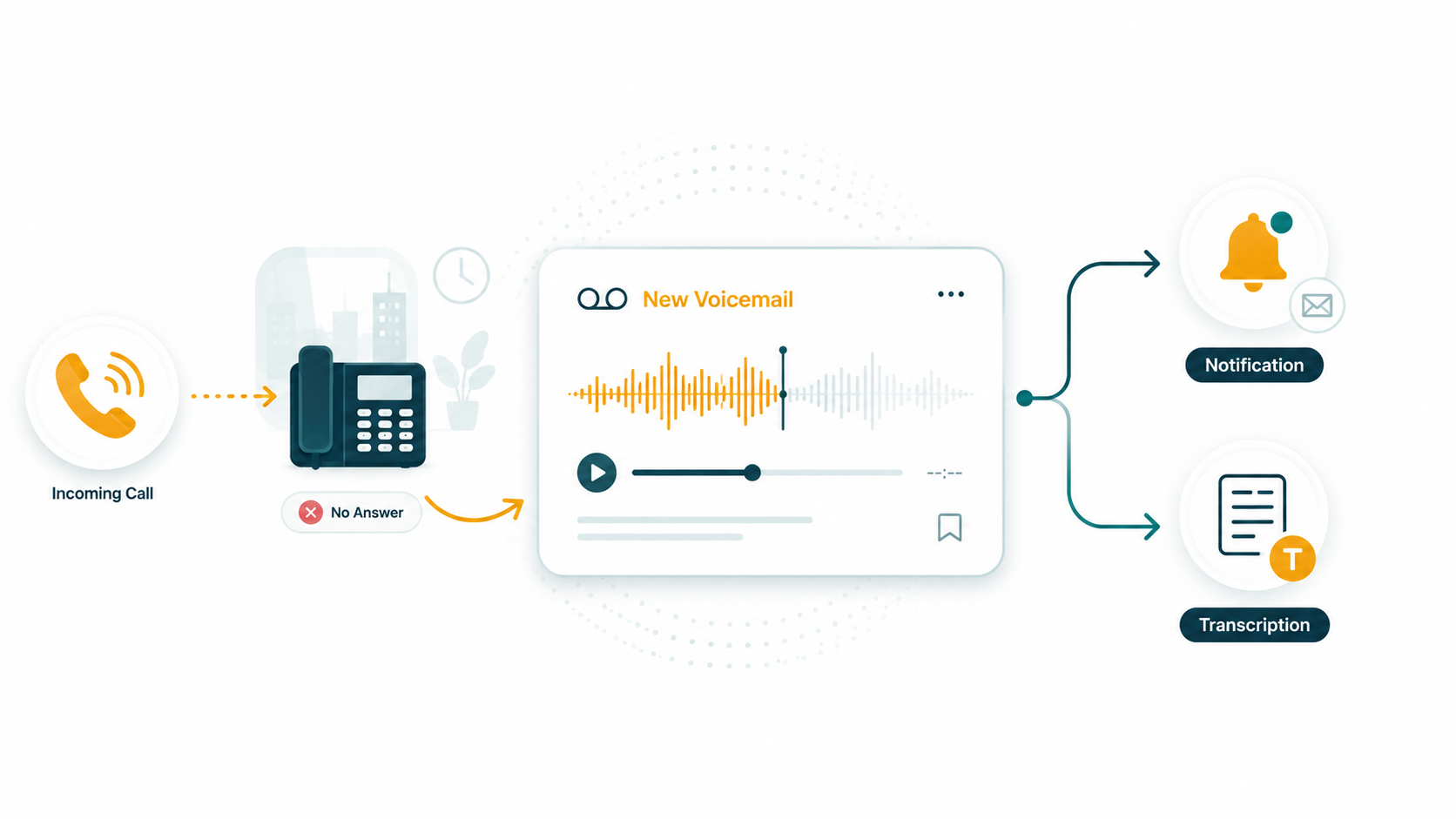
When an incoming call reaches a destination — a user extension, a queue, or a phone number — and is not answered within a configured timeout, the call routes to voicemail. The caller hears a greeting, is prompted to leave a message after the tone, and records their message. The system stores the audio file and associates it with the voicemail box that received the call.
The voicemail box owner is then notified — through a message waiting indicator, an email notification, or a notification in the platform's interface — that a new message is waiting. They retrieve the message by logging into the platform, calling an access number, or reading the transcript if transcription is enabled.
The call flow that triggers voicemail
Understanding when voicemail triggers requires understanding the forwarding and routing rules in place:
- A call rings a user's extension for the configured ring timeout (often 15–30 seconds). If not answered, no-answer forwarding routes the call to that user's voicemail.
- A call reaches a queue with no available agents. If the maximum wait time is reached, overflow routing sends the call to voicemail (or another destination).
- A call arrives outside business hours. The after-hours routing rule directs the call to voicemail or an after-hours message.
- A user sets themselves as Do Not Disturb. Incoming calls skip ringing their device and go directly to voicemail.
In each case, voicemail is the configured fallback when no live answer is available.
Individual vs. Shared Voicemail
Business phone systems support two conceptually different voicemail models:
Individual voicemail boxes
Each user has their own voicemail box tied to their extension. Messages left for that user go to their box and are visible and audible only to them (and supervisors or administrators with access). Individual voicemail is appropriate for calls that are intended for a specific person and should only be followed up by that person.
Individual boxes create a private message store per user. If the user is on vacation and hasn't set up forwarding, messages may sit unanswered for days. This is a real operational risk — callers who leave messages expect callbacks, and missed voicemails are often worse for customer experience than going to a queue and waiting.
Shared or team voicemail boxes
A shared voicemail box can be accessed by multiple team members. Any team member who retrieves the message can mark it as heard and handle the callback. Shared boxes work well for team lines — a general sales line, a support line, a billing number — where it doesn't matter which specific person calls back, only that someone does.
Shared boxes require team discipline around message claiming and callback logging. Without a clear process for who handles which messages, voicemails in a shared box can be heard by multiple people and called back by none — or called back twice. Many businesses use their CRM or a task tool to log voicemail callbacks as open tasks.
Voicemail Greetings
The greeting is what callers hear before leaving a message. Best practice is to record professional, natural-sounding greetings that:
- Confirm the caller has reached the right person or team (by name).
- Set expectations for callback timing ("I'll return your call within one business day" or "We return calls daily by 5 PM").
- Offer an alternative if the matter is urgent — such as a direct mobile number, an alternative extension, or instructions to press zero to reach reception.
- Keep the greeting brief — 15–25 seconds. Long greetings frustrate callers, especially repeat callers who already know who they've reached.
After-hours greetings should clearly state business hours so callers know when to expect a callback, rather than leaving them wondering if the message will be addressed the next day or the next week.
Voicemail Transcription
Voicemail transcription converts the audio of a voicemail message into text, making it readable rather than requiring playback. In business settings, transcription changes how voicemail is consumed:
- Users can read a voicemail notification and understand the message without playing audio — important in open-plan offices, during meetings, or on mobile devices in public spaces.
- Transcripts are searchable — finding a specific message from a customer can be done by searching a name or phrase rather than listening through a backlog.
- Transcripts can be copied into CRM notes or ticketing systems directly, rather than listening and re-typing.
- Transcripts make voicemail accessible to users who are deaf or hard of hearing.
Transcription accuracy varies based on audio quality, accent, and the clarity of the caller's message. A caller who speaks clearly into a good connection will produce a highly accurate transcript. A caller leaving a rushed message from a moving car with background noise will produce a less accurate one. Transcription is a productivity tool, not an infallible record — users should be aware the audio is the authoritative message and the transcript is a convenience summary.
Transcription accuracy varies, so the audio remains the authoritative record — the transcript is a convenience summary. For details on how voicemail audio reaches your inbox as an email attachment over SMTP TLS, see our guide on voicemail to email: how it works.
Voicemail vs Call Forwarding: Which to Use
Voicemail and call forwarding address the same underlying problem — a call that arrives when no one is immediately available to answer — but through different mechanisms and with different caller experiences:
- Voicemail allows the caller to leave a message and disconnects them. The callback happens later. The caller must wait for the business to reach out.
- Call forwarding redirects the call to another live destination — a mobile, a backup agent, a different queue — where the call can still be answered in real time. The caller does not have to wait for a callback.
For time-sensitive matters or callers who won't leave voicemails, forwarding to a live backup is a better fallback than voicemail. For after-hours overflow, voicemail is often appropriate because no live backup is available. Many businesses use forwarding during business hours and voicemail after hours, rather than using voicemail as the first fallback at all times.
See our article on what is call forwarding for how forwarding rules can be configured alongside voicemail in a complete call routing setup.
After-Hours Voicemail
After-hours voicemail is one of the most important configurations for customer-facing businesses. Callers who reach a business outside business hours need immediate clarity:
- They've reached the right number (not a wrong number or disconnected line).
- The business is simply closed, not out of business.
- When to call back or expect a return call.
- Whether there is an emergency contact for urgent situations.
A generic voicemail greeting that says "You've reached [name], please leave a message" at 11 PM on a Friday provides none of this. An after-hours greeting that says "Thank you for calling [Business]. Our office is open Monday through Friday, 8 AM to 6 PM. Please leave a message and we'll return your call the next business day. For urgent matters, please call [emergency number]" is meaningfully more professional and customer-serving.
Voicemail for Remote and Distributed Teams
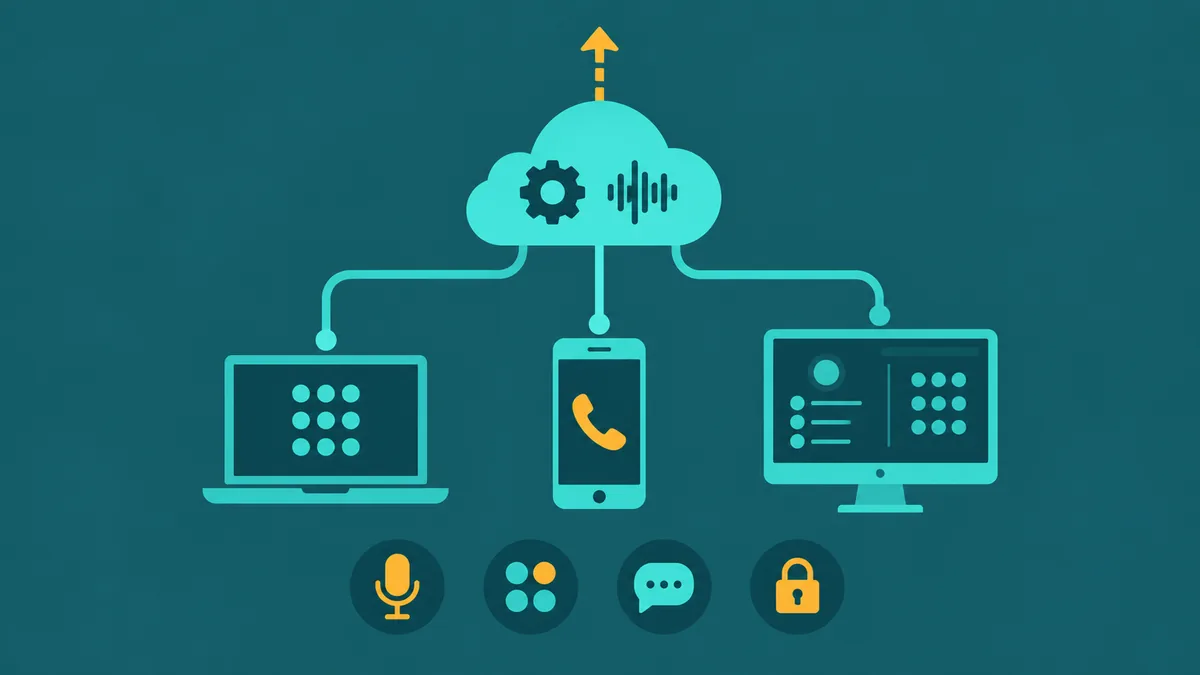
In distributed teams, voicemail in a cloud phone system works the same as in any other configuration — the difference is that messages are accessed through the platform's web interface or mobile app, not through a physical desk phone. A remote agent can receive voicemail notifications, read transcripts, and listen to messages on their laptop or mobile device regardless of where they are.
This removes one of the traditional disadvantages of remote work with desk-phone-based systems, where voicemails left on office phones accumulated unseen while employees worked from home. Cloud voicemail is location-independent by design.
Best Practices
- Return voicemails within a defined and communicated timeframe. If the greeting says "within one business day," maintain that SLA. Voicemails that go unreturned are indistinguishable from ignored calls from the caller's perspective.
- Configure shared voicemail boxes with a clear ownership protocol. Someone must own the shared box — checking it, claiming messages, and ensuring follow-up. Without ownership, messages accumulate unaddressed.
- Don't use voicemail as a substitute for adequate staffing. Voicemail should be a fallback, not a strategy for avoiding calls. If voicemail boxes fill up regularly during business hours, that's a staffing or routing signal, not a voicemail problem.
- Keep greetings current. Holiday greetings that are still playing in March, or greetings referencing a team member who left six months ago, create poor impressions. Review and update greetings whenever circumstances change.
- Enable transcription when available. The friction reduction of being able to read voicemails rather than listen to every one is substantial, especially for high-volume lines.
EaseDial
Voicemail with transcription, business hours routing, and call forwarding — all in EaseDial's business phone platform.