Nonprofits face the same communication demands as businesses — donors calling to ask questions, program participants needing support, volunteers coordinating across locations — but with far tighter budgets and a board that scrutinizes every operational expense. Legacy phone systems designed for corporations carry capital costs and maintenance contracts that are difficult to justify when every dollar is accountable to a mission.
VoIP phone systems eliminate most of those costs. This guide explains how VoIP works for nonprofit organizations, what features matter most, what to look for in a provider, and how to build a professional communication setup on a nonprofit budget.
Key point: VoIP delivers the same calling features as an enterprise phone system — extensions, IVR, call routing, voicemail, SMS — over a standard internet connection, with no hardware to purchase and per-seat monthly costs that scale with your team size. Nonprofits switching from legacy systems typically see meaningful reductions in telephony costs by eliminating on-premise hardware, maintenance contracts, and per-line fees — actual savings depend on current infrastructure, call volume, and provider pricing.
Why legacy phone systems are a poor fit for nonprofits
Traditional on-premise PBX systems require upfront hardware investment, professional installation, and ongoing maintenance contracts. Adding a line means purchasing physical equipment. Moving offices means paying for rewiring. Staff working from home or from program sites cannot use the system without a separate solution.
For a nonprofit with rotating volunteer staff, remote program coordinators, seasonal campaigns with variable call volumes, and limited IT resources, these constraints are significant. A system designed around a fixed physical office for a stable headcount does not match how most nonprofits actually operate.
How VoIP works for nonprofits
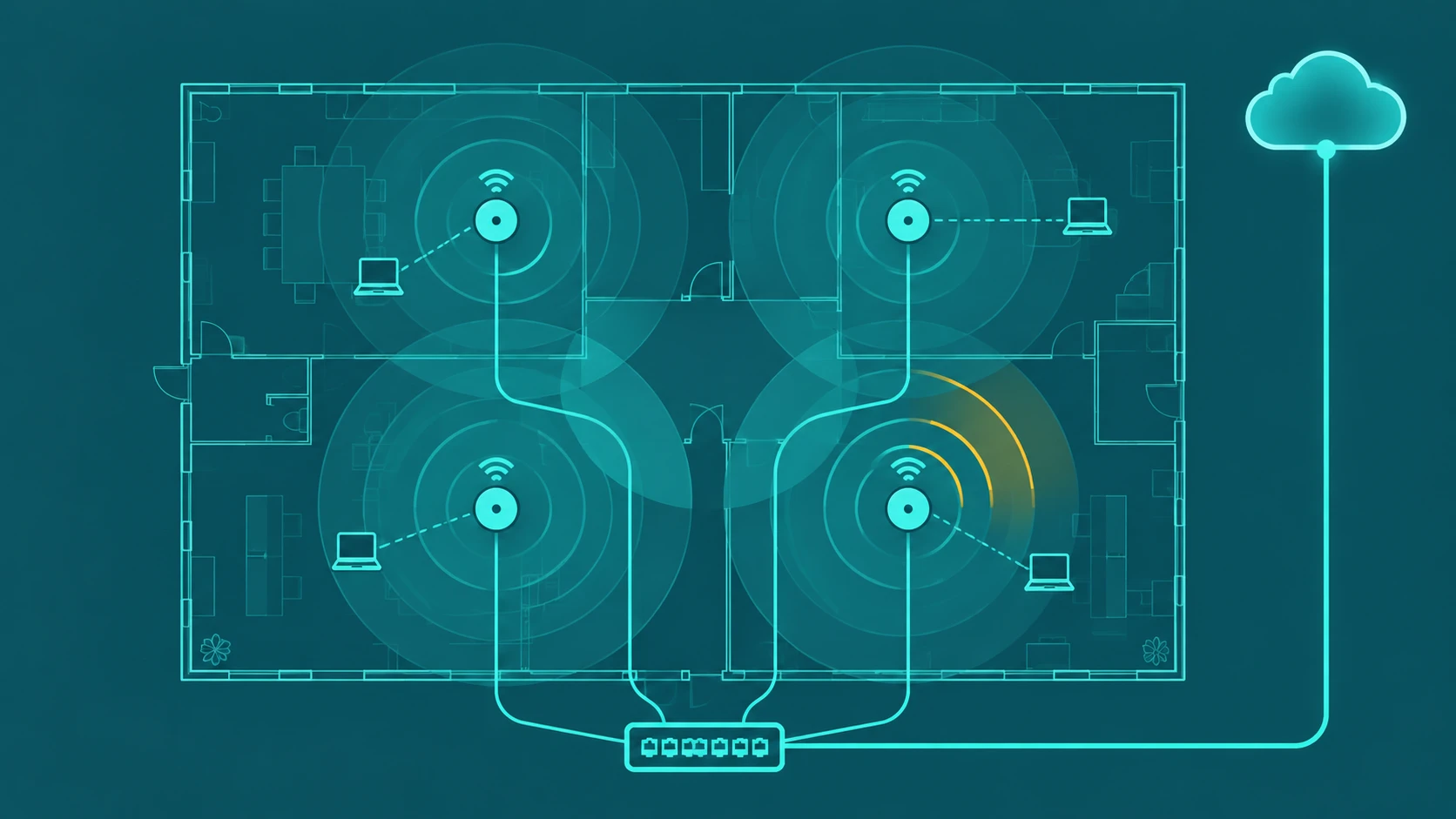
VoIP (Voice over IP) routes calls over your internet connection rather than traditional phone lines. Your organization gets a cloud-based phone system — accessible from any device with an internet connection — managed through a web portal. There is no hardware beyond the devices your staff already has.
A nonprofit using VoIP can have:
- A main organization number that presents professionally to donors and partners
- Extensions for each staff member and department
- An IVR menu that routes callers to the right program or team
- Staff answering calls from home, field offices, or mobile devices on the same number
- Voicemail-to-email so missed calls are never lost
- Call recording for donor pledges, intake calls, or staff training
All of this runs on the cloud provider's infrastructure. The nonprofit pays a monthly per-seat fee and nothing else. Our guide to what a business phone system includes is the full overview of what these systems provide.
Features that matter most for nonprofits
Auto-attendant and IVR
An auto-attendant answers every call professionally and routes it to the right place — donor relations, program intake, volunteer coordination, administration — without a full-time receptionist. For organizations with limited front-desk staff, this is one of the most impactful features. See how IVR systems handle this routing automatically.
Mobile and softphone access
Nonprofit staff often work from multiple locations — offices, field sites, home, events. VoIP apps for iOS and Android let staff make and receive calls on their organization number from any location without using a personal number. This is critical for volunteer coordinators, case managers, and development staff who are rarely at a fixed desk.
Multiple numbers and local presence
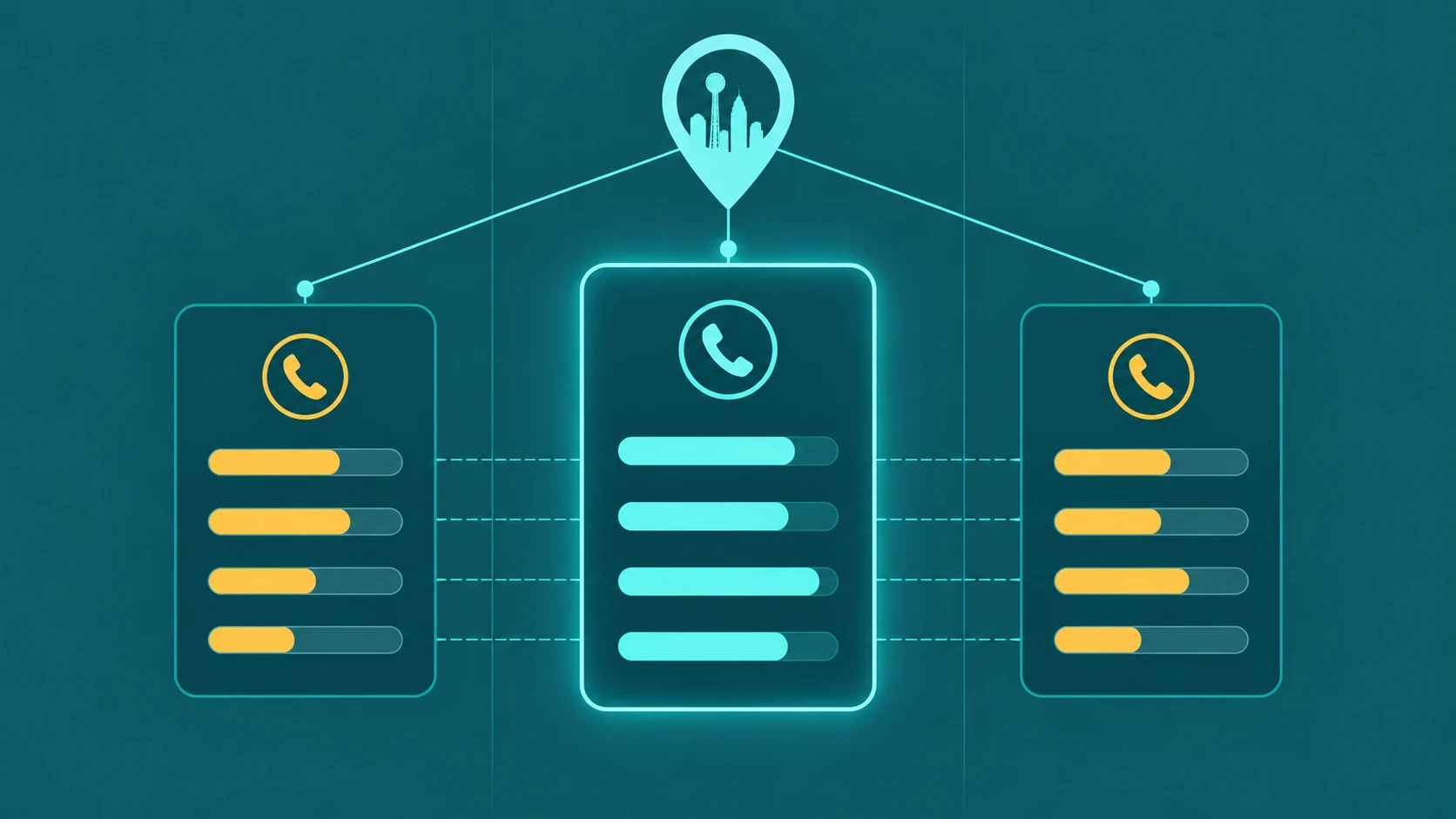
Organizations serving specific geographic communities can provision local numbers in those area codes. A statewide nonprofit can have a local number for each region it serves, routing to the right team, while maintaining a single platform to manage.
Call recording
Recording donor pledge calls, client intake conversations, or volunteer training sessions has legitimate uses for nonprofits — documentation, compliance, staff development. Cloud VoIP systems typically include call recording with cloud storage, eliminating the need for a separate recording system.
After-hours routing
Crisis lines, warmlines, and emergency service nonprofits need calls answered around the clock. VoIP systems can route after-hours calls to on-call staff, partner organizations, or voicemail with custom greetings — configurable without IT involvement.
Low or no setup cost
Unlike legacy PBX systems, cloud VoIP requires no hardware purchase, no installation visit, and no multi-year contract. Most providers offer month-to-month billing at per-seat rates, which matches how nonprofit headcount fluctuates across program cycles and grant periods.
VoIP cost considerations for nonprofits
| Cost category | Legacy PBX | Cloud VoIP |
|---|---|---|
| Upfront hardware | $2,000–$20,000+ | $0 |
| Installation | $500–$3,000 | $0 (self-serve) |
| Monthly per seat | $30–$60 (lines + maintenance) | $15–$35 (all features included) |
| Scaling up/down | Hardware procurement required | Add/remove seats via portal |
| Remote staff | Separate solution required | Included — any device, any location |
The per-seat cost difference is meaningful, but the larger saving for most nonprofits is eliminating the hardware capital expense and the IT overhead of maintaining a physical system.
Do VoIP providers offer nonprofit discounts?
Some VoIP providers offer nonprofit pricing or discounts for 501(c)(3) organizations — typically 10–20% off standard per-seat pricing. This varies significantly by provider. When evaluating providers, ask directly whether they have a nonprofit rate and what documentation they require (typically IRS determination letter).
Separately, Google for Nonprofits offers access to Google Voice for Google Workspace at reduced or no cost for qualifying organizations. Microsoft 365 Nonprofit plans include Microsoft Teams Phone at reduced rates. These are worth evaluating alongside dedicated VoIP providers, particularly if your organization already uses Google Workspace or Microsoft 365.
How to choose a VoIP provider as a nonprofit
- Per-seat pricing with no user minimums. Small nonprofits should not be required to pay for more seats than they have staff. Look for providers with no minimum seat requirement.
- Month-to-month contracts. Grant-funded communication budgets may not be guaranteed year-to-year. Month-to-month billing protects you from long-term contract risk.
- Number porting support. If you have an established number donors and partners already know, you need a provider who can port it cleanly.
- Self-serve administration. Nonprofits typically do not have dedicated IT staff. A provider with a good self-serve portal for adding users, configuring IVR, and managing settings reduces dependence on technical support.
- Reliable support. When something breaks during a donor drive or a crisis intake call, you need a provider who responds promptly. Check support hours and response channels before signing.