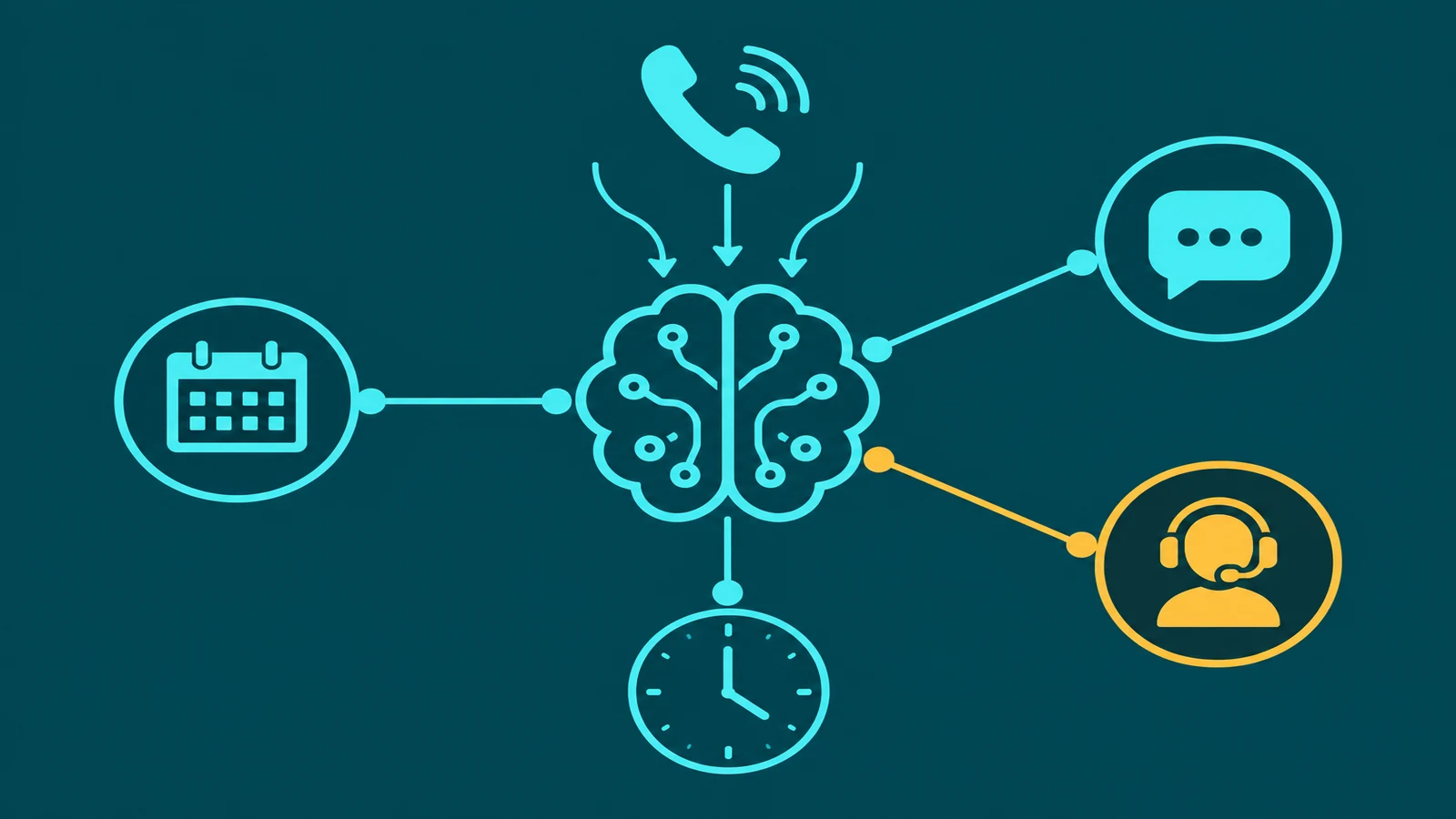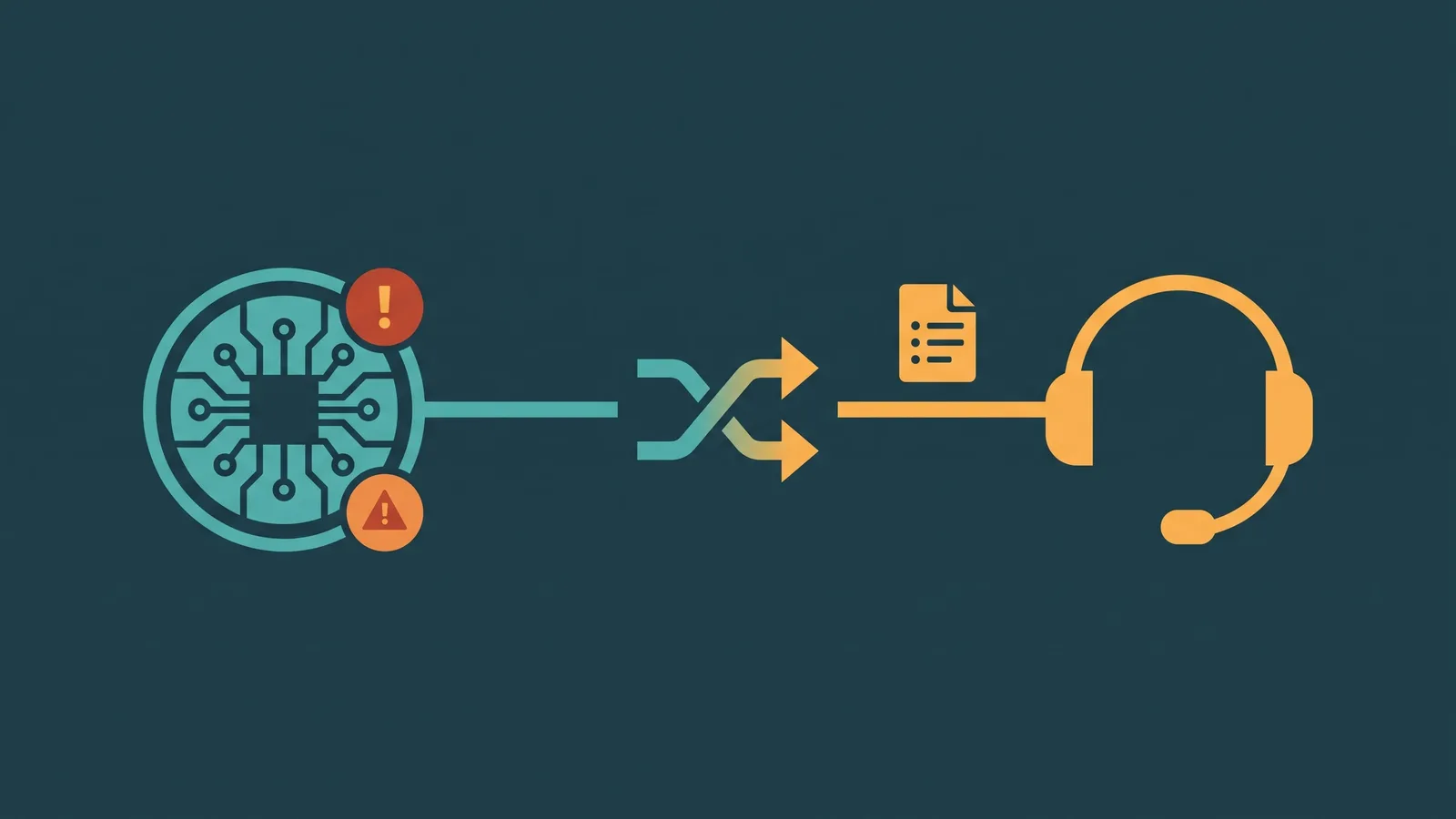
Call recording has been standard practice in business telephone operations for decades. What changed is what happens after the recording. Audio files sit in storage, reviewed only when a specific dispute arises or a training session requires it. The information in those calls — what customers asked, what agents promised, what problems were raised — exists only in audio form, inaccessible to search, analysis, or automated processing.
Real-time call transcription converts the audio of a live call into text as the conversation is happening. That text can be displayed to agents during the call, searched after it, fed into AI systems for summary and analysis, and reviewed systematically across every interaction rather than selectively across a few. This article explains how that conversion works, what affects its accuracy, how real-time transcription differs from post-call transcription, and how the text layer unlocks AI capabilities that raw audio cannot support.
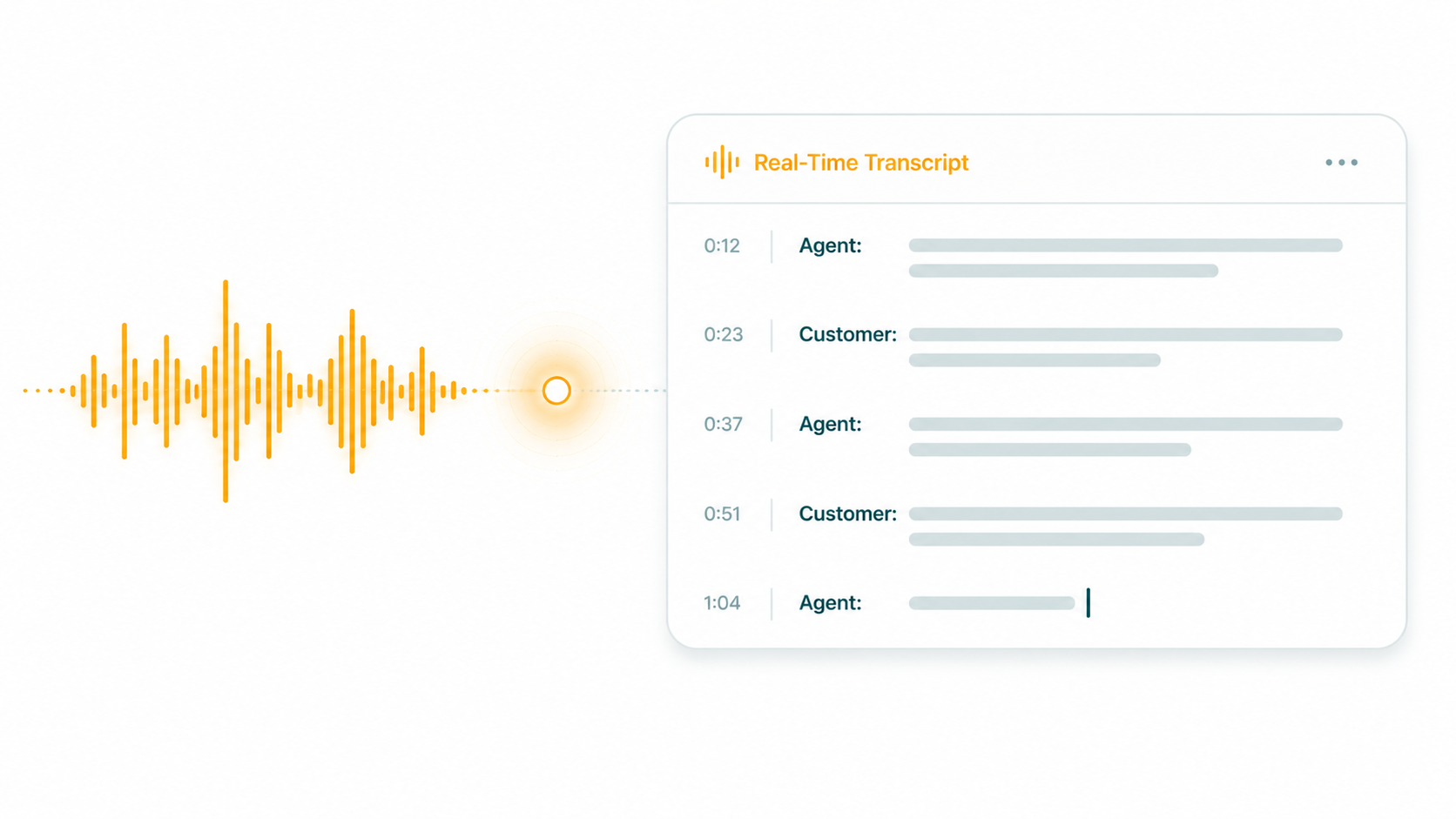
What is real-time call transcription? Real-time call transcription is the process of converting spoken audio from a live phone call into text continuously as the conversation unfolds, using an automatic speech recognition (ASR) engine. The resulting text is timestamped, speaker-separated, and available for display, analysis, or downstream processing without waiting for the call to end. It is distinct from post-call transcription, which processes the recorded audio file after the call concludes.
How Real-Time Transcription Works: The ASR Layer
The technical foundation of call transcription is an automatic speech recognition (ASR) engine — sometimes called a speech-to-text (STT) engine. ASR systems take audio input and produce text output. Modern ASR engines use neural networks trained on large volumes of speech data to recognize phonemes, words, and the patterns that connect them.
For real-time transcription, the ASR engine processes audio in a streaming mode rather than as a completed file. Audio is delivered to the engine in small frames — typically 20 milliseconds of audio at a time — and the engine returns partial transcripts as the speaker is still talking. This streaming approach allows the transcript to appear word by word during the call rather than in one batch after it ends.
The ASR engine simultaneously maintains multiple hypotheses about what the speaker said and revises its output as more audio arrives and context becomes clearer. A speaker who says "I need to cancel" might initially appear as "I need to can—" in the partial transcript, with the engine finalizing "cancel" once the full word is heard and context confirms it. This revision process is invisible to the agent but is happening continuously throughout the call.
Speaker Diarization: Who Said What
A transcript that captures everything spoken in a call is useful. A transcript that correctly identifies who said each line is considerably more useful — for coaching, for QA, for AI analysis, and for any downstream process that needs to distinguish the agent's words from the customer's.
Speaker diarization is the process of segmenting the audio and assigning each segment to a speaker label. In a standard two-party call, this means separating Speaker A (the agent) from Speaker B (the customer) throughout the transcript.
Diarization works by analyzing acoustic characteristics — voice pitch, speaking style, silence patterns — to cluster audio segments by speaker. On a clean two-party call, diarization is generally reliable. Accuracy degrades on calls with more than two participants, on calls where speakers have similar vocal characteristics, and on calls where there is significant background noise or audio overlap (crosstalk).
For contact center use cases, accurate diarization is what allows AI systems to analyze separately: what the customer said (including sentiment, expressed frustration, and stated needs) and what the agent said (including whether they followed required scripts, correctly explained policy, or made commitments).
Timestamps and Searchability
Transcripts generated from real-time or post-call transcription are timestamped at the word or utterance level. This means every line of the transcript links directly to a specific moment in the audio recording. An analyst reviewing a transcript can click a specific line to jump directly to that point in the recording — no rewinding, no scanning through audio files looking for a specific moment.
Searchability is the capability this enables at scale. Instead of listening to a call to find out whether an agent mentioned a specific product feature, a supervisor can search the transcript for the phrase. Instead of sampling 5% of calls for quality review, a team can search every call transcript for specific compliance language, commitment phrases, or customer complaint indicators. The shift from sampling to complete coverage changes the quality assurance process fundamentally.
EaseDial Conversation Intelligence
Live transcription, speaker diarization, and AI summaries — available on every call.
Real-Time vs. Post-Call Transcription: The Difference and When Each Fits
The choice between real-time and post-call transcription is not always binary — many deployments use both, for different purposes. Understanding what each offers clarifies where each fits.
| Dimension | Real-Time Transcription | Post-Call Transcription |
|---|---|---|
| When available | During the call | After call ends; processing delay varies |
| Primary use cases | Agent assist, live supervisor monitoring, real-time alerts | QA review, search, analysis, coaching, AI summaries |
| Accuracy | Slightly lower — partial hypotheses, streaming constraints | Typically higher — full audio available for processing |
| Infrastructure cost | Higher — streaming requires continuous processing per call | Lower — batch processing after call ends |
| Enables live coaching | Yes — supervisors can see what is being said in real time | No — transcript only available after the call |
| Enables AI summaries | Yes — summary available immediately after call ends | Yes — generated after transcript processing completes |
EaseDial supports both live transcription (visible during the call) and recorded-call transcription (generated from the call recording). AI summaries are generated automatically from the transcript text and are available in the call record after the call ends.
Factors That Affect Transcription Accuracy
Transcription accuracy is not a fixed number. It varies significantly based on conditions that differ from call to call and deployment to deployment. Understanding these factors is essential for setting realistic expectations and for designing systems that handle accuracy variation gracefully.
Audio quality
The single most impactful factor in ASR accuracy is the quality of the audio signal. A clean, close-microphone recording with low background noise produces substantially better transcription than a call made from a speakerphone in a noisy environment, a mobile call in poor signal coverage, or a call with compression artifacts from low-bitrate VoIP codec settings. The same ASR technology that powers real-time transcription is also used for voicemail transcription — where accuracy considerations are identical. For how voicemail audio is captured and delivered to email with a text transcription, see voicemail to email: how it works.
Contact centers using headsets over broadband connections with high-quality codecs will see better transcription accuracy than deployments handling mobile calls from diverse environments. There is no configuration that compensates for poor input audio — the best ASR engine in the world cannot reliably transcribe audio that is already corrupted.
Speaker accents and dialects
ASR models are trained on speech data. The demographics of that training data affect how well the model performs on different accents, regional dialects, and non-native speakers. Models trained primarily on standard American English may perform less accurately on heavy Scottish accents, South Asian English, or African American Vernacular English. The gap has narrowed considerably as training datasets have expanded, but it has not disappeared.
Businesses whose customer base includes speakers with accents that may be underrepresented in standard ASR training sets should test transcription performance on audio representative of their actual callers before relying on transcript quality for downstream AI analysis.
Domain-specific vocabulary
General ASR models are trained on general speech. Domain-specific terminology — medical diagnoses, legal terms, proprietary product names, technical jargon, unusual proper nouns — may be transcribed incorrectly because these words appear infrequently or not at all in the model's training data.
A caller mentioning a medication name, a product SKU, or a regulatory term may find that term transcribed incorrectly. Some ASR platforms allow vocabulary customization — providing a list of domain-specific terms for the model to learn — which can improve accuracy on these categories of words. This is particularly valuable in healthcare, legal, and technical support deployments where such vocabulary is common.
Speech rate and speaking style
Very fast speech, heavily overlapping speech (both parties talking simultaneously), and highly informal speech patterns (heavy use of filler words, incomplete sentences, trailing off) create challenges for ASR. Crosstalk — when both parties speak at the same moment — is particularly difficult: the ASR engine must decide which audio to process, and the result typically degrades for both speakers.
The Relationship Between Transcription and Call Recording
Transcription and recording are related but distinct. Call recording captures audio — the raw audio file of the conversation. Transcription converts that audio into text. They are separate layers of the same interaction.
You can have recording without transcription (many businesses do), and you can have transcription without storing the underlying audio permanently (though most deployments retain both). The recording is the source of truth for what was actually said — in any dispute about what a caller said or promised, the audio is the definitive record. The transcript is the text representation of that audio, which enables search, analysis, and AI processing.
For a full overview of call recording technology — how audio is captured, stored, and protected — see what is call recording. This article covers the AI-powered text conversion layer that builds on top of recording.
AI Summaries: What Happens to the Transcript After the Call
A call transcript is a complete record of everything said on a call. For a five-minute call, that might be 600–900 words. For a fifteen-minute complex support call, it could be 2,000 words or more. No team can read transcripts of every call — there is not enough time, and the volume of detail is not what most post-call workflows need.
AI summaries solve this. After the call, an AI system processes the full transcript and produces a concise summary — typically a few sentences or a short structured list — capturing the key points: what the caller asked, what was resolved or not resolved, any commitments made, and what follow-up is needed. EaseDial generates AI summaries automatically from call transcripts and makes them available in the call record.
The summary is what surfaces in a CRM note, an after-call work (ACW) record, or a coaching dashboard. It is what a supervisor reads to understand what happened on a call in 30 seconds without listening to the audio. It is what an agent reviews before calling a customer back. The full transcript remains available for detailed review when needed, but the summary is what drives everyday workflow.
AI summary quality is directly dependent on transcript quality. A transcript with significant errors — missed words, misidentified speakers, garbled domain vocabulary — produces a less accurate summary. Garbage in, garbage out applies here as much as anywhere else in AI systems.
Coaching and Agent Development Use Cases
Transcription changes agent coaching from a sampling exercise to a systematic one. Without transcription, coaching relies on the few calls a supervisor happens to listen to, the calls flagged by the call recording system for other reasons (long duration, escalation), or the agent's own recall of what happened.
With transcription and AI summaries, coaching can be data-driven. Supervisors can search transcripts for specific patterns: calls where the agent interrupted the customer, calls where required compliance language was not used, calls where a specific objection came up and how the agent handled it. Individual agent performance on specific call types — how they handle pricing objections, how they explain a complex policy — can be reviewed systematically rather than anecdotally.
During live calls, real-time transcription also supports supervisor monitoring capabilities like Listen and Whisper, covered in detail in the article on listen, whisper, barge, and intercept. A supervisor reading the live transcript can follow the conversation without listening to audio, identify moments where the agent needs guidance, and whisper coaching notes — all without the caller hearing anything.
Compliance Considerations
Transcripts are records of what was said on a call. Depending on the industry and jurisdiction, those records carry compliance implications.
In financial services, transcripts of sales and advice calls may be subject to record retention requirements. In healthcare, transcripts that contain patient information are Protected Health Information under HIPAA and require appropriate storage, access controls, and retention policies. In legal and insurance contexts, transcripts can be discoverable in litigation and need to be managed accordingly.
The recording consent rules that apply to audio recordings generally apply to transcription as well — transcription is a derivative of the recorded audio, not a separate interaction. The same consent disclosure that covers recording covers the creation of a transcript from that recording. Businesses operating under GDPR should ensure that transcripts containing personal data are handled within the same data processing framework as the recordings themselves.
For jurisdictional context on recording consent, see what is call recording, which covers US all-party consent states and GDPR requirements. Those same frameworks apply to transcript data.
Transcription in the Contact Center AI Stack
Real-time transcription is the enabler for a set of higher-level AI capabilities that depend on having text to process. Without transcription, these capabilities either do not work or work only in post-call batch mode:
Sentiment analysis — detecting the emotional tone of the conversation — requires text. AI sentiment models process words, phrases, and sentence patterns, not raw audio waveforms. Without a transcript, sentiment analysis requires separate audio-based models, which are less mature and less accurate than text-based approaches. For more, see the article on what is call sentiment analysis.
Contact center analytics — topic tracking, common complaint identification, script adherence scoring, outcome classification — all require searchable text. The contact center analytics guide covers how these metrics are used in practice.
AI voice agent interactions — covered in the AI voice agent article — inherently produce transcripts as part of the call flow (speech recognition converts the caller's audio to text before the LLM processes it). Those transcripts can be captured and stored for review, analysis, and coaching exactly as human agent call transcripts are.