
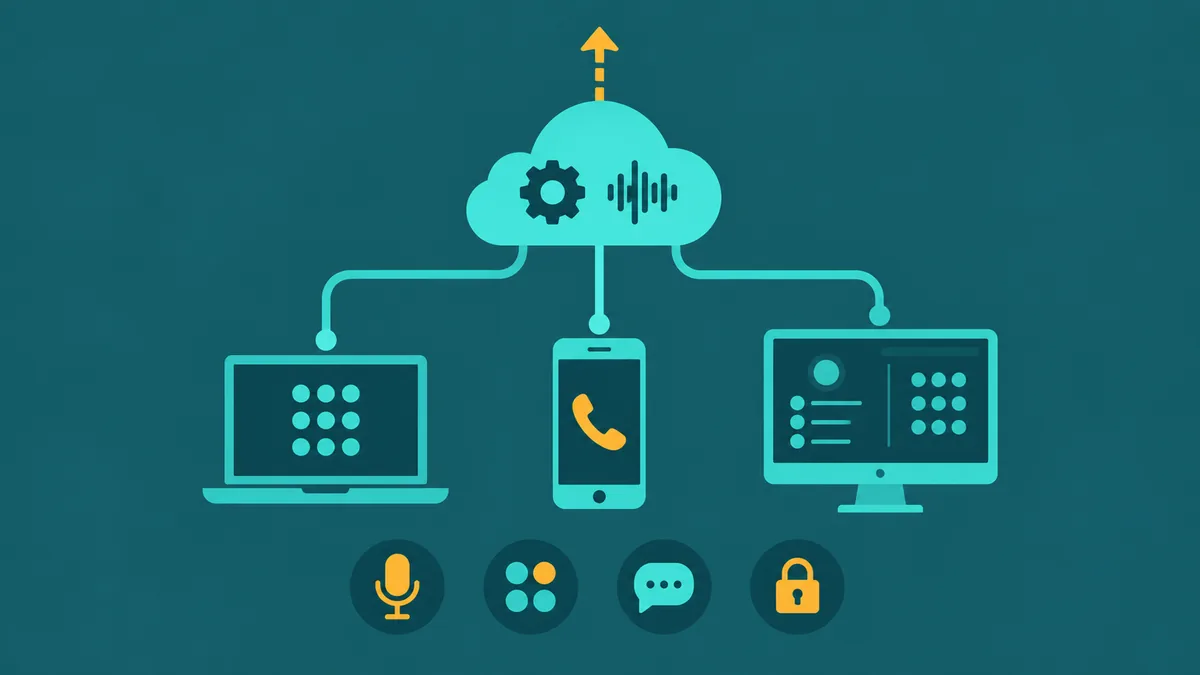
The desk phone has not disappeared — it has moved. Where it once meant a physical handset plugged into a PBX port, for most distributed and remote teams today it means a softphone: an application running on a laptop, smartphone, or tablet that delivers the full functionality of a business phone through a software interface. Softphone adoption accelerated sharply with remote-work normalization, but the technology has been production-ready for well over a decade. Understanding what a softphone is, how it works, and what to look for in a softphone app is now foundational knowledge for any business evaluating its phone system options.
What is a softphone?
A softphone is software that emulates the functionality of a traditional telephone on a computing device. Rather than sending audio over a dedicated copper circuit, a softphone encodes voice as digital data packets and transmits them over an IP network using the VoIP (Voice over Internet Protocol) stack. The user sees a dialpad, call controls, presence indicators, a contact directory, and a call history — all within an application window or mobile screen, rather than on physical hardware.
The term contrasts with a hardware IP phone, which is a dedicated physical device with a screen and keypad that also uses SIP and RTP but ships as purpose-built endpoint hardware. A softphone delivers functionally equivalent call handling on a general-purpose device the user already owns — no additional hardware purchase required.
A softphone is software that replicates a desk phone's functionality on a computer, smartphone, or tablet — using VoIP to place and receive calls over the internet without physical hardware. For the VoIP and phone system terms used here, see the EaseDial glossary.
For EaseDial's cloud business phone, see cloud business phone.
How softphones work
A softphone operates by registering with a SIP (Session Initiation Protocol) server — typically your hosted VoIP provider's SIP proxy or your organization's internal SIP registrar. Registration involves authenticating with a username, password, and SIP domain, after which the provider knows which IP address and port to send inbound calls to. This registration refreshes on a configurable timer (commonly every 60–3600 seconds) to keep the location binding current.
When a call is placed, the softphone sends a SIP INVITE message to the provider's proxy, which routes it toward the destination through carrier interconnects and the PSTN if needed. Once both endpoints agree on call parameters through SDP (Session Description Protocol) negotiation embedded in the SIP signaling, the call enters the media phase. Audio is transmitted as RTP (Real-time Transport Protocol) packets directly between endpoints or via a media relay, depending on NAT topology.
Codec selection happens during SDP negotiation and is one of the most important variables in call quality. Common codecs include G.711 (uncompressed, highest quality, highest bandwidth at ~87 kbps per call), G.729 (compressed, lower bandwidth at ~8 kbps per call, minor quality reduction), and Opus (modern wideband codec used in WebRTC softphones, adaptive bitrate). HD audio codecs like G.722 deliver noticeably better voice clarity than G.711 when both sides support it. For softphone for business deployments, confirming HD codec support — G.722 or Opus — is a baseline quality requirement.
SRTP and TLS are the security layer. SRTP (Secure Real-time Transport Protocol) encrypts the media stream; TLS (Transport Layer Security) encrypts the SIP signaling. Both should be enabled by default on any business-grade softphone app — unencrypted VoIP is trivially interceptable on shared or public networks.
Softphone vs hardware IP phone vs mobile VoIP app
These three endpoint types are not interchangeable. Each has a different cost profile, portability characteristic, and operational maintenance burden. The comparison below focuses on production business deployments rather than consumer use.
| Dimension | Softphone (Desktop App) | Hardware IP Phone | Mobile VoIP App |
|---|---|---|---|
| Cost | Low — often bundled with hosted VoIP plan; no hardware purchase | $80–$400+ per device; higher-end models with video or DSS require more | Free or low-cost app on existing device; data usage charges may apply |
| Setup | Install app, enter SIP credentials, done; provisioning can be automated via configuration file | Requires physical placement, network port, and per-device provisioning via DHCP option or provisioning server | App install and login; push notification configuration needed for background call receipt |
| Portability | Fully portable — follows the user to any location with internet access | Fixed to desk or network port; some models support remote registration but not designed for mobility | Maximum portability — operates over WiFi and cellular data anywhere |
| Call Quality | Excellent over wired or strong WiFi; varies on weak networks; headset quality matters | Most consistent — dedicated hardware with tuned audio processing and wired connection | Good over WiFi; variable on cellular; background noise and signal handoff can degrade quality |
| Maintenance | Software updates pushed automatically; no physical maintenance; central admin provisioning possible | Firmware updates, physical device lifecycle management, and RMA logistics required | App updates via store; OS and device management handled by MDM or BYOD policy |
For most organizations deploying a remote or hybrid workforce, a desktop softphone app paired with a quality headset delivers call quality that is effectively indistinguishable from a hardware IP phone under normal network conditions — at a fraction of the per-seat hardware cost. Hardware IP phones remain justified at reception desks, shared workstations, and conference rooms where a dedicated device makes operational sense.
7 key features to look for in a softphone app
Not all softphone software is equal. The features below are the ones where meaningful gaps exist between entry-level and professional-grade products.
1. HD audio and codec support. G.722 and Opus HD codecs deliver noticeably clearer voice than narrow-band G.711, particularly for longer calls and conference scenarios. Confirm that both the softphone and your VoIP provider support the same HD codec — a mismatch forces fallback to narrow-band G.711. HD audio is the highest-impact single factor in day-to-day softphone user satisfaction.
2. Presence and BLF (Busy Lamp Field). Presence shows whether colleagues are available, on a call, away, or do-not-disturb — the softphone equivalent of seeing a lit lamp on a colleague's desk phone. BLF allows one-click call monitoring and pickup of parked calls. For any team with shared call handling or receptionist workflows, presence visibility is not optional.
3. Call transfer, hold, and conference. Attended (warm) transfer — where the transferring party speaks to the recipient before completing the handoff — requires specific softphone support for the SIP REFER method or a proprietary implementation. Blind transfer and three-way conference are table stakes. Verify that attended transfer works correctly with your specific provider; it is a common interoperability gap.
4. Voicemail-to-email. Visual voicemail integration — where voicemail messages appear as audio attachments or transcriptions in the softphone's inbox or directly in email — significantly improves message management for mobile and remote workers. Look for softphone apps that display voicemail natively rather than requiring a separate phone call to a voicemail access number.
5. CRM integration. Screen pop — where the softphone automatically opens the caller's CRM record when an inbound call arrives — requires either a native integration built by the softphone vendor or a compatible API connector. Salesforce, HubSpot, and Zoho CRM are the most commonly requested integrations. Click-to-dial from CRM records reduces dialing errors and logs call activity automatically. For sales and support teams, CRM integration multiplies the value of the softphone well beyond basic calling.
6. Call logging and screen recording. Business-grade softphone software should log every call — time, duration, direction, and contact — automatically to a call history and optionally to a connected CRM. Screen recording integration (where the screen content during a call is captured alongside audio) is a compliance and quality-assurance feature particularly relevant for financial services and regulated contact centers.
7. Encryption: SRTP and TLS. All business softphone calls should be encrypted in transit. SRTP encrypts the voice media stream; TLS encrypts the SIP signaling. Many entry-level softphone apps do not enable encryption by default or require manual configuration. For any team handling sensitive conversations — customer data, financial information, healthcare — encrypted SIP transport is a non-negotiable baseline.
Who uses softphones
Remote workers. The most common use case. A remote employee uses a softphone app on their work laptop to make and receive calls on their business extension, exactly as if they were sitting at a desk in the office. Calls are routed through the company's hosted VoIP or cloud phone system; the physical location of the device is transparent to callers.
Contact center agents. In high-volume outbound contact centers, softphone software is typically the primary call interface — integrated directly with the dialer platform. Predictive and progressive dialers connect calls to agents via the softphone, and the CRM screen pop fires automatically on each connect. Softphone software in this context must handle high CPS (calls-per-second) rates and maintain registration stability under sustained call volume. For outbound teams, the best softphone setup is one that disappears into the workflow rather than requiring manual interaction between each call.
Traveling salespeople. Mobile softphone apps on smartphones allow field sales staff to make and receive calls on their business number while traveling, without using their personal number or incurring cellular plan charges for international calls over WiFi. Mobile softphone apps with reliable push notification delivery — ensuring inbound calls ring even when the app is in the background — are the critical reliability requirement for this use case.
IT-managed deployments. Large organizations deploying softphone software across hundreds or thousands of endpoints need centralized provisioning (auto-configuration via SIP provisioning servers or configuration files pushed from an MDM), bulk credential management, and version control. The best softphone apps in enterprise environments support zero-touch provisioning — the user installs the app, logs in with SSO or a simple activation code, and all settings are applied automatically.
Softphone for business: deployment considerations
Multi-device licensing. Many hosted VoIP providers license softphone apps per-user, allowing the same user to run the softphone on a desktop, laptop, and mobile simultaneously under one seat. Some providers count each device as a separate license. Clarify the licensing model before deployment, particularly for teams where users work across multiple devices throughout the day.
Centralized provisioning. For IT teams managing more than a handful of endpoints, manual configuration of each softphone installation is not scalable. Look for providers whose softphone apps support auto-provisioning via a configuration URL or QR code that pre-fills SIP credentials, server settings, codec preferences, and feature toggles automatically. This also simplifies moves, adds, and changes when employees onboard or change roles.
MDM compatibility. In BYOD (Bring Your Own Device) environments, the softphone app should be deployable and manageable through standard MDM (Mobile Device Management) platforms — Microsoft Intune, Jamf, Workspace ONE, and similar. MDM control enables IT to enforce encryption settings, remote-wipe the app from departed employees' devices, and maintain a consistent security posture across personal devices used for business calls.
BYOD policy alignment. Before deploying softphones on personal devices, define the BYOD policy that governs call recording consent, data storage, remote wipe rights, and call log access. Business calls made through a softphone on a personal device may be subject to call recording laws in two-party-consent jurisdictions. The softphone app should separate business call data from personal data to allow IT to manage the former without accessing the latter.
Softphone cost breakdown
Bundled softphone apps are included with most hosted VoIP and cloud phone system plans at no additional per-device charge. Providers like RingCentral, Zoom Phone, Microsoft Teams, and others include desktop and mobile softphone apps in the base per-seat subscription. The softphone in this model is a delivery mechanism for the service, not a separately licensed product.
Standalone softphone software — products like Zoiper, Bria, and Grandstream Wave — are standalone SIP clients you configure against any compatible VoIP provider. These range from free (basic calling features, limited codec support) to $50–$100 per user per year for professional versions with HD audio, CRM integration, and encryption. Standalone softphones are common in environments running an on-premise Asterisk or FreePBX installation without a bundled client app.
For most businesses evaluating a softphone for business deployment, the most cost-effective path is a hosted VoIP provider whose plan includes a capable softphone app — avoiding the separate licensing, provisioning, and support overhead of a standalone client alongside a third-party SIP trunk.
Using a softphone app on Android: what affects call reliability
Android-specific operating system behaviors create call delivery challenges that do not exist on desktop softphones and are handled differently than on iOS. Understanding these ahead of deployment prevents the most common Android softphone complaints.
Battery optimization and background call receipt
Android's battery optimization features — including Doze mode, introduced in Android 6.0 and refined in subsequent versions — aggressively suspend background app processes to extend battery life. A softphone app that relies on a persistent SIP registration over TCP or UDP will have that connection paused when the device enters deep sleep, causing inbound calls to miss the app entirely. The correct architecture for Android softphone reliability is push notification-based call delivery: the provider sends an inbound call notification through FCM (Firebase Cloud Messaging) rather than relying on the app's background SIP connection. When evaluating any softphone app for Android deployment, verify that it uses push-based call delivery — not persistent registration — for inbound call receipt. Disabling battery optimization for the softphone app in Android settings (or configuring MDM to do so at deployment) is a secondary measure but does not substitute for push-based architecture.
Network handoff between WiFi and cellular
When an Android device switches between a WiFi network and cellular data — or between two WiFi access points — the active call's media stream is interrupted during the IP address change. Business-grade softphone apps handle this through automatic SIP re-registration and media stream renegotiation after the network transition, restoring the call with a brief interruption rather than a drop. Apps that do not implement network handoff gracefully will drop the call when the device moves between networks. This matters most for users who move frequently between areas with differing coverage, and for environments with mixed WiFi and cellular.
Microphone and notification permissions
Android requires explicit runtime permission grants for microphone access and notification delivery. A softphone app without microphone permission connects calls but the other party hears nothing — a symptom frequently misdiagnosed as a network or SIP configuration problem. Notification permission (required on Android 13 and later) is necessary for the app to display incoming call alerts. Both permissions should be confirmed during app onboarding. MDM-managed deployments should include permission grants in the device configuration profile to avoid per-device manual setup at scale.
Audio focus and concurrent app behavior
Android's audio focus system determines which app plays audio when multiple apps request simultaneous output. A softphone call should claim audio focus when active, silencing background media. Not all softphone implementations handle audio focus correctly — a call can start while another app continues playing audio through the speaker, creating a poor experience. Before deploying a softphone app across an Android fleet, test audio behavior with typical concurrent usage: music or podcasts running in the background, notification sounds during a call, and audio routing between earpiece, speaker, and Bluetooth headset.


